How to Take Professional Product Photos: Redefining the Standard
Anyone asking how to take professional product photos in 2026 is usually asking a completely different question. They want to know how to make their brand look expensive without spending five thousand dollars on a weekend studio rental. I spent eight years running ecommerce brands before joining CherryShot AI. I paid the massive invoices. I sat through the four-hour delays because a single strobe light was not firing correctly. I argued with photographers about whether the angle on a bottle of serum was close enough to the shot list.
Definition
Professional product photography refers to the creation of high-quality, clear, and accurate images of merchandise for commercial use. It prioritizes realistic color, precise lighting, and consistent aesthetic style to ensure customers can evaluate items reliably on a website.
The definition of professional has changed drastically. In the past, professional product photography meant hiring a person holding a heavy camera with a famous logo on the lens. Today, it is about consistency, accurate color representation, and absolute visual context. A customer does not look at an image on your product page and check the file metadata to see if you used a high-end DSLR. They look at an image to decide if they trust you enough to hand over their credit card details.
Worth noting, hero imagery for a massive billboard campaign still benefits from the eye of an experienced human art director. But for the core volume of ecommerce catalogs, the old financial math simply does not work anymore.
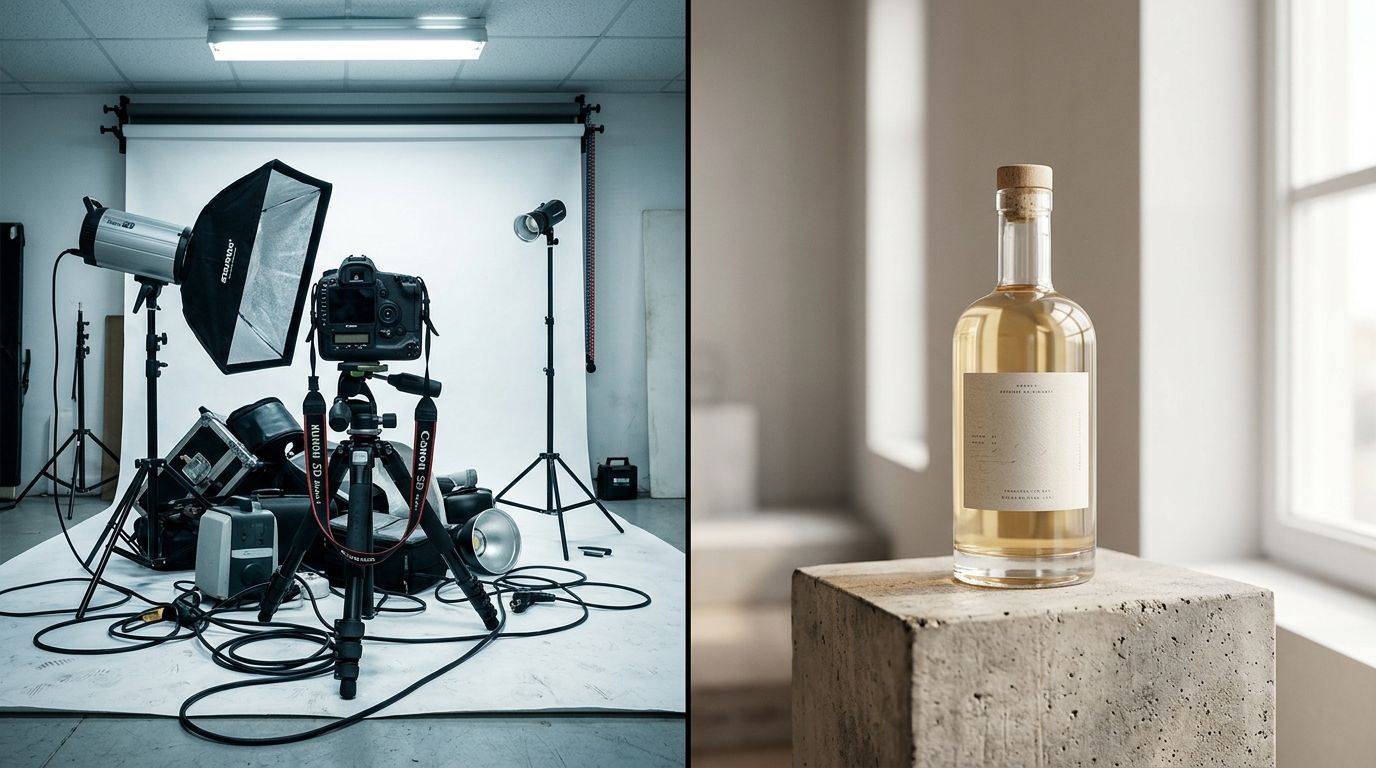
| Feature | Traditional Studio | AI Photography |
|---|---|---|
| Cost per image | $80+ | <$5 |
| Turnaround time | 2-4 weeks | Minutes |
| Logistical effort | High | Low |
The Four-Standard Framework for Professional Photos
If you want to achieve professional photography quality today, you need a professional product photos guide that strips away the unnecessary technical jargon. Photographers love to talk about aperture, focal length, and ISO settings. Store owners just need photos that sell products without driving up the return rate.
To get there, you have to understand the four-part framework that actively separates amateur snapshots from high-converting brand assets.
Crisp Focus and Deliberate Depth of Field
An amateur photo almost always has soft edges or accidental blur because the camera struggled to find contrast in the room. A professional image does not just show the product. It guides the eye directly to the most important detail. It highlights the precise typography on a label, the woven texture of a heavy fabric, or the glossy finish of a machined metal part.
Accurate Color Representation
This is where the vast majority of DIY setups fail completely. If you shoot a navy blue shirt under warm household light bulbs, the camera sensor will make it look distinctly purple. When the customer receives a navy shirt in the mail, they will immediately request a refund. You are not just taking a picture to fill space on a webpage. You are setting a firm expectation for a physical delivery.
Lighting Without Distracting Shadows
Amateur lighting casts hard, black shadows right behind the product, making it look like a hostage photo. Professional lighting wraps around the object. It uses diffusion to create soft gradients that imply shape and volume without distracting the buyer from the actual product features.
Contextual Consistency Across the Catalog
Having one brilliant photo is useless if the next ten items in your catalog look like they were shot in a different universe. Professional product images for ecommerce rely on strict visual rules. The camera angle must match. The lighting ratio must match. The background tone must be identical across every single SKU on the collection page.
The Reality of a Professional Product Photo Setup
You do not actually need a rented commercial studio to hit these four standards. You simply need absolute control over your environment. A basic professional product photo setup requires a predictable light source, a reliable background, and a way to stabilize your camera completely.
If you are building this in your office or spare bedroom, start by turning off all overhead lights. Mixed lighting destroys color accuracy faster than anything else. Position your product near a large window that offers indirect sunlight. If the shadows on one side of the product are too dark, bounce the window light back using a cheap white foam board from the local craft store.
This specific approach is exactly how many bootstrapped founders manage to launch their first successful collections. If you are willing to learn the nuances of bouncing light and managing shadows manually, you can absolutely capture solid images yourself. Our guide on how to master an essential lighting setup explains the exact physical angles and distances needed to make simple window light look like high-end studio light.
How to Get Professional Product Photos with Your Phone
Founders constantly ask if they need to buy a professional camera body to get acceptable results. The answer is no. Modern smartphones have incredibly sophisticated computational photography engines built right in. They process lighting and contrast in real time.
If you want to know how to get professional product photos with the device currently sitting in your pocket, the secret is locking your exposure and heavily utilizing optical zoom. Never use the digital pinch-to-zoom feature on your screen. It destroys the image resolution instantly. Instead, step back from the product and manually switch to the 2x or 3x optical lens. This physically flattens the perspective, making your product look substantial and premium rather than bulbous and distorted.
Our comprehensive breakdown on capturing professional photos with a phone covers the exact manual camera settings you need to prevent these common amateur mistakes.
However, capturing the raw image is only twenty percent of the actual work. Taking the photo is the easy part. The remaining eighty percent of the job is cutting out messy backgrounds, fixing minor color grading issues, adding realistic drop shadows, and creating lifestyle variations for social media campaigns.
Why AI Redefines the Professional Photography Standard in 2026
This is precisely where the traditional photography workflow falls apart for high-volume ecommerce brands. If you are launching twenty new SKUs this month, setting up a window light studio, shooting every angle, and manually editing the background out of every single file will consume your entire week. The operational bottleneck shifts from product development directly to image processing.
Any brand still running a full studio shoot for standard catalog images is paying heavily for logistics rather than quality. The invoice is not just the photographer's time. It is the studio rental, the stylist's half-day rate, the art director's endless back-and-forth emails, and the agonizing three weeks between the brief and the final delivery. Most founders I have talked to cannot name the actual per-image cost of their last shoot. When they sit down and calculate it, the number is usually somewhere between $80 and $200 per finished image.
AI product photography changes that financial math completely. Instead of building a set and waiting for the right daylight, you upload a basic, well-lit product photo from your phone. You select a visual mode inside CherryShot AI like Minimalist, Loud Luxury, or Magazine. The platform then generates campaign-ready photos in minutes.
The per-image cost drops to under $5. The turnaround goes from weeks to a single afternoon. You get the crisp focus, the perfect lighting, and the contextual consistency of a professional studio shoot without the logistical nightmare of actually managing one. When you can generate imagery for a new colorway in twenty minutes instead of booking another full shoot day, your brand can move at the speed of internet culture.
The Margin Cost of Looking Cheap
You cannot afford to skip this standard. Poor imagery is the single leading driver of abandoned shopping carts. When a visitor lands on your product page and sees dark, grainy, or inconsistent photos, their brain instantly categorizes your entire brand as cheap. They assume the manufacturing quality of the product will directly match the visual quality of the photo.
Fixing a perception problem after the fact is incredibly expensive. If you are struggling with low conversion rates despite having high traffic, your brand identity might be suffering from amateur visuals. Taking the time to upgrade your imagery is the most effective method of fixing a cheap-looking brand without completely overhauling your physical product line or supply chain.
The professional photography standard in 2026 demands absolute visual excellence, but it no longer demands traditional, slow production methods. Whether you choose to master a foam-board lighting setup in your garage or leverage AI tools to instantly generate your catalog, the ultimate goal remains exactly the same. Give the customer a concrete reason to trust you. Show them the product in the best possible light. Remove every ounce of visual friction from the buying decision.
Frequently Asked Questions
How do I take professional product photos?
Professional product images require strict control over lighting, camera stability, and color accuracy. You must eliminate mixed light sources, such as overhead bulbs, to prevent color casting. Placing a product near a clean window and using a white foam board to fill dark shadows provides consistent results. Mounting your camera on a tripod ensures that every shot remains sharp, focused, and free from the slight motion blur typical of handheld photography.
What makes product photography look professional?
Visual consistency, sharp depth of field, and accurate color representation define professional work. Amateur images often look flat because they use harsh, direct lighting. Professional setups use soft, diffused light to highlight the specific texture and material properties of an object. This approach creates a sense of volume and physical depth that allows the customer to truly understand what they are viewing on their screen before they click the purchase button.
Can I take professional product photos with my phone?
Modern smartphones are capable of capturing high-quality ecommerce imagery when you respect their technical boundaries. Avoid getting physically close to a product with the standard wide-angle lens, as this creates unnatural distortion. Step back and switch to the optical zoom lens to keep product proportions accurate. Manually lock the exposure settings on your screen before shooting to ensure the camera does not artificially brighten dark areas or ruin your image contrast.
What is the professional standard for ecommerce product photography?
Current industry standards demand pure white background shots for product clarity combined with lifestyle imagery that provides context. Customers expect images to load instantly and maintain perfect resolution when zoomed in for inspection. Accurate color representation remains the single most important factor for reducing returns. Every photograph must act as a trustworthy surrogate for the physical item, removing all hesitation from the buyer at the point of sale.
How does AI photography compare to professional product photography?
AI tools provide the same high-quality visual output as traditional shoots while removing the logistical burden of setting up physical sets. While massive hero campaigns might still require human art direction, everyday catalog images are handled in minutes by AI. This technology generates lighting, shadows, and backgrounds, enabling brands to produce vast amounts of consistent imagery. It shifts the focus from managing a slow production schedule to scaling your brand presence quickly.
Key Takeaways
- Professional photography in 2026 is defined by visual consistency and color accuracy, not the cost of the camera equipment used.
- Mixed lighting is the fastest way to ruin a product photo, so rely on a single, controllable light source to eliminate harsh shadows.
- Smartphone cameras provide excellent results if you utilize optical zoom to prevent physical distortion of the product shape.
- AI tools eliminate the massive logistical overhead of catalog shoots, reducing the per-image cost to under five dollars.
Audit your product page images before your next campaign
Review your current catalog to identify inconsistencies in lighting and background style. Use CherryShot AI to generate uniform, high-converting assets for any product that does not meet your current quality standards.
Try CherryShot AIStop paying for the logistical friction of the past decade. If your brand needs to scale its visual output without scaling its overhead budget, it is time to rethink how those images are created. Try CherryShot AI and get your next campaign ready this afternoon.