Instagram Reels for Product Photography
Founders tell me constantly that they cannot run Instagram Reels because they do not have a video budget. They look at their hard drives full of static product photography, look at their lack of an in house videographer, and decide the format is simply not for them. This is a massive misunderstanding of how the platform distributes content. You do not need a cinema camera to drive traffic on Instagram. You need movement, pacing, and audio.
Definition
An Instagram Reel for product photography is a vertical, short-form video created by sequencing static product images together on a timeline. Rather than recording continuous video footage, editors stitch together existing catalog and lifestyle photos, matching the transition speed to the beat of an audio track. This format secures the algorithmic reach of native video content using only still image assets.
Turning your existing product photography into Instagram Reels is the fastest way to get your catalog in front of new accounts. The algorithm prioritizes watch time and audio syncing over the literal definition of video. A fast paced slideshow of high quality product photos hits both of those metrics perfectly.
A static image reel will never capture the flow of fabric or the exact drape of a garment the way true video does. That is a genuine limitation you have to accept. But for driving top of funnel traffic and generating raw impressions, stringing product photos into reels works incredibly well. It gets you out of the carousel trap and into the Explore page.
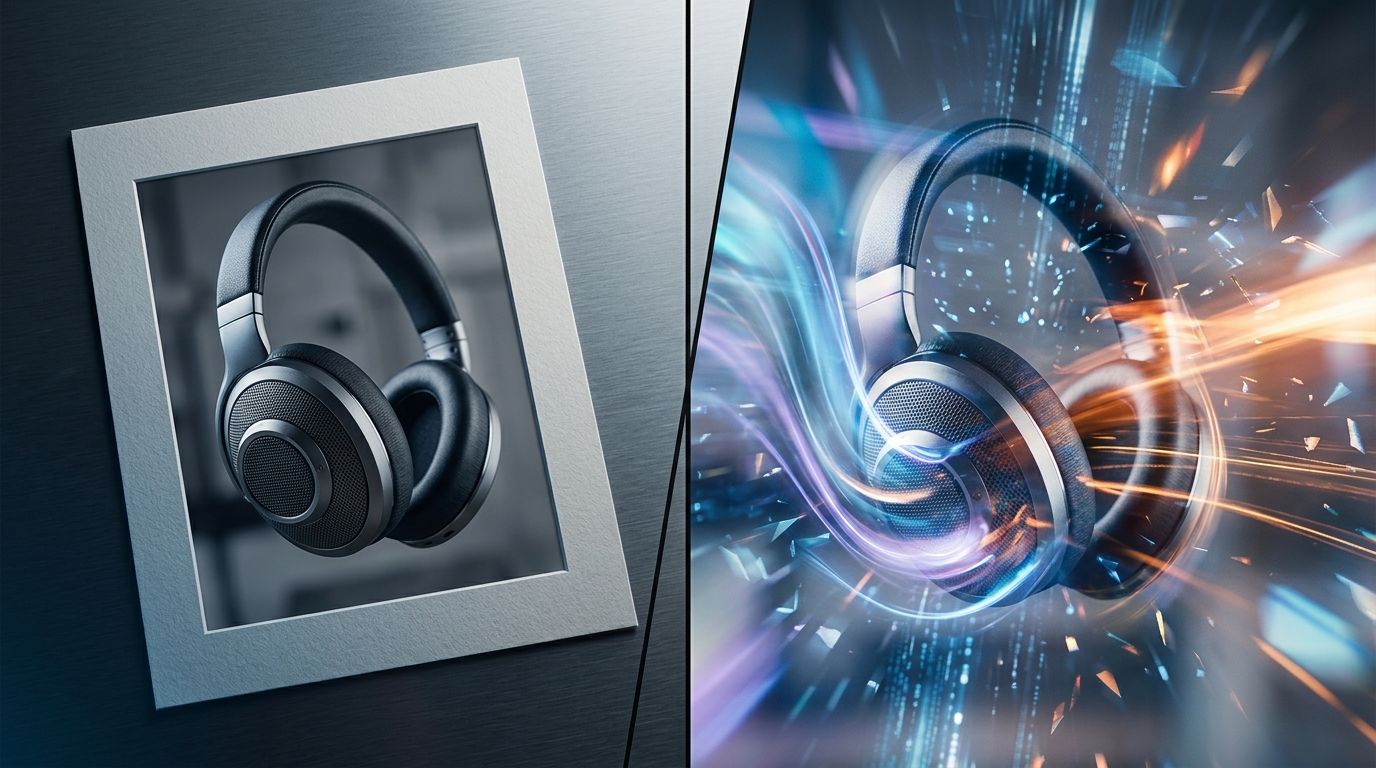
You do not need a film crew to build an engaging Reel. You just need a timeline and a folder of strong photos.
The myth of the video production barrier
Agencies love to convince brands that video requires a distinct strategy, a dedicated shoot day, and specialized equipment. They do this because it allows them to bill for all three. The reality of running an ecommerce content machine is much less glamorous. The brands winning on social media right now are not producing mini documentaries for their products. They are hacking the algorithm with volume.
If you are intimidated by the idea of making Reels, you are overcomplicating the deliverable. Product photography and video are not different languages. They are just different frame rates. A photo is one frame. A Reel is just a sequence of frames tied to a beat.
| Production Element | Traditional Video Shoot | Photo-Based Reel |
|---|---|---|
| Required Assets | Continuous motion footage | 6 to 15 distinct static images |
| Primary Challenge | Budget and crew coordination | Gathering sufficient visual variety |
| Editing Focus | Narrative flow and color grading | Fast pacing and audio beat-syncing |
| Engagement Driver | Visual quality and storytelling | Artificial speed and high loop rates |
When you learn the mechanics of making product videos without a production team, the bottleneck shifts completely. The problem is no longer how to shoot video. The problem becomes how to generate enough still images to keep your slideshows interesting. If you only have three angles of a tote bag, your Reel is going to be incredibly boring. You need variety.
Why the algorithm rewards slideshows
Instagram wants users to stay on the app. To achieve this, the algorithm looks for content that keeps people watching. It measures view duration, loop completion, and audio engagement.
When you stitch ten product photos together and flash them on screen for half a second each, you create an artificial sense of speed. The viewer cannot process all the details of the product in a single viewing. To see the texture of the leather or the text on the label, they have to let the Reel loop. This is the entire secret to an instagram reels ecommerce strategy.
High loop rates tell Instagram that your content is holding attention. The platform rewards this by pushing your Reel beyond your current followers. You get the reach of a viral video without ever touching a record button.
How to execute this workflow this week
Stop waiting for your next big campaign shoot to build out your video strategy. You have the assets you need sitting in your Dropbox right now. Here is exactly how you turn those folders into traffic.
Step one: Generate extreme visual variety
As mentioned earlier, a slideshow fails if all the photos look identical. If you only have white background catalog shots, a Reel will look like a glitching website. You need lifestyle contexts, close ups, different lighting scenarios, and varying angles.
(Worth noting: if you do not have this variety, you do not need to book another shoot. This is exactly what CherryShot AI was built to solve. Upload your single boring catalog shot, select the Lifestyle or Influencer mode, and generate dozens of varied environments in a few minutes. You instantly have the raw materials for a dynamic Reel.)
Once you have ten to fifteen distinct images of the same product, you have your timeline ready.
Step two: The edit and the pacing
Open the native Instagram app or a tool like CapCut. Import all your selected photos. Find a trending audio track that has a distinct beat drop or a fast, rhythmic percussion section. Your job is to trim the duration of every single photo so that the transition happens exactly on a beat.
Never leave a static photo on screen for more than one second unless there is text on screen that requires reading. The sweet spot for creating scroll-stopping visuals for social media in a video format is flashing images for 0.3 to 0.5 seconds each. It feels chaotic while you are editing it, but it feels energetic when the viewer watches it in their feed.
Three formats that reliably drive traffic
You cannot just dump photos into an editor randomly. You need a framing concept. Try one of these three formats for your next batch of content.
The aesthetic mood board
This works exceptionally well for luxury goods, skincare, and jewelry. Start with a slow pan across a mood board or an inspiration quote, then rapidly flash high end product photography synced to an ambient, bass heavy track. The goal here is not to explain the product features. The goal is to establish a vibe.
By mastering lifestyle product photography for dynamic content, you can generate images that look like they belong in an editorial spread. CherryShot AI is particularly useful here. You can run your product through the Magazine or Avant Garde modes to get highly stylized shots that elevate the perceived value of the mood board.
The catalog flash
This format is purely about volume. If you just dropped a new collection with twelve colorways, put them all in one Reel. Start with a text hook that says "Which color are you grabbing?" and then flash every single colorway for 0.4 seconds each. Viewers will literally pause the Reel by holding their thumb on the screen to see their favorite color. The algorithm tracks those pauses as deep engagement.
The feature callout
Use a hero image as your base and let it sit on screen slightly longer. Then, cut rapidly to extreme close ups of the stitching, the hardware, or the texture. Add small text bubbles pointing out the materials. This mimics an unboxing experience without you ever having to unbox the product on camera.
Frequently Asked Questions
Can I make Instagram Reels from product photos?
Instagram natively supports importing static product photos directly into the Reels timeline. The algorithm treats this rapid image sequence identically to traditional video formats, allowing you to sync visual transitions with trending audio tracks for maximum engagement. Third-party editing applications like CapCut offer specialized templates built specifically to animate still catalog images into vertical video sequences with millisecond precision.
How do I turn product images into Instagram Reels?
Gather six to ten distinct visual assets of a single product showing various angles and lifestyle contexts. Import these assets into your editing timeline and cut the duration of each still frame to match the heavy beats of your selected audio track. Set the exposure time for each photo between 0.3 and 0.5 seconds while placing a strong text hook over the first frame to capture immediate attention before exporting.
Do product photo Reels convert for ecommerce?
Photo-based Reels convert exceptionally well for top-of-funnel ecommerce discovery and rapid impression generation. The Instagram algorithm distributes the short-form video format to non-followers significantly more aggressively than it pushes standard static carousel posts to the same audience. Pairing a fast-paced image sequence with a highly specific call-to-action in the caption drives those newly acquired unique impressions directly into immediate profile visits and trackable website clicks.
What is the best way to make product Reels?
The most effective production method relies entirely on rapid pacing and exact audio beat syncing. Never allow a single static image to remain on the screen for more than one second, forcing the viewer to pay close attention to the rapidly cycling angles and close-up details. This intentionally chaotic pacing forces the audience to watch the video loop multiple times to process the information, which signals high engagement to the algorithm.
How often should I post product Reels?
Ecommerce brands relying on an image-based workflow should publish three to five Reels per week. Removing the traditional constraints of standard video production schedules allows content managers to rapidly test various trending audio tracks and pacing styles against different product lines. Maintaining this high volume of publishing signals consistent account activity to the algorithm, ensuring your catalog remains highly visible in the target audience feed.
Key Takeaways
- You do not need a video team to compete on Instagram Reels.
- Fast pacing and beat synced audio turn static images into highly engaging content.
- A high loop rate forces the algorithm to push your content to the Explore page.
- Visual variety is mandatory. Generate multiple environments to keep the slideshow interesting.
Stop treating video like a completely separate discipline that requires a dedicated budget. Your photos are just frames waiting to be animated. If your current image library feels too repetitive to build a good slideshow, let CherryShot AI generate the variety you need. You can spin up a month of Reels content this afternoon.
Generate visual variety for your next product Reel
If your current folder of product photography lacks the different angles and lifestyle contexts needed for a fast-paced slideshow, run a few standard shots through CherryShot AI. You can generate dozens of distinct environments in minutes to fill out your video timeline without booking another studio day.
Try CherryShot AI