The Last Creative TeamYou'll Ever Hire.
Studio photography and cinematic video ads from one product photo. Our Agentic Engine is the photographer, the videographer and the creative director — all in one upload.No prompts. No crew. No studio.
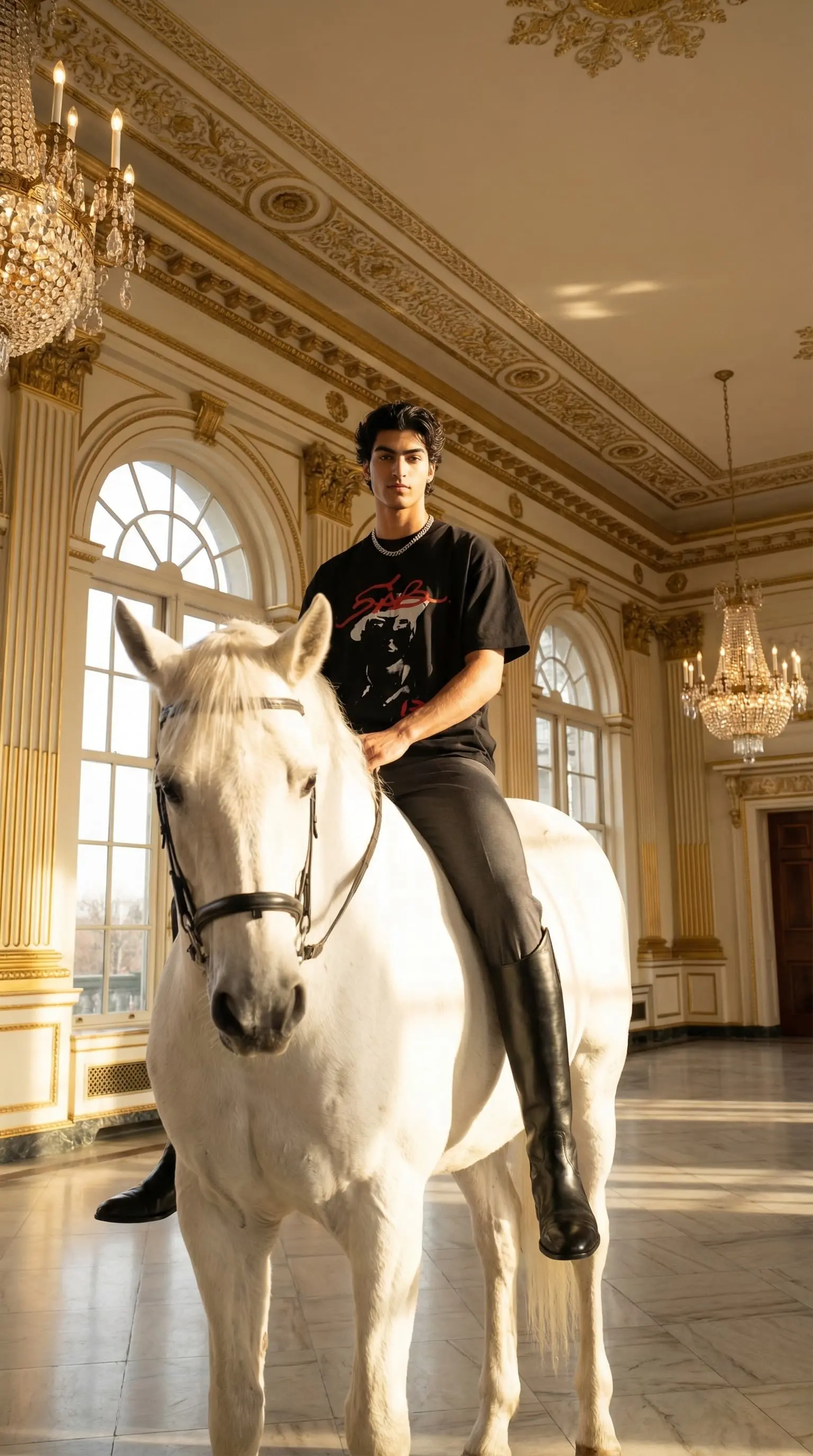
Now showing — AI video ads
Your products,
now in motion.
Turn any shoot into a scroll-stopping video ad. Your AI creative director writes the script, frames every scene, scores the sound and cuts the film — ready to post in minutes.
Festive wear · lotus lake campaign
YouTube · Web hero · CTV
Linen menswear · coastal cut
Instagram Reels · TikTok
Fluent in every platform's native language.
- Meta Video Ads
- TikTok Ads
- Instagram Reels
- YouTube Shorts
- Product Films
- Amazon Listings
- Story Ads
- Brand Films
Made from shots you already have. No crew, no filming, no editing suite.
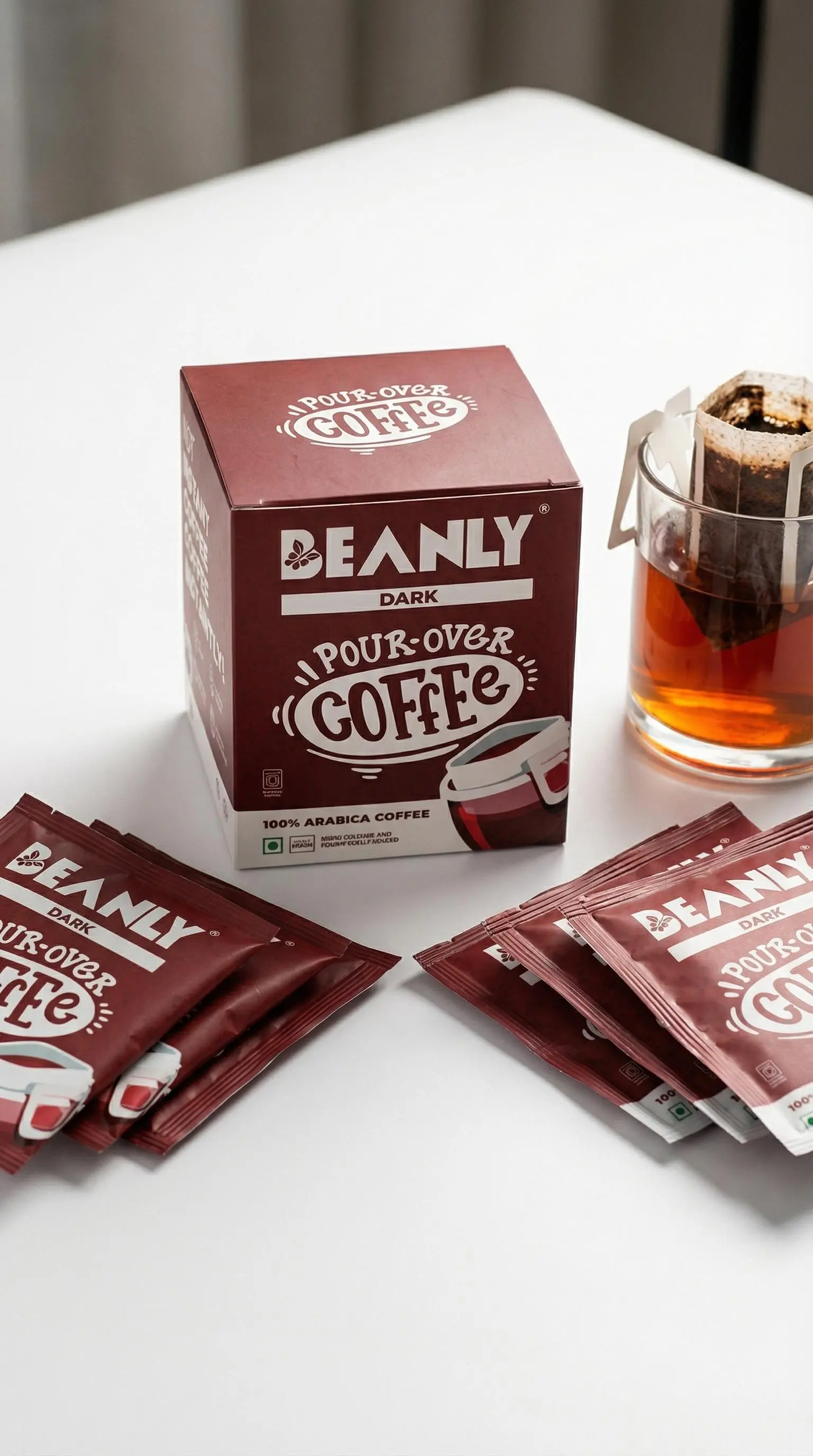
Protein snack · macro commercial
YouTube Shorts · Meta Stories
Concept films generated with CherryShot for demonstration. Products shown are not endorsements and we are not affiliated with any brand that appears.
Trusted by world-class teams

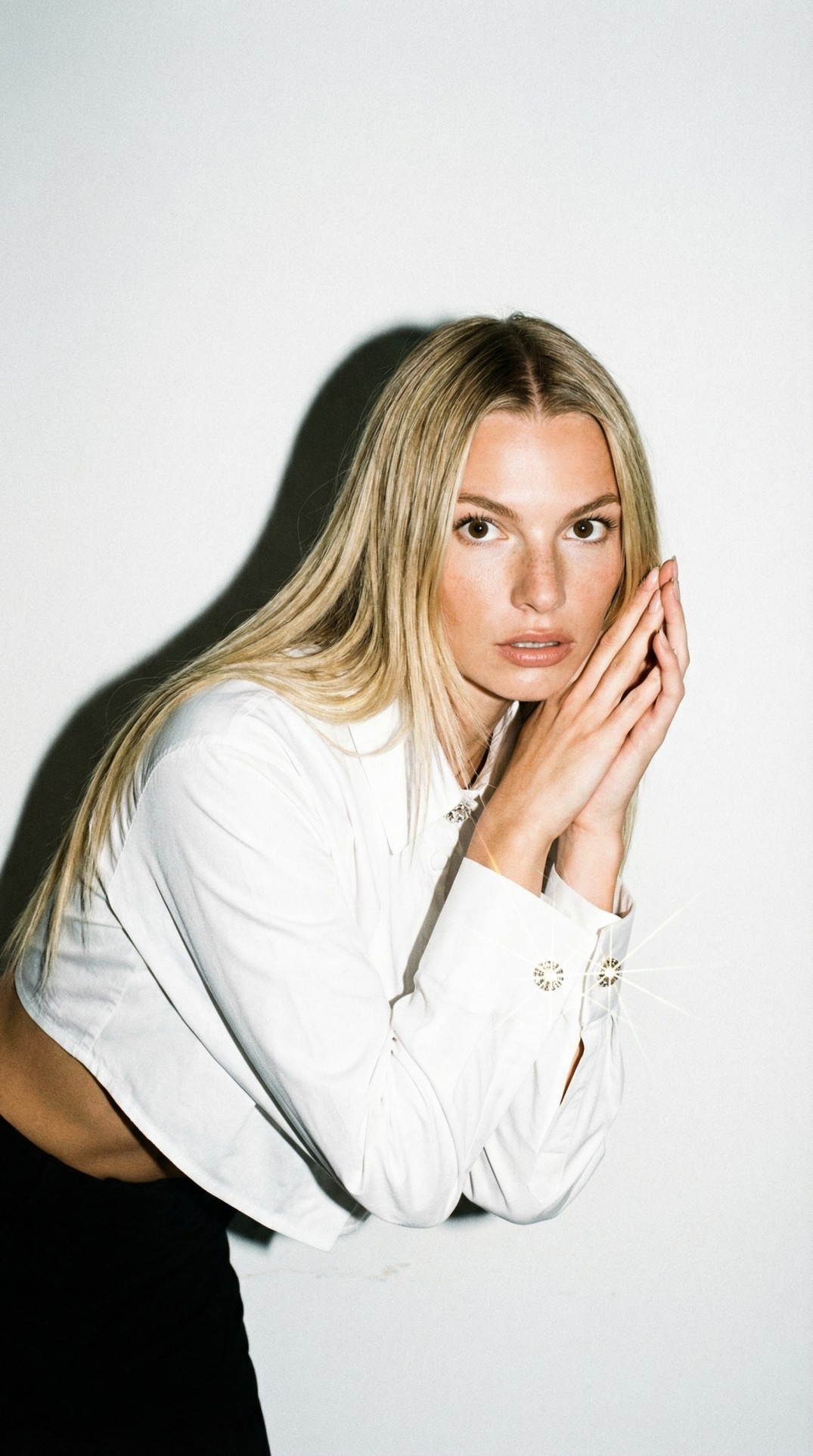
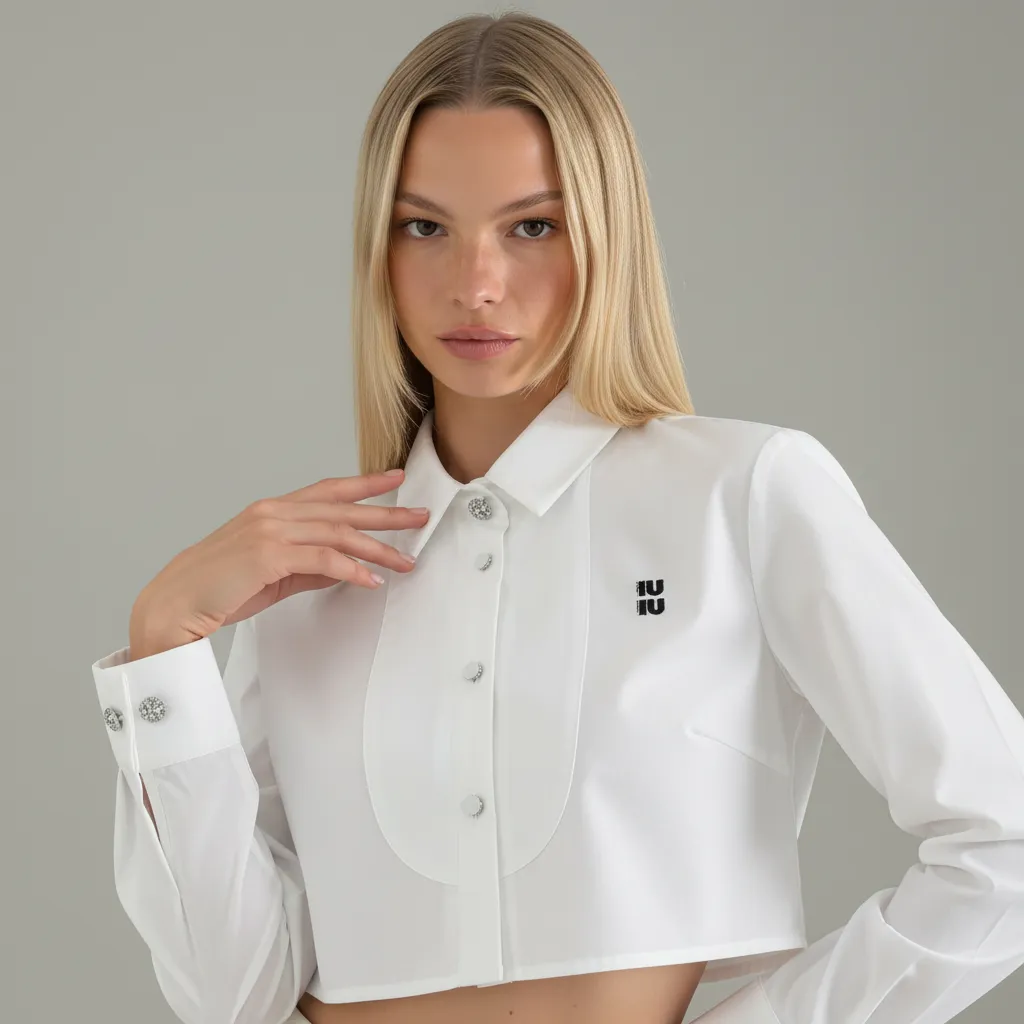
The "Ugly" Input
to Perfect Campaign.
Slide to see the transformation. CherryShot takes imperfect, raw photos and rebuilds them into world-class assets.
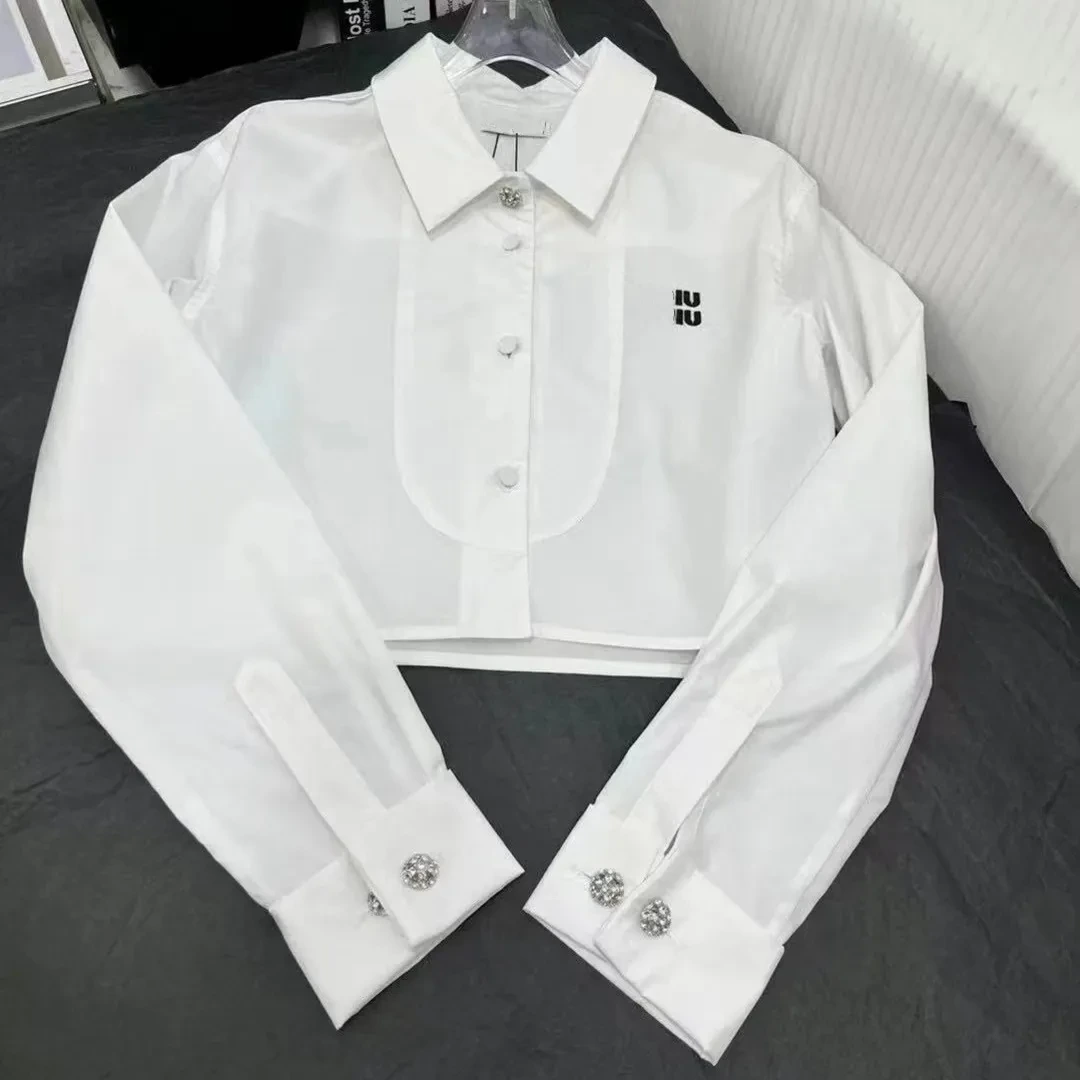
See CherryShot in Action
Watch how our Agentic AI analyzes a simple photo and rebuilds the entire scene in seconds.
Try the Engine
See how different creative directions transform the same input.
(Note: This is a limited demo. The full app includes custom prompting, batch processing, and 4K export.)
1. Active Inputs
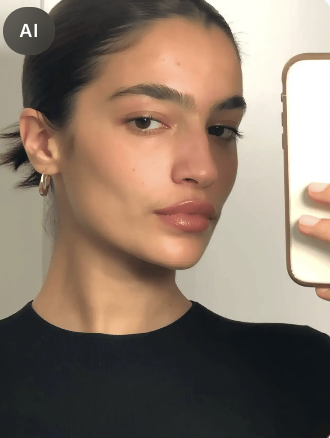
Model
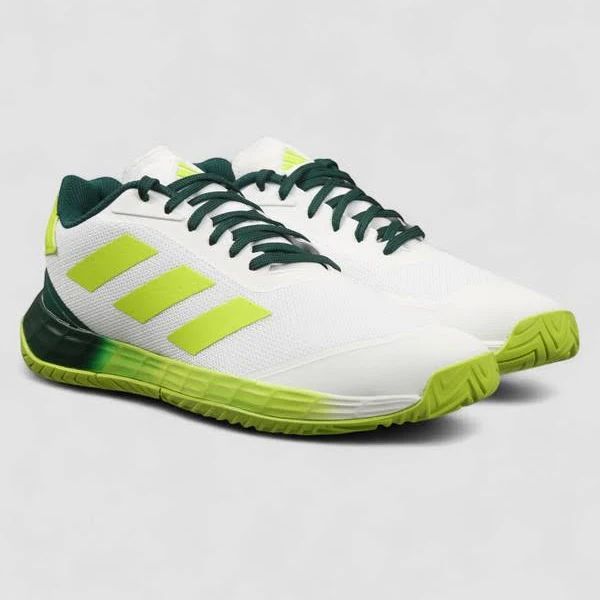
Product
2. Creative Direction
Ready to Render
Select a creative direction from the left and click Generate to create a studio-quality shot.
The Engine
From Photo to Campaign.
Drop files here
Supports Multi-Angle
Upload Input
Upload a raw smartphone photo or multiple angles. We extract depth and texture data automatically.
Select Mode
Choose between clean studio shots or full lifestyle campaigns with AI models.
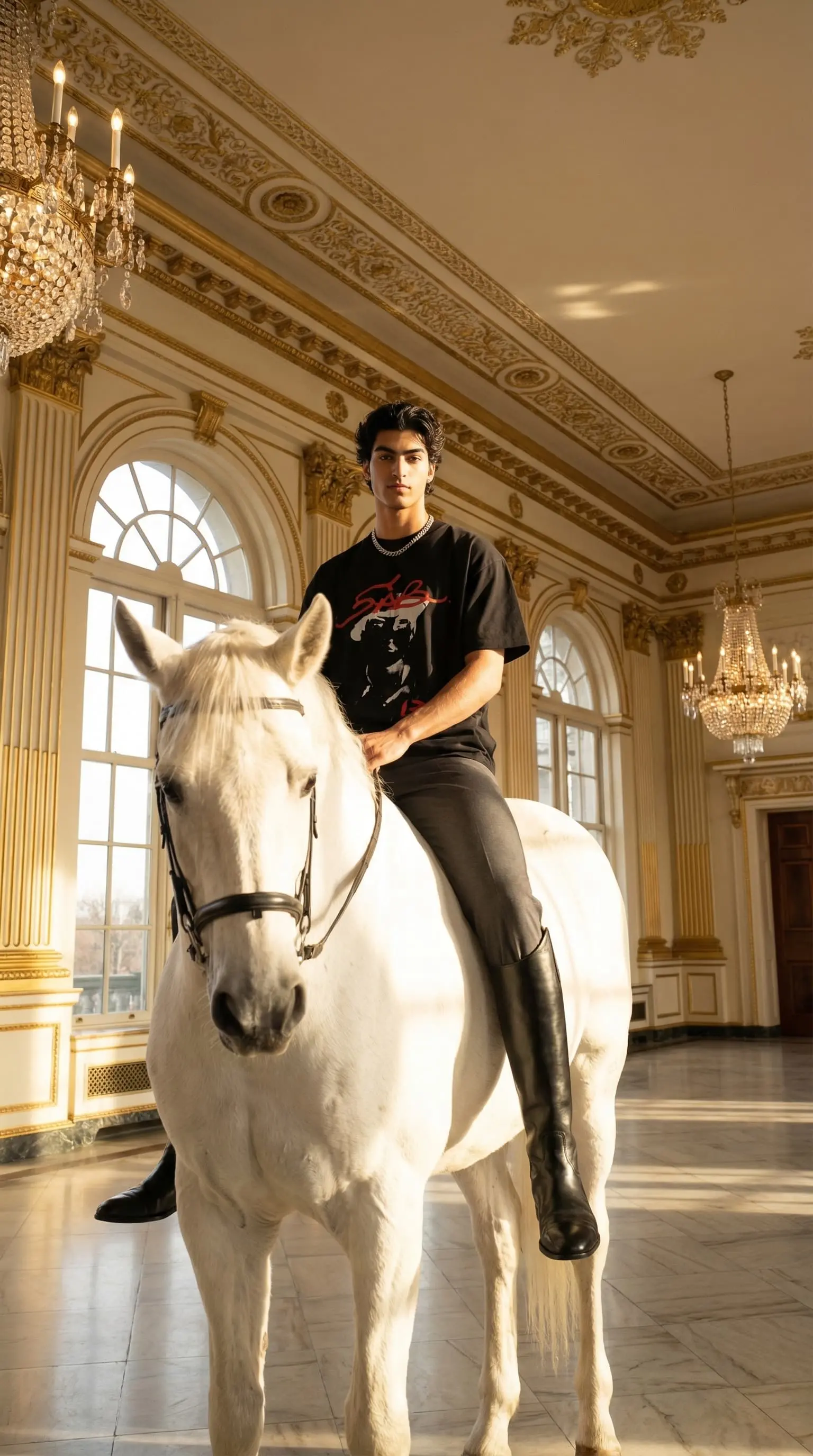
Deploy
Instant render. No editing required. Stills and video ads, ready for Shopify, TikTok, Meta — and billboards.
Made with CherryShot
No photographers. No sets. No post-production.
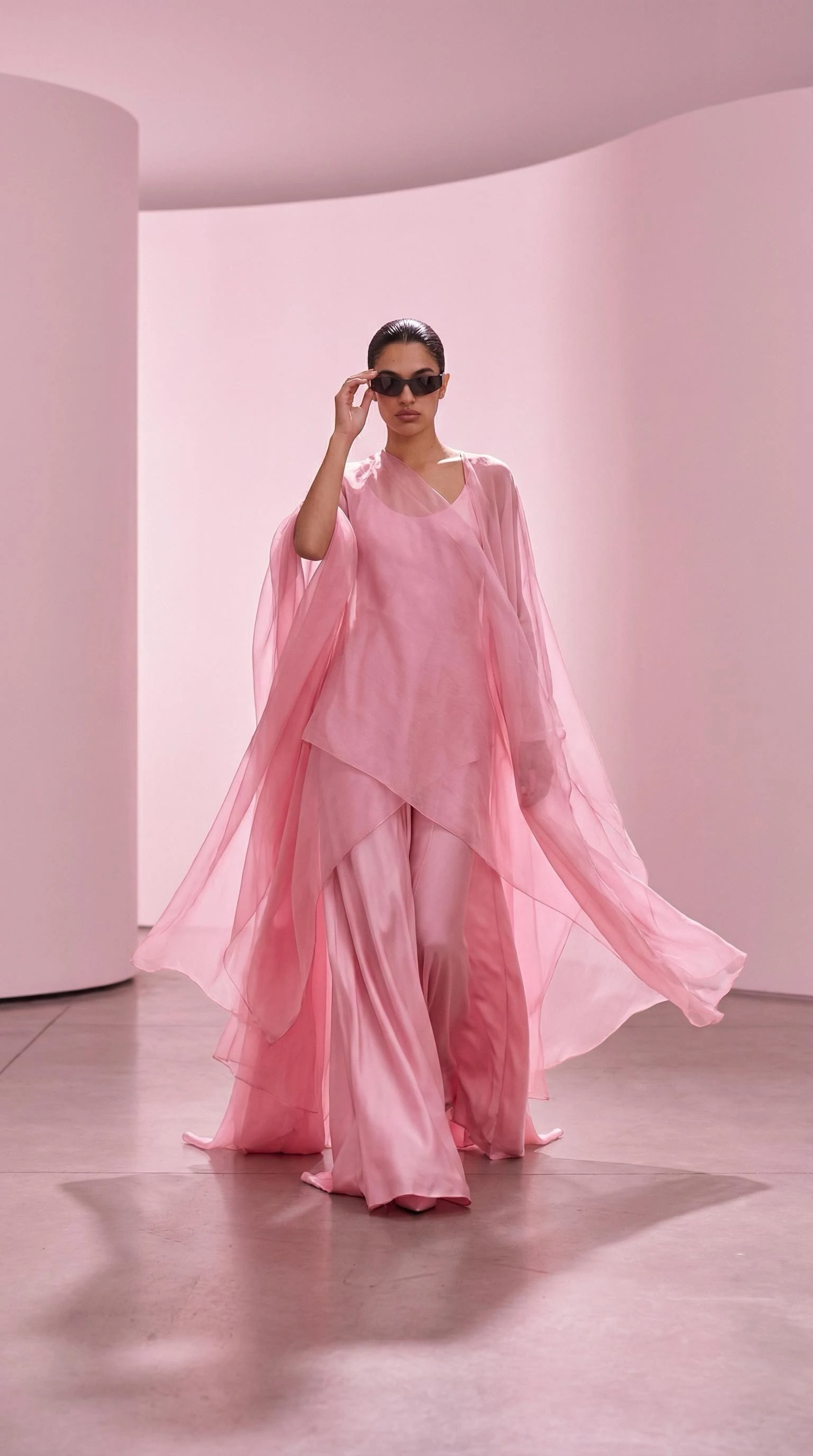
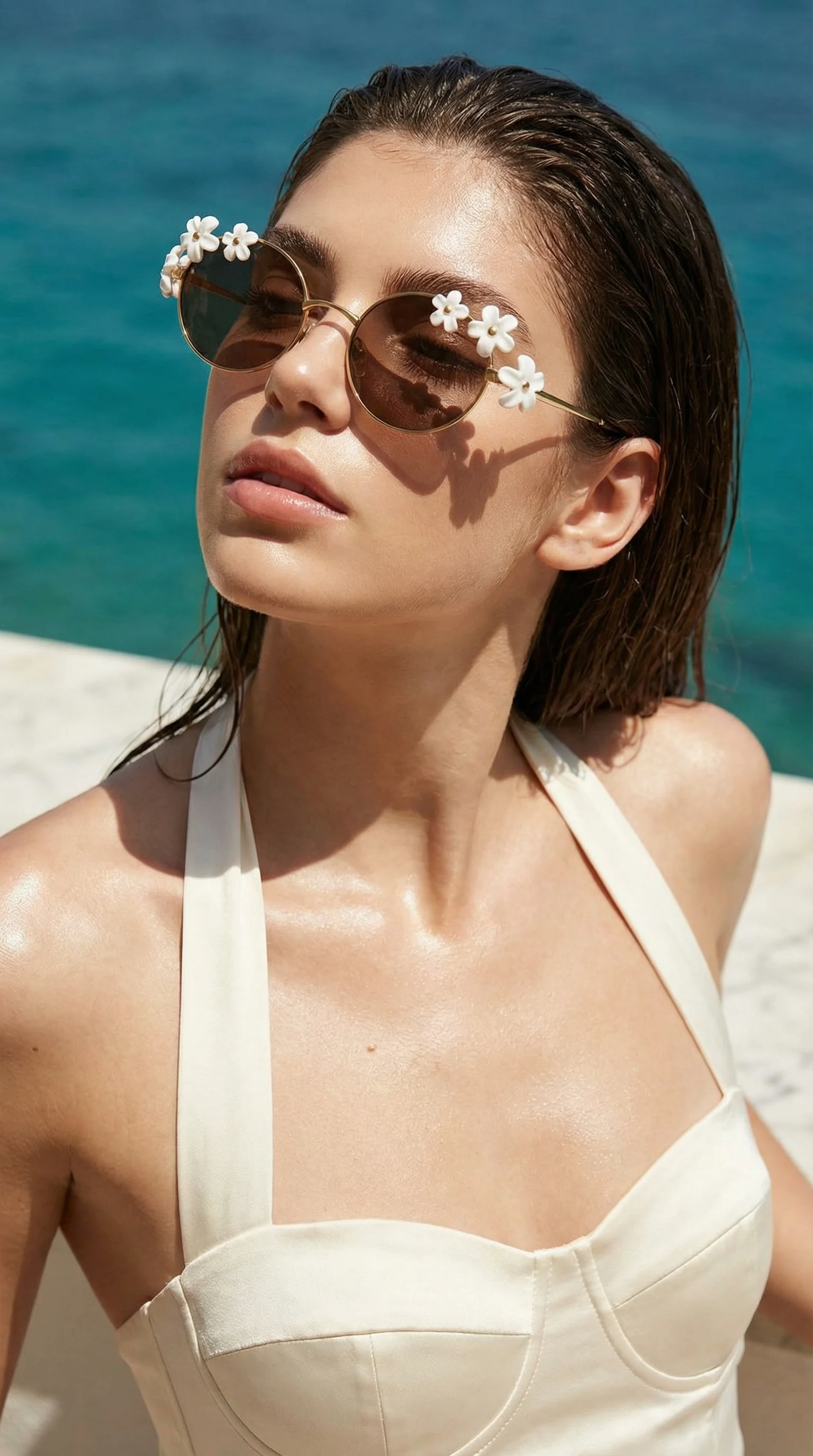
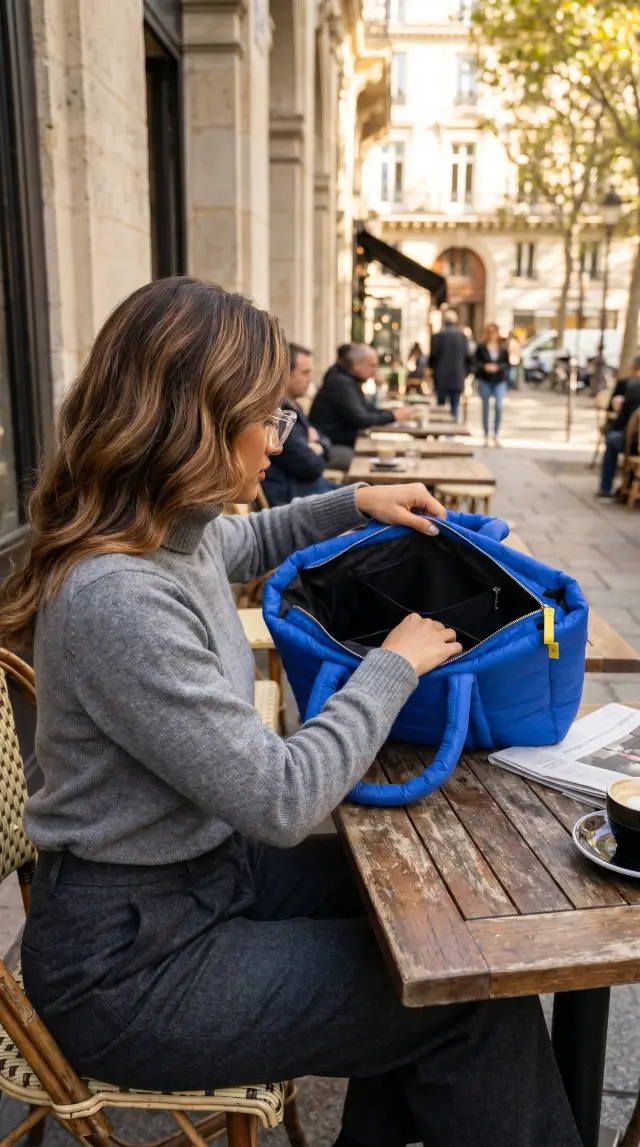
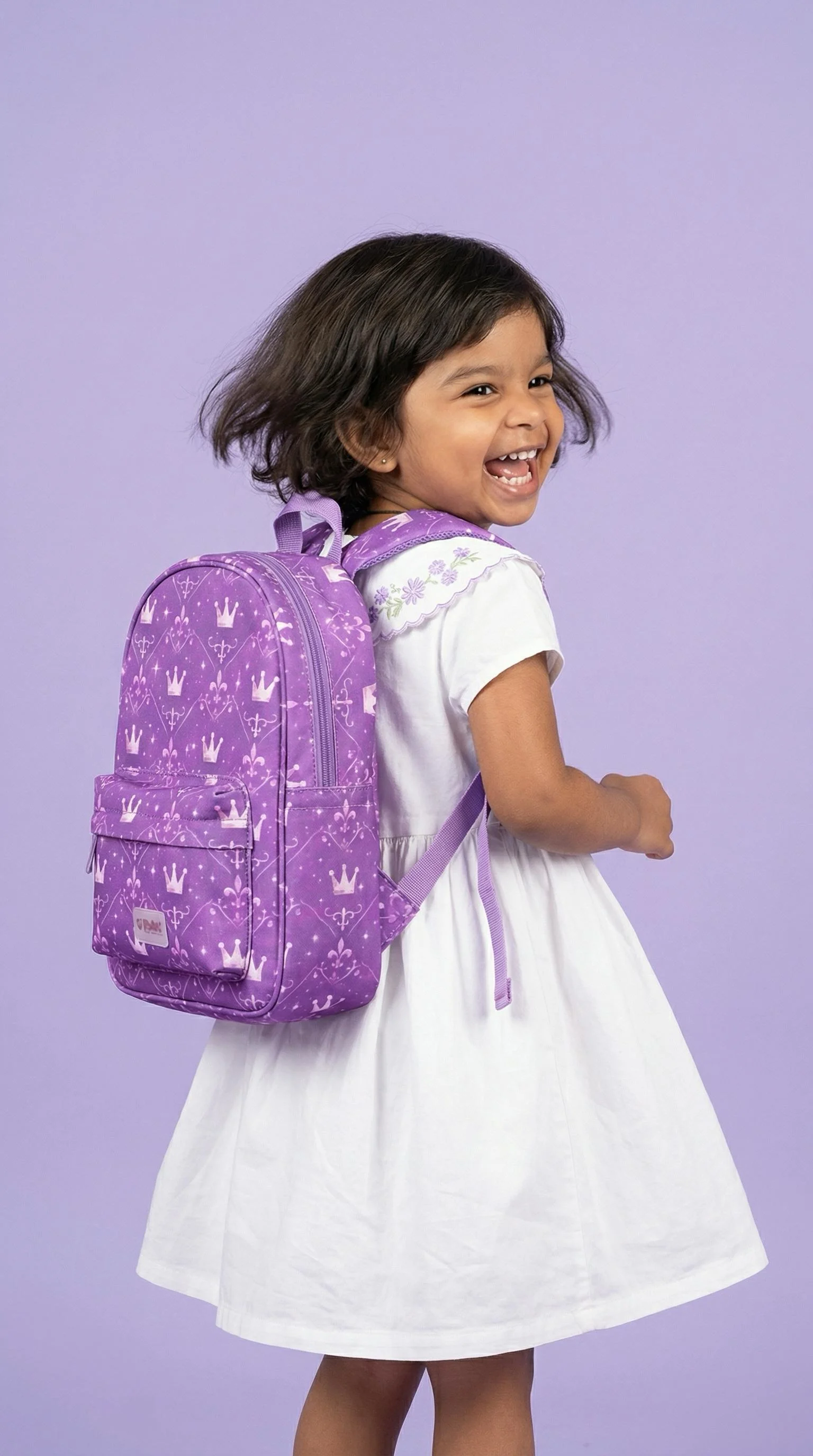
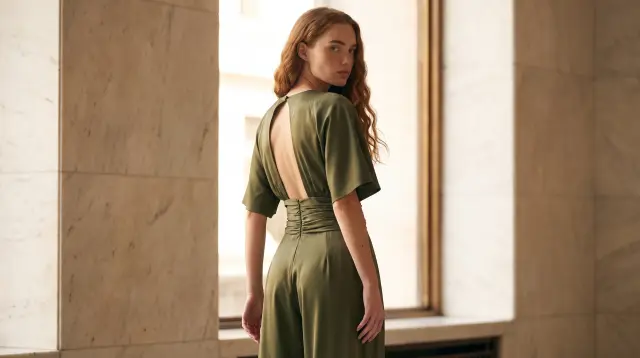
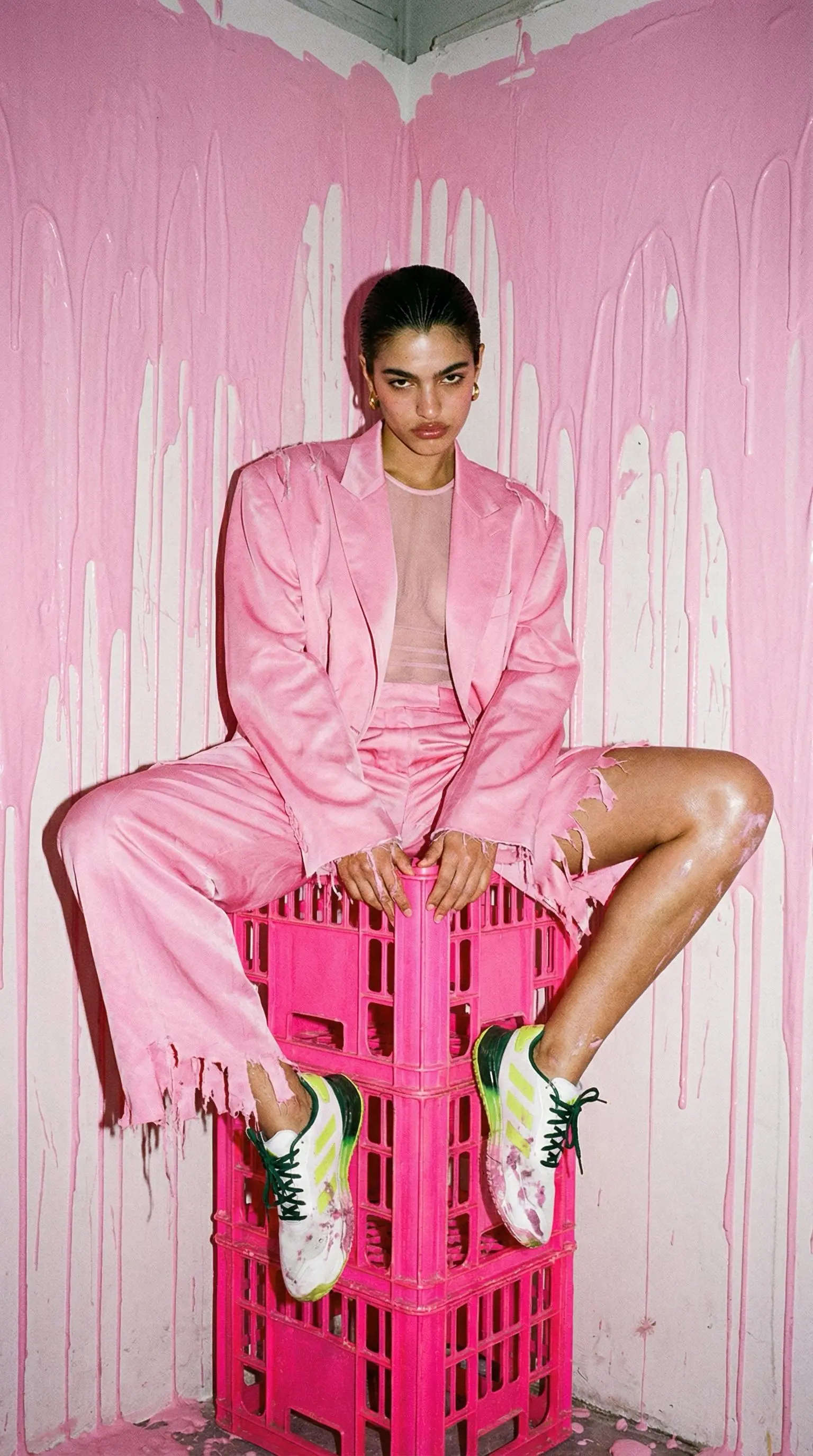
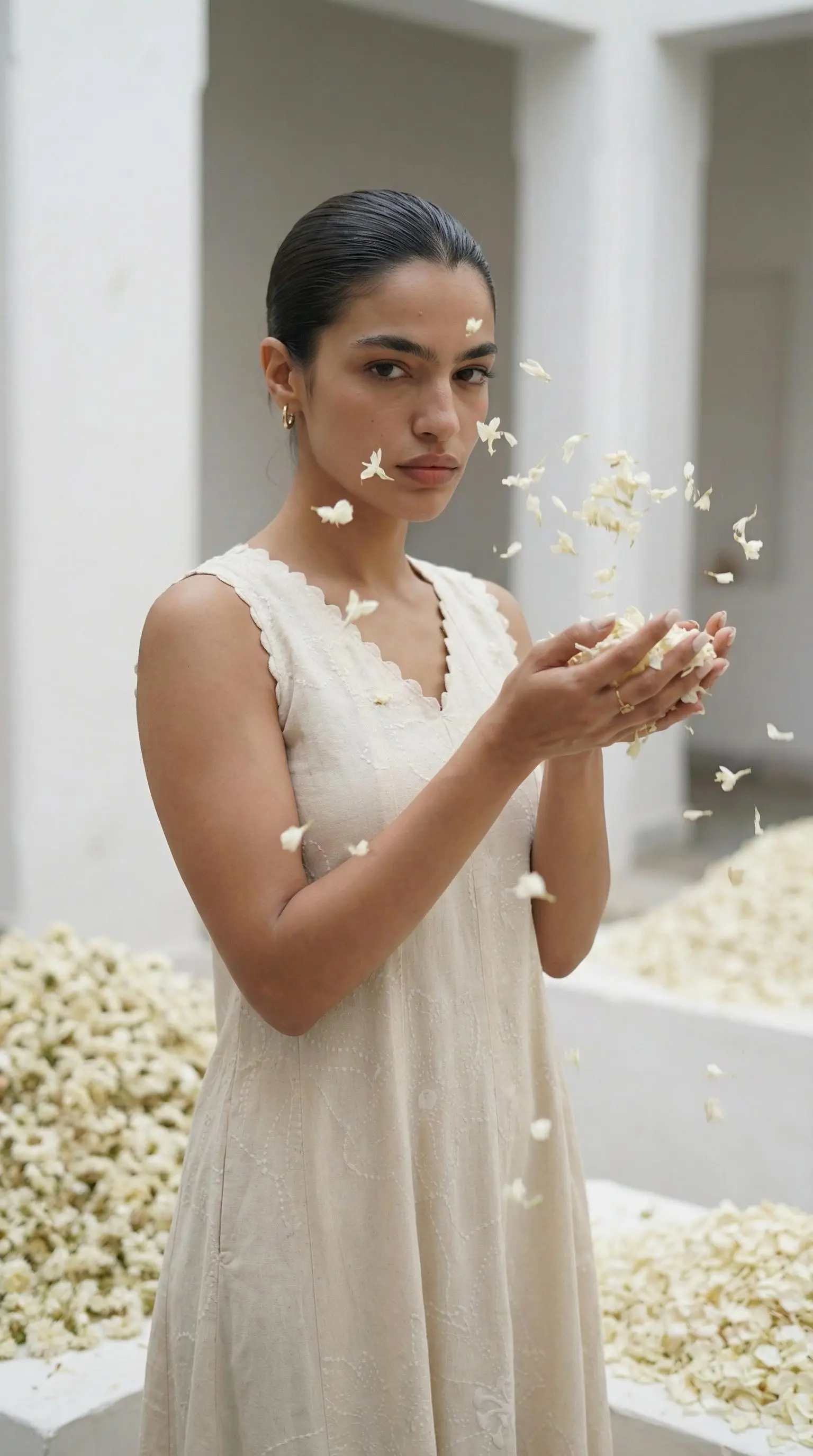
Every image below was generated 100% by AI.
Loud_luxury.webp)
Loud Luxury
Black Dress
luxury_mode.webp)
Luxury
Handbag
avant_garde.webp)
Avant Garde
Sunglasses
Influencer_mode.webp)
Influencer
Jacket
lifestyle_mode.webp)
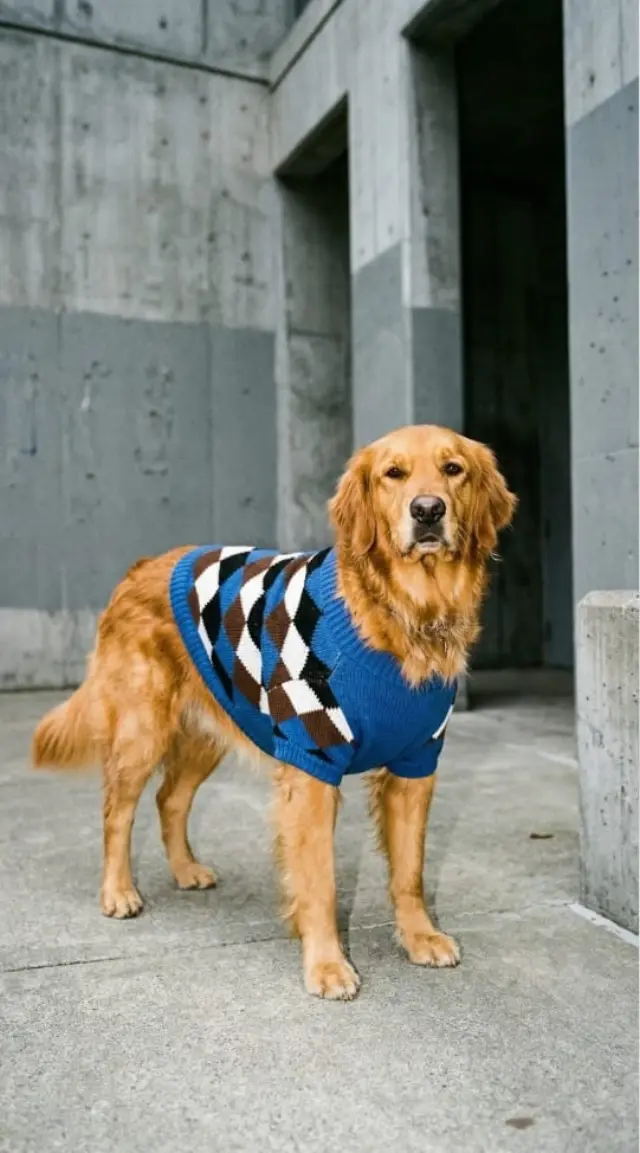
Lifestyle
Dog Hoodie
_Element_mode.webp)
Element
Pendant
element_mode.webp)
Element
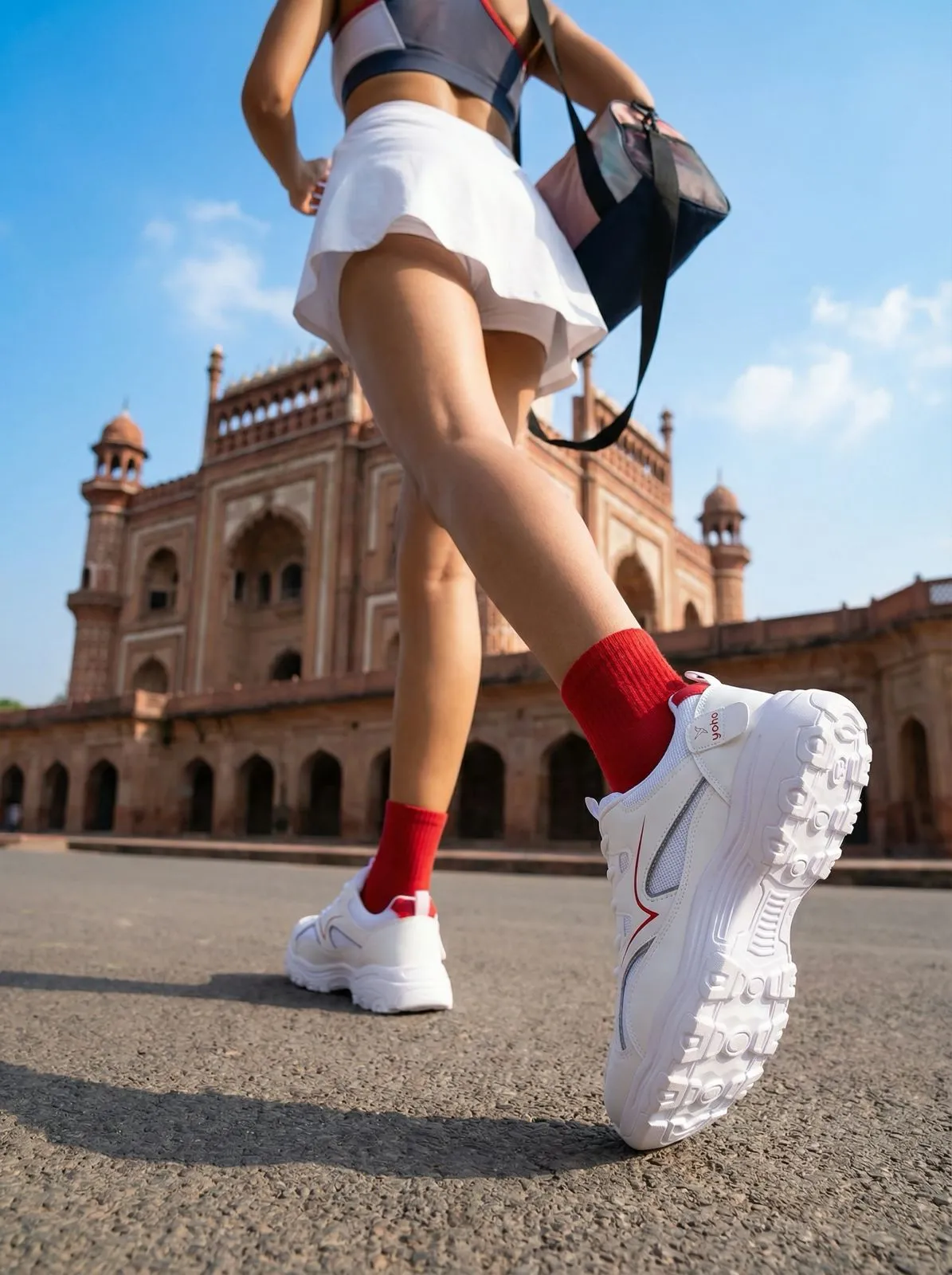
Shoes
Reference_mode.webp)
Reference
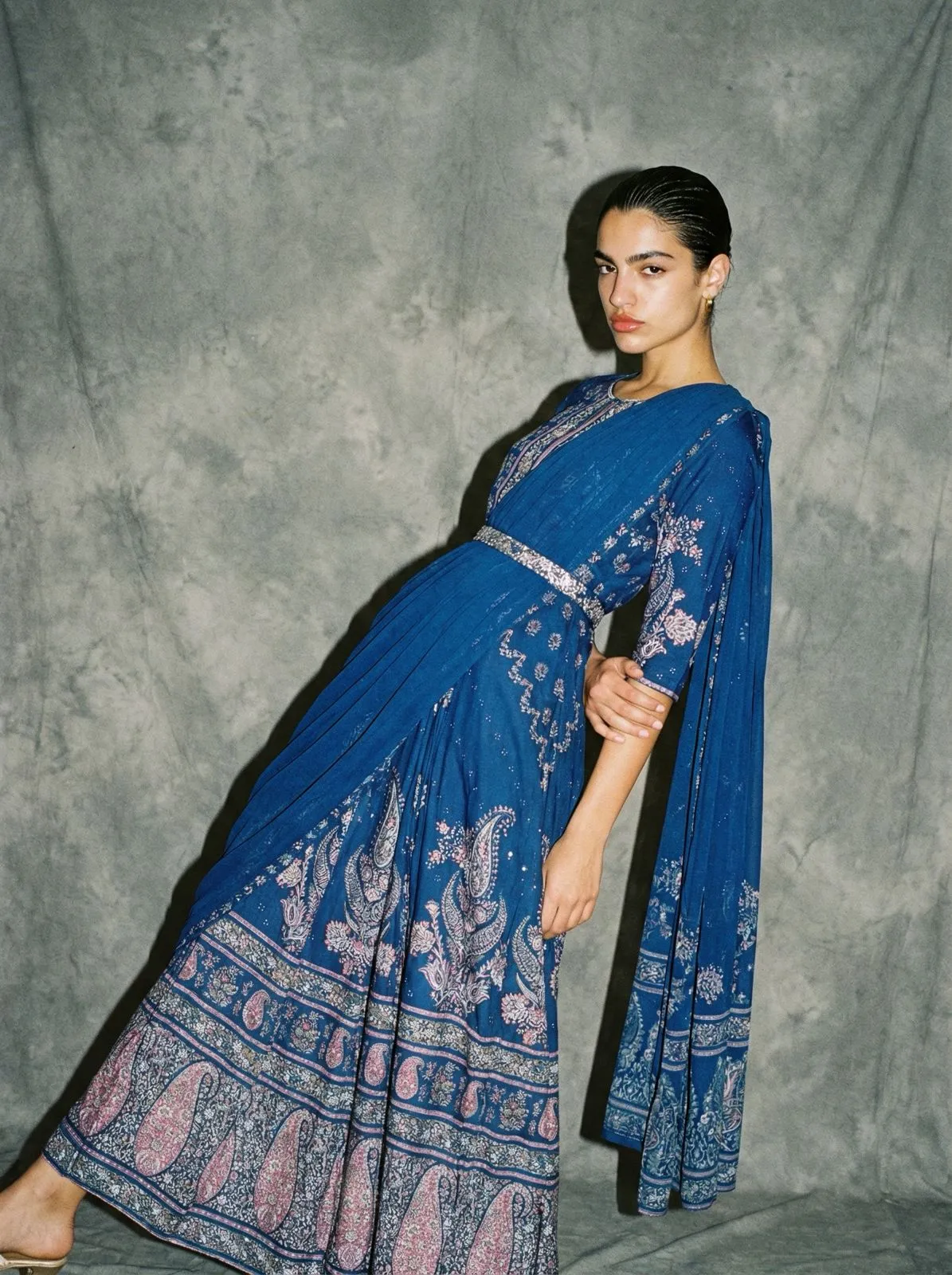
Ethnic Dress
referance_mode.webp)
Reference
Towel
The full creative stack
Never hire
a creative again.
One platform replaces the photographer, the videographer, the retoucher and the editor. Every asset your brand ships — photos, films, ads — made from a single product photo.
Start free — 5 shots on usProduct Photography
Studio, lifestyle and editorial shots that sell the texture, not just the object.
AI Model Campaigns
Your product worn, held and lived in by AI models — every look, every market.
Video AdsNew
5–15 second films with music, dialogue and a logo reveal — directed by AI.
Lifestyle Campaigns
Your product out in the world — beaches, cafés, city streets, golden hour.
Variants & Remixes
One hero shot becomes a season of content — new scenes, angles and moods.
Brand Films
Cinematic widescreen storytelling for launches and hero placements.
The photo studio,
as an API call.
Generate editorial product photos, on-model shots, and ecommerce video ads from your own code. Send one POST request per shoot, poll for the results, and pay with the same credits as the app. No prompt engineering is needed.
- Images and video ads from the same key
- Works inside Claude. Connect the CherryShot MCP server and create shoots from chat
- White-label ready: per-client usage reports and branded delivery for agencies
curl https://auth.cherryshot.ai\
/functions/v1/api/v1/shoots \
  -H "Authorization: Bearer cs_your_key" \
  -d '{
    "product_image_urls": ["https://your-store.com/product.jpg"],
    "style": "editorial",
    "mode": "with_model",
    "shots": 4
  }'
The CherryShot Mission
Democratizing
Luxury.
Big brand results. Startup budget.
We are the end of the $100k photo shoot — and the $50k video production.
Agentic AI Technology
Unlike standard generative tools that require complex prompt engineering, CherryShot uses Agentic AI. Our system is trained on thousands of campaigns from top fashion studios. It analyzes your product's material, shape, and context, then acts as a creative director to make the decisions for you.
Unmatched Efficiency
Traditional production involves location scouting, model booking, lighting crews, film days and weeks of post. CherryShot delivers superior output instantly — a catalog of stills or a season of video ads from the same upload. Whether you are a solo founder or an enterprise catalog manager, you now have a world-class studio in your browser.
Simple, Transparent Pricing
Choose the plan that fits your production needs. No hidden fees. Cancel anytime.
Starter
Perfect for testing the waters.
- 50 credits every month
- Photos and video ads from the same credits
- Top up anytime at $0.23/credit
- HD image quality
- All preset models
- Commercial license
Pro
For growing e-commerce brands.
- 250 credits every month
- Photos and video ads from the same credits
- Top up anytime at $0.21/credit
- HD image quality
- All preset models
- Commercial license
Business
Maximum scale for brands and agencies.
- 600 credits every month
- Photos and video ads from the same credits
- Top up anytime at $0.20/credit
- HD image quality
- All preset models
- Commercial license
- Priority Support
- Early access to new features
What does a credit buy?
One pool of credits for photos and video ads. The same rates apply in the app and over the API.
Product photos
- Standard shot1 credit
- Pro shot (premium model)2 credits
- 4K Ultra shot4 credits
A 4-shot campaign set = 4–16 credits depending on quality.
Video ads
| Resolution | 5s | 10s | 15s |
|---|---|---|---|
| 480p | 10 | 20 | 30 |
| 720p | 20 | 40 | 60 |
| 1080p | 45 | 90 | 135 |
Credits per video, on-model. Product-only scenes cost ~15% less.
Custom Solution
Tailored for high-volume retailers and agencies. Get direct access to our infrastructure and creative team.
Frequently Asked Questions
Everything you need to know about replacing your photo studio — and your video crew — with AI.
Earn revenue with
CherryShot.
Join the fastest growing AI creative platform. We offer a competitive 20% recurring commission for every customer you refer, for the lifetime of their subscription.
20%
Recurring Commission
30 Days
Cookie Window