Product Image Alt Text: How to Write Alt Text That Ranks in Google Images and Improves Accessibility
Product image alt text is the hidden description embedded in your HTML that tells search engines and screen readers exactly what your photo shows. Most store owners treat it as a tedious data entry chore. They leave it blank or stuff it with generic keywords right before hitting publish. This is a massive operational blind spot. If your visual assets lack accurate descriptions, you are actively blocking paying customers from finding your products in Google Images.
Definition
Alt text (alternative text) is a short HTML attribute assigned to an image that describes its visual content. It enables screen reader software to describe photos to visually impaired users and provides search engines with text-based context to index the image accurately.
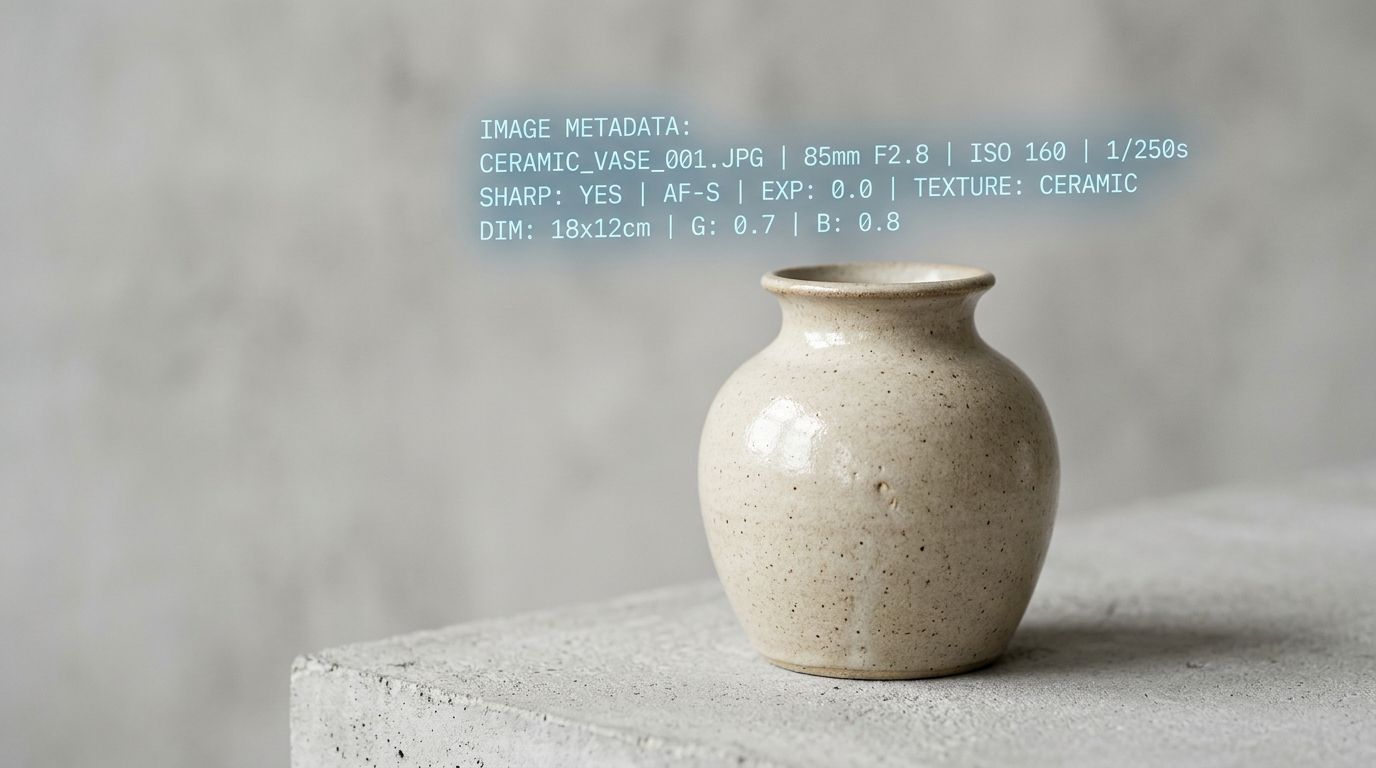
Alt text bridges the gap between what humans see and what search engines index.
Think about how people shop for apparel, furniture, or home decor. They do not read walls of text. They type a query, instantly click the Images tab, and scroll until they see a design they like. If you sell a vintage leather armchair and your file is named "IMG_8821.jpg" with a blank alt attribute, Google will never show your product to the person searching for it. You forfeit that organic traffic entirely.
We need to fix how you handle ecommerce image metadata. It is not just about compliance. It is about revenue.
Why ecommerce image alt text dictates your organic traffic
Search engine algorithms are incredibly sophisticated, but they still cannot "see" a photo with human intuition. They rely on the context you provide in the code.
The invisible shift in shopping behavior
Visual search is quietly taking over the top of the ecommerce funnel. Shoppers use Google Lens to scan products they see in the real world. They use the Google Images tab as a visual discovery engine to compare competing brands side by side. Your ranking in these visual results depends almost entirely on your product image seo alt text.
When you execute this correctly, the impact is compounding. Traffic from image search has an acquisition cost of zero. It converts at a remarkably high rate because the shopper has already validated the visual aesthetic of the product before they ever land on your site. Mastering this hidden metadata is one of the highest-leverage ways to increase product page conversion rate without redesigning your theme or changing your pricing strategy.
The accessibility mandate
Traffic aside, alt text was originally invented for accessibility. Visually impaired shoppers rely on screen reader software to navigate the web. When a screen reader encounters an image, it reads the alt attribute aloud.
If your alt text is missing, the screen reader usually defaults to reading the raw file name. Hearing a robotic voice read "capital D capital S capital C underscore zero zero four nine dot J P E G" is an incredibly frustrating user experience. It destroys trust. It makes the shopper abandon their cart. Beyond the lost sale, ignoring product photo accessibility exposes your business to entirely avoidable legal risks under modern digital compliance standards.
The exact formula for writing alt text for product images
Writing alt text is not a creative writing exercise. It is a specific data format. You need to be literal, concise, and descriptive.
There is a hard trade-off here. Writing descriptive alt text for ten thousand SKUs takes weeks of manual data entry. Automation tools and AI generators are tempting, and they get you halfway there. But the trade-off is accuracy. An automated tool might look at a complex technical backpack and simply label it "black bag." You still have to pay a human to audit the output and inject the specific features your customers actually search for.
Start with the core product category
Never begin your description with "Image of" or "Picture of." Screen readers announce that an element is an image automatically. Adding those words wastes character space and annoys the listener.
Start with the brand and the exact product type. If you are selling a Yeti cooler, start with "Yeti Tundra hard cooler." That is the absolute foundation. Once you understand what makes product photos convert visually, you must translate that visual value into a text format that search algorithms comprehend immediately.
Layer in specific attributes
After the core product type, add the color, the material, and one distinguishing feature. Let us look at a few examples of how to build this properly.
- Bad: red-shoes-final-v2.jpg
- Okay: Red running shoes
- Perfect: Nike Air Zoom Pegasus running shoes in crimson red mesh
- Bad: sofa.png
- Okay: Leather couch
- Perfect: Mid-century modern three-seater sofa in tan genuine leather
The perfect examples work because they capture long-tail search intent. Someone looking for a generic "couch" is browsing. Someone searching for a "mid-century modern three-seater sofa in tan leather" has their credit card ready. Your alt text ensures your product image intercepts that high-intent search.
| Alt Text Strategy | Screen Reader Experience | Search Ranking Impact |
|---|---|---|
| Missing or Blank | Announces raw file name (e.g., IMG_8821.jpg) | Fails to index in visual search results |
| Generic Automation | Reads basic context (e.g., brown wooden cabinet) | Ranks poorly for high-intent queries |
| Keyword Stuffed | Creates frustrating auditory clutter for users | Triggers algorithmic spam penalties |
| Specific and Structured | Clearly states brand, item type, and materials | Captures highly qualified long-tail traffic |
Navigating the technical side of product photo accessibility
Your website platform handles the actual HTML coding. Whether you use Shopify, WooCommerce, or BigCommerce, there is always a dedicated text box labeled "Alt text" when you upload a file. Your job is simply to fill it out. But understanding how the underlying technology works gives you an edge.
How surrounding text influences image SEO
Google does not read your alt attribute in a vacuum. It evaluates the text physically closest to the image on the page.
(Worth noting: Google actually cares just as much about the page title and the surrounding paragraph text as it does about the alt attribute itself. If your alt text perfectly describes a coffee machine but the surrounding article is about office chairs, the search engine will flag the image as irrelevant.)
This means your product descriptions, your H1 tags, and your image captions all work together. If you embed a lifestyle shot of a model wearing your jacket halfway down the page, make sure the paragraph directly above it discusses the fit and styling of that specific jacket.
File names and formats complete the picture
Your alt text is just one piece of ecommerce image metadata. The actual file name matters immensely. Before you ever upload the file to your server, rename it on your hard drive. Change "IMG_999.jpg" to "mens-waterproof-hiking-jacket-navy.jpg". Use hyphens to separate words in the file name so search crawlers can parse them easily.
Additionally, you must balance optimization with performance. High-resolution lifestyle shots are heavy. Saving your file in one of the best image formats for ecommerce ensures the page loads before the buyer loses patience. A perfectly optimized alt tag is useless if the image takes six seconds to render and the customer bounces.
The biggest mistakes in ecommerce image metadata
When store owners finally decide to optimize their catalog, they often swing too far in the other direction. They try to game the system. This actively damages both SEO and accessibility.
Keyword stuffing kills trust
Do not write alt text like this: "mens wallet leather wallet brown wallet best wallet cheap wallet buy online."
Search engines penalize keyword stuffing. It looks like spam because it is spam. More importantly, imagine a visually impaired user trying to shop on your site and hearing their screen reader rapid-fire that list of disjointed keywords into their ear. They will leave immediately. Write for humans first. The search engines are smart enough to understand natural language.
Ignoring decorative images
Not every single image needs a descriptive alt tag. If you have a small graphic of a swoosh that acts as a visual divider, or a background pattern that provides no actual information about the product, you should leave the alt text completely blank.
In HTML, a blank alt attribute looks like this: alt="". This explicitly tells the screen reader to skip the image. It tells the software that the image is purely decorative. If you force a description onto every minor icon, you create auditory clutter for disabled users. Only describe images that convey meaningful information about your product or brand.
Fixing your workflow
The main reason alt text gets ignored is the broken traditional photography pipeline. If you are stuck paying a freelance photographer hundreds of dollars per hour, your budget and timeline are already stretched thin by the time the files arrive. The launch is two weeks late. You just want the images live. You do not have the patience to sit down and write metadata.
This is where modern brands change the equation. Using a tool like CherryShot AI lets you upload a basic product shot and generate campaign-ready photos in minutes. When your turnaround shrinks to an afternoon and your production bottleneck disappears, you suddenly have the bandwidth to execute the technical fundamentals. You actually have the time to sit down, audit your catalog, and write the text that gets those new visuals ranking.
Start with your top twenty best-selling SKUs. Check the images currently live on your site. If the alt text is missing or just repeats the product title, rewrite it using the exact formula we discussed. Then watch your Google Images impressions over the next thirty days.
Frequently Asked Questions
What is image alt text for ecommerce?
Image alt text is a hidden HTML snippet that describes the physical contents of a product photograph. This code exists primarily to read aloud visual details to visually impaired shoppers using screen reader accessibility software. Search engines also parse this descriptive data to understand the context of the file, allowing your specific catalog items to index and rank accurately within visual shopping results.
How do I write alt text for product photos?
Write descriptive and concise alt text by focusing strictly on the physical details of the item shown in the photograph. You should structure the phrase by stating the brand and product type first, followed by the specific color, material, or unique distinguishing feature. For example, a highly effective and accessible description would be 'Nike Air Zoom Pegasus running shoes in crimson red mesh' rather than a generic label.
Does alt text help product images rank in Google?
Alt text directly dictates how well your product images rank within search engine results. Search algorithms cannot visually interpret photographs, so they rely entirely on metadata, file names, and surrounding page text to comprehend what the file displays. Providing highly accurate and descriptive text tags serves as the strongest ranking signal for pushing your catalog into both Google Images and the main shopping tab.
How should I format alt text for product images?
Format your image descriptions using plain English and natural phrasing while separating your descriptive words with standard spaces rather than hyphens. You should limit the total length of the attribute to under 125 characters to ensure screen reader software does not abruptly cut off the audio mid-sentence. Writing concisely without unnecessary ending punctuation keeps the code clean while effectively communicating the visual information to shoppers.
Can AI generate alt text for product images automatically?
Modern ecommerce platforms and third-party applications often apply vision AI models to automatically generate image tags during the upload process. While automation saves significant time for large catalogs, the resulting descriptions frequently default to generic labels that miss critical search intent. You must manually audit and refine the generated metadata for your most important merchandise to ensure specific materials and distinct brand features remain present.
Key Takeaways
- Image metadata is the primary way Google indexes your product photos for visual search traffic.
- Always write for the screen reader first by using descriptive, conversational language.
- Build your descriptions using the formula of Brand, Product Category, Material, and one key feature.
- Never keyword stuff or use phrases like "Image of" in your alt tags.
Properly tagging your images is not glamorous work. It is the invisible foundation of a highly profitable ecommerce operation. Stop treating it as an afterthought and start treating it as your cheapest source of targeted acquisition. Let your competitors rely entirely on paid ads while you capture the buyers who are searching directly for what you sell.
Audit your product page images before your next campaign
Stop waiting weeks for freelance photographers to deliver assets. Produce stunning, ready-to-publish visuals instantly so you can focus your time on writing the exact technical metadata that drives organic traffic.
Try CherryShot AI