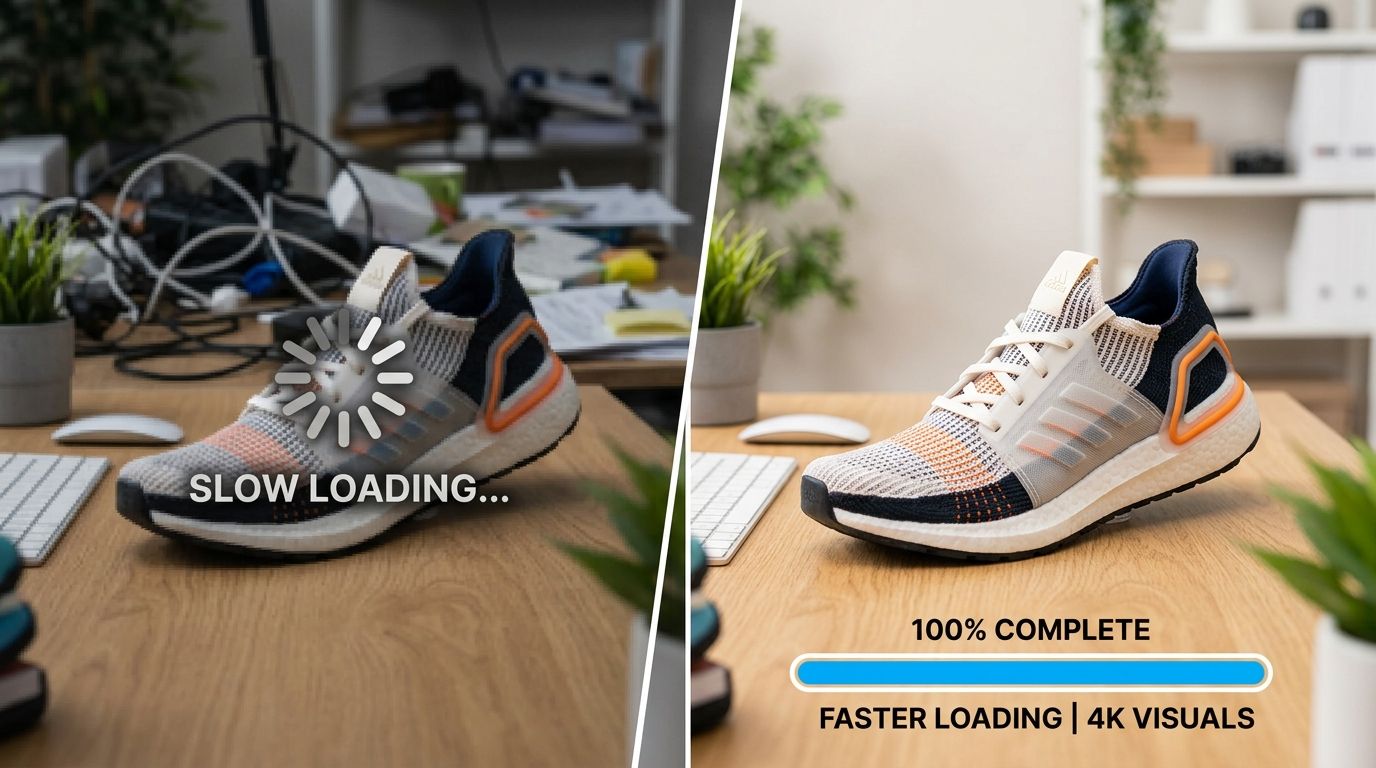
Proper shopify product page image optimisation increases your conversion rate by reducing page load times and providing buyers with flawless visual proof. You need square images sized at 2048 by 2048 pixels, saved as JPEG files, and compressed to under 200 kilobytes. When you combine fast loading speeds with multiple high resolution angles, customers add items to their carts instead of bouncing back to the search results. Any store owner still uploading uncompressed 5MB raw files straight from a photographer is actively burning their own ad spend.
Shopify product images best practices dictate using a one to one square aspect ratio to guarantee consistent grid alignment across all devices. The optimal native resolution is exactly 2048 by 2048 pixels to enable the platform zoom function without severely compromising mobile loading speeds. Mastering these technical requirements is the fundamental baseline for operating a profitable ecommerce storefront.
Key Takeaways
- Size your product photos at 2048 by 2048 pixels to enable native high definition zoom functionality.
- Compress all image files below 200 kilobytes to prevent slow page load times on mobile networks.
- Show at least four distinct physical angles per product including one clear lifestyle context shot.
- Write descriptive alt text that includes the exact product type and visual details for better organic SEO.
of a typical ecommerce webpage total downloaded weight comes directly from image files. HTTP Archive State of the Web Report, 2023
Navigating the Technical Specs for Shopify Product Image Size
Shopify gives store owners a massive digital canvas to work with. The platform technically allows image uploads up to 4472 by 4472 pixels with a massive file size limit of 20 megabytes. However uploading files of that maximum size will completely destroy your page loading speed. Your actual goal is to find the perfect operational balance between crisp visual quality and lightweight technical performance.
Why 2048 by 2048 Pixels is the Industry Standard
Most premium Shopify themes include a native image zoom feature. This function activates when a customer hovers their mouse pointer over a product image on a desktop computer or pinches the screen on a mobile device. To make this critical zoom feature work smoothly without showing jagged pixelated edges you need a sufficiently large source file. This is exactly why the 2048 by 2048 pixel resolution is mandatory. This specific dimensional footprint provides enough detail for a clean zoom while remaining small enough to compress effectively. Images smaller than 800 by 800 pixels will not trigger the zoom function at all on most templates. Customers rely heavily on this zoom capability to inspect fabric textures, read label text, and evaluate manufacturing quality before they commit their credit card details.
Maintaining Aspect Ratio Consistency
Visual consistency matters just as much as raw pixel resolution. If you upload a random mix of portrait, landscape, and square photos your collection pages will look incredibly disorganized. The product grid will stagger unevenly and add to cart buttons will misalign across the page. A square aspect ratio is the safest and most versatile choice for a modern Shopify store. Square images stack perfectly on narrow mobile screens and align cleanly in standard desktop grids. If you sell clothing and strongly prefer a portrait orientation for your store, the standard product page images shopify guide recommendations suggest a steady three to four aspect ratio. You simply must apply that exact same ratio to every single product photo in your entire catalog to maintain professional credibility.
Executing a Shopify Image Compression Conversion Strategy
Image data weight is the heaviest technical burden on your ecommerce loading speed. Every extra megabyte an image carries requires more time to transfer from the host server to the customer browser. When you properly optimize product photos shopify stores immediately see a measurable drop in checkout bounce rates.
Slow websites kill conversions faster than high prices.
Selecting the Right File Format
Shopify automatically serves images in the highly efficient WebP format to supported browsers regardless of what you originally upload. However your initial upload format still strictly dictates the baseline visual quality and file size. JPEG remains the optimal format for standard product photography. JPEG files provide excellent natural color depth while maintaining highly manageable storage footprints. PNG files are only necessary when you specifically require a transparent background for a specialized graphic. A standard complex photograph saved as a PNG will be massively larger than the exact same photograph saved as a JPEG. Never use outdated TIFF or BMP files for your live web store under any circumstances.
Achieving the 200 Kilobyte Target
Your firm target file size for every single product image is under 200 kilobytes. You can achieve this standard using various dedicated image compression tools before you ever open the store admin dashboard. Lossless compression reduces the file size without removing any core visual data while lossy compression strips out minor pixel variations that the human eye simply cannot detect. For ecommerce photography lossy compression at an 80 percent quality setting usually strikes the perfect operational balance. This specific configuration shrinks the file size dramatically while keeping the physical product details sharp and accurate.
(Worth noting: many popular Shopify apps compress images directly within your live store but processing them entirely offline before upload gives you much tighter control over the final visual quality.)
Designing a High Converting Shopify Product Gallery Setup
Customers cannot pick up your items physically. They cannot feel the weight of the material or turn the object over in their own hands. Your digital product gallery setup must completely replace the entire physical retail evaluation experience using only two dimensional media.
Curating the Right Mix of Angles
A single basic photograph is never enough to secure a confident purchase. Shoppers require comprehensive visual information before they pull out a credit card. Start the carousel with a perfectly clean hero shot isolated on a pure white background. Follow this primary image with a crisp side profile, a comprehensive view of the back, and an extreme close up showing a specific detail like a brass zipper or a natural wood grain texture. You should aim for a minimum baseline of four distinct visual angles per product variant. Providing this curated variety directly answers unstated customer questions. It removes the lingering uncertainty that frequently causes a buyer to hesitate at the final checkout stage.
Adding Context with Lifestyle Imagery
White background shots explain exactly what the physical product is. Lifestyle images explain how the product fits beautifully into the actual life of the buyer. Generating these complex contextual shots used to require renting an expensive physical studio and hiring human modeling talent. This traditional logistics bottleneck often delayed new seasonal product launches by three to four weeks. Now you can use specialized tools like CherryShot AI to handle this heavy production lifting. You simply upload your standard isolated product image to CherryShot AI, select a specific visual mode like Lifestyle or Minimalist, and generate campaign ready context photos in minutes. A robust shopify image conversion tips strategy leans heavily on these contextual shots to build organic consumer desire. Seeing a ceramic coffee mug sitting naturally on a rustic kitchen counter creates an instant emotional connection that a blank white background simply cannot achieve on its own.
Leveraging Shopify Image Alt Text SEO for Organic Traffic
Your store images do not just sell to human visitors. They also actively signal topical relevance to search engine indexing bots. Google cannot physically see your product photos but it reads the hidden HTML text attributes permanently attached to them.
Writing for Accessibility First
Alternative text exists primarily for visually impaired internet users who rely on dedicated screen reading software to navigate ecommerce sites. When formalizing your shopify image alt text seo strategy you must prioritize these human users first. Describe exactly what is present in the photo in plain language. Do not just write the catalog name of the product. If your item is a blue canvas backpack your alternative text should say something specific like navy blue canvas backpack with brown leather shoulder straps viewed straight from the front. This level of precise literal detail helps screen readers communicate the image properly to the user. It also simultaneously provides Google with highly relevant semantic data for its own complex image search algorithm.
Avoiding the Keyword Stuffing Trap
Do not pack your alternative text fields with a desperate list of generic search terms.
If you write an alt tag that says blue backpack travel bag school bag cheap backpack the search engines will immediately flag the image as spam. Keep the description completely natural and highly accurate. You can organically include your secondary target keywords only if they genuinely describe the actual visual content. Every single image in your product gallery needs a completely unique alt attribute. Do not lazily copy and paste the exact same text block across five different angles of the same product. Describe the specific view or isolated detail shown in each individual frame to maximize your search indexing potential.
Preparing Files Before Uploading to Your Store
The work you do on your local computer before clicking the upload button directly dictates how smoothly your store will run.
Naming Image Files for Search Engines
Never upload a file named with random sequential numbers like IMG_9483.jpg directly to your store backend. The actual file name is the very first thing Google reads when attempting to understand an image. Rename every file to plainly describe the product using standard lowercase letters separated by hyphens. A properly formatted file name should look exactly like black-leather-crossbody-bag-front-view.jpg before it ever touches the Shopify servers.
Managing Color Profiles for Web Display
Photographers often export images using the Adobe RGB color profile because it captures a massive spectrum of colors for high end printing. Web browsers cannot display this massive color spectrum correctly. If you upload an Adobe RGB image to Shopify the colors will look washed out, flat, and completely wrong on your customer screens. Always ensure your image editing software exports your final web files strictly using the standard sRGB color profile. This guarantees that the vibrant red shirt you photographed actually looks brilliantly red when a customer views it on their smartphone.
Frequently Asked Questions
What image size works best for Shopify product pages?
A resolution of 2048 by 2048 pixels in a square one to one aspect ratio provides the best balance of native zoom functionality and fast page loading speed.
How many product images should a Shopify listing have?
The most effective product pages feature between four and seven unique images. This specific range provides enough variety to show the front, back, sides, detailed texture close-ups, and at least one lifestyle context shot without overwhelming the buyer. Listings with fewer than three images historically suffer from lower conversion rates because they fail to answer basic visual questions that shoppers expect to see resolved before checkout.
Does image file format affect Shopify page speed?
Yes. The file format you choose dictates the baseline data weight of your page. A single uncompressed PNG file can take three times longer to load on a mobile network than a properly optimized JPEG of the exact same product. While Shopify does automatically convert served images to the modern WebP format for compatible browsers, uploading massive files initially still slows down your backend operations and can negatively impact how third party apps process your catalog. Always default to high quality JPEGs for standard photography and reserve PNGs strictly for graphics requiring transparent backgrounds.
How do I write good alt text for Shopify product images?
Write a literal description of what the image shows as if you were explaining the photo to someone over the phone. Include the primary product color, the core material, and the specific physical angle being shown in that exact frame. Avoid pasting generic SEO keywords in a row because search engines easily detect this spam tactic and will penalize your organic search visibility.
If you want to see what these contextual lifestyle shots look like for your specific product category, CherryShot AI starts at $10 for 50 images at cherryshot.ai.