How to Match Your Ad Creative to Your Product Page
When a shopper clicks a high-contrast lifestyle ad and lands on a stark white catalog page, they bounce. Matching your ad to your product page requires a dedicated visual continuity audit. You must align the lighting, angles, and aesthetic set by the creative with the reality of the landing page above the fold.
Definition
A visual continuity audit is the formal process of reviewing the imagery transition between an advertisement and its corresponding landing page. It ensures the lighting, angles, and overall visual style remain identical across the entire buyer path. Aligning these specific elements strictly prevents customer confusion and reduces immediate mobile bounce rates.
Most performance marketers stare at spreadsheets to figure out why a campaign is failing. They look at Outbound Click-Through Rate. They look at Cost Per Click. They see cheap traffic coming in and zero conversions coming out. They usually blame the landing page copy or the offer. The truth is much simpler. The customer clicked because they liked the vibe of the ad. You sent them to a sterile environment that looks like it belongs to a completely different brand.
I have audited hundreds of ad accounts for ecommerce brands over the last eight years. The number one leak in the funnel is always the visual transition. You cannot promise a loud, colorful experience in the feed and deliver a clinical pharmacy experience on the site.
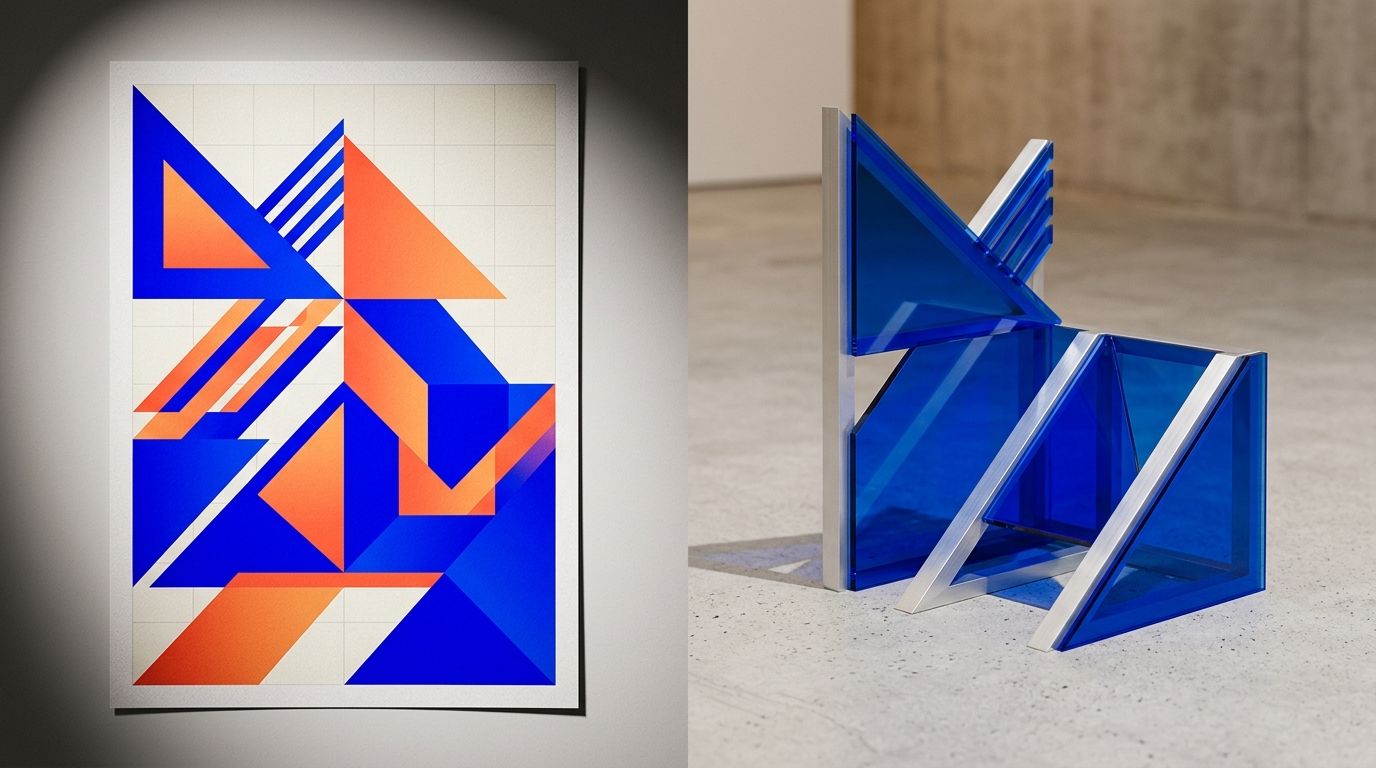
A high-contrast ad linking to a flat white product page breaks user trust immediately.
The Visual Promise Gap
Every ad you run makes a visual promise. It sets an expectation for the brand aesthetic. When a user clicks, they are voting for that specific aesthetic. If the page they land on breaks that promise, the brain registers it as an error. The user assumes they clicked the wrong link or that the site is untrustworthy.
This drop in trust is exactly the visual gap costing sales across your entire account. Paid media teams spend weeks testing different creative directions to see what stops the scroll. They might find that a neon cyberpunk aesthetic drives the cheapest clicks. They scale that ad. But nobody tells the merchandising team to update the Shopify page.
The result is a graveyard of abandoned carts. Shoppers feel bait-and-switched. They arrived expecting energy and received a boring pack shot.
(A necessary caveat here is user-generated content. UGC videos convert incredibly well on TikTok and Instagram. You obviously cannot make your entire product page look like a blurry iPhone video shot in a messy bathroom. The solution is not to lower your page quality. The solution is to match the lighting and color temperature of the UGC while maintaining a professional layout.)
How to Run a Visual Continuity Audit
You cannot fix what you do not measure. A visual continuity audit is a documented process. You take your top three spending ads and place them side-by-side with the exact mobile URL they link to. Do not do this on a desktop monitor. Ninety percent of your traffic is on mobile. You must view the transition exactly how the user sees it.
Step 1: The Scent Trail Check
Visual scent refers to the specific cues that carry over from the ad to the site. This includes primary colors, lighting styles, and shadows. If your ad features harsh, dramatic shadows like a summer afternoon, your product page needs to reflect that same lighting in the hero image.
If you ignore this, you will quickly see why clicks don't lead to sales. The disconnect jars the user. Open the ad on your phone. Tap the link. Note the immediate color shift when the browser loads. If the screen goes from dark and moody to blindingly white, your visual scent is broken.
Step 2: The Angle and Scale Match
Look at the product in the ad. Is it shot from a low angle to look heroic? Is it shot from a top-down flat lay perspective? The hero image on your product page needs to honor that angle. If an ad sells the texture of a shoe through a macro close-up, dropping the user onto a page where the shoe is a tiny dot surrounded by white space kills the momentum.
The product scale must remain consistent. If they clicked to see details, give them details immediately above the fold.
Step 3: The Background Context
If your ad places a coffee bag on a rustic wooden table surrounded by beans, the customer is buying into a specific morning ritual. If the landing page strips all that away and just shows a foil bag floating in a void, the emotional hook is gone.
Your product page imagery needs to sustain the environment established in the feed. This does not mean every image in the carousel needs a complex background. But the very first image they see must bridge the gap between the feed and the store.
The Old Way vs The AI Way
Two years ago, fixing a visual mismatch was a nightmare. If a media buyer found a winning ad angle on a Friday, optimizing Shopify product page images to match it meant booking a new photoshoot. You had to hire the photographer, rent the studio, source the props, and wait three weeks for edits. By the time the new images were uploaded, the ad had fatigued and the campaign was dead.
Founders accepted this lag because there was no alternative. You either dealt with a high bounce rate or you paid thousands of dollars to chase a fleeting creative trend. The unit economics of traditional photography made it impossible to perfectly sync your landing pages with your weekly ad iterations.
| Image Sourcing Method | Turnaround Time | Cost Implication |
|---|---|---|
| Traditional Studio Photoshoot | Three to four weeks | Thousands of dollars per concept |
| AI Product Photography | Under five minutes | Less than five dollars per render |
AI product photography changes this entirely. The bottleneck is gone. If a dark, moody ad starts crushing it on Facebook, you do not need to call a photographer.
You open CherryShot AI. You upload your existing flat product shot. You select the Luxury or Magazine mode. Within minutes, you have a dozen campaign-ready hero images with the exact moody lighting you need. The cost is under five dollars. You update the landing page before the end of the day. The visual gap is closed and your conversion rate instantly recovers.
Executing the Fix Without Breaking Your Site
When you start updating your product pages to match your ads, you need to manage the transition smoothly. Do not replace every single image in your gallery. A high-converting product page still needs pure catalog shots for the detailed buying decision later in the scroll.
Update the Primary Hero Image First
The first image in your carousel is doing ninety percent of the heavy lifting for visual continuity. This is the image that appears above the fold on mobile the second the page loads. Make sure this image is the one generated to match the ad. If the ad is loud, the hero image is loud.
Keep the Clean Shots Secondary
Once the user scrolls past the hero image, they are no longer reacting to the ad. They are now in research mode. At this point, it is perfectly fine to show them the classic Minimalist or pure white background shots. They have already validated that they are in the right place. Now they just want to see the back of the packaging.
This hybrid approach protects your brand trust while satisfying the shopper's need for clear product details.
Key Takeaways
- A disconnected visual experience from ad to landing page is the primary driver of immediate bounces.
- A visual continuity audit requires viewing the ad and the mobile landing page side-by-side to check for lighting and color matches.
- You do not need an entirely new photoshoot to fix a mismatched page.
- Use AI generation to rapidly create new hero images that share the exact aesthetic of your top performing campaigns.
Frequently Asked Questions
How do I ensure visual consistency between my ads and product pages?
Verify visual consistency by loading your best ad on a mobile device and clicking through to the destination page. You must confirm that the color palette, lighting direction, and overall aesthetic environment remain completely identical across both touchpoints. Replacing a generic white background with a highly specific, campaign-matched hero image directly above the fold stops shoppers from immediately bouncing.
What is a visual continuity audit for ecommerce?
A visual continuity audit is a systematic evaluation of the imagery transition from the initial ad click to the final checkout step. This dedicated process grades the entire user experience based on lighting accuracy, camera angle alignment, product scale, and background context. Finding and fixing these specific visual disconnects directly reduces the immediate bounce rate on your mobile landing pages.
How do I fix visual mismatch between my ads and landing pages?
Fix a visual mismatch by immediately updating the primary hero image that loads above the fold on your mobile landing page. You only need to align this single first impression with the winning ad rather than completely reshooting your entire product catalog. Generating a new campaign-specific image from a basic flat shot bridges the aesthetic gap without requiring expensive studio time.
How often should I audit ad-to-page visual alignment?
Run a full visual alignment audit every single time your media buying team launches a new core creative concept. Introducing a fresh visual style to combat ad fatigue requires an immediate corresponding update to the destination landing page. Reviewing your three highest-spending campaigns on a strict monthly schedule ensures expensive traffic does not bleed out due to disjointed store imagery.
What is the visual promise gap in ecommerce?
The visual promise gap represents the exact difference between the aesthetic expectation set by an ad and the reality of the destination landing page. Showing a luxury lifestyle experience in the feed while delivering a clinical catalog layout on the site completely breaks the initial agreement. This specific disconnect destroys consumer trust and directly drives up your mobile bounce rate.
Stop paying for expensive traffic just to abandon those users on a disjointed product page. If you spend time perfecting an ad creative, you owe it to your unit economics to perfect the landing experience. Align your imagery, close the visual promise gap, and watch your conversion rate climb.
If you need to rapidly sync your product page visuals with your latest ad campaigns, CherryShot AI lets you generate perfectly matched hero images in minutes instead of weeks.
Check your mobile visual transition on your phone right now
Open your best performing ad on your phone and tap the link to review the exact change in lighting and background your shoppers see. If the shift feels jarring, generate a new hero image today to match the campaign and stop losing expensive clicks.
Try CherryShot AI