Product Image Gallery Structure for Ecommerce: How to Build a Gallery That Tells the Full Visual Story
Most ecommerce founders treat their product image gallery like a digital storage unit. They upload every photo from their last studio shoot, drag the most attractive shot to the front, and assume the job is done. A product gallery is not a repository. It is a sequenced sales pitch. If your traffic is high but your conversion rate refuses to budge, your gallery structure is likely failing to answer customer objections in the order they naturally arise.
Definition
A product image gallery structure is the intentional sequencing of photographs on an ecommerce listing designed to guide a shopper's evaluation process. It dictates the order and specific type of visual information presented, moving from clear identification to detailed inspection and environmental context.
I have sat in studios reviewing contact sheets where an art director argued over the background styling of a lifestyle shot for an hour. Meanwhile, we completely forgot to capture the actual clasp mechanism on the bag we were selling. We spent thousands of dollars optimizing for aspiration while completely ignoring utility. When you understand product image gallery ecommerce strategy, you stop chasing random pretty pictures. You start building a deliberate visual narrative.
Buyers do not read your carefully crafted product descriptions first. They click the thumbnails. They swipe left. They look for visual proof that your product solves their problem, fits their life, and justifies its price tag. If your sequence is out of order, or if it repeats the exact same information from three slightly different angles, the buyer loses interest and leaves.
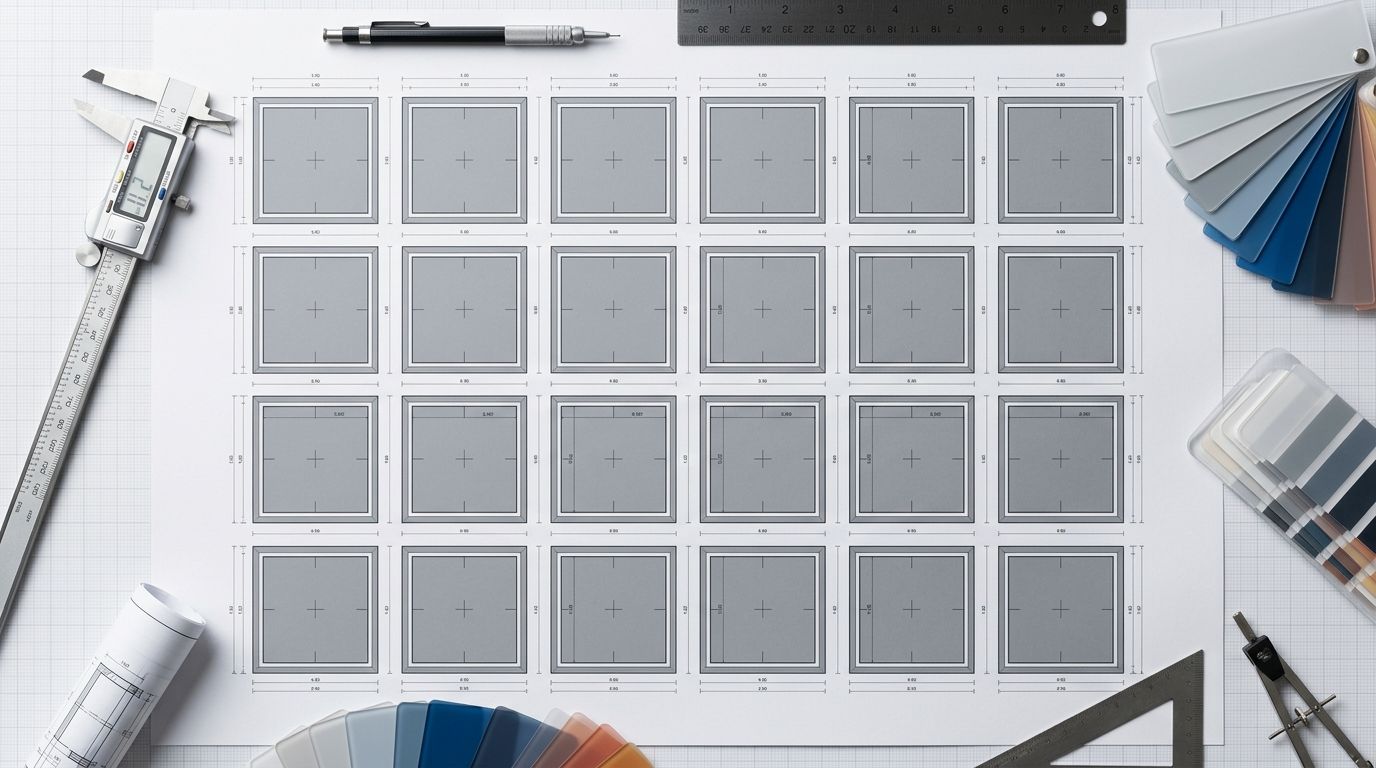
A properly structured gallery guides the eye from clear recognition to deep material detail in seconds.
The Anatomy of a High-Converting Image Sequence
The biggest mistake brands make is showing the same thing multiple times. If your first three images are all front-facing shots on a white background, you are wasting the most valuable real estate on your site. You need a distinct product visual narrative. Every swipe must deliver new information.
Image 1: The Anchor (Cognitive Recognition)
The first image has only one job. It must instantly confirm to the user that they clicked the correct link. This is not the place for moody lighting or complex backgrounds. The Anchor should be a perfectly lit, dead-center shot on a white or light gray background. It needs high contrast and zero distractions. If someone cannot identify the exact product category within half a second of looking at your hero shot, you have failed.
Once you nail this initial shot, you have to optimise Shopify product page images to ensure this critical first frame loads instantly on mobile devices. A brilliant anchor shot means nothing if the user stares at a blank gray box for three seconds.
Image 2: The Alternate Reality (Context and Depth)
Once the user knows what the product is, they immediately want to know what the back looks like. Or the side. Or the inside. The second image provides spatial context. If you are selling a backpack, show the internal pockets. If you are selling a sneaker, show the tread on the sole. If you are selling apparel, show the drape from behind. You must prove the item is a complete, well-thought-out product from every angle.
Image 3: The Scale Shot (The Reality Check)
The most devastating review you can get on an ecommerce store is "Much smaller than expected." That review destroys future conversions. It happens entirely because your gallery structure lacked a reality check. You must provide visual scale. Show a hand holding the skincare bottle. Place the coffee mug next to a standard keyboard. For clothing, clearly list the height of the model wearing the item in the image caption. You remove friction by removing guesswork.
Image 4: The Macro Detail (The Proxy for Touch)
Online shoppers cannot pick up your product. They cannot feel the weight of the ceramic or the softness of the cotton. Your macro shot has to do the heavy lifting of tactile feedback. Zoom in closely on the stitching of a leather boot. Highlight the machined edge of a metal tool. Show the exact texture of the serum smeared across glass. When you study what converts in product photos across different industries, high resolution detail shots consistently separate premium brands from cheap alternatives.
Image 5: The Aspirational Context (Lifestyle)
Only after you have proven what the product is, how big it is, and how well it is made should you sell the dream. The lifestyle image places your product in its natural habitat. It shows the hiking boot on a muddy trail. It shows the lamp illuminating a perfectly styled mid-century modern desk. It tells the buyer that purchasing this item brings them closer to the life they want to lead.
How Production Bottlenecks Ruin Gallery Structure
Understanding product image architecture is easy. Executing it across hundreds of SKUs is an absolute nightmare using traditional photography methods. Securing a clean studio shot requires an entirely different lighting setup than a moody lifestyle image. Most brands compromise because they cannot afford to book three different sets for a single pair of sunglasses. They settle for a few generic white background photos and hope the customer figures the rest out.
This production constraint is exactly what AI product photography solves. Traditional shoots force you to batch everything together and accept whatever the photographer delivers. If the scale shot looks weird, you are stuck with it unless you want to pay for a reshoot. The timeline drags out for weeks.
With CherryShot AI, you no longer have to compromise on your gallery sequence. You upload a simple flat lay or raw product photo. You select the Minimalist mode to generate your perfect Anchor shot. You switch to Lifestyle mode to create the aspirational context. You move into Loud Luxury to secure an editorial social proof angle. You get campaign-ready photos in minutes, perfectly customized to fit the exact sequence your gallery needs. The per-image cost drops to under $5. You stop managing logistics and start actively building a narrative.
(There is a practical limit to this approach. Building an exhaustive, multi-step gallery architecture for every single SKU is not always necessary. If you are selling low margin replacement cables or basic five-dollar utility items, speed to market and fast page load times matter far more than emotional storytelling. A solid anchor shot and a technical diagram will suffice. Reserve the deep narrative sequence for your hero products and high margin items.)
Vertical Specific Nuances in Gallery Design
While the psychological sequence remains the same, different product categories require different visual emphasis. You cannot copy the exact structure of a tech brand and apply it to a luxury fashion label.
| Product Category | Primary Visual Focus | Crucial Secondary Shot |
|---|---|---|
| Apparel and Fashion | Fit, drape, and movement on a body | Ghost mannequin showing internal structure |
| Electronics and Hardware | Macro detail of ports and buttons | Infographic detailing exact specifications |
| Home Goods and Furniture | Accurate physical scale and dimensions | Environmental room setting with standard objects |
Apparel and Fashion
Apparel shoppers care entirely about fit, drape, and movement. The scale shot and the lifestyle shot blur together here. You must show the garment on a human body. However, human models introduce personal bias. If the customer does not relate to the model, they might reject the clothing. This is why smart brands frequently use ghost mannequin photography for their secondary images. It allows the buyer to clearly see the internal structure and shape of the garment without human distraction. The gallery should alternate between clear structural views and dynamic movement.
Electronics and Hardware
Tech buyers are deeply skeptical. They do not care about the dream until they confirm the specifications. In this vertical, the macro detail shots and the alternate angles must dominate the gallery. Show every single port. Highlight the texture of the buttons. Your final image should almost always be a clean infographic that visually labels the dimensions, battery life, and compatibility. Visual data is just as important as visual aesthetics here.
Home Goods and Furniture
When selling furniture, spatial anxiety is the primary conversion killer. The buyer is terrified the couch will overpower their living room or the rug will clash with their floor. Your scale shots must be flawless. You need environmental photos that show the product surrounded by standard, recognizable objects. A coffee table next to a standard sofa immediately tells the brain exactly how large the table is. CherryShot AI is incredibly useful here, allowing brands to rapidly generate multiple room settings to show how a single piece of furniture works in an industrial loft versus a cozy farmhouse.
Frequently Asked Questions
What is the ideal structure for a product image gallery?
The ideal structure follows a strict psychological sequence that moves from clear cognitive recognition to detailed tactile and environmental proof. This deliberate visual progression answers the exact questions buyers have in the precise order they naturally ask them during the evaluation phase. Build your sequence by starting with a white-background anchor shot, moving to alternate structural angles, inserting a scale reference, displaying macro material textures, and finishing with an aspirational lifestyle context.
How many types of product images should be in a gallery?
High converting product galleries require a minimum of five distinct image types to properly overcome buyer hesitation. Presenting the same angle repeatedly wastes critical digital real estate and fails to provide the spatial and contextual data consumers expect. Ensure your listing includes a primary studio anchor, a secondary alternate view, a clear physical scale reference, a detailed macro texture crop, and an environmental lifestyle photograph.
What order should product images be in?
Product images must be sequenced logically from the most unobstructed physical view to the broadest environmental context. Placing complex lifestyle photos first creates cognitive friction, as the buyer must decipher what is actually for sale before they can evaluate its merits. Hook the viewer with a stark white-background shot, validate dimensions with a recognizable scale reference, prove material quality through tight macro crops, and close the pitch with real-world application shots.
How do I build a product gallery that increases conversion?
You build a high-converting gallery by systematically identifying and visually resolving the most common objections your specific target audience holds. Customers abandon checkouts when they harbor unresolved doubts regarding size, material quality, or practical function that text descriptions alone cannot mitigate. Audit your return data to find recurring complaints, then position a dedicated scale photograph or macro texture shot directly in the second slot of your carousel to eliminate that specific fear early.
What makes a good product image gallery?
A highly effective product gallery functions as a visual sales sequence where every individual frame communicates an entirely new piece of information. Brands fail when they treat the carousel as an archival dumping ground for identical angles rather than a structured narrative designed to guide evaluation. Curate your collection so it balances immediate cognitive recognition in the primary thumbnail with deep, tactile visual proof in the subsequent slides.
Key Takeaways
- A gallery is a psychological sequence designed to answer objections, not a storage folder for brand assets.
- Never repeat the same angle back-to-back. Every swipe must deliver entirely new visual information.
- Scale and texture shots are mandatory proxies for the physical touch your online buyer is missing.
- Production costs should no longer force you to compromise your gallery sequence. Tools like CherryShot AI can generate missing narrative elements instantly.
A brilliant product description cannot save a confusing image gallery. The modern consumer shops with their eyes first, second, and third. If you are tired of spending weeks organizing shoots just to fill out the necessary visual gaps on your product pages, CherryShot AI gives you the control to build campaign-ready galleries exactly the way you want them.
Map out your ideal image sequence before your next product launch
Review your top-selling product page right now to see if your image carousel repeats the same basic angle. Identify the missing scale, texture, or lifestyle shots that could resolve lingering customer doubts. If you need to instantly fill those visual gaps without booking a completely new studio session, run your base photos through CherryShot AI.
Try CherryShot AI