CherryShot AI

    Prompting AI for Product Photography: What Actually Gets Professional Results

    April 01, 2026

    A reliable prompt for AI product photography replaces vague adjectives with concrete set design instructions. You define the lighting, the surface material, the camera angle, and the background context before letting the algorithm generate the image. Most guides teach you to write poetry when you actually need to write a production brief. Any brand trying to get usable campaign assets by typing a basic descriptive sentence into an image generator is paying for unusable art.

    A professional prompt for AI product photography is a structured set design brief that defines lighting direction, surface materials, and camera parameters. It removes all creative ambiguity so the algorithm generates a photorealistic studio environment instead of a stylized illustration. You are acting as a creative director communicating with an incredibly literal set builder.

    Key Takeaways

    • Treat your prompt like a literal set design brief rather than an abstract creative wish.
    • Always specify lighting direction, surface materials, and optical depth of field.
    • Break your instructions into structural elements like background context, props, and camera settings.
    • Skip complex prompt engineering entirely by using visual modes that lock in professional aesthetics.
    73%

    of consumers say product photos are the most important factor in their online purchasing decision. Salsify Consumer Research, 2023

    The Core Elements of Prompt Engineering Product Images

    Generating photorealistic ecommerce assets requires a fundamental shift in how you communicate with artificial intelligence. The best prompts product photography AI models understand are rooted entirely in the physical world. When you ask an image generator for a luxurious photo, the model has to guess what luxury means. It might guess velvet. It might guess gold. It might guess a dark moody room. By replacing subjective words with objective physical properties, you take back control of your brand aesthetic.

    Lighting is the Foundation of Realism

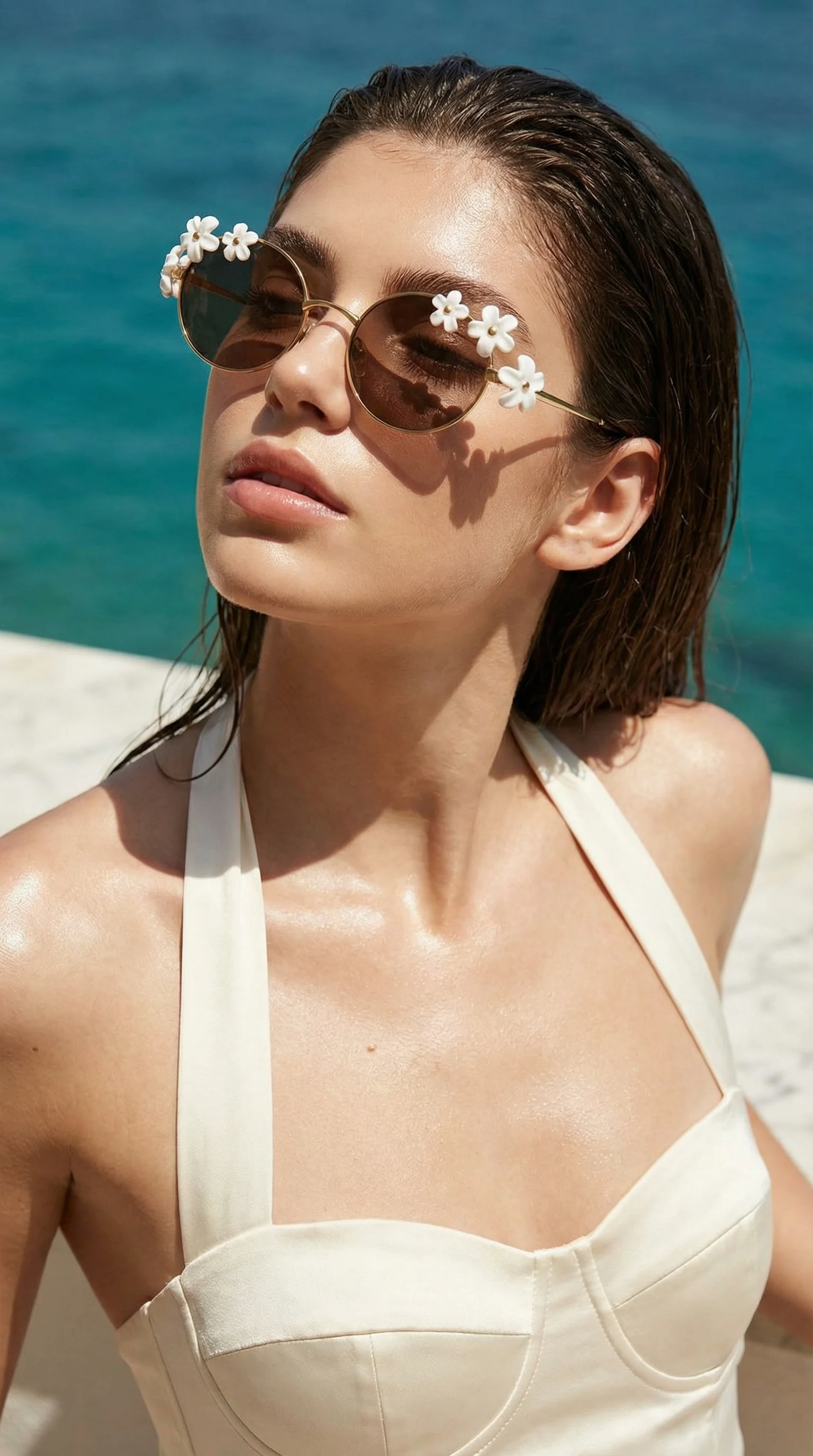
    The fastest way to spot a poorly prompted AI image is flat, directionless lighting. In a real photography studio, lighting determines the mood, the texture, and the shape of the product. Your text to image product photography workflow must dictate the light source with extreme precision. Do not just ask for bright lighting. Ask for harsh midday sunlight casting a sharp diagonal shadow across a plaster surface. Ask for diffused studio softbox lighting coming from the top left. Ask for rim lighting that separates a dark glass bottle from a dark background.

    Lighting that makes a glass bottle look luxurious will make a cotton shirt look cheap.

    Defining Physical Surfaces and Prop Context

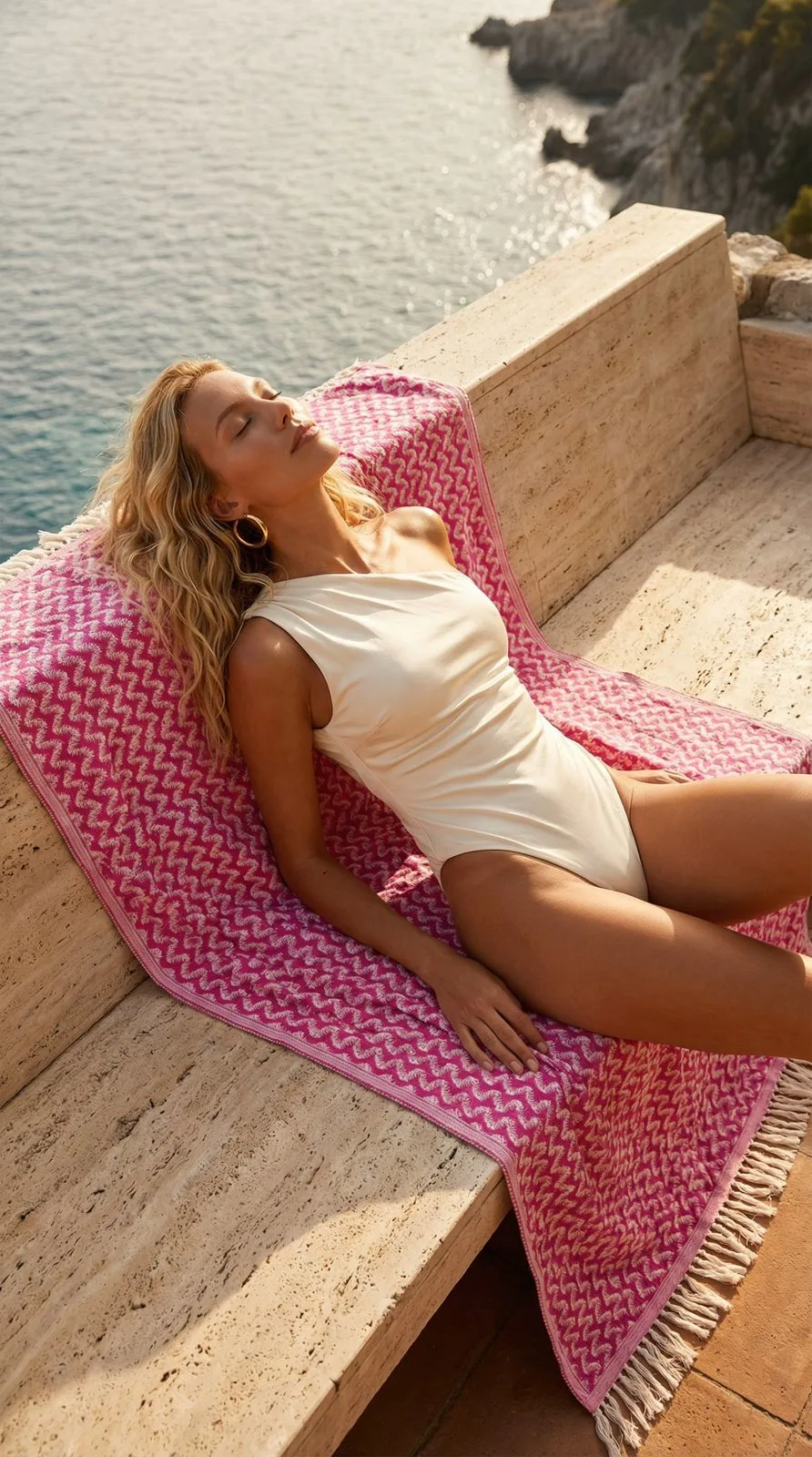
    Products rarely look their best floating in an empty void. Grounding your item on a specific surface forces the AI to calculate realistic shadows and reflections, which drastically improves the perceived realism of the image. A good product photo AI prompt guide will always instruct you to name the exact material. Words like rough travertine stone, polished black marble, weathered oak wood, or frosted acrylic plinth give the rendering engine the exact data it needs to calculate light bounces. If you include props, limit them to two or three related items and specify their placement relative to the main product.

    AI-generated on-model product image of a skincare bottle resting on a rough travertine stone block bathed in sharp directional sunlight
    Defining the exact type of stone and the angle of the sun prevents the AI from generating generic studio backgrounds.

    Structuring Your Product Photo AI Prompt Guide

    Throwing a handful of keywords at a model and hoping for the best is not a scalable strategy. If the average DTC brand shoots new inventory four times a year, writing a reusable prompt architecture saves hundreds of hours in revisions. You need a formula that your entire team can follow whenever a new SKU drops.

    The Master Formula for Text to Image Product Photography

    A highly effective prompt structure moves from the subject out to the environment, and then layers on the technical parameters. Start by defining the product placement. Follow that with the surface material it rests on. Next, describe the background context or the room environment. Then, dictate the specific lighting conditions. Finally, add the camera terminology that governs how the scene is captured. A complete formula looks like this: product resting on a ribbed sandstone plinth, background is a minimalist plaster wall, harsh directional sunlight casting sharp shadows, shot on 50mm lens, photorealistic studio photography.

    Camera Terminology That Changes Everything

    Image generation models are trained on billions of photos, which means they understand the language of cameras. Using optical terminology forces the AI to constrain its output to the physics of a real lens.

    (Worth noting: you will almost always need to specify shallow depth of field because base AI models default to an unnatural, hyper-detailed flatness without optical constraints.)

    Adding phrases like macro photography, 85mm portrait lens, or sharp focus on foreground subject will instantly upgrade your results. These AI photography style prompts tell the system not just what to draw, but how to simulate the glass capturing it.

    How to Prompt AI for Product Images by Retail Category

    Different retail sectors demand entirely different visual languages. A skincare brand needs clinical purity and hydrating textures, while an outdoor apparel brand needs rugged environments and dynamic movement. Your prompt engineering must adapt to the category expectations of your buyers.

    Best Prompts Product Photography AI for Skincare and Cosmetics

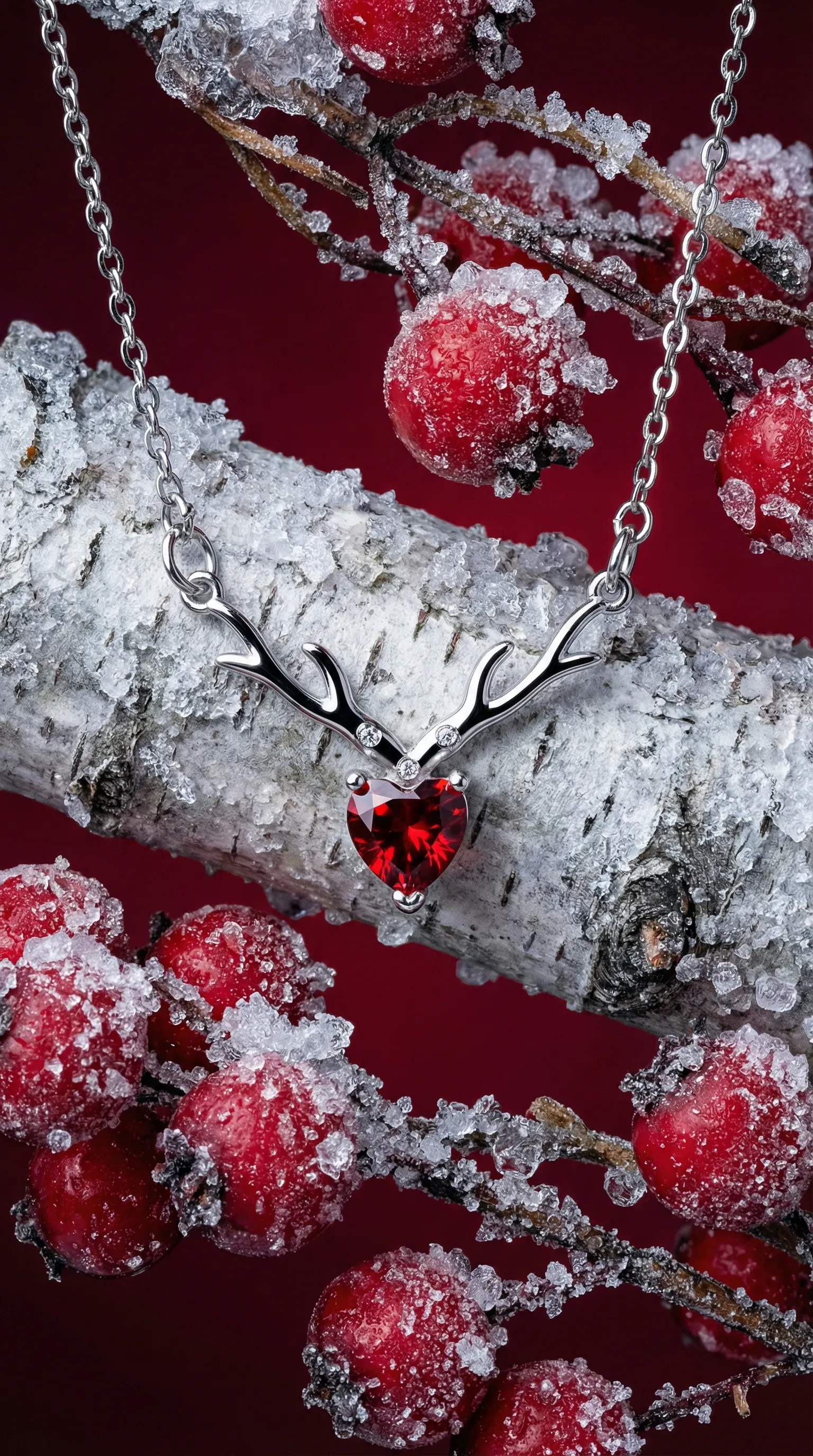
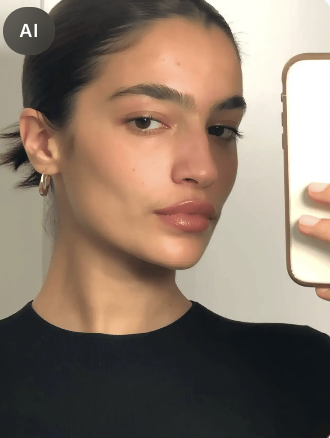
    Cosmetics photography relies heavily on texture and cleanliness. Your prompts should focus on words that imply hydration and premium materials. You should instruct the model to render water droplets, glossy reflections, or smeared texture swatches next to the product. Use lighting descriptors like soft diffused studio lighting or bright airy window light to avoid harsh shadows that make beauty products look aggressive. The background should almost always be described as minimalist or out of focus to keep the attention entirely on the packaging.

    AI Photography Style Prompts for Apparel and Fashion

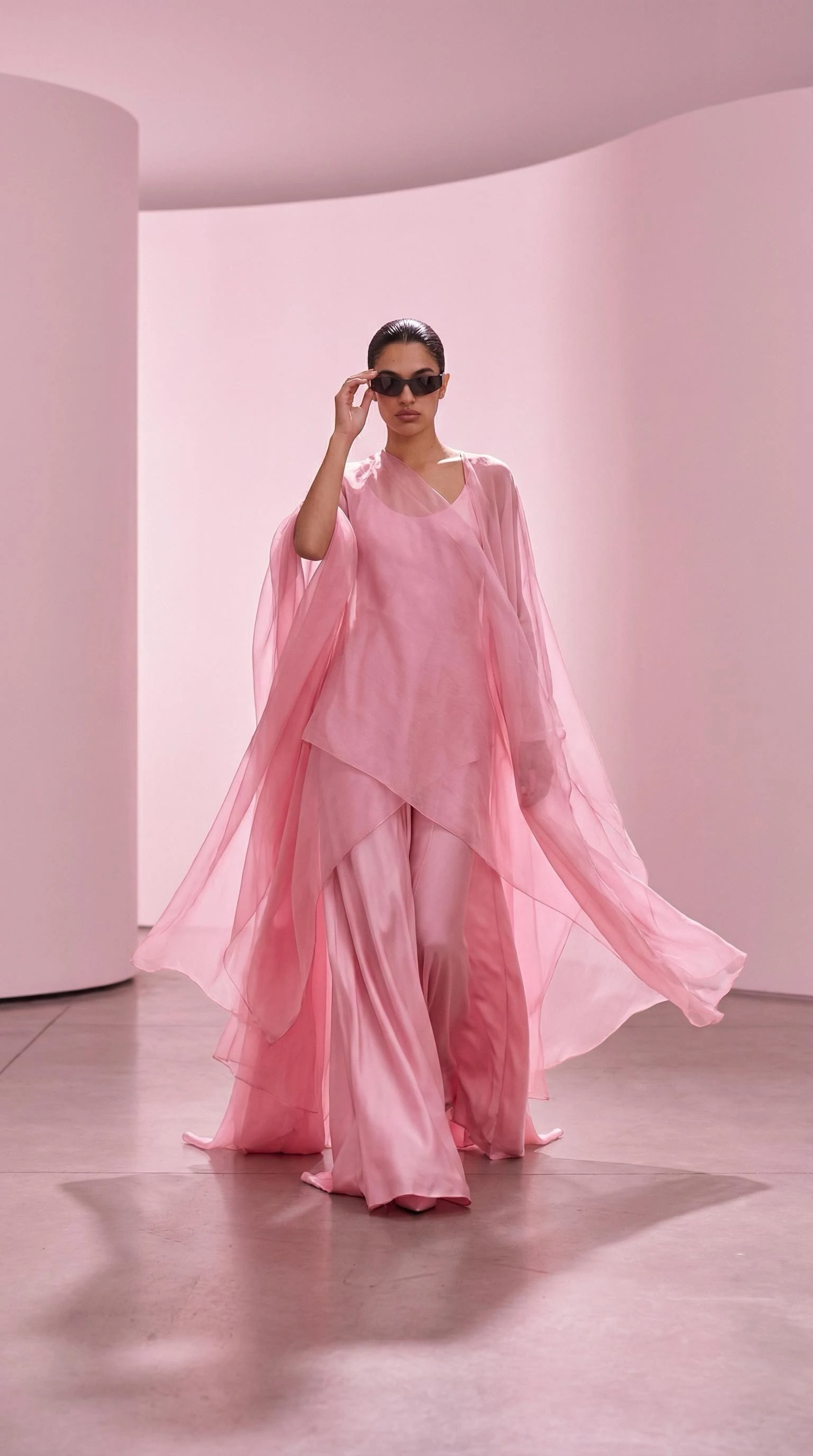
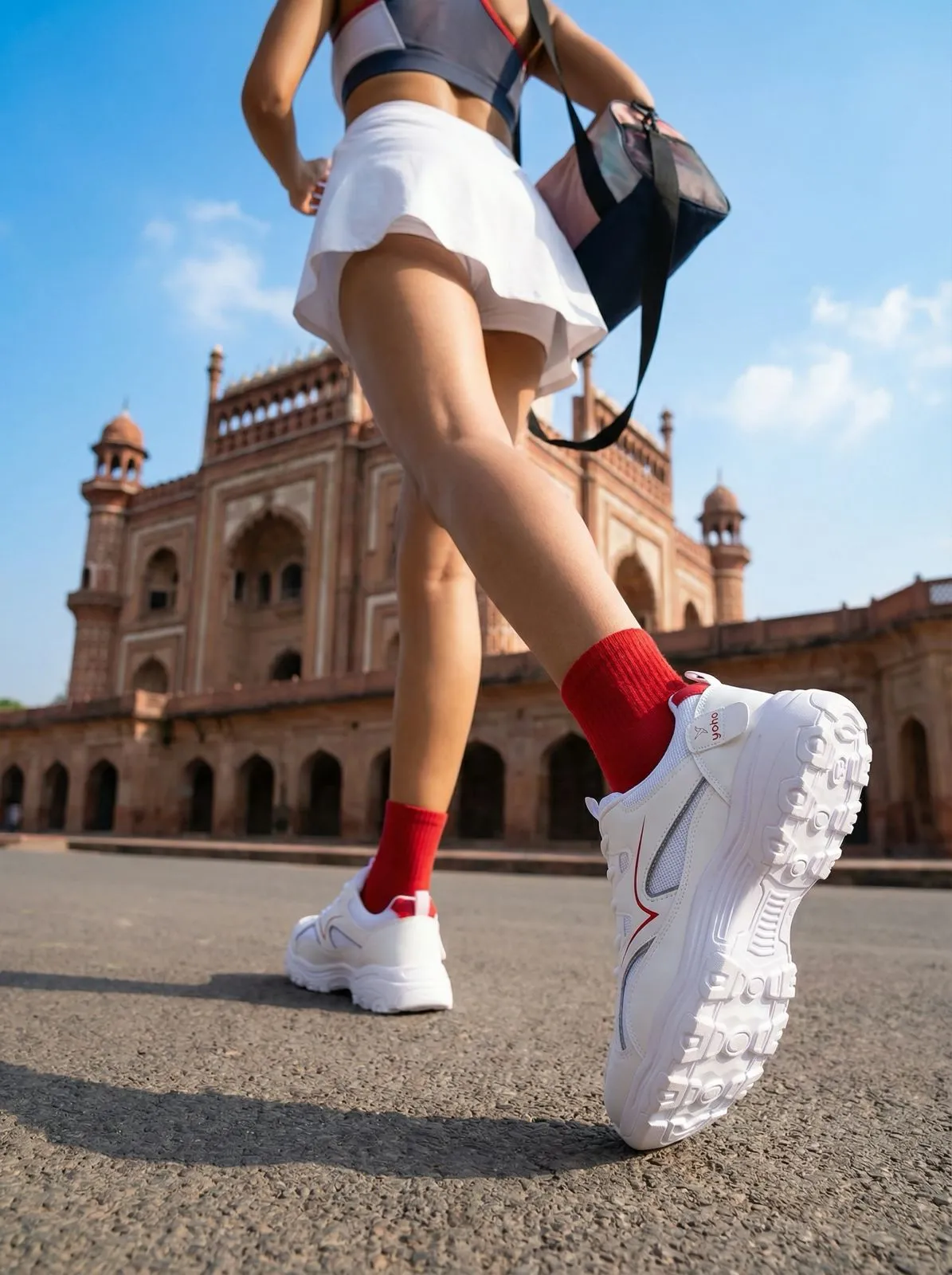
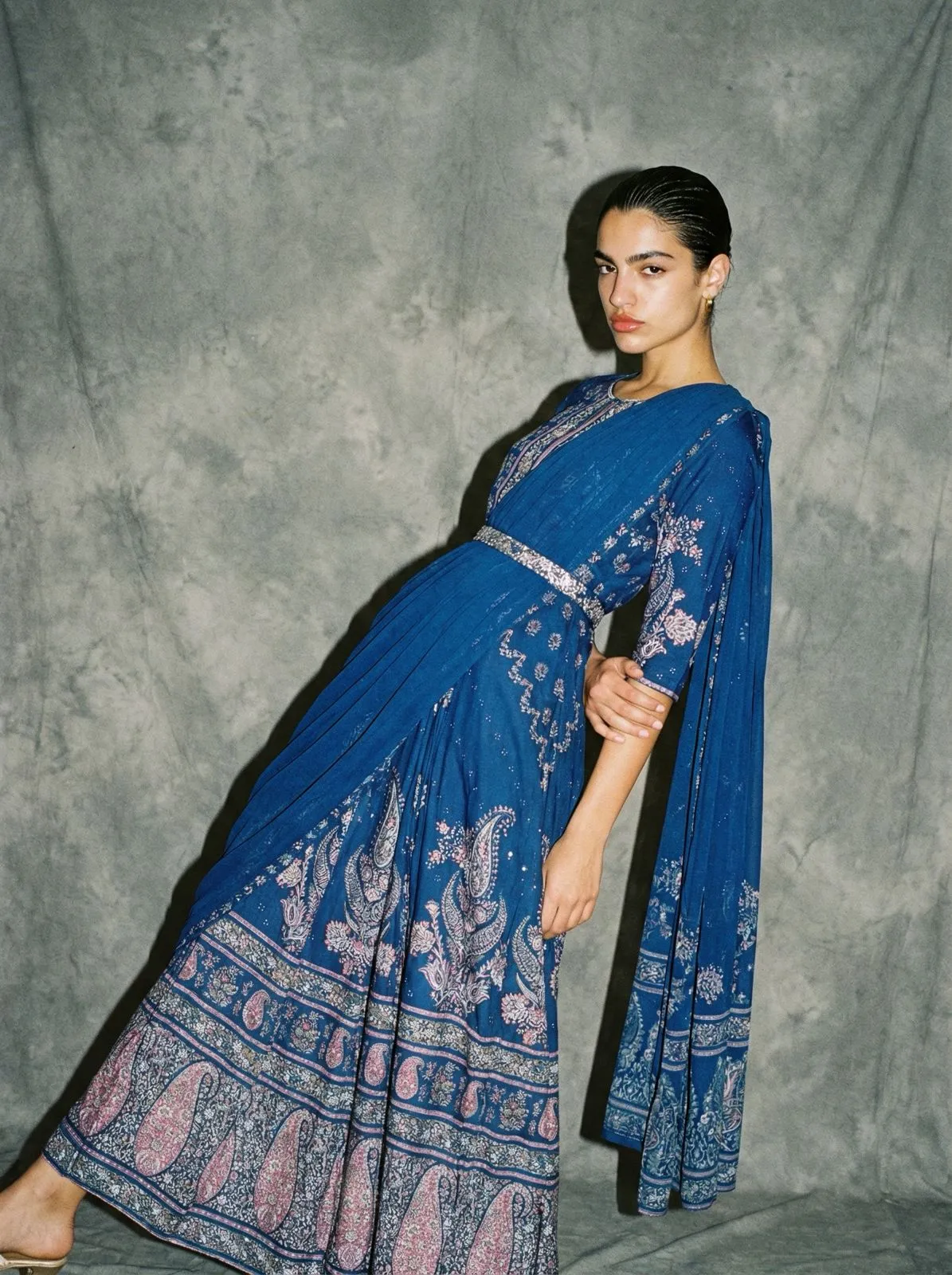
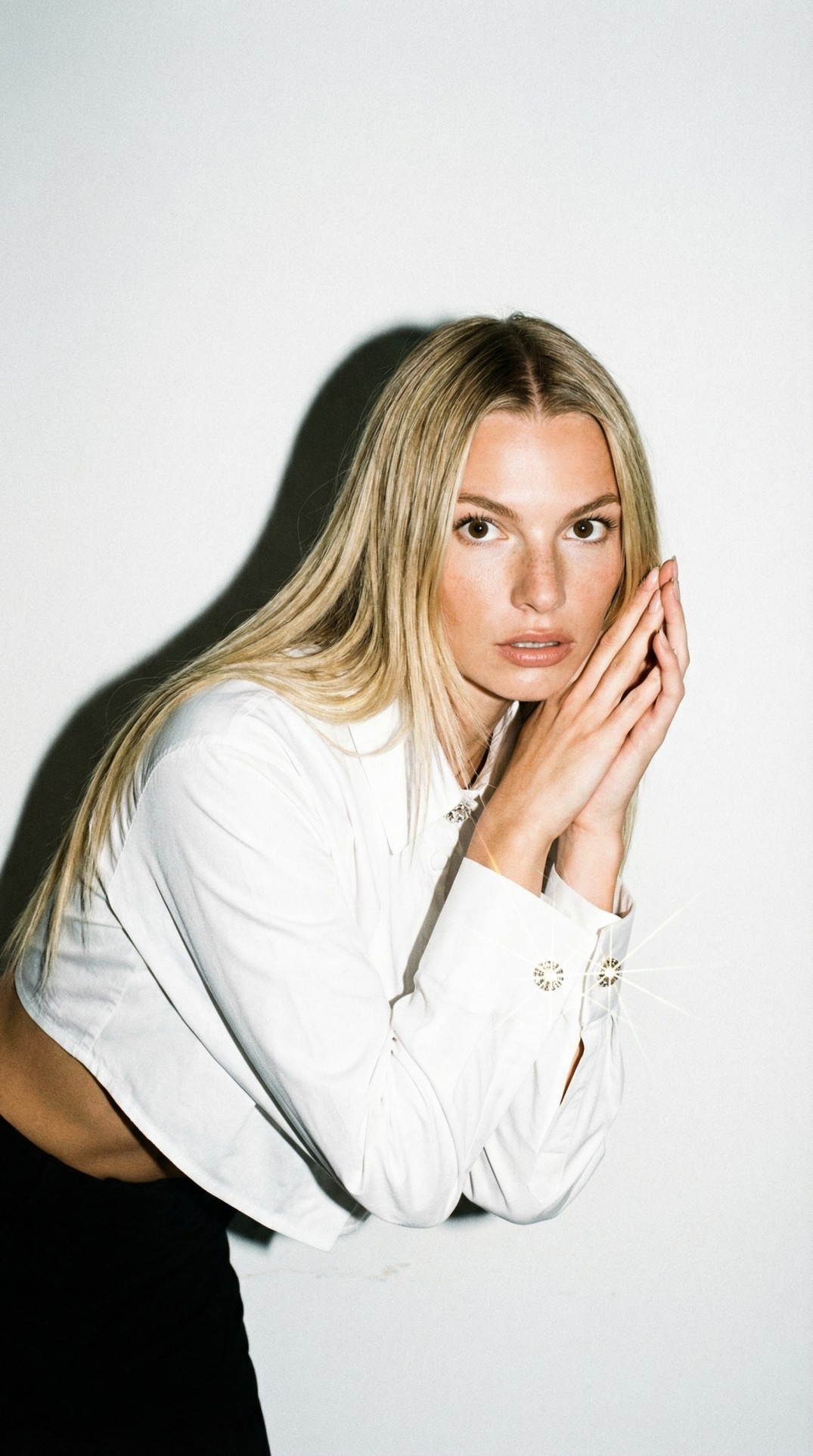
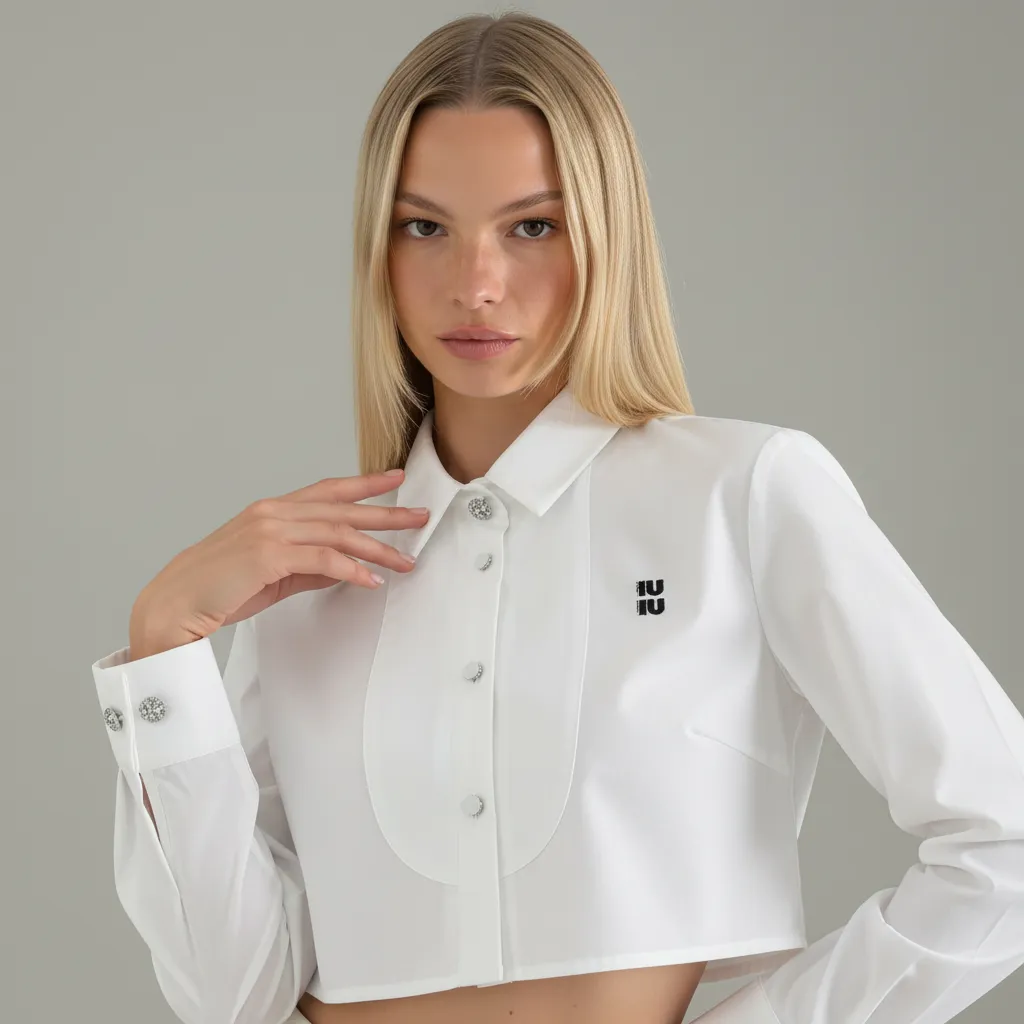
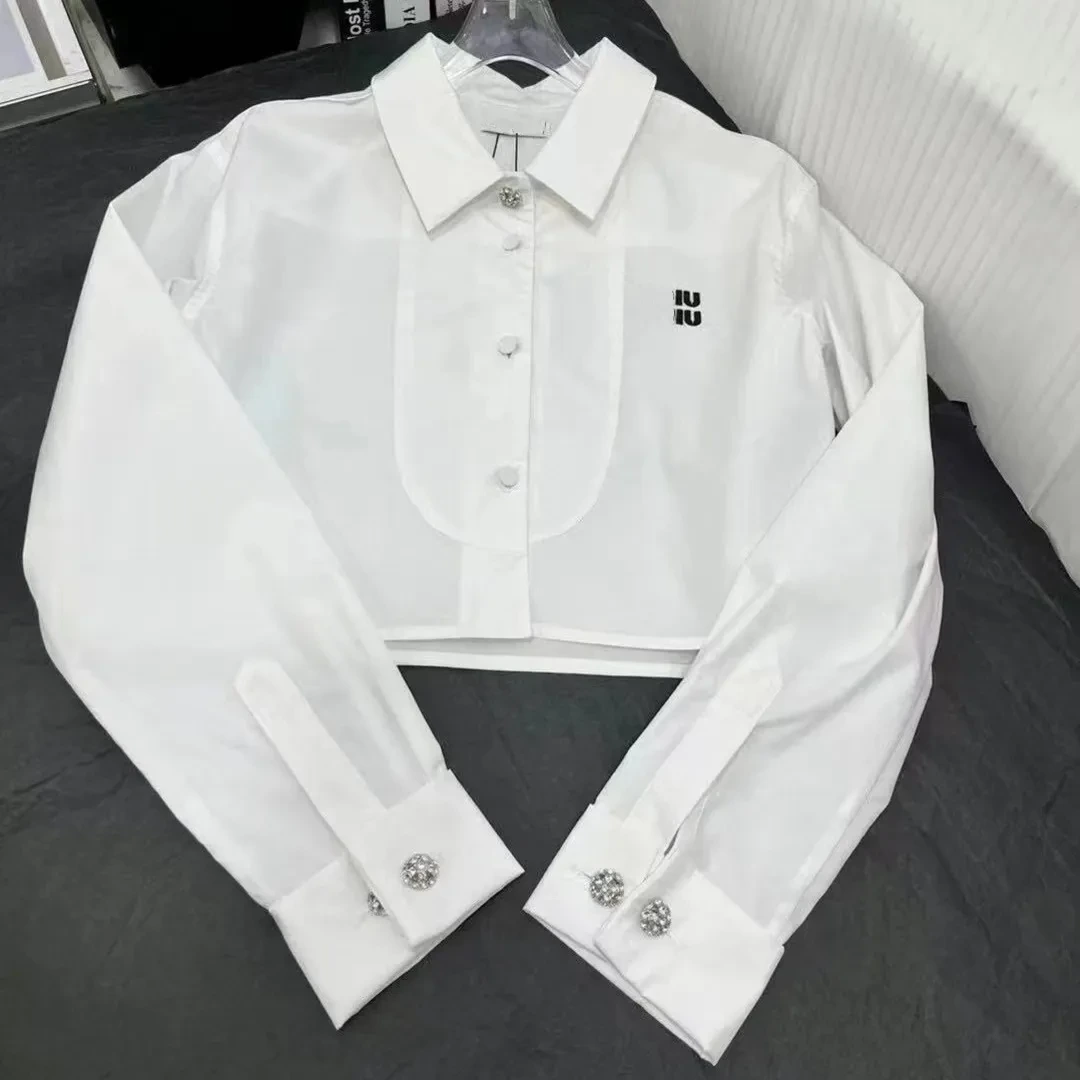
    Clothing is notoriously difficult for base models because fabric folds require complex lighting math. When figuring out how to prompt AI for product images in fashion, you must dictate the fabric behavior. If you are generating a flat lay, specify neatly folded flat lay photography shot from directly above. Emphasize the texture by asking for side lighting highlighting fabric weave. For ghost mannequin shots, specify a pure neutral gray background and even studio strobe lighting so the color accuracy remains intact.

    Moving Past Manual Prompting with Visual Modes

    Writing paragraph-long text prompts is an excellent way to learn how AI interprets physical space. It is a terrible way to scale an ecommerce business. The reality of pure prompt engineering is that it requires endless trial and error to get the exact shadow placement or the perfect marble texture.

    Why Pure Text Fails for Scalable Catalogs

    Consistency is the only metric that matters for an ecommerce catalog.

    If you rely entirely on manual typing, maintaining the exact same lighting and background across fifty different products is nearly impossible. The algorithm does not remember your brand guidelines from session to session. This is why brands abandon manual text-to-image interfaces and move to structured tools.

    Instead of endlessly tweaking text commands, you can use specialized software to guarantee consistency. When you upload your product photo to CherryShot AI, you simply select a predefined visual mode like Minimalist, Luxury, or Lifestyle. You bypass the text guessing game entirely. The system instantly translates the selected mode into the complex lighting, camera, and set design parameters required for a professional output. You get the benefits of advanced prompt engineering without having to write a single word of it yourself.

    Frequently Asked Questions

    What makes a good prompt for AI product photography?

    A good prompt acts as a literal set design brief rather than a creative suggestion by defining the exact lighting source, surface material, and background environment.

    Do I need technical knowledge to prompt AI for product photos?

    You do not need deep programming knowledge, but an understanding of basic photography terminology is highly recommended. Knowing the difference between softbox lighting, harsh directional sunlight, and dappled shadows will drastically improve your output. If you struggle with photography jargon, dedicated AI photo tools use visual modes to handle the technical parameter generation for you automatically.

    What details should I include in an AI product photography prompt?

    A comprehensive prompt must include four distinct categories of physical detail to generate a photorealistic result. You need to define the exact placement of the product relative to the camera. You must specify the surface material the item rests on and the texture of the background environment. Lighting instructions should dictate the direction and softness of the light source to match your brand guidelines. Finally, including camera parameters like focal length forces the model to render the scene with accurate optical depth rather than flat computer graphics.

    Can I describe a specific visual style or mood in a product photo prompt?

    Yes, referencing specific editorial styles like minimalist Scandinavian design or high fashion editorial helps the AI lock onto a cohesive color grading and shadow composition.

    If you want to skip the text tweaking and see what campaign-ready imagery looks like for your specific product category, CherryShot AI starts at $10 for 50 images at cherryshot.ai.