Shopify Getting Traffic But No Sales: The Visual Diagnosis
You successfully drove thousands of visitors to your Shopify store this week, but your dashboard still shows zero purchases. When a Shopify store is getting traffic but no sales, the diagnosis is almost entirely visual. Your marketing successfully sold the click, but your product page completely failed to sell the physical item. Visitors arrive with a specific expectation set by your ad creative, look at your product presentation, and immediately bounce.
Definition
A visual diagnosis is the systematic process of auditing an ecommerce product page to identify poor photography, inconsistent aesthetics, or formatting errors that cause visitors to bounce. It focuses entirely on finding and fixing the visual friction points that break consumer trust and prevent successful sales.
Most founders blame their pricing or their audience targeting when their store fails to convert. The harsh truth is that your targeting is probably fine. Your product photography is just not doing its job. You are treating product images as a simple administrative requirement rather than the primary vehicle for building consumer trust.
Upgrading your visual assets will not save a product nobody actually wants to buy. Bad products with great photos just result in higher return rates later on. But if you have validated the product offline and know people want it, visual presentation is the absolute barrier online.
(Worth noting: sometimes you actually do have a bot traffic problem. If your bounce rate is ninety-nine percent and session duration is zero seconds across thousands of clicks, check your ad network placements before rewriting your entire product page.)
Why is my Shopify store getting traffic but no sales?
Traffic is just a measure of curiosity. Conversion is a measure of trust. When you have high traffic and zero sales, you have effectively optimized for curiosity while completely ignoring the trust required to secure a credit card transaction.
The ad-to-store visual disconnect
The most common reason a Shopify store fails to convert is a concept known as ad scent. Ad scent refers to the visual consistency between the advertisement a user clicked and the landing page they arrive on.
Imagine running a highly polished lifestyle video ad on Meta. The lighting is moody, the models look great, and the brand feels premium. A user clicks the link expecting to enter a high-end boutique experience. Instead, they land on a plain white product page featuring a pixelated supplier photo that looks like it was downloaded from a wholesale directory.
The trust evaporates instantly. The shopper immediately assumes they have been baited by a drop-shipping operation. They hit the back button within five seconds. You paid for the click, but your visual presentation actively pushed the customer away. If your dashboard shows massive traffic but zero add-to-carts, our breakdown of how bad product photos lose conversions explains exactly where this margin disappears.
The missing spatial context
Online shoppers cannot touch your item. They cannot pick it up, feel its weight, or judge its true size. Your images are their only sensory input. If your primary product photo is just a floating object on a gray background, you are forcing the customer to guess.
Is that bag large enough to hold a laptop? Will that vase look ridiculous on a dining table? Does that fabric look cheap under natural lighting? When customers are forced to guess, they choose not to buy. They prefer to abandon their cart rather than risk the hassle of a return. Lifestyle imagery provides the spatial context that answers these unasked questions.
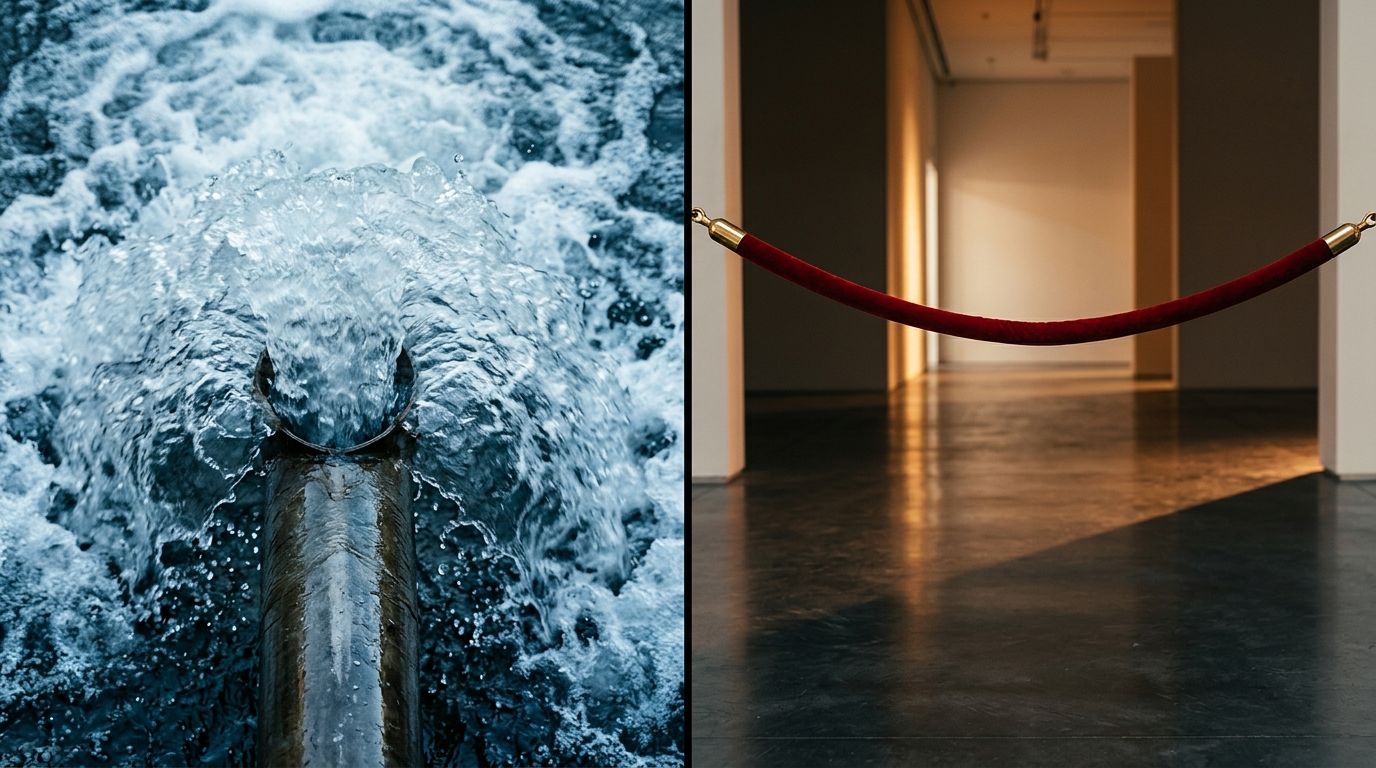
Diagnosing the exact visual friction points where your store visitors abandon their shopping carts.
How do I audit my Shopify product page for conversion?
You cannot fix a high-traffic low-conversion Shopify store by blindly changing button colors or offering larger discounts. You need to conduct a structured visual audit. This means looking at your store exactly the way a skeptical first-time buyer would.
Reviewing your hero image stack
Your hero image does eighty percent of the heavy lifting. It must validate the click immediately. Open your store in an incognito window and stare at your main product photo for three seconds. Close the tab. Ask yourself what you actually learned about the product in that brief window.
If the image is muddy, poorly lit, or cluttered with distracting background elements, your visitors are experiencing the same confusion. Many founders blame their pricing when the reality is far simpler. Solving the hidden visual causes of low add-to-cart rates is usually the fastest way to turn your existing traffic into actual revenue.
Checking mobile image cropping and scale
More than seventy percent of Shopify traffic comes from mobile devices. Despite this, most store owners still evaluate their site design on a large desktop monitor. This is a critical mistake.
On a smartphone screen, your massive wide-angle lifestyle shot shrinks down to a space roughly two inches wide. If your product is a tiny detail in the center of that composition, the mobile shopper cannot see it. They cannot appreciate the texture, the stitching, or the finish. You need tightly cropped images designed specifically for vertical phone screens. If the shopper has to pinch and zoom just to figure out what you are selling, they will leave.
Fixing the visual bottlenecks driving shoppers away
Once you have identified the weak points in your visual presentation, the next step is replacing them. Historically, this meant pausing your ad campaigns and scheduling a massive studio shoot. You would spend weeks coordinating photographers, renting locations, and waiting for final edits.
Adding lifestyle context without the studio cost
AI product photography changes that math completely. Upload a product image, pick a visual mode, and CherryShot AI generates campaign-ready photos in minutes. The per-image cost drops to under five dollars, and the turnaround time goes from three weeks to a Tuesday afternoon.
This speed allows you to test multiple visual approaches to see what actually converts. If your audience responds better to a Minimalist background than a loud Lifestyle setting, you can generate an entire catalog of minimalist images instantly. You are no longer locked into the aesthetic choices you made during a single expensive shoot day.
Building trust through consistency
Consistency is a massive trust signal. When every product image on your collection page shares the same lighting style and background tone, your brand feels established. When your catalog looks like a patchwork of different photo styles scraped from various suppliers, you look like an amateur operation.
The difference between a bounce and a purchase often comes down to this perceived professionalism. Learning how to optimize Shopify product images for conversion will help you maintain this vital consistency across your entire catalog before you launch your next campaign.
| Ad Creative (The Promise) | Product Page (The Reality) | Shopper Reaction |
|---|---|---|
| High-end lifestyle video | Low-resolution white background | Immediate bounce (Lost trust) |
| Close-up showing texture | Wide shot where product is tiny | Frustration (Cannot see details) |
| Professional studio aesthetic | Consistent campaign-ready images | Add to cart (Trust confirmed) |
Is traffic without sales always a product page problem?
While visual presentation is the most common culprit, it is not the only friction point. Once you have fixed your imagery, you must ensure the technical mechanics of your Shopify store are not blocking the sale.
The impact of visual weight on page speed
High-quality images are essential, but heavy image files are deadly. If you upload massive uncompressed files straight from a camera, your product page will take six seconds to load on a mobile network. Every second of delay actively reduces your conversion rate.
You must compress your images without sacrificing visible quality. Modern formats like WebP offer incredible detail at a fraction of the file size. Your imagery must be sharp, but it must also load instantaneously the moment someone clicks your ad.
Evaluating the final checkout friction
If your images are excellent and users are adding items to their cart but abandoning checkout, your problem has shifted down the funnel. This is usually caused by hidden shipping fees, complicated return policies, or a lack of trusted payment options. The visual presentation gets them to the cart. Your operational transparency must get them across the finish line.
Frequently Asked Questions
Why is my Shopify store getting traffic but no sales?
A high-traffic store with zero sales suffers from a critical disconnect between the initial marketing promise and your actual product page reality. You successfully convinced users to click an advertisement, but the resulting destination failed to build the visual trust required to secure their credit card information. Fixing this requires replacing generic, white-background supplier photos with contextual lifestyle imagery that answers common sizing and material questions instantly.
How do I fix a high-traffic low-conversion Shopify store?
Audit your product page visuals strictly on a mobile device to spot the exact friction points blocking purchases. Most traffic views your site on a small vertical screen, meaning wide-angle desktop images often hide critical details and destroy buyer confidence. Replace generic supplier shots with tightly cropped lifestyle photography that immediately validates the click and aligns perfectly with your marketing campaign.
Is traffic without sales a product page problem?
High bounce rates combined with near-zero add-to-cart metrics confirm that your product page is actively repelling potential buyers. Consistent incoming traffic means your ad targeting works, but the page experience fails to convert that initial curiosity into actual purchasing intent. Shoppers heavily judge brand credibility based on visual presentation, making poor image quality the most common barrier to a completed sale.
What is a visual diagnosis for a Shopify store?
A visual diagnosis systematically reviews every photographic asset a prospective customer encounters between clicking your advertisement and completing their checkout process. This evaluation pinpoints specific friction areas involving low image quality, poor mobile cropping, inconsistent lighting, or missing contextual relevance. Identifying these visual bottlenecks allows you to fix the exact elements causing shoppers to doubt your product quality and abandon their carts.
How do I audit my Shopify product page for conversion?
Open your digital storefront on a smartphone to review the product presentation exactly as a typical mobile shopper experiences it. Your hero image must instantly communicate the item's true scale and material texture without forcing the user to pinch and zoom. Verify that your carousel contains a healthy mix of studio shots and lifestyle context while keeping the add-to-cart button highly visible.
Key Takeaways
- A visual mismatch between ad creative and product pages destroys buyer trust instantly.
- Mobile shoppers require tightly cropped images to understand product details on small vertical screens.
- High-quality lifestyle photography answers the unasked consumer questions about scale and physical context.
- AI photography tools eliminate the heavy time and cost barriers to testing new product page visuals.
Getting traffic to your Shopify store is only half the battle. If you want that traffic to actually convert, you have to build a visual experience that earns their trust. When you are ready to upgrade your product photography without dealing with studio logistics, CherryShot AI provides the fastest path to a high-converting storefront.
Audit your product page images before your next campaign
Open your top-performing ad link on your phone right now and evaluate the product imagery exactly as a skeptic would. If your photos fail to build immediate trust, fix them before you spend another dollar on traffic. Test new visual concepts with CherryShot AI to generate campaign-ready lifestyle images in minutes.
Try CherryShot AI