What Customer Return Requests Actually Tell You About Your Product Page: A Data-Driven Analysis
Every time a customer prints a return label, they hand you a post-mortem of your product page. Most founders treat customer return requests product page data as a pure logistics headache. You swallow the reverse shipping fee, pay the warehouse to restock the item, and move on to the next fire. This is a massive mistake. Your return reason codes are not just warehouse instructions. They are a direct, unvarnished audit of your product page failures.
Definition
Product page return data analysis is the process of reviewing reverse logistics codes to identify inaccurate or misleading visual assets. Ecommerce operators map customer complaints like "item not as described" directly to specific photography failures, including missing scale context or poor lighting. Correcting these visual gaps aligns buyer expectations with the physical reality of the merchandise.
When a buyer selects "item not as described," they are explicitly telling you that your photography lied to them. Fix the visual gap on the page, and the return rate drops. You will never drive your return rate down to absolute zero. Certain categories, like fitted apparel or footwear, carry a baseline return rate simply because human bodies are unpredictable. But you absolutely can eliminate the completely preventable returns caused by bad visual merchandising.
The false comfort of generic return reason codes
Most ecommerce platforms offer a default list of return reasons. Customers click a dropdown, select a vague phrase, and print their shipping label. Founders often glance at this ecommerce return data insights report at the end of the month, shrug at the results, and blame fickle consumer behavior. They look at a spike in "changed my mind" and assume the buyer found a cheaper alternative.
Data requires translation. Customers are notoriously bad at diagnosing why they are disappointed. They just know they do not want the item. When an item arrives and feels cheaper than it looked online, the customer rarely selects a highly specific critique of your supply chain. They choose the path of least resistance on your return portal.
Translating "not as expected" into visual gaps
The code "not as expected" is the most expensive phrase in ecommerce. It means your product photography wrote a check that your physical product could not cash. The customer formed an expectation based entirely on the hero image they saw on their phone. When they unboxed the item in their kitchen, reality broke the illusion.
This happens constantly with texture and scale. If you sell a ceramic vase and only display it against a pure white background, you have given the buyer zero context. They might imagine it as a massive floor centerpiece. When it arrives and barely holds three stems of eucalyptus, they return it. They select "not as expected." You assume they did not read the dimensions in your bullet points. The harsh truth is that nobody reads dimensions. Buyers judge scale based on visual context.
Leaving visual gaps on product pages directly inflates your customer acquisition cost because you are paying to acquire a customer who is guaranteed to bounce the product back to your warehouse. You need images that establish scale immediately.
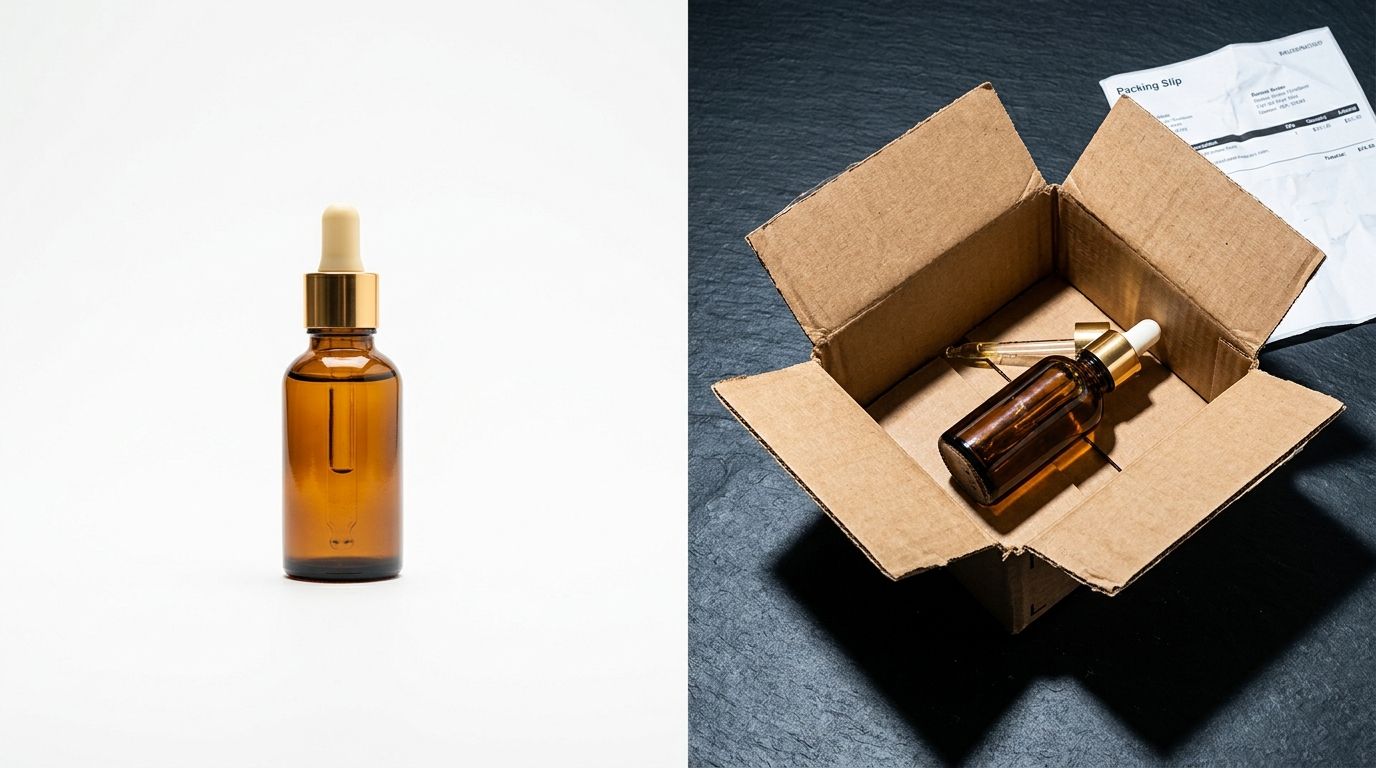
Return request data is a direct audit of the visual gaps on your product page.
How do you conduct a product page audit using return request analysis?
You cannot fix every product at once. You have to triage the bleeding. The best way to use customer feedback returns is to isolate the products with the highest return volume and perform a ruthless visual audit of their respective pages.
Start by exporting your return rate by product from Shopify or your preferred backend. Filter out the items with normal baseline return rates. Focus entirely on the top ten worst offenders. Open the return reason analysis ecommerce report for those specific SKUs. Now, put yourself in the mindset of a first-time buyer and open those product pages in an incognito window.
Hunting for product photography failures
Look at the lighting in your hero image. Flat, blasting studio strobes have a dangerous tendency to wash out colors. A navy blue sweater might look royal blue under a studio light. A warm ivory rug might look stark white. If your primary return code for these items is related to color, your photography is the culprit.
(Worth noting: this color mismatch issue applies heavily to impulse purchases where the buyer relies entirely on a single Instagram ad click to make their decision. They are not reading the color name in the fine print. They buy the color they see.)
Next, look at the angles. Does your gallery only show the front of the item? If you sell a backpack, does the customer see the inside compartments? Do they see how it sits on a human shoulder? If your return requests mention functionality or utility issues, it usually means the customer had to guess how the product worked. You forced them to gamble, and they lost.
| Return Reason Code | Underlying Customer Issue | Required Visual Fix |
|---|---|---|
| Not as expected | Misinterpreted the physical scale of the item. | Lifestyle photo next to a human or common object. |
| Color differs from image | Studio lighting washed out the true shade. | Color-calibrated shot in natural lighting conditions. |
| Quality issues (no defect) | Expected a different material texture or weight. | Macro detail shots of fabric, grain, or hardware. |
Understanding the exact link between product photos and return rates is the first step to protecting your margin. A thorough product page audit takes the emotion out of reverse logistics and turns it into a simple checklist of missing visual assets.
The brutal math of fixing a bad image gallery
Diagnosing the problem is the easy part. Fixing it is where brands usually stall. When you realize that your hero image is misleading customers and driving a twenty percent return rate, you know you need new photos.
Historically, getting new photos meant initiating a logistical nightmare. You had to book a studio. You had to hire a freelance photographer. You had to ship the physical product to a new location, wait for the shoot day, and then argue about the editing notes for another week. The entire process cost thousands of dollars and took nearly a month. Meanwhile, the bad product page kept racking up returns every single day. The invoice for the photographer was often smaller than the margin you bled while waiting for the photos.
Updating visuals without the studio dependency
This is exactly where AI product photography completely changes the operational math. You no longer need to accept high return rates simply because scheduling a reshoot is too painful.
With CherryShot AI, you can fix a misleading product gallery in an afternoon. If your return data tells you a product lacks scale, you upload your existing flat product image. You select the Lifestyle mode, and the platform generates photorealistic images of your product in a real-world environment. If customers are complaining that the item looks too generic, you can drop it into the Magazine or Luxury mode to instantly elevate the visual positioning.
You get campaign-ready images in minutes. The per-image cost drops to under five dollars. You can swap out the misleading photos on your Shopify store before the end of the day. Focusing on building trust on product pages through highly accurate, context-rich imagery solves buyer hesitation and drastically reduces the post-purchase letdown.
Frequently Asked Questions
How do I use return data to improve my product pages?
Export your return reports and group the data by SKU and return reason to identify recurring failures. Patterns showing an unusually high rate of a single return code highlight exactly what your visual assets lack. When a high volume of customers select 'item too small', add a lifestyle photo showing the product in scale next to a recognizable object or a human model.
What do return reason codes tell you about product photography?
Return reason codes function as an unvarnished, direct critique of your visual merchandising assets. Customer complaints about inaccurate color or texture indicate that your studio lighting washed out the item or flattened its materials during the initial shoot. Review your return reason analysis ecommerce report to pinpoint exactly where your photographer failed to capture reality, such as a cool light making a navy sweater look royal blue.
How do I map return requests back to product page failures?
Map requests to failures by translating dry logistics terminology into concrete visual requirements. Taking the highest frequency return code for a specific item reveals exactly what visual proof would have prevented the customer's false assumption. If your data says 'quality issues' on an item with no functional defects, correct the page failure by uploading high-resolution macro detail shots of the fabric or hardware.
What is the most common return reason that points to a product page problem?
The 'item not as described' return code serves as the clearest indicator of a fundamental product page failure. This issue occurs when your main hero image creates an unrealistic expectation that the physical product simply cannot meet upon unboxing. Fix this mismatch by replacing over-edited or deceptively lit studio shots with real-world lifestyle imagery that accurately grounds the item in its intended environment.
Key Takeaways
- Return requests act as a direct visual audit of your product page.
- Generic reason codes like "not as expected" usually indicate a failure to show scale or context.
- A high volume of single-SKU returns means your existing photo gallery is actively misleading buyers.
- You can instantly stop margin bleed by replacing misleading images with accurate AI-generated context shots.
Ignoring your return data is the fastest way to bankrupt an ecommerce brand. Every return code is a map pointing exactly to the missing visuals on your site. When you use tools like CherryShot AI to fill those visual gaps in hours instead of weeks, you stop paying for your own photography mistakes.
Audit your product page images before your next campaign
Stop paying reverse logistics fees for entirely preventable visual mistakes. Review your highest-return SKUs right now and identify which products are missing accurate scale or texture context. If you need replacement lifestyle photos without the hassle of a traditional shoot, you can generate them instantly from your existing flat images.
Try CherryShot AI