Hero Image for Ecommerce Product Pages: The Visual Standards That Win the First-Impression Test
The hero image on your ecommerce product page is the only thing standing between a new visitor and an immediate bounce. It is not just the first photo in your carousel. It is the visual anchor that tells a buyer exactly what you are selling and whether your brand deserves their money. Most brands treat this slot like an afterthought and drop a poorly lit manufacturer photo into the frame. You have less than a second to pass the visual first-impression test. If your primary product image lacks clarity, contrast, or scale, the user scrolls away before reading your meticulously crafted copy.
Definition
A hero image is the primary product photograph displayed at the very front of an ecommerce image carousel. It serves as the main visual representation of an item, designed to establish scale, clarity, and material quality before a customer reads the product description.
(This reliance on a single image is understandable if you are dropshipping thousands of generic SKUs, but it is entirely fatal if you are trying to build a premium brand). The trade-off is that creating a flawless hero image for every single colorway takes real effort and can completely derail your launch calendar if you rely exclusively on traditional studio shoots.
I have sat in photography studios arguing with art directors over whether a product angle was crisp enough to serve as the hero shot. Those conversations drag on for hours. You pay for the photographer, the studio rental, the lighting technician, and the agonizing three-week wait between the actual shoot and the final delivery of the files. The logistics are painful. The result is often an invoice that hurts your margin and an image that only barely clears the bar for acceptable quality.
Why the hero image product page ecommerce standard is unforgiving
Customers do not read product descriptions until they are already sold on the visual. The hero image carries eighty percent of the selling weight on any given page. When a potential buyer lands on your site from an Instagram ad or a Google Shopping link, their brain runs a subconscious audit. They are looking for reasons to leave. A badly cropped, dimly lit product hero photo gives them the easiest excuse to close the tab.
If you want to understand what makes ecommerce product photos actually convert, you have to look at the psychology of trust. A crisp, brilliantly lit hero image tells the consumer that your business has resources. It implies that the product is manufactured with care. Conversely, a flat, grainy image tells the consumer that your brand cuts corners. They will assume the physical product is as cheap as the photograph.
The brutal reality of the visual first-impression test
You cannot hack your way around a bad primary product image. No amount of social proof, clever copywriting, or aggressive discount codes will save a page if the first thing the user sees is a muddy photograph. The visual first-impression test happens in milliseconds. Your product needs to pop off the screen.
Many brands assume their traffic strategy is broken when their conversion rate plummets. They tweak their ad targeting. They rewrite their email flows. They change their pricing model. The truth is much simpler. Often, a low add-to-cart rate is often a visual problem that starts entirely with the hero image.
What makes a hero image on a product page mathematically optimal?
We need to separate the concept of a pretty photograph from the concept of a high-converting hero image. A pretty photograph belongs in an editorial magazine spread. A high-converting hero image is a sterile, calculated visual asset designed to eliminate buyer hesitation.
The absolute clarity standard
Your product must be in absolute focus from the front edge to the back edge. Traditional photography often uses a shallow depth of field to create a moody, artistic blur in the background. Do not do this for your primary product image. The buyer needs to see the texture of the fabric, the grain of the leather, or the finish of the metal without squinting.
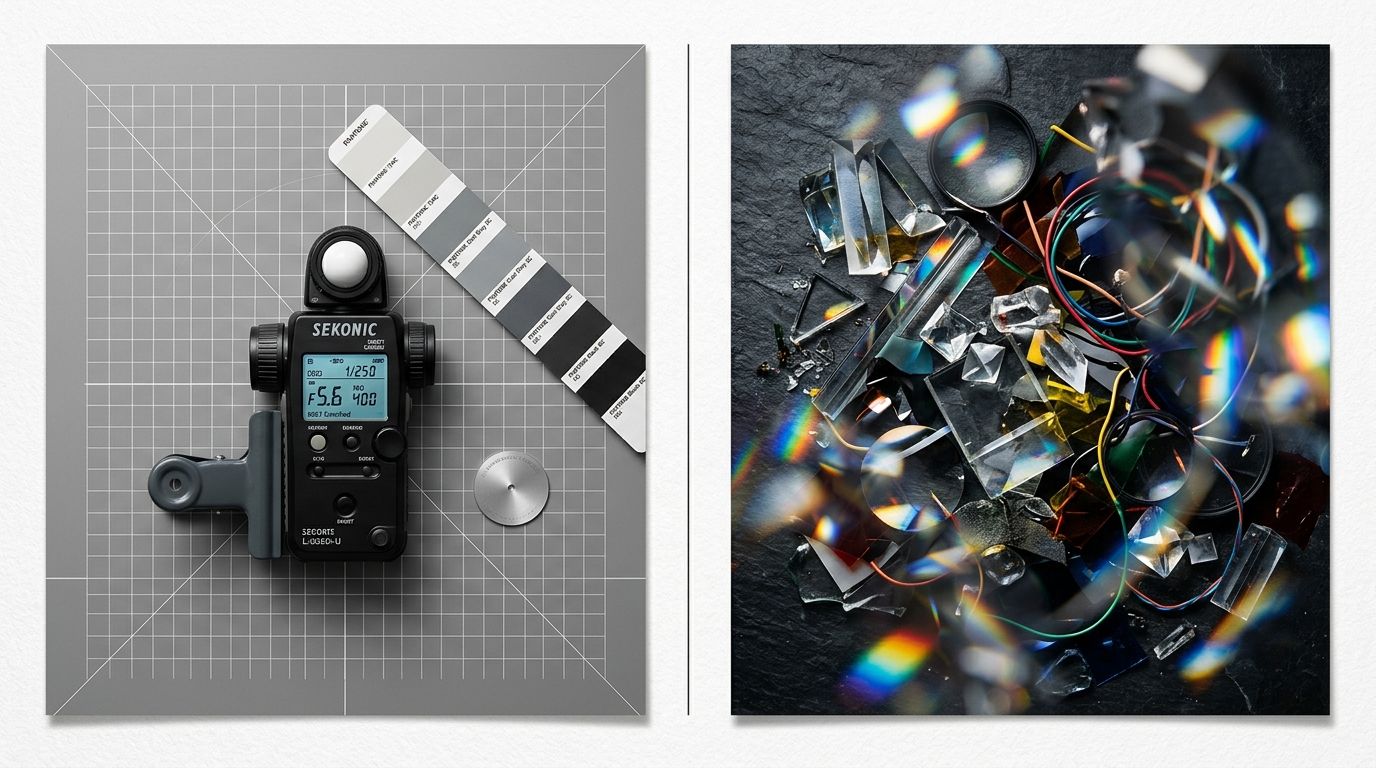
Flat lighting flattens your margins. Directional lighting creates depth. You want highlights that show the curvature of the product and shadows that define its physical geometry. General-purpose AI image tools completely fail at this. They blur edges and hallucinate extra details that do not exist on your actual physical product. You need a tool built specifically for retail accuracy.
Shadow casting and spatial grounding
A product hovering in a pure white void looks like a cheap digital cutout. The human brain immediately recognizes that something is wrong. To pass the quality test, your product hero photo needs a subtle drop shadow or a natural reflection to ground it in physical space. This shadow tells the eye that the object actually exists.
Using the Classic mode in CherryShot AI handles this spatial grounding natively. You upload a flat image, and the system automatically generates the subtle, realistic shadows required to make the product look premium and physically present. You do not have to spend three hours masking out layers in Photoshop to achieve a natural look.
The technical specifications for hero image product page optimization
Once you have the visual aesthetics dialed in, you have to execute the technical delivery flawlessly. A stunning image that takes four seconds to load is completely useless. A pristine desktop image that looks like a postage stamp on a mobile phone is equally worthless.
Resolution, cropping, and mobile margins
A desktop hero image is a luxury. A mobile hero image is an absolute necessity. Over seventy percent of your traffic will view your product page on a piece of glass that measures six inches diagonally. If your product only occupies forty percent of the image frame, the customer is staring at a massive amount of empty background space.
Crop the hero image so the product fills eighty percent of the available frame. The remaining twenty percent is breathing room to prevent the image from feeling claustrophobic. If you want to dive deeper into the exact mathematical ratios, reading up on Shopify product image size specifications is mandatory for any serious ecommerce operator.
Managing file weight without destroying quality
You need your hero image to be high resolution, ideally 2048 by 2048 pixels. This resolution allows the user to pinch and zoom on mobile devices without the image fracturing into pixelated blocks. However, you cannot upload a four-megabyte PNG file to your storefront. That will cripple your page speed and cause visitors to bounce before the image even renders.
Export your hero images in WebP format. Set the quality slider to around eighty-five percent. This specific compression threshold keeps the file size under 300 kilobytes while maintaining the crisp edge clarity required to close the sale.
Comparing Hero Image Workflows
| Metric | Traditional Studio Workflow | Optimized AI Workflow |
|---|---|---|
| Turnaround Time | 2 to 4 weeks | Under 15 minutes |
| Cost Per SKUs | $80 to $200 per image | Under $5 per image |
| Revision Flexibility | Requires booking a reshoot | Instant single-click regeneration |
| Shadow Grounding | Requires manual lighting setups | Natively generated per mode |
How to overhaul your ecommerce hero image workflow today
The brands that win in modern ecommerce are not the ones with the largest photography budgets. They are the ones who can launch the most SKUs per quarter without compromising their visual standards. When you are stuck waiting three weeks for a freelance photographer to deliver basic catalog shots, your entire business moves at a crawl.
Bypassing the traditional studio bottleneck
AI product photography changes the math completely. You no longer have to rent out a studio just to get a perfectly lit hero image on a clean white background. You upload a raw product image to CherryShot AI, select a visual mode like Minimalist or Classic, and generate campaign-ready photos in minutes. The bottleneck shifts entirely from production logistics to creative strategy.
If a generated hero image does not fit the exact vibe of your landing page, you do not have to wait a week for a retoucher to fix it. You just hit generate again. This is the new standard for ecommerce brands that want to scale fast without looking cheap.
Frequently Asked Questions
What is a hero image on a product page?
The hero image on a product page is the primary photograph a customer sees immediately when the layout loads. This asset sits at the front of your image carousel to serve as the visual anchor for the specific item. You must use this slot to prove the product matches the buyer's expectation while establishing the baseline quality standard of your brand.
What makes a good hero image for ecommerce?
A good hero image for ecommerce prioritizes absolute visual clarity over moody artistic complexity. The product must fill the frame appropriately, maintain sharp focus from edge to edge, and accurately reflect the actual physical color of the item. You need to apply subtle, realistic drop shadows to ground the object so it never looks like a digital cutout floating in a white void.
How big should an ecommerce hero image be?
An ecommerce hero image should be exactly 2048 by 2048 pixels to allow for crisp zooming on desktop and high-density mobile screens. Pushing the resolution higher than this standard creates unnecessary file weight that drags down your server response times. You must export the final file in WebP format at an eighty-five percent compression threshold to keep the payload under 300 kilobytes.
What background color works best for hero images?
A pure white or subtle off-white background remains the absolute optimal choice for a primary ecommerce hero image. This sterile backdrop strips away competing visual distractions and forces the user's eye directly onto the product's physical geometry and material texture. You should save your heavily styled lifestyle shots and complex environmental contexts for the second or third position in your image carousel.
How does hero image quality affect conversion?
Hero image quality acts as the primary controller for your bounce rate and daily add-to-cart metrics. Buyers instinctively use this first photo to judge the trustworthiness of your entire business within milliseconds of the page loading. If your main product shot is blurry, dimly lit, or poorly cropped, the customer assumes the physical item is equally cheap and will abandon your site immediately.
Key Takeaways
- Your hero image does eighty percent of the selling heavy lifting before the customer ever reads a single line of copy.
- A high-converting primary product photo requires edge-to-edge clarity and realistic spatial grounding shadows.
- Cropping tightly for mobile viewing is mandatory since small screens magnify the visual impact of empty negative space.
- Replacing slow studio photoshoots with an AI workflow drops your per-image cost drastically and accelerates your launch calendar.
A bad hero image actively repels paying customers. If you are tired of losing margin to bloated studio invoices and missed launch dates, it is time to upgrade your visual merchandising workflow. You can generate crisp, campaign-ready product photos instantly by using CherryShot AI today.
Audit your product page images for scale and clarity
Pull up your top three best-selling products on your phone right now to check the image cropping and shadow grounding. If the item does not fill eighty percent of the frame, you are losing add-to-cart clicks to negative space. Fix those scaling issues and generate clean background shadows immediately using CherryShot AI.
Try CherryShot AI