How Many Product Images for Ecommerce: The Number That Converts vs the Number That Overwhelms
If you want the immediate answer on how many product images an ecommerce listing needs, the data consistently points to six. Six is the functional floor for a considered purchase today. But if you just upload six slightly different angles of a white sneaker on a white background, your conversion rate will still tank.
Definition
An ecommerce product image gallery is the sequence of visual assets displayed on a product detail page designed to replace the physical retail experience. It typically includes a structural mix of standard hero shots, alternate angles, macro texture details, scale references, and lifestyle context photos.
The optimal product image count is not a quota you hit to satisfy a platform algorithm. It is the exact number of visual answers required to replace the physical experience of holding your product in a retail store. The moment a customer has to guess about the texture of a fabric or the size of a coffee mug, they stop buying. They close the tab. You paid for the click, but your image gallery failed to close the sale.
Any brand treating their product gallery size as an afterthought is bleeding revenue. Buyers do not read your bullet points until they have swiped through your carousel. The images do the heavy lifting. The copy just confirms what the eyes already decided.
The conversion math behind product gallery size
Most founders obsess over their traffic metrics but ignore the visual friction happening right on their product pages. If your traffic is high but your cart additions are low, you are likely dealing with a scenario where your product images are losing the conversion at the exact moment the buyer hesitates.
Think about the physical retail experience. A customer picks up a jacket. They look at the front. They flip it around to look at the back. They check the inside lining. They touch the zipper. They hold it up against their body to gauge the length. That is five distinct visual interactions happening in under ten seconds.
Your product gallery has to recreate that entire sequence digitally. Providing two images is the equivalent of nailing the jacket to a wall in a dimly lit store and refusing to let the customer touch it. The image quantity conversion lift you get by expanding from two photos to six is not a trick of the algorithm. It is simply the result of removing buyer doubt.
(Worth noting: apparel returns are rarely about the customer disliking the item itself. They are almost always about the fabric weight, drape, or exact color failing to match what they imagined based on a single hero shot.)
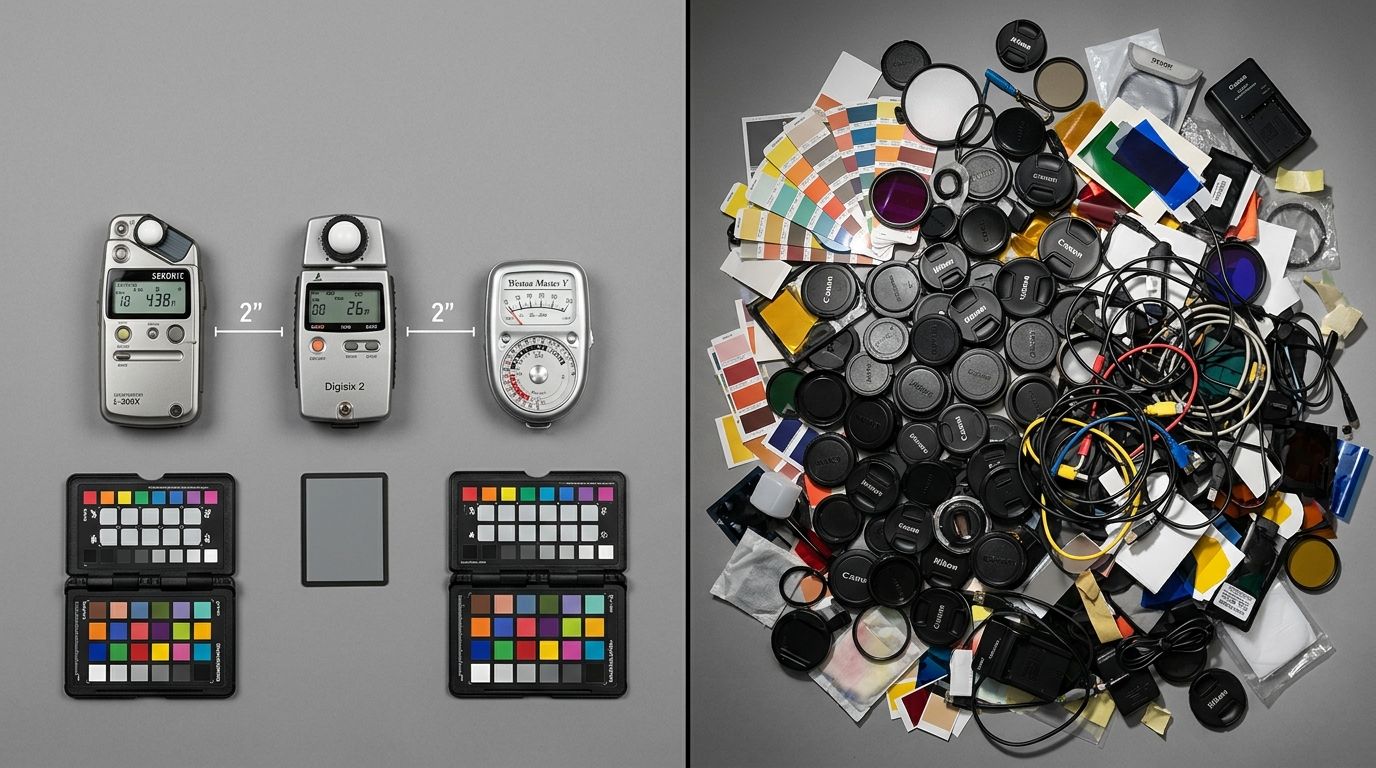
A complete product gallery must replace the physical experience of holding the item in a store.
Prioritizing above the fold images
The images sitting directly above the fold carry the most weight. On mobile, this is often a square or slightly vertical image occupying eighty percent of the screen. Your first image must clearly establish what the product is, without clutter. But the dots underneath that image indicating a carousel are what keep the buyer engaged. When a user sees five dots below the main image, they know they are going to get a complete story.
What your first five images must do
Understanding what makes product photos convert means shifting your focus from aesthetics to information. You do not just need five photos. You need five specific types of photos.
First is the Hero. This is your white or neutral background shot. Clean lighting, sharp focus, showing the entire product. This image wins the click on Google Shopping and your category pages.
Second is the Alternate Angle. Show the back, the side profile, or the interior. If you sell bags, show the inside organization. If you sell shoes, show the tread. Do not hide the mundane parts of your product.
Third is the Scale Reference. A coffee table book looks identical to a pocket notebook on a white background. Put the product next to human hands, a laptop, or another universally recognized object. Buyers are terrible at reading dimensions in a text description. Show them the size.
Fourth is the Macro Texture. Zoom in so close that the buyer can practically feel the material. Show the stitching on the leather. Show the matte finish on the ceramic. Show the grain of the wood. This single image prevents more returns than your entire FAQ page.
Fifth is the Context Shot. Show the product living in the real world. A tent pitched in the woods. A lamp sitting on a bedside table. This helps the buyer visualize ownership. It triggers the emotional side of the purchase after the logical side has been satisfied.
When adding more product images hurts conversion
There is a limit. The number of product images ecommerce listings can support before cognitive overload sets in is around ten. Beyond that, you are actively confusing your customer.
Redundancy is the enemy of conversion. If images six, seven, and eight are just the hero angle rotated by two degrees, the buyer feels fatigue. They start wondering if they missed something. They stop scrolling the carousel and drop off the page entirely.
Your goal is to answer questions, not to dump your entire studio hard drive onto the product page. Every image must earn its placement by providing new data. If an image does not tell the buyer something they did not already know, delete it.
Visual Asset Mix Comparison
| Gallery Size | Buyer Experience | Conversion Impact |
|---|---|---|
| 1-2 Images | High friction. Buyer is forced to guess dimensions, textures, and alternate angles. | Very Poor |
| 5-8 Images | Complete narrative. Scale, texture, and lifestyle context are clearly established. | Optimal |
| 12+ Images | Cognitive overload. Repetitive angles cause fatigue and distract from the buy box. | Declining |
Platform constraints and product images per listing Shopify allows
If you are trying to optimise Shopify images for conversion, you have to consider how variants complicate the math. A shirt that comes in four colors needs a full gallery for every single colorway. Showing six images of the black shirt and only one image of the blue shirt creates a massive drop-off for buyers who want the blue option.
This means a single product listing with four colors actually requires twenty-four images. That volume is where traditional production breaks down and operations teams start cutting corners by uploading single shots for variant colors.
Hitting optimal product image counts without bloating studio costs
When you realize you need six to eight images per SKU per colorway, the math of traditional photography becomes terrifying. A standard freelance photographer or studio shoot costs between $80 and $200 per final image. If you are launching fifty SKUs in four colors each, you need over a thousand images. That is an invoice most brands cannot justify for standard catalog work.
The delay is even worse than the cost. Booking a studio, shipping samples, managing the shoot day, and waiting two weeks for retouching completely paralyses your launch calendar.
This is exactly why high-volume brands are moving to CherryShot AI for their catalog imagery. You take one or two basic photos of your product, upload them, and generate the rest of your required image count in minutes. Need a lifestyle shot in a modern bathroom? Select the mode. Need a high-contrast minimalist background? Generate it instantly.
AI image generation is incredibly fast for bulk catalog work, but the trade-off is that it cannot completely replace a specialized photographer for highly technical macro shots of complex machinery or microscopic jewelry facets. For those specific hero images, a professional studio still makes sense. For the other five images in your gallery that provide context, scale, and lifestyle application, AI is simply a better tool.
You hit your optimal product image count. You populate every single variant with a full gallery. And the per-image cost drops from a hundred dollars to under five dollars. You remove the buyer friction without destroying your margins.
Frequently Asked Questions
How many product images does an ecommerce listing need?
Ecommerce listings require six to eight product images to achieve optimal conversion rates on modern storefronts. This specific volume supplies enough visual data to address common buyer concerns without causing cognitive overload or excessive scroll fatigue. Include a clear hero angle, an accurate scale reference, close-up material texture details, and situational lifestyle context to effectively replace the physical in-store retail experience.
Does adding more product images always increase conversion?
Adding more images only increases conversion if each new photograph answers a distinct, unaddressed buyer question regarding the item. Duplicating similar visual angles creates redundancy, which causes user fatigue and ultimately increases bounce rates rather than driving additional sales. You must audit your product gallery to ensure every single frame provides unique, necessary information about the construction, dimensions, or practical daily application.
What is the optimal number of product images for Shopify?
The most effective image count for standard Shopify storefronts sits strictly between five and seven distinct assets per product variant. Mobile-optimized Shopify themes display this exact quantity cleanly without requiring excessive downward scrolling that buries the primary checkout button. Structure your visual hierarchy so the crucial details sit right below the main photo, keeping the add to cart functionality firmly inside the viewport.
What should each additional product image show?
Your gallery progression must deliberately guide the shopper from general identification down to granular material specifics. Every upload should serve a distinct function, transitioning from the main hero shot into alternate profiles, functional interiors, and precise scale references. Shoot extreme macro details of the fabric or finish, and finish the sequence with an environmental shot showing the item actively used in its intended setting.
Does image count affect return rates?
Publishing fewer than three product images directly correlates with higher return rates because shoppers are forced to guess critical details. A complete gallery establishes highly accurate expectations regarding material drape, structural integrity, and exact color profiles before the package ships. You will significantly reduce post-purchase remorse by explicitly photographing the back, the bottom, and the interior lining so the buyer encounters zero physical surprises.
Key Takeaways
- The data-backed sweet spot for ecommerce product images is between six and eight per variant.
- Every photo must earn its place by answering a specific question about scale, texture, or context.
- Going beyond ten images often creates cognitive fatigue and reduces conversion rates.
- Using AI tools drastically reduces the cost of producing a full, high-converting image gallery for every product variant.
Your product gallery is your digital sales floor. Stop forcing your customers to guess what they are buying. Give them the visual information they need, build the gallery properly, and watch your conversion rates align with your traffic volume.
Audit your product page images before your next campaign
Review your top-selling variants right now and count the number of functional images. If you are missing scale, texture, or lifestyle context shots, you can generate the missing angles in minutes using your existing product photos.
Try CherryShot AI