How Many Product Photos Do I Need per Listing?
How many product photos do you actually need? Six to eight. That is the baseline for any ecommerce listing today. If you upload two pictures of a mug on a white background, the buyer will assume you are hiding a flaw. I have launched thousands of SKUs across different brands over the last eight years. The brands that win do not leave visual questions unanswered. Buyers cannot pick up your product. Your image gallery is their only proxy for touch.
Definition
The product photo gallery is the visual collection of images representing an item on an ecommerce store or marketplace. It provides the only substitute for the physical inspection of goods by a customer before they commit to a purchase.
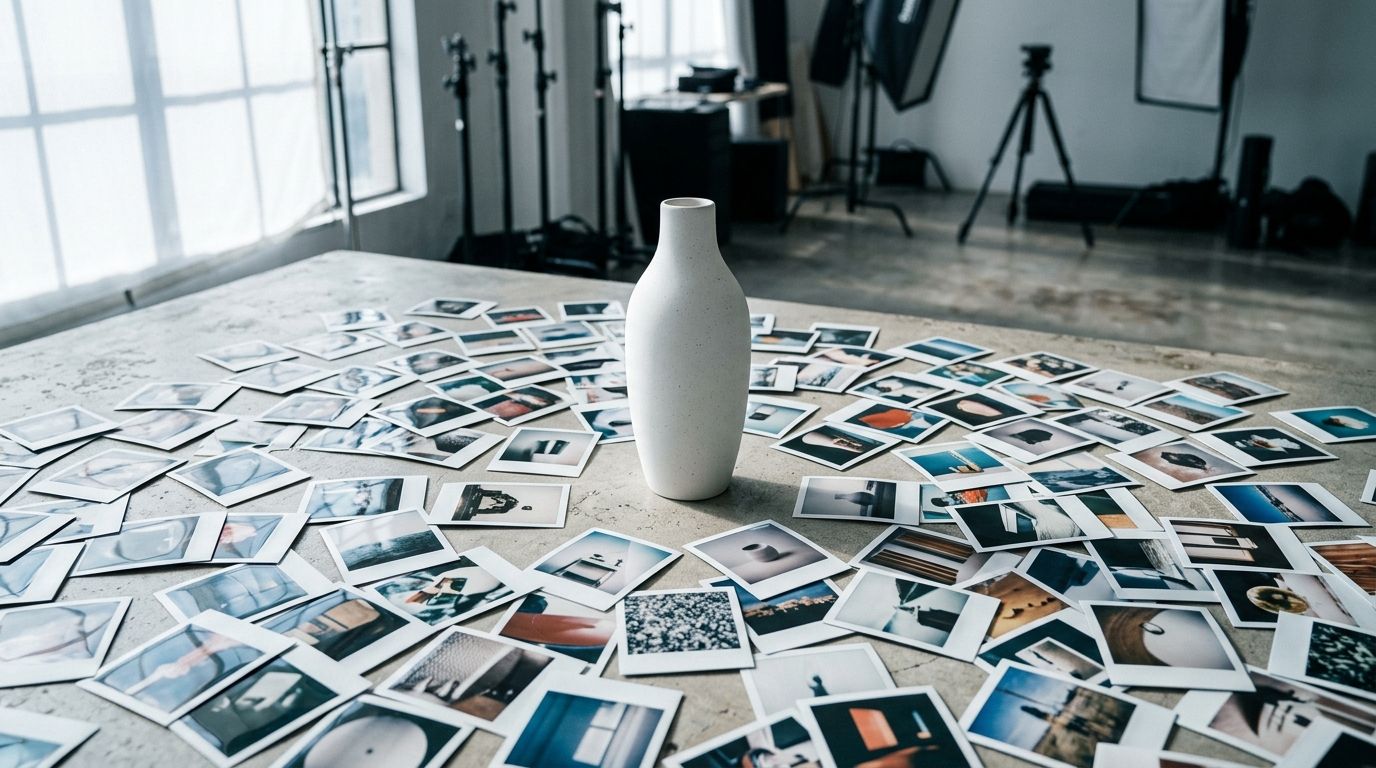
Founders constantly stress over this number because photography is expensive. When every new angle requires an art director, a stylist, and a lighting adjustment, adding three more photos to a catalog of fifty SKUs represents a massive invoice. But skipping those photos creates a hidden cost that is much worse. A thin image gallery results in lower conversion rates and higher return rates. You end up paying for the missing photos anyway through lost revenue.
The Anatomy of the Eight-Image Gallery
Saying you need eight photos is only helpful if you know what those photos should actually show. Uploading eight identical angles of a shoe does nothing for the buyer. Every slot in your gallery needs to perform a specific job. You are building a visual argument that systematically dismantles the buyer's hesitation.
| Image Type | Strategic Purpose | Viewer Impact |
|---|---|---|
| Hero Shot | Primary listing click | Builds trust |
| Macro Detail | Material quality validation | Replaces touch |
| Lifestyle | Context and usage | Emotional connection |
| Infographic | Feature explanation | Increases information |
Image One: The Pure Hero
This is your primary thumbnail. It needs to be the product on a pure white background, taking up roughly eighty-five percent of the frame. No props. No distractions. This image exists to win the initial click from a search results page. It must be brutally clear.
Image Two: The Reverse Angle
The moment a buyer clicks into your listing, they want to see the back. If you are selling electronics, they want to see the ports. If you are selling a chair, they want to see the structural supports underneath. They are actively looking for the catch. Show it to them so they know there is nothing to hide.
Image Three: The Macro Detail
Buyers want to feel the texture. Get close enough to show the stitching on the leather, the grain of the wood, or the brushed finish of the metal. This shot proves the quality of your materials. It is the closest you can get to letting them touch the product.
Image Four: The Scale Reference
Writing "12 inches tall" in your product description is useless. Nobody reads the dimensions, and when they do, they cannot visualize them. You must show the product next to a known object or in a human hand. Scale ambiguity is a leading cause of returns.
Image Five and Six: The Lifestyle Context
This is where you sell the dream. Show the product in its natural habitat. A tent needs to be in the woods. A luxury coffee maker needs to be on a pristine marble countertop. Lifestyle imagery helps the buyer imagine owning the product.
It is worth noting that a highly complex mechanical product with intricate internal wiring might still need a specialized macro photographer to capture specific technical details perfectly. AI is not going to invent the exact proprietary circuit board inside your custom hardware. You have to be realistic about when to use a camera and when to generate.
Image Seven: The Packaging
Show them what arrives in the mail. If your product comes in a premium box, display it. This is especially critical for anything that is frequently purchased as a gift. People want to know they are not handing someone a plain brown cardboard box.
Image Eight: The Infographic
Take one of your best photos and overlay text pointing out the top three features. Many shoppers will scroll straight past your bullet points and only look at the gallery. If your unique selling proposition is not inside an image, a massive percentage of your traffic will never see it.
Platform Rules Change the Math
The baseline is six to eight, but the platform you sell on dictates exactly how you deploy those images. The strategy for a standalone ecommerce storefront is entirely different from the strategy for a marketplace.
The Amazon Equation
Amazon is a search engine with incredibly rigid rules. You have seven image slots visible on a desktop listing before a buyer is forced to click a button to see more. You need to fill all seven of those slots. Leaving a slot empty is handing free attention back to your competitors.
Navigating the Amazon image requirements is strict for the first image, which must be pure white. But the remaining six slots are where the actual selling happens. This is where you deploy your infographics, your lifestyle scenes, and your scale references. If you are launching a new product on Amazon and you only have three photos, you are throwing your ad spend away. The conversion rate simply will not hold.
The Shopify Strategy
When you build on Shopify, you own the real estate. You can technically upload thirty images per product. Do not do that. Decision fatigue is a real conversion killer. The sweet spot here remains six to ten images.
Because you control the page, you must manage your own load times. A massive gallery of uncompressed images will destroy your mobile checkout rate. You need to provide enough visual information to sell the product, and then you need to get out of the way. If your pages are heavy, you should optimise Shopify product images so your gallery loads before the buyer loses patience.
The Cost Problem and the AI Solution
Knowing you need eight photos per SKU is the easy part. Paying for them is the hard part. If you have fifty new products dropping next month, eight photos each means four hundred images. At a standard traditional studio rate of fifty dollars per finished image, you just spent twenty thousand dollars before a single customer has seen the product.
This is exactly why brands historically skimped on photo count. They would get two hero shots per SKU and try to stretch them.
AI product photography completely rewires this math. Instead of booking a three-day shoot and waiting two weeks for retouched files, you upload a basic flat lay of your product. You select a visual mode like Minimalist, Luxury, or Lifestyle. CherryShot AI generates the required scale shots, alternate angles, and lifestyle contexts in minutes.
The per-image cost drops from fifty dollars to pennies. The turnaround time drops from three weeks to a Tuesday afternoon. When the production bottleneck disappears, you can actually afford to fill all eight image slots for every single product in your catalog. You no longer have to choose between protecting your profit margin and providing a complete visual experience for your buyers.
The Penalty of Having Too Few Images
If you launch with just two photos, your return rate will eventually eat your business. Poor imagery is the leading driver of preventable returns. When a buyer receives a product that feels smaller than they imagined, or has a texture they did not anticipate, they send it back. You pay for the return shipping, and the product often goes into the clearance bin.
Looking closely at how many images for conversion are required reveals a sharp cliff. Listings with fewer than three photos suffer from massive bounce rates. The modern shopper has been trained by algorithms to expect a complete, immersive gallery. If you do not provide it, they assume you are an amateur operation or a dropshipper selling cheap goods.
Product Categories Change the Requirements
A basic ceramic mug might survive with six photos. A technical piece of outerwear needs more. The complexity of your product scales the visual requirement.
Apparel and Footwear
Clothing is notoriously difficult to sell online because fit is subjective. You need a front shot, a back shot, a side profile, and a close-up of the fabric. You also need to show the garment in motion. A lifestyle shot of someone walking in the jacket provides drape context that a flat lay cannot deliver.
Electronics and Hardware
Technical buyers are ruthless. They want to see the inputs, the outputs, the included cables, and the exact dimensions. They want a shot of the back panel. If you are selling a specialized tool, you need an infographic explaining exactly what materials it can cut. Skip these details, and technical buyers will immediately abandon your page for a competitor who answers their questions.
Key Takeaways
- Aim for six to eight images per listing to proactively answer all buyer visual questions.
- Fill all seven visible image slots on an Amazon listing to maximize your available conversion real estate.
- Avoid uploading more than ten images to prevent decision fatigue and sluggish page load speeds.
- Use AI tools to generate volume like lifestyle and scale shots without paying traditional studio markups.
Audit your product image gallery before your next campaign
Check how many slots are currently empty on your top-performing listings. Use those missing spots to add the scale references and lifestyle shots that convince skeptical shoppers to convert.
Try CherryShot AIFrequently Asked Questions
How many product photos do I need per listing?
Six to eight images serve as the standard requirement for a professional ecommerce product listing. This count provides enough visual detail to show every angle, display the physical scale, and illustrate the item in a real-world setting. Providing fewer images creates information gaps that lead potential buyers to abandon their carts without purchasing.
What is the minimum number of product photos for Amazon?
Amazon demands a single hero image on a white background to publish a listing. Seven images represent the actual functional minimum to remain competitive against other sellers. Buyers see seven slots before needing to click into a larger gallery, so leaving any of those slots empty wastes high-traffic space.
How many images per product should I have on Shopify?
Six to ten images offer the best balance for a Shopify storefront. You maintain total control over your layout, which removes the restrictive caps found on major marketplaces. Uploading more than ten images often triggers page load delays and increases buyer decision fatigue. Focus these slots on high-value details and relevant lifestyle context.
Does more product photos improve conversion?
Increased photo counts improve conversion rates only until you hit a specific efficiency threshold. Moving from two images to six answers critical buyer questions and drives sales growth. Adding images beyond the ten-count mark rarely helps and frequently hurts performance by slowing down your page. Keep your gallery lean to maintain user interest.
What is the optimal number of product images per listing?
Eight images constitutes the optimal quantity for most ecommerce products. This total allows for one hero shot, two alternate angles, one macro view, two lifestyle scenes, one scale reference, and one packaging photo. This specific mix effectively addresses common buyer hesitations before they reach the final checkout step.
Stop agonizing over the cost of a full image gallery and start fixing the production bottleneck. The standard is six to eight photos per listing. CherryShot AI gives you the ability to hit that standard for every single product in your catalog without waiting on a studio schedule or blowing your margin.