Product Image Size for Shopify: The Exact Dimensions for Every Page Type in 2026
The best product image size for Shopify is 2048 by 2048 pixels. This gives you a clean square layout and provides enough resolution to trigger the native high-definition zoom function without dragging down your site performance. Any brand uploading massive raw files directly from a photographer's hard drive in 2026 is paying a permanent tax on their conversion rate.
Definition
Shopify product image sizing refers to the exact pixel dimensions and aspect ratios required to display catalog photography perfectly across all devices. Standardizing these dimensions ensures the platform's native high-definition zoom function works properly without causing theme alignment errors.
When I ran my second apparel brand, we spent an entire week manually resizing three hundred catalog images. Our new premium theme featured an aggressive auto-crop function that randomly sliced the tops off our models' heads on mobile devices. We learned the hard way that letting a theme algorithm guess your focal point is a guaranteed way to make an expensive brand look incredibly cheap.
Going to the absolute maximum resolution limit gives you the sharpest possible zoom. The trade-off is a measurable hit to your mobile load time. Most buyers will never notice the visual difference between a perfectly optimized 2048-pixel image and a massive 4472-pixel image, but they will absolutely notice a page that takes three seconds to render the add-to-cart button.
The Mechanics of Shopify Image Compression
Before detailing the exact shopify image specs 2026 requires, you need to understand how the platform processes the files you upload. Shopify runs a highly aggressive content delivery network. When you upload a photograph, the system does not simply serve that exact file to every visitor. It creates multiple distinct versions of your file in the background.
If a shopper visits your store on a modern iPhone, Shopify serves a heavily compressed WebP version of your image dynamically scaled to fit their specific screen. If another shopper visits on an older desktop browser, Shopify serves a JPEG. The platform attempts to do the heavy lifting for you automatically.
However, algorithms can only do so much with bad input. If you upload a tiny 600-pixel square, Shopify cannot magically add detail when a desktop user clicks to zoom. The image will blur. If you upload a massive uncompressed TIFF file, the initial upload processing time spikes and the resulting compression artifacts can look terrible. Giving the system the perfect starting dimension is the only way to guarantee a flawless final presentation. Large files create friction during the checkout flow. If you want to dive deeper into this balance, learning how to optimize your Shopify product page images for maximum conversion is a mandatory next step.
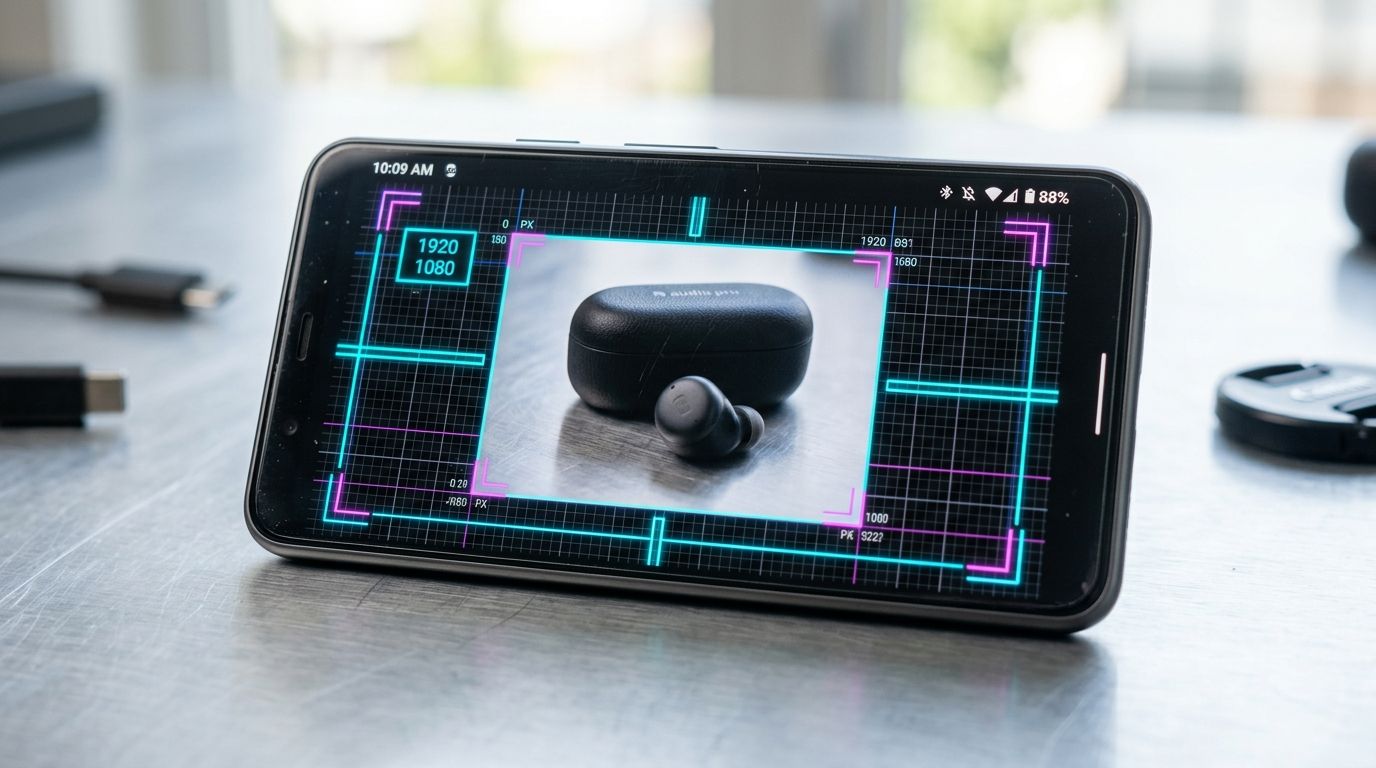
The Ultimate Shopify Image Size Guide
Every theme handles visual blocks slightly differently. A premium theme might stretch a hero image across an entire ultrawide monitor, while a free theme might contain it within a fixed wrapper. Despite these differences, there are universally accepted shopify image dimensions 2026 demands for peak performance.
Shopify Product Image Pixels
The absolute golden rule for standard product photography is 2048 by 2048 pixels. This provides a 1:1 aspect ratio. This size is specifically recommended because it easily triggers the platform's native zoom functionality, which requires an image to be at least 800 by 800 pixels to work properly. Pushing it to 2048 ensures that the zoomed-in detail remains incredibly crisp on high-density retina displays.
If you operate an apparel or modeling brand, a square format often cuts off the top of the model or wastes valuable lateral space. In this specific scenario, the best shopify product photo size shifts to a 3:4 portrait ratio. Your dimensions should be 1536 pixels wide by 2048 pixels tall.
Shopify Collection Image Size
Collection page header images often serve as secondary banners. Because they stretch across the top of the category index, they require width. The ideal size here is 1024 by 1024 pixels if you want a clean square look, but many brands prefer a landscape approach. If your theme uses a landscape header for collections, format these assets to 1600 by 400 pixels.
(Worth noting: if you do not manually upload a specific collection image, Shopify will automatically pull the featured image from the first product in that collection. This almost always looks terrible because a square product photo gets awkwardly stretched into a landscape container. Always upload a dedicated collection header.)
Shopify Banner Image Size
Hero banners are the most difficult assets to size correctly because they must look brilliant on massive desktop monitors and narrow mobile screens. The standard recommendation is 1800 by 1000 pixels. This gives you a wide 16:9 cinematic feel.
When designing banners, keep all text and focal points centered. The left and right edges will inevitably be chopped off when viewed on mobile. Do not bake your promotional text into the image itself. Use a clean background image and apply HTML text over it using your theme editor.
Blog Post and Logo Dimensions
Blog featured images require a very specific footprint to ensure they look correct when shared on social media platforms. Format these to 1200 by 630 pixels. This 1.91:1 ratio is the exact dimension required by Twitter, LinkedIn, and standard metadata scrapers.
Your logo size depends entirely on your specific theme header settings. A standard reliable baseline is 400 by 200 pixels. The key here is not the raw size, but the blank space. Crop out every single pixel of empty space around your logo before uploading it so your theme navigation menu can size it predictably.
| Asset Type | Optimal Dimensions | Aspect Ratio |
|---|---|---|
| Standard Product | 2048 x 2048 px | 1:1 |
| Apparel Product | 1536 x 2048 px | 3:4 |
| Hero Banner | 1800 x 1000 px | 16:9 |
| Blog Featured | 1200 x 630 px | 1.91:1 |
Why Aspect Ratio Ruins Your Collection Grid
A broken collection grid is the fastest way to make a premium brand look amateur. When one product photo is a perfect square and the one next to it is a tall rectangle, the browser struggles to force them into a clean row. Depending on your specific theme architecture, this either leaves massive jagged white gaps across the page or triggers an aggressive auto-crop that ruins your visual presentation. Fixing this grid alignment issue is one of the highest leverage things you can do. If you are auditing your current site design, understanding which Shopify visual fixes actively drive higher sales will show you exactly where these broken layouts are costing you money.
You avoid this problem entirely by committing to a single shopify image aspect ratio before you upload a single file. Choose 1:1 or choose 3:4. Never mix them within the same collection. Every image must match.
File Formats and Total Weight
Choosing the right file type matters just as much as mastering the pixel count. A perfect 2048-pixel image saved as a bloated PNG will destroy your mobile performance scores. Understanding the best image formats for eCommerce platforms helps you balance raw visual quality with those crucial page load speeds.
As a strict rule, never use PNG files for standard product photography. PNG files are lossless and maintain transparent backgrounds, but their file sizes are massive. Reserve PNGs strictly for your logo. Everything else should be saved as a high-quality JPEG or a modern WebP file. Aim to keep every single product image under 500 kilobytes before you upload it to the platform.
Automating the Resizing Nightmare
Batch resizing thousands of files is a massive drain on your creative team. It is mindless, repetitive work that eats into actual strategy. When you use CherryShot AI to generate your visuals, you sidestep this entire bottleneck completely.
Instead of begging a photographer for slightly wider crops, you upload a basic reference photo to CherryShot AI. You select your visual mode, and the system delivers campaign-ready images that are already perfectly scaled to proper Shopify product image dimensions. The per-image cost drops to under $5. You get visuals in minutes, and you spend zero time manually cropping out white space in Photoshop just to make your collection page line up correctly.
Frequently Asked Questions
What is the best image size for Shopify product photos?
The exact ideal image size for Shopify product photos is exactly 2048 by 2048 pixels across your entire catalog. This specific dimension guarantees a perfect square aspect ratio while delivering sufficient pixel density for the platform's native high-definition zoom feature to function properly. Keeping your files compressed at this exact resolution prevents unnecessary server lag and protects your mobile page load speeds during high-traffic sales events.
What dimensions should Shopify product images be?
Your standard Shopify product image dimensions must be exactly 2048 by 2048 pixels for all square catalog layouts. If you sell apparel or fashion accessories and prefer a vertical presentation, you should switch to a 3:4 aspect ratio with dimensions of 1536 by 2048 pixels. You must enforce these exact measurements uniformly across every single product page to prevent your collection grid from breaking into uneven rows.
How do I resize product images for Shopify?
You can manually resize your product images using standard batch processing software, traditional design tools like Photoshop, or native Mac and Windows preview applications. This manual cropping process quickly becomes a massive operational bottleneck when your team manages hundreds of new inventory SKUs every single season. Modern ecommerce brands bypass this tedious work by generating new product visuals through specialized artificial intelligence platforms that automatically export files at the perfect pixel dimensions.
What is the maximum image size for Shopify?
The absolute maximum image size accepted by Shopify is 4472 by 4472 pixels, which equates to roughly twenty megapixels. The platform also enforces a strict twenty-megabyte file weight limit on every single asset you attempt to upload to your store server. Pushing your files to these extreme upper limits provides zero noticeable visual benefit to shoppers while virtually guaranteeing significantly slower page rendering times on mobile devices.
What aspect ratio do Shopify product images need?
Shopify product images heavily favor a strict 1:1 square aspect ratio for maximum compatibility across all standard theme designs. Fashion and modeling brands often use a 3:4 portrait ratio as their secondary standard to better display full clothing garments without awkward top or bottom cropping. The only unbreakable design rule you must follow is ensuring every single product thumbnail in a specific collection shares the exact same aspect ratio.
Key Takeaways
- Always use 2048 by 2048 pixels for standard square product catalog images.
- Apparel and modeling brands should use a 3:4 portrait ratio at 1536 by 2048 pixels.
- Never mix aspect ratios within the same collection page grid or your layout will break.
- Keep all individual product image file sizes strictly under 500 kilobytes to protect mobile load speeds.
Getting your image dimensions right is the absolute baseline of running a functional online store. If you are tired of wrangling aspect ratios and begging freelancers for correctly cropped deliverables, CherryShot AI gives you perfect campaign imagery at scale.
Generate perfectly sized Shopify photos instantly
Stop manually cropping and resizing every new product shot. Upload a basic reference image and let artificial intelligence deliver high-converting visuals that automatically match your theme's exact dimension requirements.
Try CherryShot AI