WebP vs JPEG for Ecommerce Product Images: Which Format Loads Faster and Converts Better
WebP is the superior format for live ecommerce product images. It loads significantly faster, retains identical visual quality to the human eye, and natively supports transparent backgrounds. JPEG is a legacy standard that refuses to die solely because older inventory and editing software demands it. That is the entire debate.
Definition
WebP is a modern image format developed by Google that heavily compresses files without noticeable visual quality loss and supports transparent backgrounds natively. JPEG is a widely supported legacy format that captures detailed color data but requires much larger file sizes and cannot handle transparency.
I remember launching a major apparel collection back in 2019. We had gorgeous lifestyle shots. We uploaded them directly to our Shopify theme. The page weight hit fourteen megabytes. Mobile users on standard cellular networks abandoned the site before the hero banner even finished rendering. We lost thousands of dollars in the first two hours because we prioritized perceived pixel density over actual payload size. Image formats dictate your technical performance. Technical performance dictates your revenue.
Any brand still uploading unoptimized, two-megabyte JPEGs to their storefront in 2026 is paying a massive tax on their conversion rate. When you force a mobile browser to download massive files, you create friction. Buyers do not wait. They bounce.
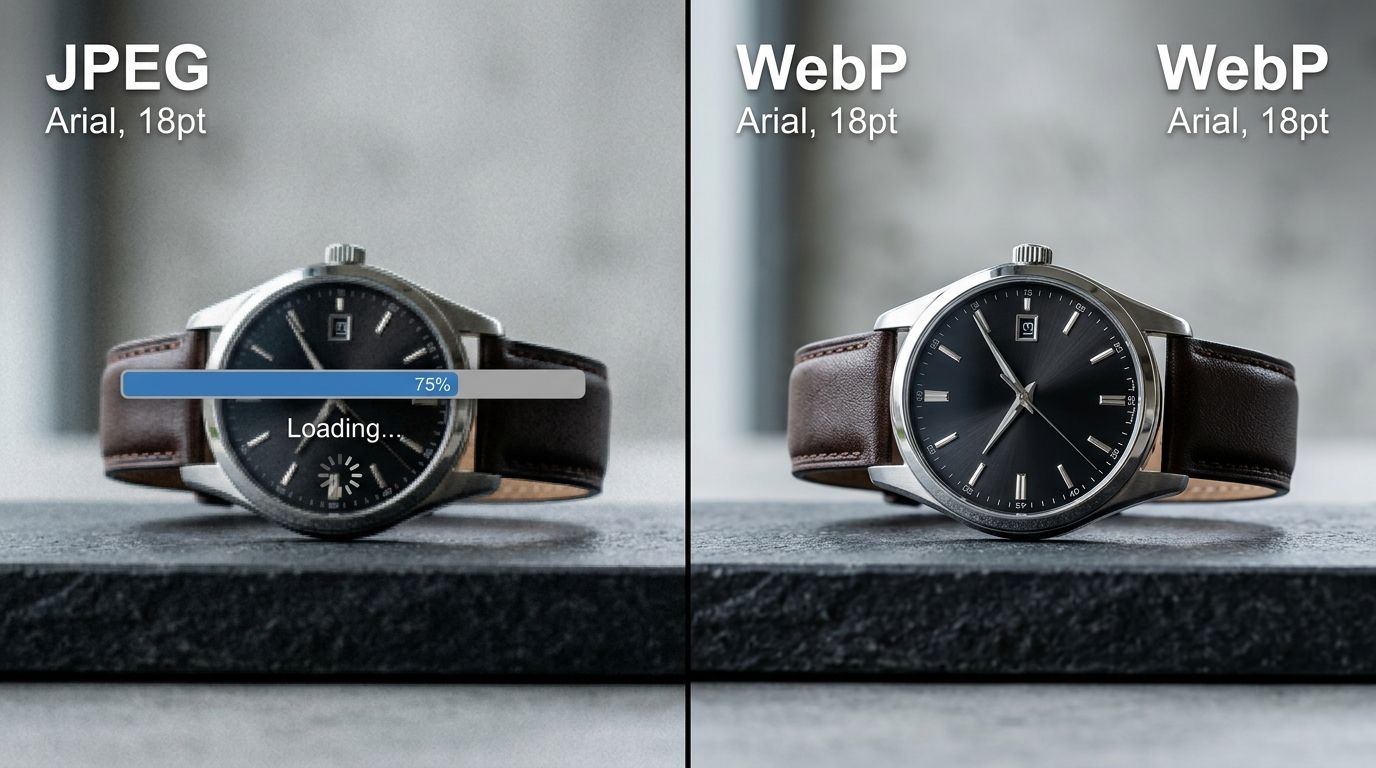
Choosing the right format directly impacts how quickly your catalog renders on mobile devices.
The technical reality of image compression
Let us look at how these files actually behave on a server. JPEG has been the internet standard since the early nineties. It handles complex color gradients well but struggles with sharp contrast edges, like text overlaid on a product box. Crucially, JPEG does not support transparency. If you want a product floating on a custom background color that changes based on the user scrolling, JPEG forces you to hard-code a solid background color into the file itself.
| Feature | WebP Format | JPEG Format |
|---|---|---|
| File Size & Compression | Highly compressed and lightweight | Generally larger and heavier payload |
| Transparency Support | Native support for clear backgrounds | No support; requires solid background colors |
| Primary Ecommerce Use | Live website and mobile web delivery | Internal brand archives and Amazon listings |
Why WebP dominates the middle ground
WebP changes this math completely. Developed by Google specifically to speed up the internet, WebP handles both lossy and lossless compression. It gives you the rich color reproduction of a JPEG and the transparency support of a PNG. It does this while wrapping the visual data in a file size that is drastically smaller.
(Worth noting: compressing a bad photo will not magically make people buy the product. You still need exceptional visual merchandising. If your imagery looks amateur, the file format simply delivers a bad impression faster.)
Founders frequently misunderstand how image quality actually works on modern screens. They assume a larger file means a sharper image for the customer. This is false. The human eye cannot detect the difference between a high-quality JPEG and a well-compressed WebP file on an iPhone screen. The browser, however, definitely notices the difference in weight.
Why image format dictates your page speed
Google uses Core Web Vitals to rank your store in search results and evaluate your landing page experience for ads. Largest Contentful Paint is the metric that hurts ecommerce sites the most. Your Largest Contentful Paint is almost always your main product image.
The Core Web Vitals reality check
If that hero file is a heavy JPEG, your mobile performance score will fail. If it is a tightly compressed WebP, you pass. Passing means cheaper ad clicks and higher organic rankings. Failing means you are penalized by every major traffic source on the internet.
You cannot brute-force your way out of bad image optimization. You can buy the most expensive dedicated hosting available, but if you send heavy files to a mobile browser on a weak connection, the page will stall. Understanding the strict Shopify image specs and speed requirements is the only way to guarantee your collection pages remain highly responsive during peak traffic events like Black Friday.
Platform handling and automated conversions
A common question from brand owners is whether they actually need to sit there and convert hundreds of product photos manually. The short answer is no, but the nuance matters.
What Shopify does behind the scenes
Shopify automatically serves images in the WebP format to supported browsers. When you upload a JPEG, Shopify creates a WebP copy on their content delivery network. However, the quality of that automatic conversion depends entirely on the original file you provide. If you upload a massive, unoptimized file, the resulting WebP might still be heavier than necessary. You must feed the platform clean, properly dimensioned base files.
Uploading to Amazon and other marketplaces
Marketplaces operate under different rules. When you sell on your own site, you are managing server response times. When you sell on Amazon, you are feeding their internal ingestion engine. You must follow the exact Amazon listing image size guidelines. Amazon prefers high-quality JPEGs or TIFFs. They take those heavy files, compress them through their proprietary stack, and serve them to customers in whatever format they deem best. Do not upload WebP files directly to Amazon Seller Central.
Where WebP falls short
Let us admit a genuine trade-off here. WebP is terrible for local storage and internal operations.
The legacy systems problem
If your creative team tries to drop a WebP file into an older version of Photoshop or an outdated inventory management system, the software will throw an error. Many wholesale portals and line sheet generators flatly refuse to accept WebP uploads. For your internal brand archives, keep your raw files or high-resolution JPEGs. Treat WebP exclusively as a delivery mechanism for the web.
The connection between file size and buyer behavior
We built CherryShot AI to solve the visual production bottleneck. You upload a reference photo, select a mode like Minimalist or Lifestyle, and generate campaign-ready assets in minutes. At $10 for 50 images, the production cost drops to almost nothing. But generating a perfect image is only half the battle.
Milliseconds cost dollars
If you take that beautiful new asset and serve it to a mobile buyer in a format that stutters their browser, the sale evaporates. Shoppers equate site speed with brand trust. A slow site feels broken. A broken site feels like a scam.
If you have high traffic but terrible add-to-cart rates, you need to audit your technical performance immediately. Very often, images losing conversions is a technical failure disguised as a marketing problem. You might have the perfect product and the perfect lighting, but if the image takes three seconds to render, the customer is already gone. Stop making your buyers wait. Move to WebP for web delivery, keep JPEG for your archives, and let your products load fast enough to actually sell.
Frequently Asked Questions
Should I use WebP or JPEG for ecommerce product images?
Use WebP for your live ecommerce website to ensure maximum performance. This modern format provides superior compression compared to legacy JPEGs, resulting in faster load times and better Core Web Vitals scores without sacrificing visual quality. Keep your original raw files or uncompressed JPEGs exclusively in your internal brand archive for compatibility with legacy inventory management software.
Does Shopify convert images to WebP automatically?
Shopify automatically serves visual assets in the WebP format to all compatible browsers. The platform relies on its internal content delivery network to handle this conversion dynamically upon user request without requiring extra plugins. Upload properly dimensioned and lightly compressed base JPEGs or PNGs so the processing engine has the best possible starting point for generating the final customer-facing file.
How does image format affect page speed?
Image formats directly dictate the total file size and resulting payload of your storefront visual assets. A bulky legacy format like an uncompressed JPEG requires significantly more bandwidth to download over a standard cellular network. Switch your product photography to a modern format like WebP to reduce the payload size by thirty percent and drastically improve your mobile rendering speeds.
What is the difference between WebP and JPEG for product photos?
WebP supports both image transparency and superior compression algorithms simultaneously. JPEG represents an older standard that cannot handle transparent backgrounds and typically produces much larger file sizes for the exact same level of visual clarity. Save your graphics with custom floating backgrounds as WebP files to maintain crisp edges without incurring massive data penalties on your main collection pages.
How do I convert product images to WebP?
Convert product images to WebP using native editing software like Photoshop or batch processing programs like Lightroom. Most modern ecommerce platforms and content delivery networks actually handle this specific conversion automatically when the asset is served to a customer. Process a small batch of your highest traffic hero banners manually to test exactly how the formatting impacts your actual visual clarity.
Key Takeaways
- WebP files are significantly smaller than equivalent JPEGs without losing visual clarity.
- Smaller image sizes drastically improve your Largest Contentful Paint scores on mobile.
- Shopify converts your uploads to WebP automatically, but you must supply optimized base files.
- Retain JPEGs for internal software and Amazon uploads to avoid compatibility errors.
Your visual assets are your storefront window. Make sure the glass is clean and the curtain opens instantly. Once you have your formats and loading speeds dialed in, you can focus entirely on creating variations that scale. Check out CherryShot AI to generate your next season of product photos in minutes instead of weeks.
Audit your mobile rendering speeds right now
Open your best-selling product page on a mobile device while disconnected from WiFi to see exactly how fast your images load. Once you correct your file formats to improve performance, use CherryShot AI to generate fresh product photography optimized for high-speed web delivery.
Try CherryShot AI