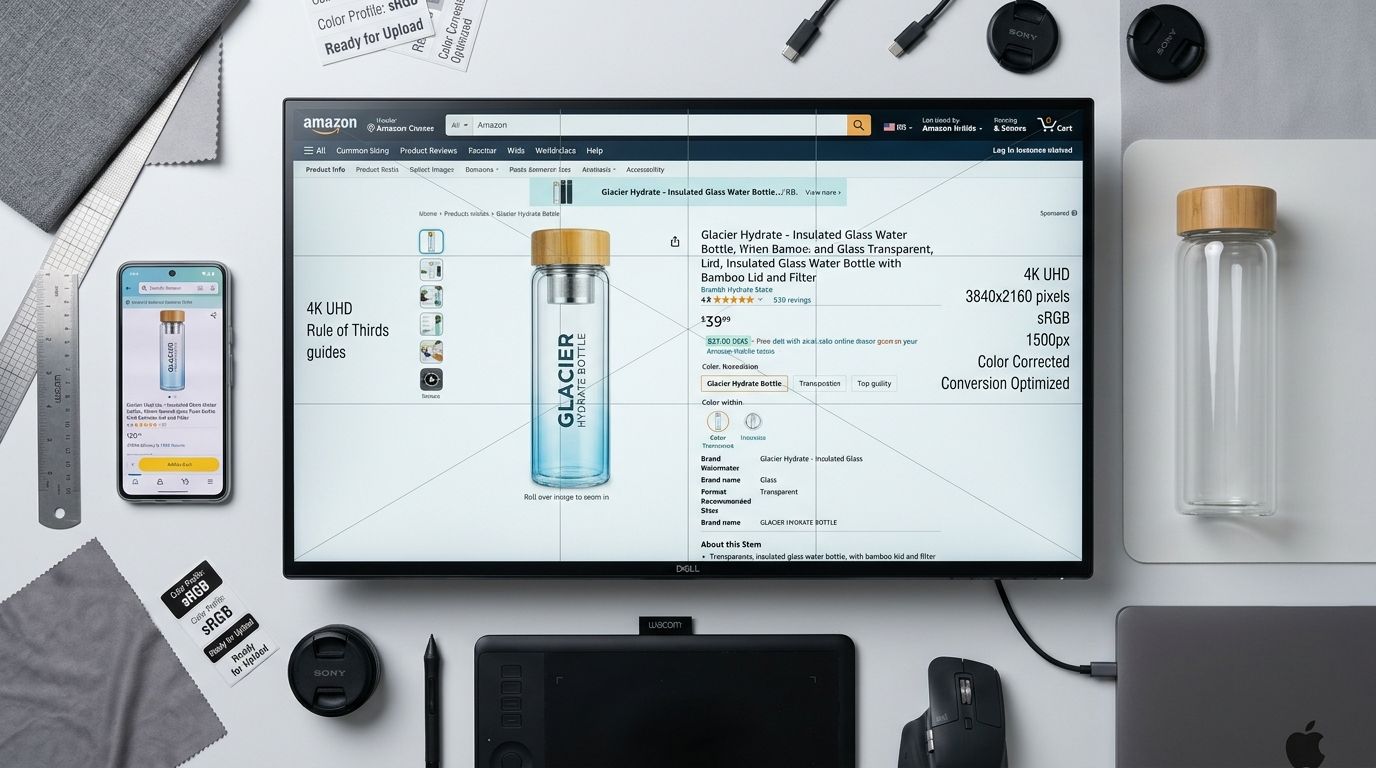
The optimal Amazon listing image size for 2026 is 2000 by 2000 pixels. This exact dimension ensures your product photos trigger the crucial hover-to-zoom feature on desktop while remaining exceptionally crisp on mobile devices. Amazon requires a minimum of 1000 pixels on the longest side to activate zoom functionality, but maximizing your resolution to 2000 pixels actively prevents compression artifacts. Any brand still uploading 1000-pixel images just to meet the bare minimum is leaving money on the table.
The absolute minimum Amazon listing image size is 500 pixels on its longest side, but images must be at least 1000 pixels to enable the platform zoom function. The required aspect ratio is 1:1 for a perfect square, and the maximum file size permitted is 10 megabytes. Amazon accepts JPEG, PNG, GIF, and TIFF formats, though JPEG is highly preferred for rendering speed and compatibility.
Key Takeaways
- Upload square files at 2000 by 2000 pixels to maximize zoom quality and mobile clarity.
- Main images require a pure white background with an exact RGB value of 255, 255, 255.
- Your product must physically fill at least 85 percent of the image frame to avoid platform suppression.
- Save all files in the sRGB color profile to prevent color distortion during the upload process.
conversion rate increase for product listings that feature high-resolution images enabling full zoom functionality. Baymard Institute Benchmark
The Exact Amazon Listing Image Dimensions for 2026
Succeeding on Amazon requires strict adherence to their technical guidelines. The marketplace uses automated algorithms to scan every newly uploaded image. If your files do not meet their dimensional criteria, your listing will be pushed down in search rankings or suppressed entirely. Understanding the specific numbers behind these requirements is the first step toward platform optimization.
Amazon Main Image Dimensions and the 85 Percent Rule
The main image is the single most critical asset in your entire listing. This is the photo that appears in search results and dictates whether a customer will click on your product instead of a competitor. For this main asset, you must upload an image that is precisely 2000 by 2000 pixels. Alongside this pixel requirement is a strict composition rule dictated by Amazon guidelines. The product itself must fill a minimum of 85 percent of the image frame.
If you upload a 2000-pixel square but the product only takes up 50 percent of the space, leaving massive white borders, Amazon will likely flag the listing. This rule exists to ensure a uniform visual experience across the search results page. Shoppers should be able to scan down a list of products and see them represented at similar scales.
Secondary Image Specs and Infographic Formatting
Once a customer clicks into your listing, they are greeted by your secondary image carousel. While the main image must feature the product on a pure white background with no props, secondary images offer creative freedom. You can include lifestyle shots, scale references, text overlays, and detailed infographics.
Despite this creative flexibility, the dimensional requirements remain identical. Your secondary images should still be formatted as 2000 by 2000 pixel squares. Maintaining a consistent 1:1 aspect ratio across your entire carousel prevents the page from jumping or resizing awkwardly as the user clicks through the image gallery. Consistency here signals professionalism to the buyer.
Technical Requirements Beyond Just Size
Hitting the correct pixel count is only part of the equation. Image resolution means nothing if the file format or color data creates a poor visual experience on the platform. Amazon processes millions of images daily and relies on standardized data formats to display them accurately across different browsers and devices.
Acceptable File Formats and Color Modes
While the platform technically accepts PNG, GIF, and TIFF files, JPEG is the undisputed standard for Amazon product photography. JPEGs offer the best balance between high resolution and compressed file size. You must ensure your images stay under the 10-megabyte limit, which is incredibly difficult to achieve with a 2000-pixel TIFF file.
More importantly, your images must be saved in the sRGB color profile. If you export your images using a CMYK color profile, which is meant for physical printing, the colors will look severely washed out and muddy once uploaded to the web. A vibrant red shirt exported in CMYK will look dull brown on an Amazon listing.
Executing the Pure White Background Rule
Every main image must sit on a pure white background. This does not mean an off-white studio wall or a lightly textured grey sweep. It means a digital white with a specific RGB color value of 255, 255, 255. Automated platform bots check the edge pixels of your main image file. If they detect variation, your listing gets suppressed. Getting this right using a traditional camera requires heavy post-production clipping and editing.
This is exactly where modern AI workflows eliminate friction. When you use CherryShot AI, you simply upload an existing photo of your product. By selecting the Classic visual mode, the system automatically isolates the product, removes the messy background, and drops it onto a mathematically perfect RGB 255 pure white canvas. You get a compliant main image without ever opening Photoshop.
Optimizing for the Amazon Zoom Function
The ability to zoom is not just a nice technical feature. It is a core conversion driver that compensates for the inability to touch a product physically. Sellers who fail to optimize for this specific interaction metric routinely lose market share to competitors who do.
Why 2000 Pixels is the Absolute Sweet Spot
The zoom capability acts as the digital equivalent of picking up a product in a physical retail store. Shoppers rely on this function to inspect fabric textures, read tiny label print, and verify manufacturing quality before committing to a purchase. When a customer hovers their cursor over an image that is only 1000 pixels wide, the resulting zoom lacks the sharpness required to build trust. Pushing your resolution to 2000 pixels guarantees that the magnified view reveals intricate details rather than a grid of blurry pixels. This level of clarity directly reduces return rates because buyers know exactly what they are getting before the box arrives at their door.
(Worth noting: Amazon frequently compresses images silently during the upload process, which is exactly why starting with a larger 2000-pixel file yields a crisper final result than starting right at the required threshold.)
Mobile Versus Desktop Cropping Mechanics
Desktop users engage with the hover-to-zoom function, but mobile users pinch to zoom. More than half of all Amazon purchases happen on mobile devices. If your image aspect ratio is not a perfect 1:1 square, the mobile application will pad the empty space with white borders. This padding shrinks the visible size of your product on an already small phone screen. A square format guarantees maximum vertical and horizontal space utilization across both interfaces.
Image Requirements for Amazon A+ Content
Once your brand is registered, you unlock A+ Content. This allows you to replace the standard text description with rich media modules. The sizing rules change entirely in this section of the listing.
Hero Banner Specifications
Unlike the 1:1 square requirement for the main image carousel, A+ Content relies heavily on wide, cinematic visuals. The standard hero banner module requires an image size of 970 by 600 pixels. However, many brands utilize a 16:9 aspect ratio to create striking lifestyle banners that span the full width of the content area.
How to Generate Amazon-Ready Images at Scale
Maintaining compliance across a catalog of hundreds of products used to require massive logistical oversight. Brands would rent studios, hire lighting technicians, and pay editors to crop and format every single shot perfectly.
Moving from Traditional Studios to AI Generation
AI tools have entirely replaced this outdated workflow. With CherryShot AI, you can generate an entire compliant product listing in minutes. Upload a basic photo of your product, and the system delivers outputs that meet Amazon image pixel requirements instantly.
Whether you need a pure white background for the main slot or a complex lifestyle scene for a secondary image, the resolution is standardized. You do not have to worry about manually resizing canvases or checking aspect ratios. The system handles the technical specifications so you can focus strictly on launching new products.
Troubleshooting Common Image Upload Errors
Even experienced sellers occasionally encounter error messages in Seller Central. Knowing how to diagnose these upload rejections quickly keeps your product launches on schedule.
Fixing the Image Too Small Warning
If you receive an error stating your image is too small, you have uploaded a file under the 500-pixel minimum. Do not attempt to artificially upscale a small image using basic photo editing software. Stretching a 400-pixel image to 2000 pixels will result in severe blurriness, and Amazon algorithms will often reject it for poor quality. You must source a higher resolution original file or generate a new one.
A single non-compliant image will stall an entire product launch.
Resolving Aspect Ratio Distortions
If your product looks squashed or stretched after uploading, you have likely forced a rectangular image into a square frame without properly cropping it first. Always crop your images to a 1:1 ratio before hitting upload. Check your file properties on your computer to verify the pixel width exactly matches the pixel height.
Frequently Asked Questions
What is the minimum image size for an Amazon listing?
The absolute minimum image size for an Amazon listing is 500 pixels on the longest side.
What image size does Amazon recommend for zoom to work?
Amazon requires images to be at least 1000 pixels on the longest side to activate the zoom function. However, the optimal recommended size is 2000 by 2000 pixels to ensure the highest quality zoom experience on both desktop and high-resolution mobile displays.
What aspect ratio should Amazon product images be?
The recommended aspect ratio for Amazon product images is 1:1. This square format maximizes the screen real estate allocated by Amazon's layout design. While you can upload rectangular images, they will be padded with white space or scaled down, making your product appear smaller in the search results compared to competitors using a perfect square.
Can my Amazon listing be suppressed because of image size?
Yes. Amazon will suppress your listing immediately if the main image is smaller than 500 pixels on its longest side or if it exceeds the 10 megabyte file limit. Suppression also occurs if your main image lacks a pure white background with an RGB value of 255, 255, 255. A suppressed listing vanishes from customer search results entirely until you upload a compliant image file.
If you want to bypass the studio entirely and generate compliant product photos automatically, CherryShot AI starts at $10 for 50 images at cherryshot.ai.