CherryShot vs Photoroom
Photoroom is a broad photo editing platform built around background removal, staging and bulk catalog edits. Its video generator is listed on the Max and Ultra plans, so video starts at $34.99 a month. CherryShot is a product photoshoot tool: one upload becomes studio, lifestyle and on-model shots plus short video ads, all drawing on the same $9.99 credit pool. That is the short version, video starts at $9.99 here and $34.99 there. Pick Photoroom for volume editing. Pick CherryShot for shoots and ads.
Pricing side by side
Photoroom's figures come from their own pricing page. Ours come from our plans. Both change, so treat this as a snapshot dated 22 August 2026.
| What you are buying | Photoroom | CherryShot |
|---|---|---|
| Entry paid plan | $12.99/mo (Pro), or $89.99 billed yearly | $9.99/mo for 50 credits |
| Plan that unlocks video | $34.99/mo (Max), or $250 billed yearly | Included in the $9.99 plan, same credits |
| Top self-serve plan | $99/mo (Ultra), or $990 billed yearly | Top up credits as needed |
| Custom tier | Enterprise, quoted by their sales team | Talk to us for volume |
A credit is not a credit: do not compare those numbers
Photoroom's plans include large AI credit pools (8,000 on Pro, 25,000 on Max, 75,000 on Ultra) plus monthly export caps, and their credits are spent on AI features while core editing stays unlimited. CherryShot's 50 credits are spent per generated image, at 1 to 4 credits each, which works out to roughly $0.20 to $0.80 an image. The two numbers count different things, so comparing 50 against 8,000 tells you nothing. Compare the plan price and what that price unlocks.
Photoroom plan prices, credit pools and export caps read from photoroom.com/pricing on 22 August 2026. API prices from photoroom.com/api/pricing.
Photoroom is a trademark of its respective owner. CherryShot is not affiliated with, sponsored by or endorsed by Photoroom. This comparison was prepared by CherryShot from Photoroom's own published pages on the date shown above. Prices and features change, so check their pages before you buy.
Video ads: included, or one plan up
Photoroom does make video. Their Video Generator turns one to four product photos into a short MP4 in under a minute, with 300+ ecommerce templates. The catch is where it sits: their pages list it on the Max and Ultra plans, and exclude it from the entry Pro plan. To get video from Photoroom you move from $12.99 to $34.99 a month.
On CherryShot the video ads come out of the same 50 credit pool as the images, on the $9.99 plan. Same upload, same plan, stills and a short ad for Meta, TikTok, Reels or Shorts. If video is an occasional nice-to-have, Photoroom's structure is fine. If video is part of every launch, paying a tier for it adds up.

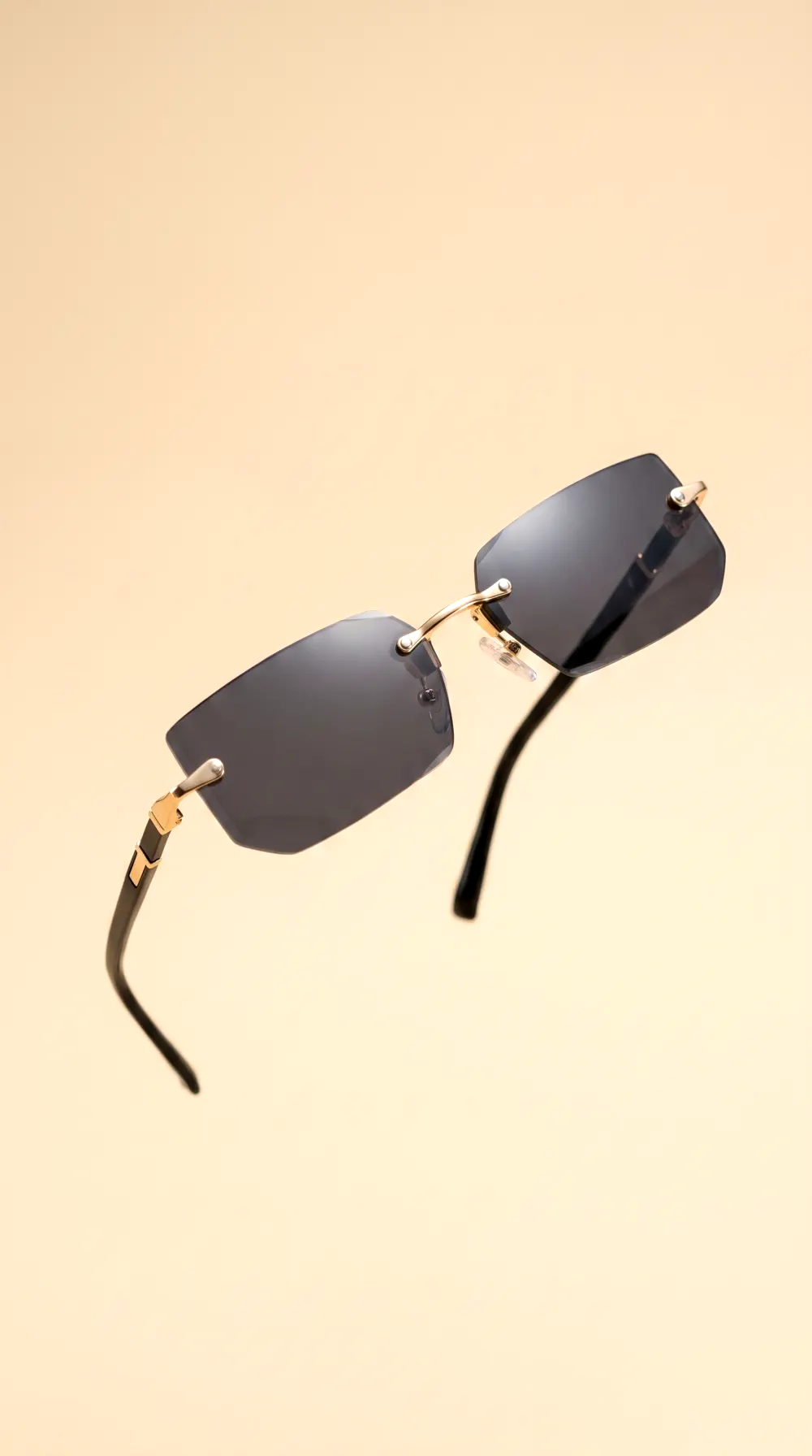
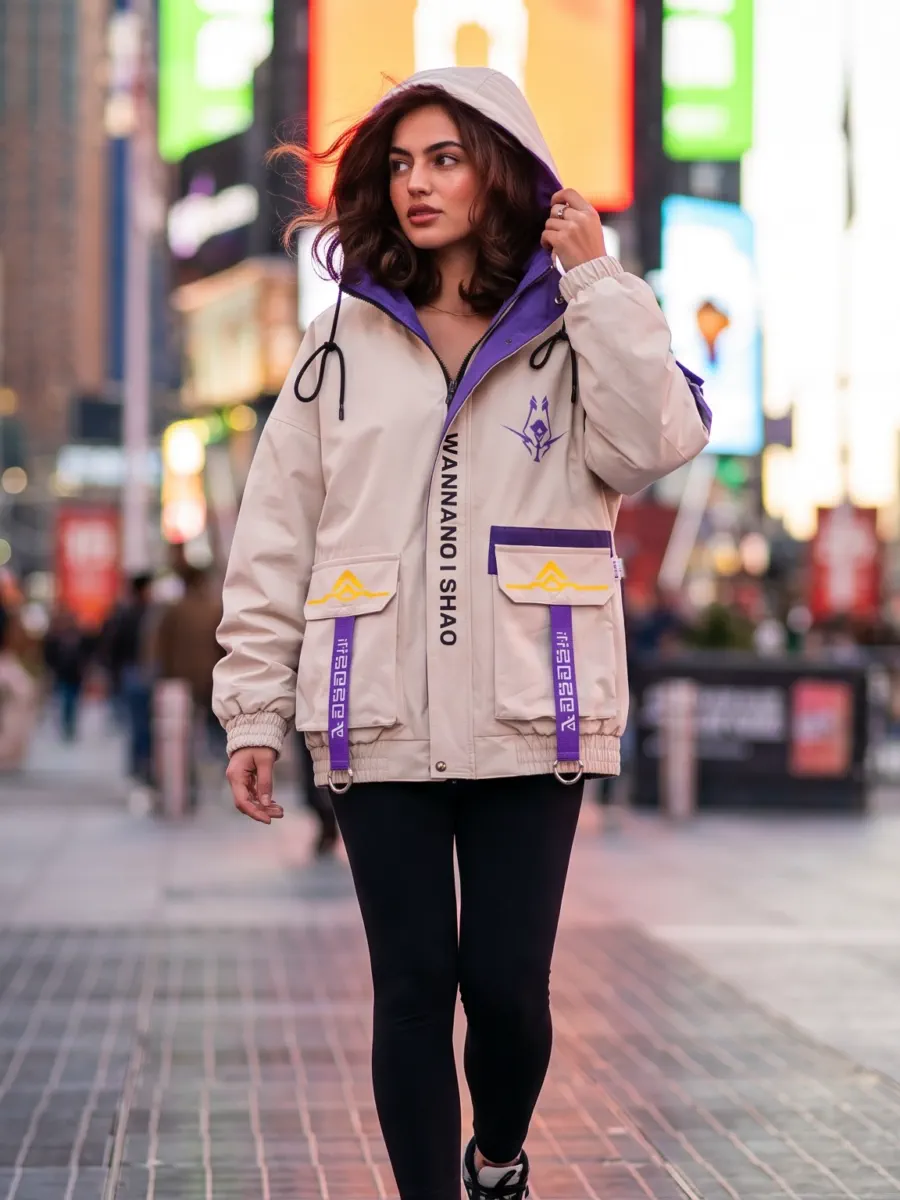
Every image above was generated in CherryShot from a customer's own product photo. No stock photography, no licensed models.
What each tool actually does
Two tools that overlap in the middle and separate at the edges. The ticks that go to Photoroom are real ones.
Background removal and bulk catalog editing
Photoroom runs AI edits across thousands of images in one pass, which is their core. CherryShot gives you bulk image export, not bulk editing.
Full AI photoshoot: your product in a new scene
Both generate scenes. Photoroom calls it Product Staging, CherryShot builds the whole shoot.
Your garment worn by a realistic AI model
Photoroom bundles AI Fashion Models from Pro up. It is what CherryShot is built around.
Video ads without moving up a plan
Photoroom lists the Video Generator on Max and Ultra only, not on Pro.
Published per-image API pricing
Photoroom publishes $0.02 per image for background removal and $0.10 for image editing. CherryShot has an API available on request, with no per-image pricing published.
Mobile and Shopify apps
Photoroom ships web, iOS, Android and a Shopify app. CherryShot is web only. It runs in a mobile browser, but there is no native app and no Shopify app.
Pick Photoroom if
- You push thousands of SKUs through background removal and bulk edits.
- You want a native phone app or a Shopify app, not just the web.
- You build on an API and want per-image pricing published up front.
- You need enterprise terms: SLA, SSO, dedicated onboarding.
Pick CherryShot if
- You need shots that look like a photoshoot, not an edited cutout.
- You sell apparel and want the garment worn, without booking models.
- Video ads are part of every launch and you do not want a tier for it.
- Your catalog is small enough that per image beats a big monthly allowance.
Want the detail on the shoot itself? See the AI photoshoot page, the AI product photography page or, for apparel, the ghost mannequin alternative.
CherryShot vs Photoroom, answered
How much does Photoroom cost?
Photoroom lists four plans on its pricing page: Pro at $12.99 a month or $89.99 a year, Max at $34.99 a month or $250 a year, Ultra at $99 a month or $990 a year, and a sales-quoted Enterprise tier. Those figures were read from photoroom.com/pricing on 22 August 2026 and can change, so check their page before you buy.
Does Photoroom make video ads?
Yes. Photoroom has a Video Generator that turns one to four product photos into a short MP4, using 300+ ecommerce templates or a prompt. Their own pages put it on the Max and Ultra plans, not on the entry Pro plan. So the honest difference is not whether Photoroom does video, it is which plan you have to be on before you can use it.
Which is cheaper, CherryShot or Photoroom?
CherryShot starts at $9.99 a month against Photoroom’s $12.99 entry plan, and video generation is included at that price rather than sitting on a higher tier. Whether it is cheaper for you depends on volume: Photoroom sells large monthly credit and export allowances, CherryShot sells 50 credits at 1 to 4 credits per image. Work out your monthly image count first, then compare.
Can I use CherryShot instead of a product photographer?
For catalog and ad images, that is what it is for: you upload a product photo and get studio, lifestyle or on-model shots back in minutes, with full commercial ownership and no attribution required. For campaigns that need a specific real person, a real location or a physical proof of a bespoke item, a photographer is still the right call.
Is CherryShot a Photoroom alternative?
It is an alternative for the photoshoot part of the job, not for all of it. If your day is removing backgrounds and pushing thousands of SKUs through bulk edits, Photoroom is built for that and CherryShot is not. If your day is producing on-model and lifestyle shots plus short video ads for a smaller catalog, that is the job CherryShot does from one upload.