How to Get White Background Product Photography (Studio Method and AI Method)
Two ways to get a clean backdrop behind your product: build a small studio setup and shoot it, or upload a photo and let AI generate the backdrop for you. This page walks through both, so you can pick the one that fits your time and budget.


How do you get a white background in product photography?
Shoot your product on a white backdrop lit evenly from both sides so no shadows fall on the backdrop, then adjust exposure until the white reads as pure white, not grey. Or skip the setup: upload an existing product photo to an AI photography tool, select a white option, and it generates a clean studio shot in seconds.
Two ways to get there
The traditional studio route and the AI route land in the same place. They cost very different amounts of time.
The traditional studio setup
This is well-documented practice and it still works, but it takes gear, space, and time to get right.
What you need
- A white backdrop: a roll of seamless paper, a white sweep, or a lightbox or tent for small items. Fabric works too if it is steamed flat, wrinkles show up as shadows.
- Two light sources, one on each side of the product, angled to hit the backdrop evenly. Uneven lighting is the most common reason a supposedly white backdrop comes out grey on one side.
- A camera on a tripod, shooting slightly above eye level for most product categories.
The exposure problem
Cameras meter for middle grey by default, so a scene that is mostly white confuses the built-in meter and the shot comes out underexposed. You generally need to overexpose on purpose, by roughly one to two stops, until the backdrop reads as bright white rather than light grey. Check the histogram if your camera shows one: you want the backdrop data pushed toward the right edge without clipping.
The editing step most guides skip
Even a well-lit shoot rarely comes out at true white (255, 255, 255) straight out of the camera. Most photographers still run a cleanup pass: levels or curves adjustment to push the backdrop to pure white, then a selection or clipping path to isolate the product if the listing needs a pure white file rather than just a bright one. This is the part that eats the most time, especially across a catalog of fifty or five hundred products.
The AI method
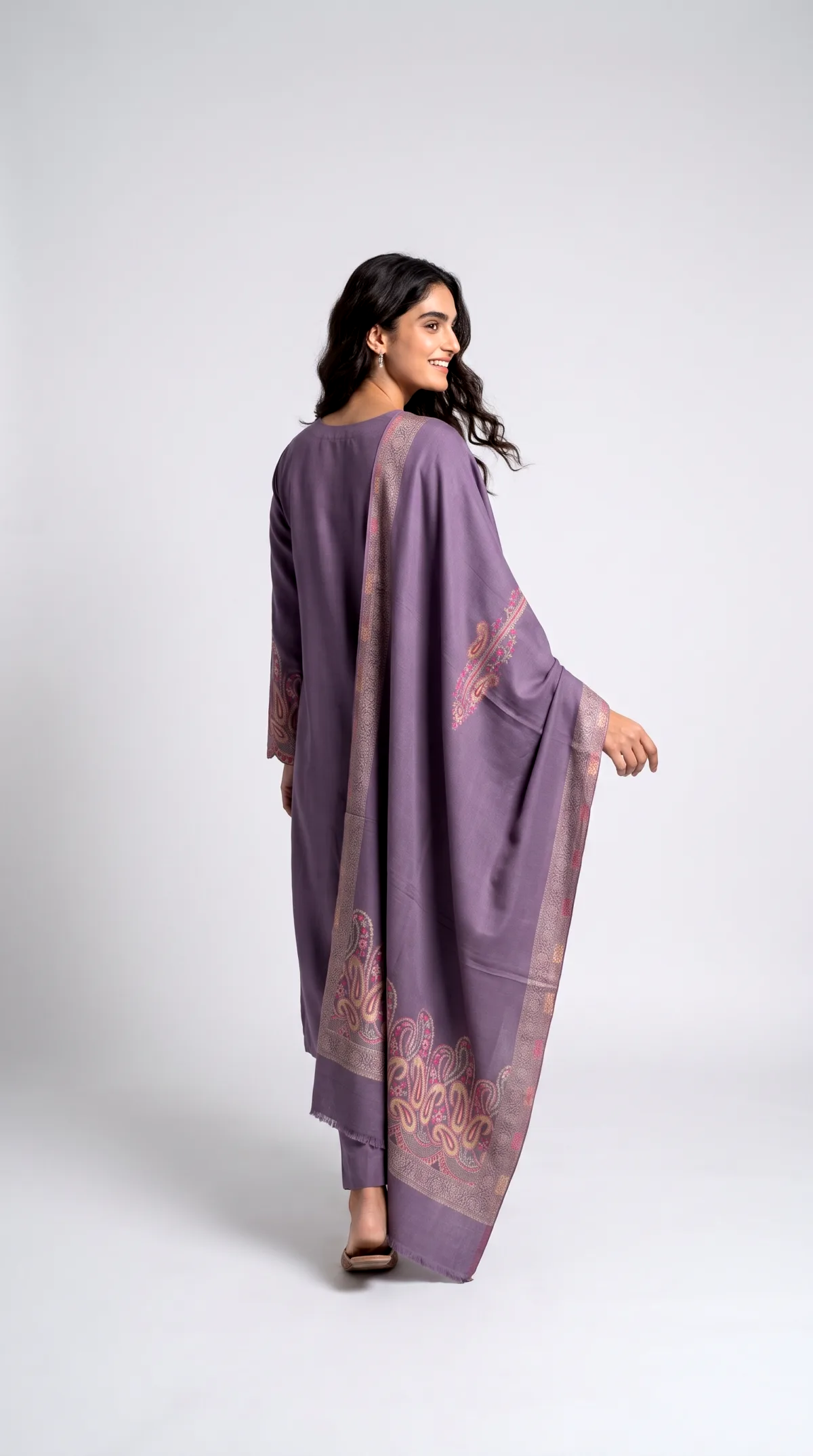
Upload a photo of your product, on any background, even a messy desk or a phone shot with shadows. Pick a white or studio option. The tool removes the existing scene, places the product on a clean white field, and adjusts lighting and shadow so it looks shot in a studio. No backdrop, no lights, no tripod, no manual clipping path. This is the whole CherryShot workflow, and it is built specifically for sellers who need this done across many products, not just one hero shot.
Both methods land in the same place: a product that reads as photographed in a real studio, on a backdrop that measures as white rather than off-white or grey. The studio route gives you full control over reflections and material texture if you're shooting glass, metal, or anything reflective. The AI route gives you speed and consistency across a full catalog.
The CherryShot version, in 3 steps
From any product photo to a clean studio shot, without touching a light stand.
1. Upload your product photo
Any photo works as a starting point: a phone shot on a table, an existing listing image, or a photo with a cluttered or colored background. CherryShot reads the product and separates it from whatever is behind it.
2. Choose white or studio background
Pick pure white for marketplace and catalog listings, or a soft studio grey or gradient if you want something with a bit more depth for your website or ads. The product itself stays untouched, only the backdrop and lighting change.
3. Generate and download
The shot generates in seconds. Download it in the resolution you need for your listing, marketplace, or ad platform. Each generation costs 1 to 4 credits depending on the shot type, and new accounts get 5 free shots to test on real products before paying anything.
Where these shots actually get used
Four places a clean white listing image earns its keep.
Marketplaces
Amazon requires the main image on a pure white background (RGB 255, 255, 255), with the product filling most of the frame and no added text, props, or watermarks. Listings that don't meet this get flagged or suppressed. See our full breakdown of the exact specs on the Amazon product image requirements page. Other marketplaces like Walmart and Etsy don't mandate pure white the way Amazon does, but a clean backdrop is still the safest default for a grid of thumbnails.
Ecommerce listings
Your main product image on your own store. A clean backdrop keeps the focus on the product and matches the look shoppers expect from a professional listing, without a busy scene competing for attention.
Catalogs
Print and digital catalogs need consistency across every product on the page. A shared backdrop means items of different sizes, colors, and materials all sit on the same visual footing, so the catalog reads as one coherent set instead of a mix of photo styles.
Ads
Product-only ad creative, the kind used in shopping feeds and dynamic product ads, almost always sits on white or a very light neutral. It keeps load times fast, keeps the product as the only visual element, and matches what shoppers already expect from a shopping feed.
When white works, and when lifestyle backgrounds convert better
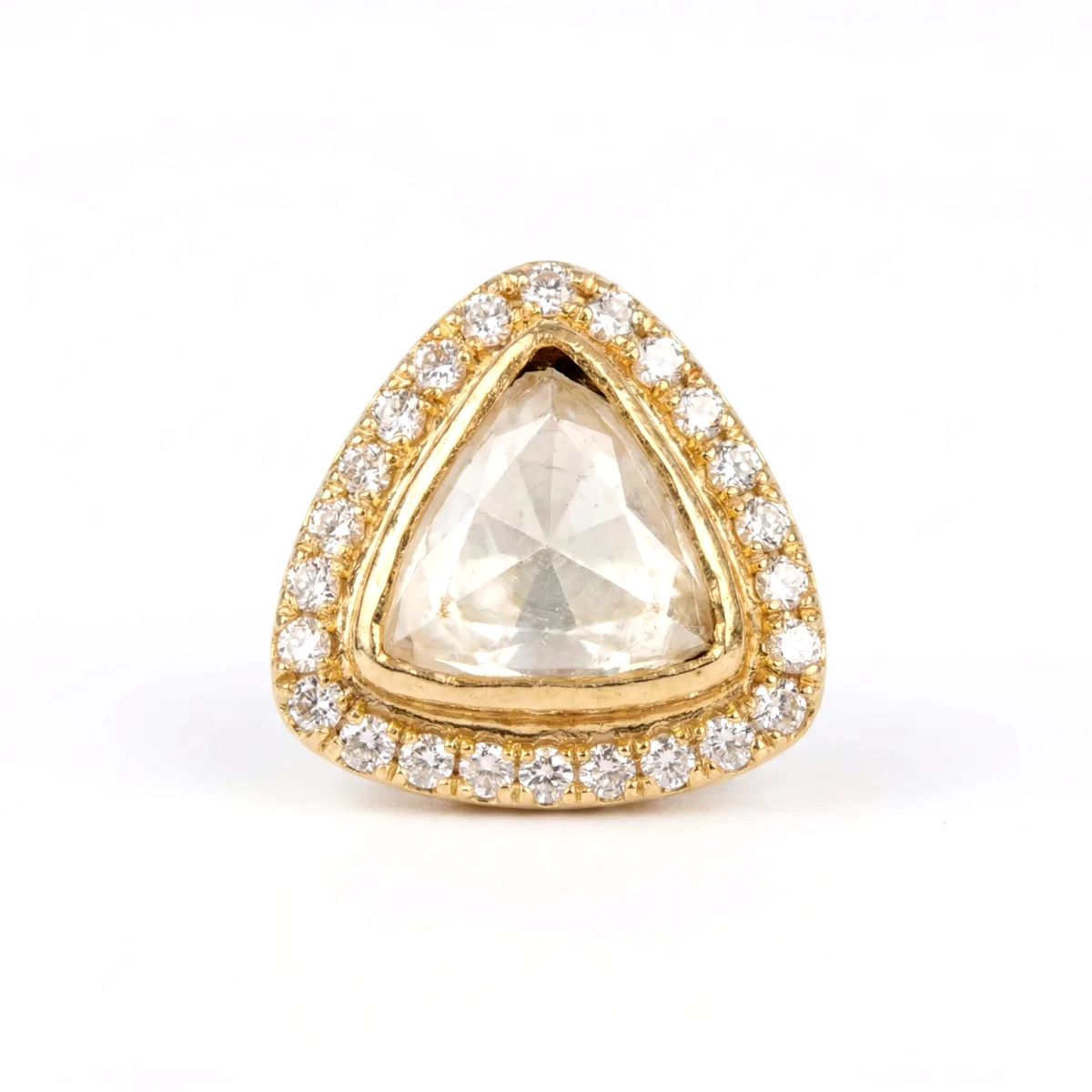
White is the right default for your main listing image, catalog rows, and any marketplace with a background rule. It's neutral, it loads fast, and it lets a shopper compare products side by side without the scene influencing the read.
Lifestyle scenes earn their place further down the gallery, not as the hero shot on a marketplace with a white rule. A product shown in use, on a shelf, in a kitchen, worn by a person, answers a different question than the clean studio shot does: not "what does this look like" but "what does this look like in my life." Most sellers run both: white or studio for the first image and any marketplace-mandated slot, lifestyle for the supporting images further down the listing. This isn't a stat we're citing, it's the pattern you'll see across most professional listings once you start comparing them side by side.

Questions sellers ask before shooting on white
Does a white background have to be pure white (255, 255, 255)?
For Amazon's main image, yes, Amazon checks for pure white and will flag images that come in off-white or grey. For your own store or a general listing, clean white is usually enough, a background in the 240 to 255 range still reads as white to a shopper. If you're specifically listing on Amazon, aim for exact 255,255,255 to avoid a rejected image.
Can I shoot on white without a studio?
Yes. A sheet of white foam board curved into a sweep, placed near a window for soft daylight, covers most small products. The trade-off is control: natural light shifts through the day and foam board doesn't diffuse light as evenly as a proper softbox, so you'll get more variation shot to shot than with a lit setup.
My background came out grey instead of white, how do I fix it?
This is almost always an exposure or lighting problem, not a backdrop problem. Either the backdrop wasn't lit evenly, one side is brighter than the other, or the shot was underexposed because the camera's meter reacted to all the white in the frame. You can push it to true white afterward with a levels or curves adjustment in any photo editor, or generate a fresh version with an AI tool that renders a clean white backdrop directly.
What's the difference between white and black backgrounds for product photos?
White is the near-universal default for ecommerce because it's neutral, familiar, and required on major marketplaces. Black backdrops show up more in premium or editorial contexts: electronics, jewelry, anything you want to look dramatic rather than catalog-clean. If you only have budget or time for one style, white is the safer choice for listings.
What file format should I use for a white background product photo?
JPEG is the standard for marketplace listings and web use, it's smaller and loads faster. PNG is worth keeping if you need a transparent background for later use, like placing the product into different scenes. TIFF shows up in print catalog workflows where file size matters less than image quality.
What do professional photographers actually use for a white backdrop?
Seamless white paper rolls are the most common choice for full-size products, they're cheap to replace when they get scuffed. For small items, a lightbox or shooting tent is faster to set up and gives more even light without needing two separate strobes.
Is a white background required for Amazon?
Yes, for the main image. Amazon's image guidelines require the primary listing photo to sit on a pure white background with the product filling most of the frame, no props, text, or logos. Secondary images in the gallery can use lifestyle or colored scenes. Full specs are on our Amazon product image requirements page.
Can AI actually match a real studio white background?
For the purpose of an ecommerce listing, yes, the output is a clean, evenly lit product on a measurable white backdrop, which is what marketplaces and shoppers are checking for. Where a physical studio still has the edge is control over how reflective materials, glass, polished metal, mirrors, catch and bounce real light. For flat and matte products, most sellers won't see a meaningful difference.
Need the Amazon-specific version of these rules, including exact pixel sizes and zoom thresholds? See Amazon product image requirements. Shooting more than clean listing images? Start at the AI product photography page. Selling something small and reflective? Jewelry has its own page.