The Best AI Photoshoot Apps in 2026
Most lists mix two different jobs. Apps that shoot products for online stores and apps that shoot professional headshots of people share a label and nothing else. This page keeps them apart: 6 product tools and 3 headshot generators, every price read from the vendor's own pages on 2 September 2026. One disclosure up front: CherryShot is our product, and it is in the first table.
For product photos: 6 apps compared
You upload a product photo, the app builds the scene around it. These six do that job; they differ on price, platform and how far beyond generation they go.
| App | What it does | Free way in | Cheapest paid step | Runs on |
|---|---|---|---|---|
| CherryShot | Product photoshoots: one upload becomes studio, lifestyle and on-model shots plus short video ads | 5 free shots for new accounts | $9.99 for 50 credits, 1 to 4 credits per image | Web |
| Photoroom | Broad photo editing platform: background removal, staging, bulk catalog edits, AI backgrounds and models | Free trial | Pro at $12.99 a month, $89.99 billed yearly | Web, iOS, Android |
| Flair | Product and on-model imagery with a design-canvas workflow | Free plan: 5 generated images, 1 custom model, 1 video | Pro at $8 a month | Web |
| Pixelcut | Editing suite around background removal, upscaling and retouching, with AI generation on paid credits | Free plan with limited background removal and upscaling | Pro at $10 a month, $8 billed yearly, 600 credits a month | Web, iOS, Android |
| Pebblely | Product photos placed into themed backgrounds from one upload | No free tier stated on its pricing page | Lite at $9 a month for 30 images | Web |
| Claid | Product photoshoots and image enhancement, aimed at ecommerce catalogs and APIs | Free trial with an account | Credit plans; prices are not published on its static pages | Web |
Photoroom, Flair, Pixelcut, Pebblely and Claid are trademarks of their respective owners. CherryShot is not affiliated with, sponsored by or endorsed by any of them. All third-party facts read from each vendor's published pricing and home pages on 2 September 2026; Claid renders its prices in-app, so we state only what its public pages say. Prices and features change, check their pages before you buy. Comparing us against Photoroom specifically? That has its own detailed page.
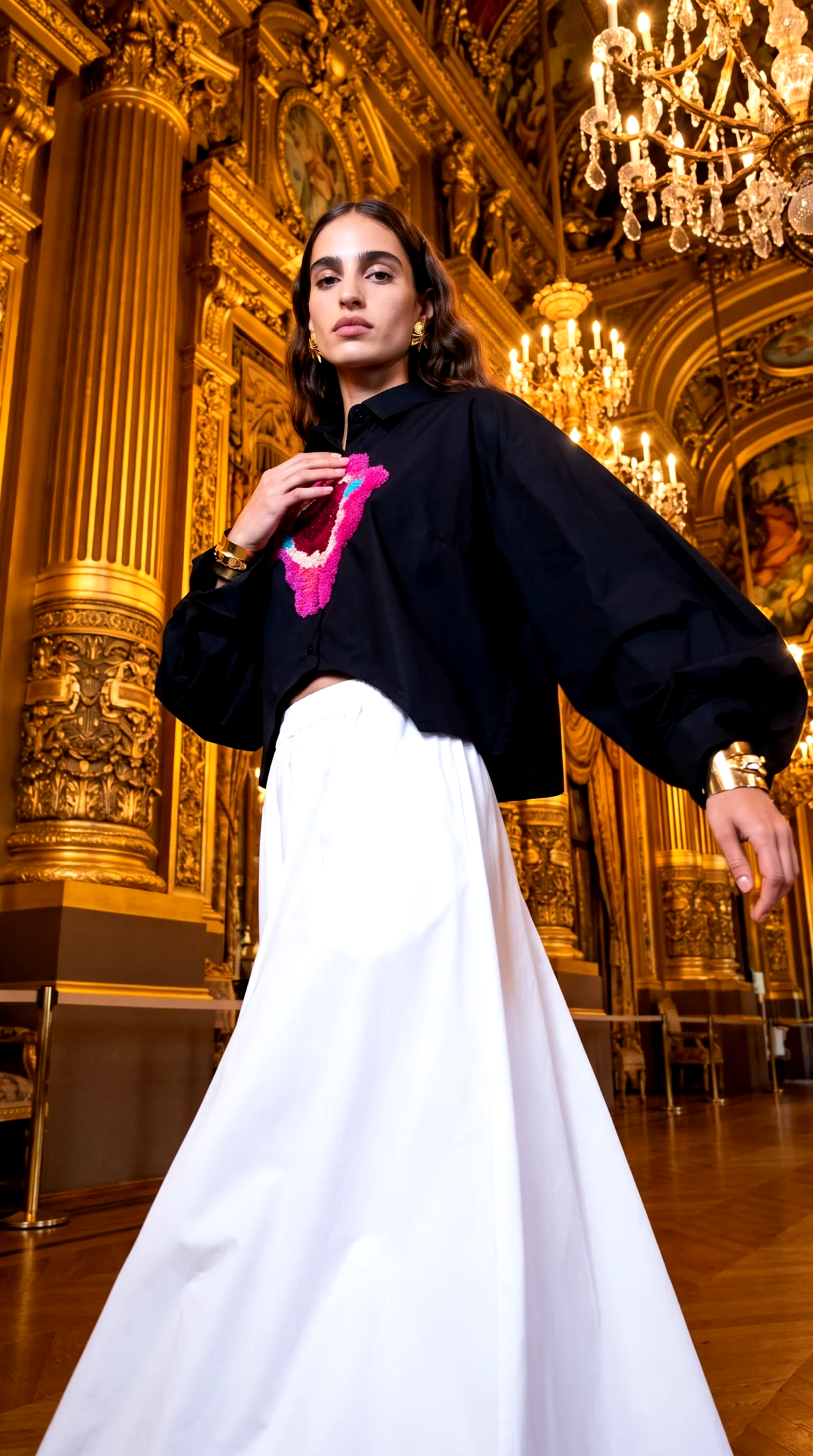
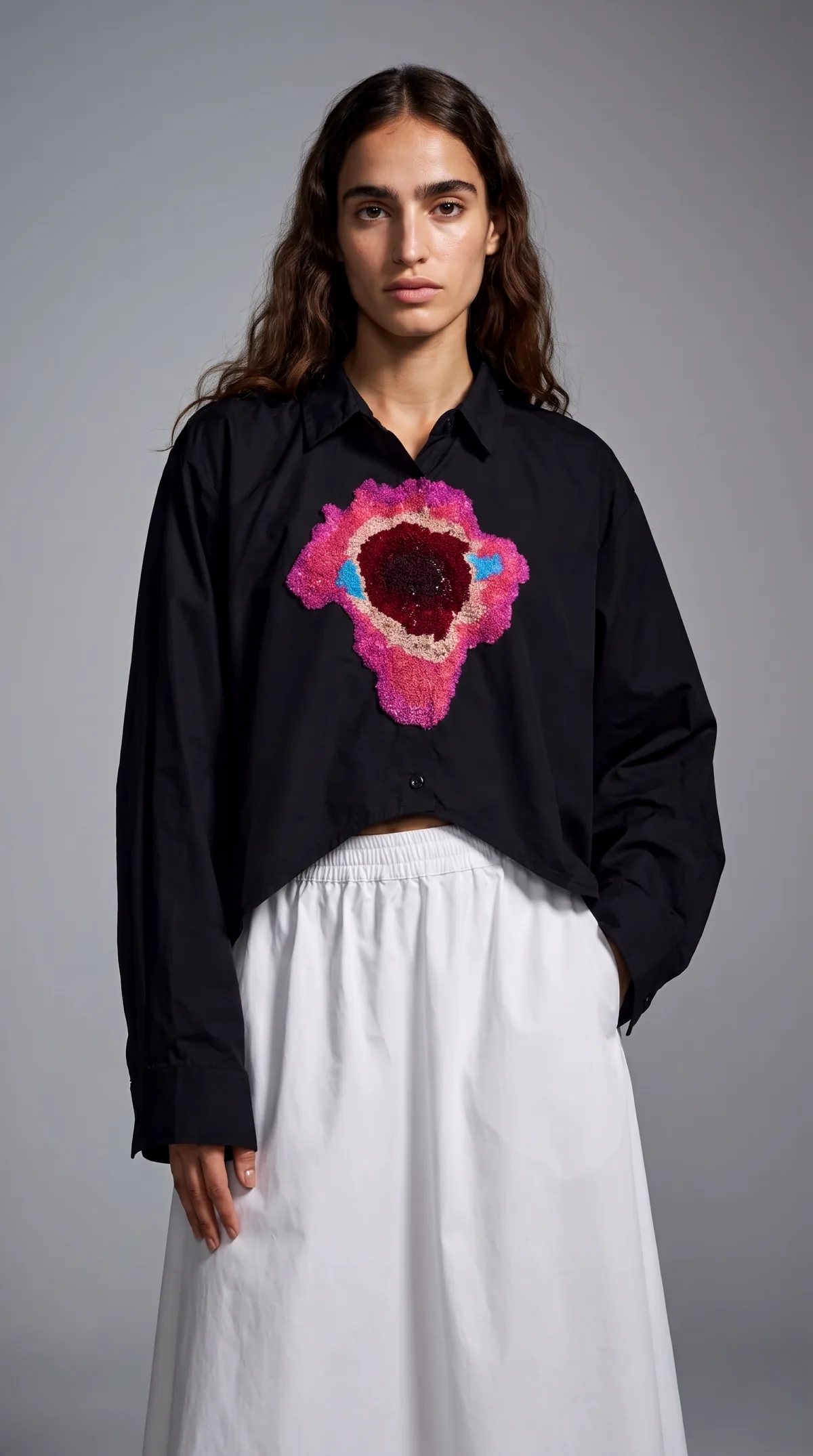
For headshots of people: a different job, different apps
If you searched for a photoshoot app wanting LinkedIn-grade photos of yourself or your team, these are the specialists. We do not compete here, so this is the short version.
| App | What it does | Free way in | Cheapest paid step |
|---|---|---|---|
| BetterPic | Turns casual phone photos into professional headshots | Free tier of up to 10 headshots | $35 one time for 20 headshots in one style |
| StudioShot | AI portraits with human retouching, studio and office settings | No free tier | Essential at $29.25 for 40 images |
| Dreamwave | AI headshots from a single selfie, for individuals, teams and events | Free generator with limited daily spots | Team rate of $49 to $59 per person; no public individual price |
BetterPic, StudioShot and Dreamwave are trademarks of their respective owners, no affiliation. Facts from their own pages on 2 September 2026. Dreamwave publishes only a team rate; its individual price sits behind a sales contact.
How to pick in ten minutes
Answer three questions. Products or people: that halves the list immediately. Volume: a few images a month fits any starter plan, a full catalog makes per-image cost the number to compare. Video: if you want product video ads from the same tool, that currently narrows the product list to CherryShot at $9.99 and Photoroom from $34.99.
Then stop reading lists, ours included, and run the same photo through the free tiers of your top two picks. Ten minutes of your own results beats any comparison table, because the benchmark is how an app renders your product and its materials.
Questions buyers ask about photoshoot apps
What is the best AI photoshoot app overall?
There is no single answer, because product photoshoots and people photoshoots are different jobs done by different apps. For product images the shortlist is CherryShot, Photoroom, Flair, Pixelcut, Pebblely and Claid. For headshots it is BetterPic, StudioShot and Dreamwave. Pick from the list that matches what you are photographing, then test your own product or face on the free tier before paying.
Are these apps free?
Most have a free way in, and all of them charge for volume. As of September 2026: CherryShot gives 5 free shots, Flair has a $0 plan with 5 images, Pixelcut has a limited free plan, BetterPic gives up to 10 free headshots, and Photoroom and Claid run free trials. Pebblely and StudioShot publish no free tier.
Why is CherryShot in a list CherryShot wrote?
Because leaving it out would be stranger. This page is on cherryshot.ai, we build CherryShot, and we say so plainly. Every fact about the other apps comes from their own published pages on the date shown, with nothing invented, so you can verify each row in a minute.
Do any of these apps do video?
CherryShot generates short product video ads from the same credit pool as images, starting on the $9.99 plan. Flair includes 1 video generation on its free plan. Photoroom lists its video generator on plans above Pro, so video there starts at $34.99 a month.
Phone app or web app, does it matter?
Photoroom and Pixelcut ship iOS and Android apps alongside the web version, which matters if you shoot and edit from your phone. The others on this page, CherryShot included, run in the browser, which matters if you work from a desk and want files straight into your listings.
How should I actually choose?
Three questions settle it. What are you shooting: products or people? How many images a month: a handful, or a catalog? Do you need video ads too? Then run the same product photo through two free tiers and compare the results side by side. The app that renders your product accurately is the right one, whatever any list says.
Want to see what a free test looks like before picking anything? Start at free AI photoshoot or go straight to the AI photoshoot page.