Free AI Photoshoot: What You Actually Get Without Paying
Every tool in this category advertises the word free and buries what it means. This page lays out what our 5 shots include, what other tools give away, and how to spend a small allowance so you learn the one thing worth learning: whether this works on your product.
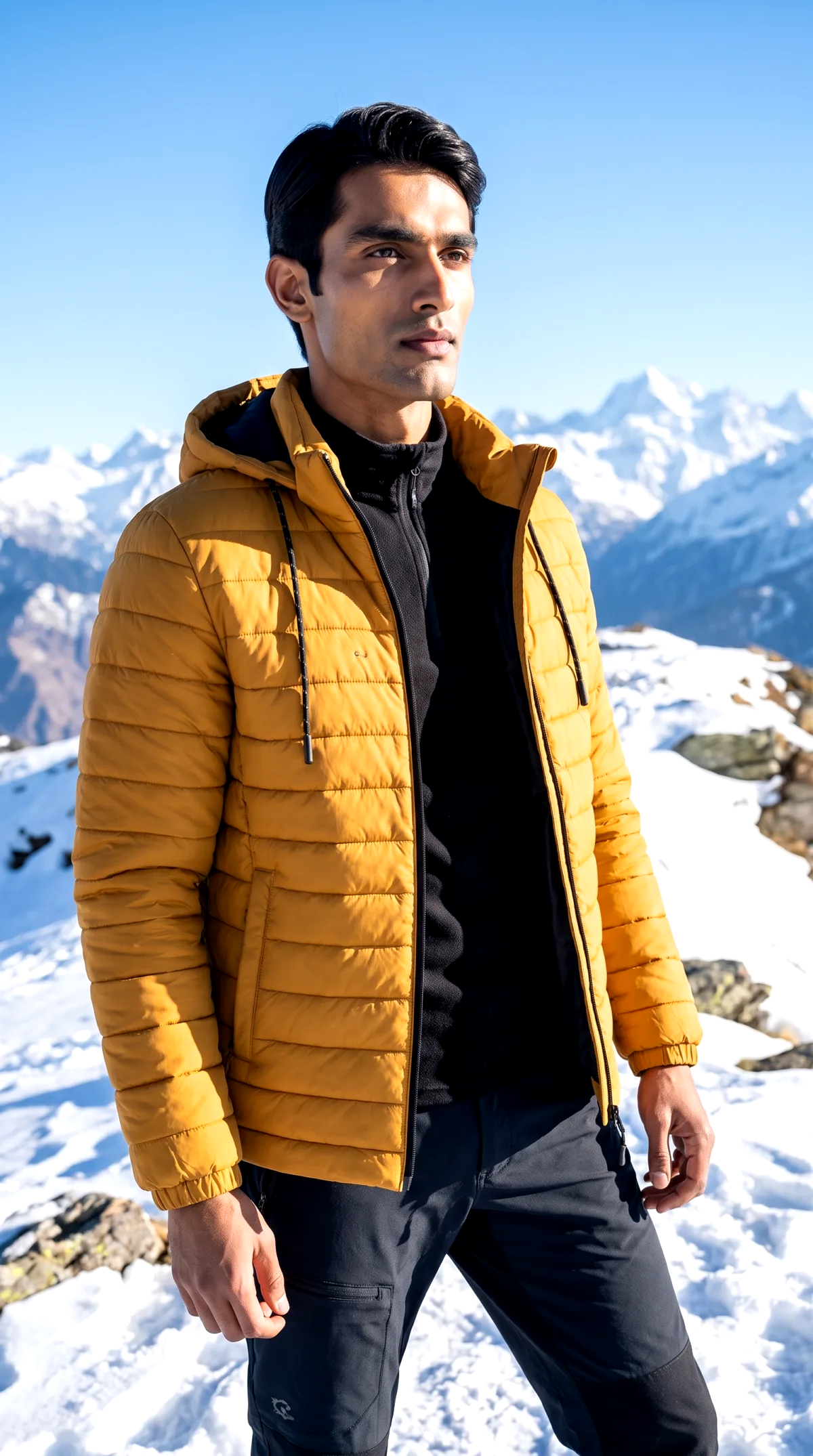
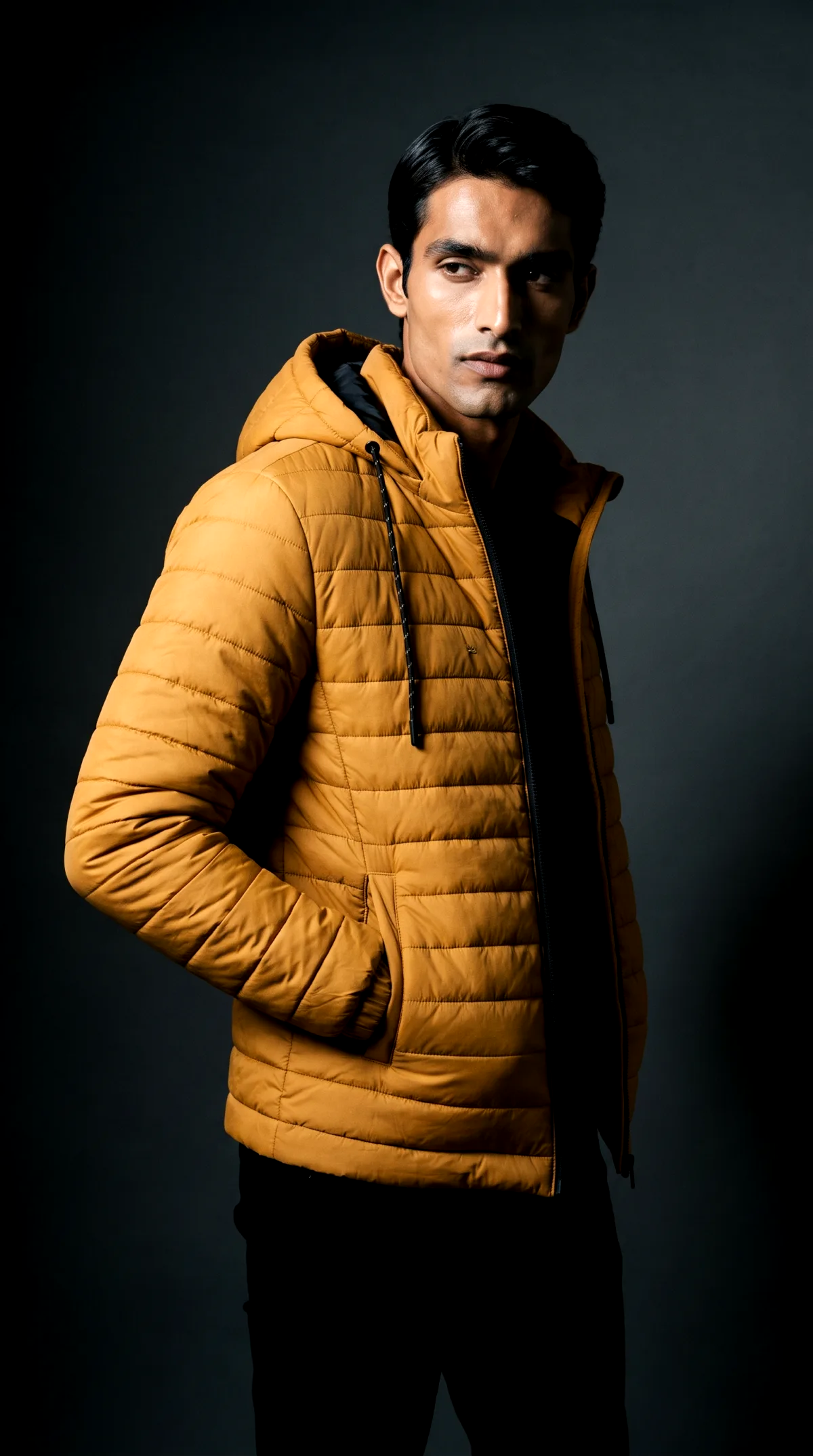
Clean up a product photo right here
Drop in a photo and the background comes off. Your product lands on a white studio sweep, a soft backdrop, or a transparent PNG you can use anywhere. It runs inside your browser, so the photo never leaves your device.
The cutout runs on your device with an open source model (U^2-Net, Apache 2.0). We never receive your photo, and neither does anyone else.
Can you do an AI photoshoot for free?
Yes. Most product photoshoot tools, this one included, let you generate a small number of images at no cost: on CherryShot that is 5 free shots for a new account. A free allowance will not cover a catalog, but it fully answers whether the output looks right on your product, which is the thing worth finding out before you pay anyone.
How the free shots work
Sign up, upload, generate. You do not need a camera, a studio or any design skill.
1. Upload one product photo
A phone shot on your desk is fine. The tool reads the product, not the mess around it, so you do not need a good camera or a clean scene to start.
2. Pick a scene
Clean studio, a lifestyle setting, or an AI model wearing your product. Each generated image costs 1 to 4 credits depending on the shot type.
3. Generate and judge it on your own product
These shots exist to give you proof. Look at how the output renders your fabric, your metal, your label. That tells you more than any example gallery, including ours.
How to spend 5 shots so they actually tell you something
- Use your best-selling product, not your prettiest one. You are testing the images that would earn money.
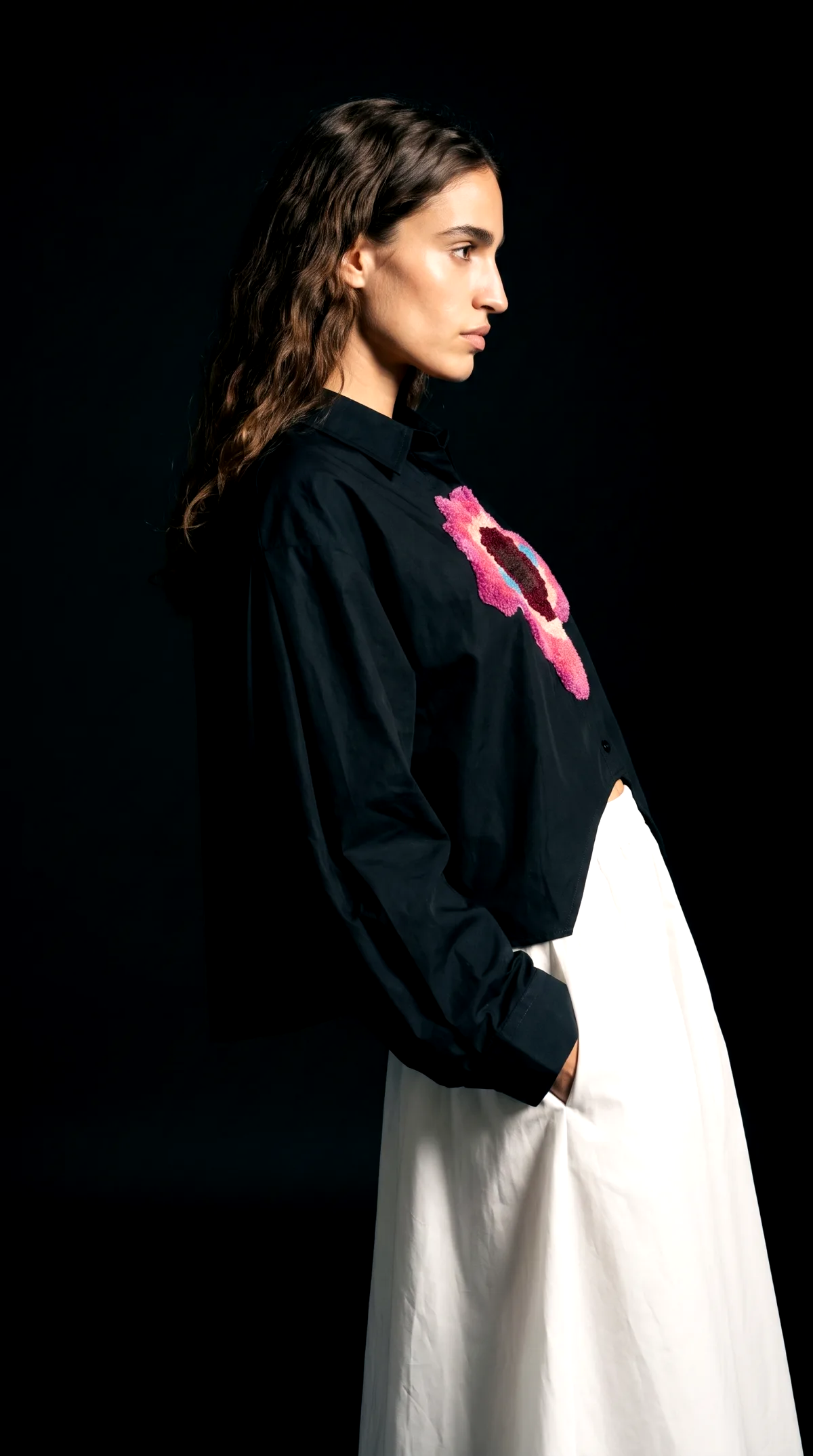
- Spread the shots across scene types: one clean studio shot, one lifestyle scene, one on-model if you sell something wearable. Each mode stresses the AI differently.
- Zoom in on the hard parts: fabric texture, stitching, metal, printed labels. That is where AI photography succeeds or falls apart, and it varies by product.
- Compare against the photo you use today. The bar is not perfection, it is better than what your listing currently shows.
Free tiers across the market, compared
Read from each vendor's own pages on 2 September 2026. These change, treat the table as a dated snapshot.
| Tool | What is free | Cheapest paid step | Focus |
|---|---|---|---|
| CherryShot | 5 free shots for new accounts | $9.99 for 50 credits, images cost 1 to 4 credits each | Product photoshoots: studio, lifestyle and on-model shots |
| Flair | Free plan: 5 generated images, 1 custom model, 1 video | Pro at $8 a month | Product and on-model imagery |
| Pixelcut | Free plan: limited background removal and upscaling | Pro at $10 a month, $8 billed yearly | Editing suite; generation sits behind Pro credits |
| Photoroom | Free trial | Pro at $12.99 a month | Editing platform with AI backgrounds and models |
| Pebblely | No free tier stated on its pricing page | Lite at $9 a month for 30 images | Product photos with themed backgrounds |
| Claid | Free trial with an account | Credit plans; prices are not published on its static pages | Product photoshoots and image enhancement |
CherryShot is our product. All other rows read from the vendors' own pricing and home pages on 2 September 2026. Flair, Pixelcut, Photoroom, Pebblely and Claid are trademarks of their respective owners; CherryShot is not affiliated with, sponsored by or endorsed by any of them. Check their pages before you buy, these numbers change. For a fuller comparison see the best AI photoshoot apps in 2026.
When free is enough, and when it is not
Free covers the test. If you sell a couple of products and need one good listing image for each, you might genuinely get there inside the 5 shots plus one $9.99 credit pack, which covers 12 to 50 further images depending on shot type.
Free does not cover a catalog refresh, seasonal campaigns, or shooting variants of every product. That work runs on paid credits everywhere, and the honest math is per image: on CherryShot roughly $0.20 to $0.80 each, against published traditional rates of $25 to $100 or more per image and studio day rates of $800 to $3,000. If AI output holds up on your product in the free test, the paid step is not the expensive part of your photography anymore.
Questions people ask before starting
Can I really run an AI photoshoot for free?
Yes, within limits. Most product photoshoot tools give you either a handful of free generations or a stripped-down $0 plan. On CherryShot a new account gets 5 shots at no cost. That is enough to test the output on your own product, and not enough to shoot a whole catalog.
Why do all these tools cap the free part?
Each generated image costs the company real compute money. Tools that advertise unlimited generation at no cost are usually limiting you somewhere else: resolution, queue position, daily slots, or a watermark. A capped but clearly stated allowance is the standard in this category.
What happens when my 5 free shots run out?
You decide with your own results in front of you. If the shots worked, 50 credits cost $9.99 and each further image costs 1 to 4 credits, roughly $0.20 to $0.80 per image. If they did not work for your product, you paid nothing and you know.
Do I need my own product photos to start?
Yes, at least one. Every tool in this space starts from a photo of your actual product. It does not need to be good: a phone photo with decent light and the whole product in frame is a workable input. What you cannot start from is nothing, because then there is no product to preserve.
What makes a good input photo for a free test?
Sharp focus on the product, even light, no harsh shadows across it, and the full item in frame. Avoid photos where the product is partially cut off or blurry, because flaws in the input carry into every generated scene.
Is there a fully free AI photoshoot with no signup at all?
Partly. The tool at the top of this page takes the background off your photo and puts the product on a clean studio or blush backdrop. It asks for no account and no card, because the work happens inside your browser rather than on our servers. Full scene generation is different: putting your product into a lifestyle setting, or on an AI model, needs a model running on our side. That part starts with 5 free shots on an account.
Want the full picture of what an AI photoshoot can produce? Start at the AI photoshoot page. Shooting clean listing images? See white background product photography.