Jewelry Product Photography: The Studio Method and the AI Method
Jewelry is the product category photographers charge extra for, and for reasons you can see in your own rejected shots: metal that mirrors the room, pieces too small for a normal lens, stones that go dull under soft light. This page walks through how studios solve those problems, and how the AI route goes around them.
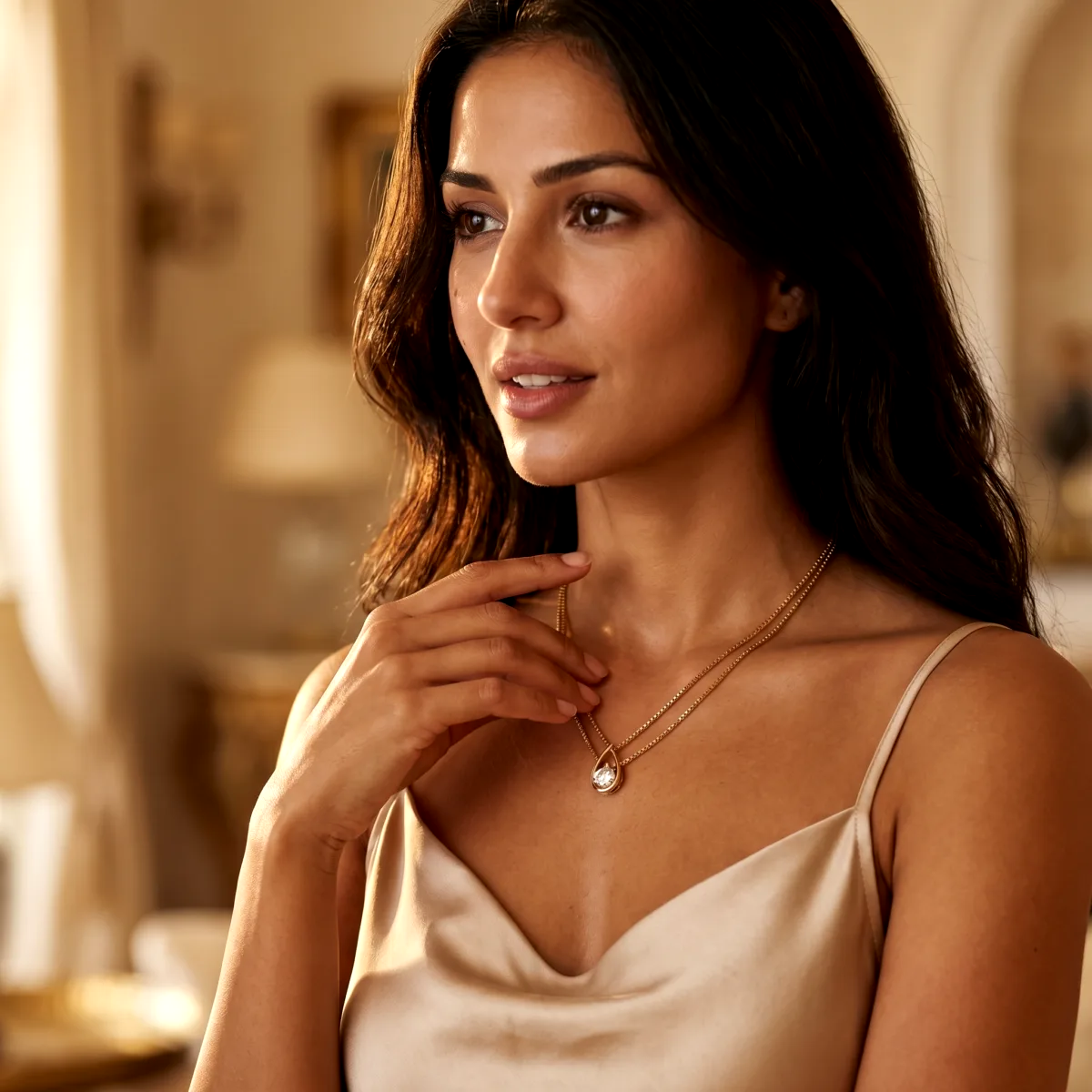
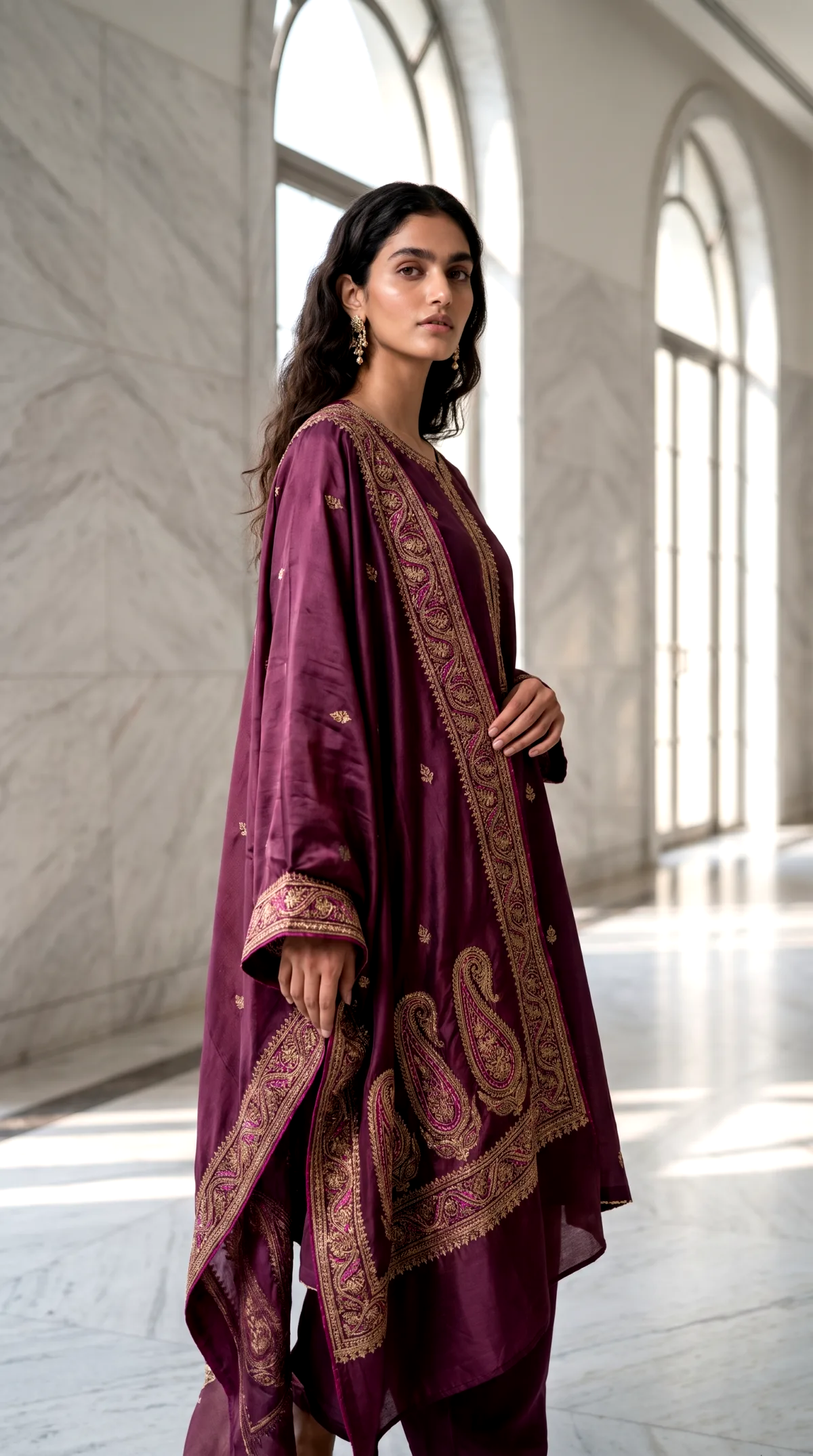
How do you photograph jewelry?
The studio answer: shoot close with a macro setup, inside a diffusion tent so the polished metal reflects clean white instead of the room, add one or two small direct lights to keep the stones lively, and stack focus across several frames so the whole piece stays sharp. The AI answer: take one sharp, well-lit photo of the piece, upload it, and generate the listing shot, the styled scene and the on-model shot from it.
The studio method, and why jewelry costs extra
Everything difficult about product photography concentrates in jewelry. Each problem has a standard studio fix, and each fix adds gear or time.
Reflections
Polished gold and silver behave like curved mirrors: the camera, the photographer and the room all show up on the piece. Studios shoot inside a diffusion tent or a built white cocoon, with the lens through a small gap, so the metal reflects featureless white. Controlling what the metal reflects is most of the craft.
Size
A ring is a few centimeters of product. Filling the frame means macro distances, and at macro distances depth of field collapses to a sliver, which is why studios shoot several frames focused front to back and blend them: the focus stacking step. It produces the all-sharp catalog look, and it takes time per piece.
Stones
The soft light that flatters metal deadens gemstones, because sparkle is a hard reflection of a small light source. The studio compromise is a diffused base with one or two pin lights aimed at the stones. Getting both right in one frame is a balancing act that jewelry specialists charge for.
The AI method
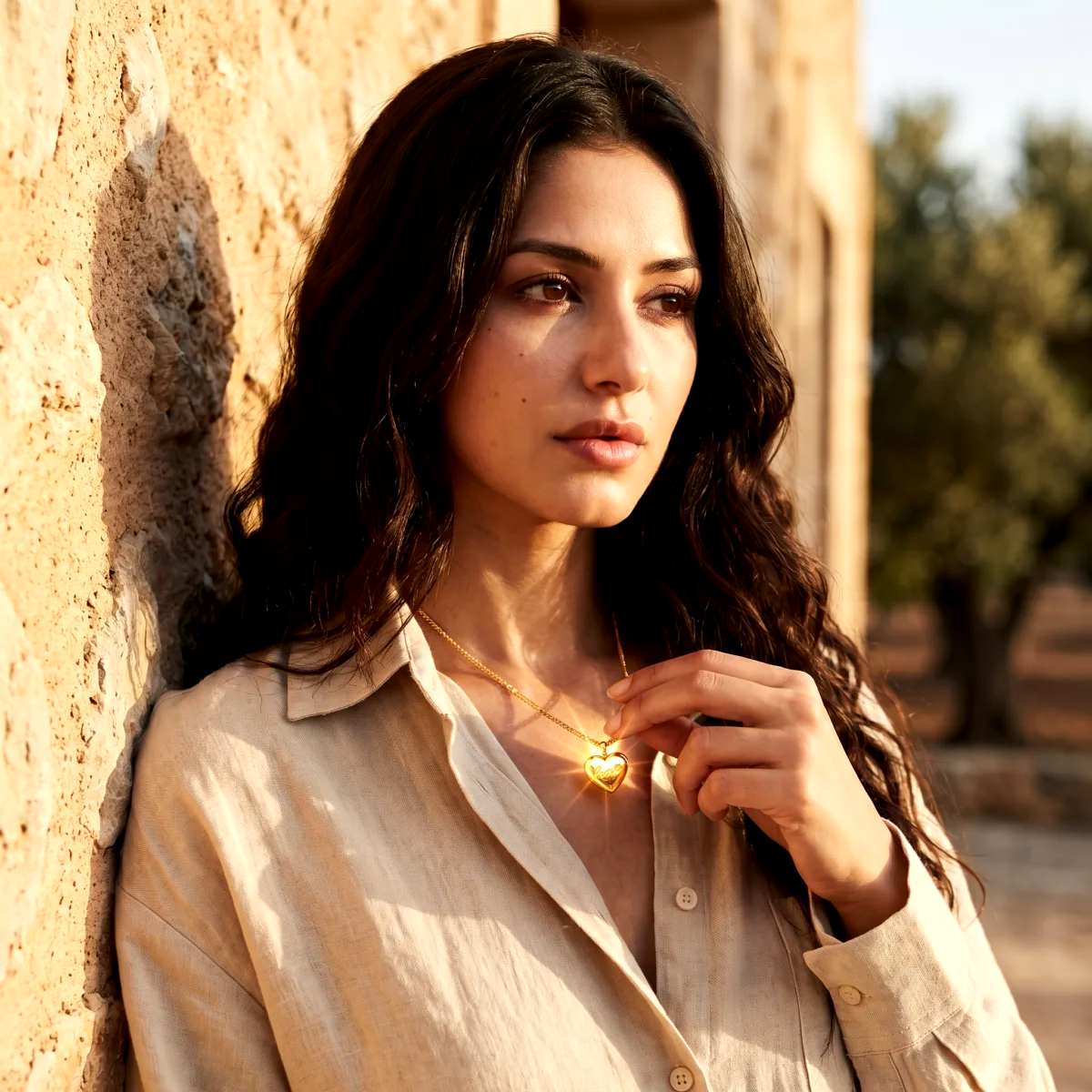
The AI route needs one decent photo of the piece, not a controlled one. From that upload, the tool generates the scene around the piece: a clean white listing image, a styled surface shot, or the piece worn by an AI model. The tent, the stacking and the lighting balance stop being your problem, because nothing is being reflected or focused, the scene is generated.
The honest caveat: fine detail is where you judge AI jewelry work, piece by piece. Engraving, stone facets and clasp mechanics are exactly where generation can drift, so inspect every shot at full size before it goes into a listing. That inspection habit costs a minute; a studio day does not.
The CherryShot version, in 3 steps
1. Upload a photo of the piece
A phone shot works if the piece is sharp and fully in frame. Shoot near a window, avoid direct sun, and get close enough that the piece fills most of the photo.
2. Pick the setting
Clean white for marketplace listings, a styled surface for your store and social, or an AI model wearing the piece for scale and context. Each image costs 1 to 4 credits.
3. Generate and inspect the details
Zoom into the stones, the metal surfaces and any engraving before you use a shot. Fine detail is the hardest part of this category for AI and for cameras alike, so judge it piece by piece.
The worn shot sells the piece
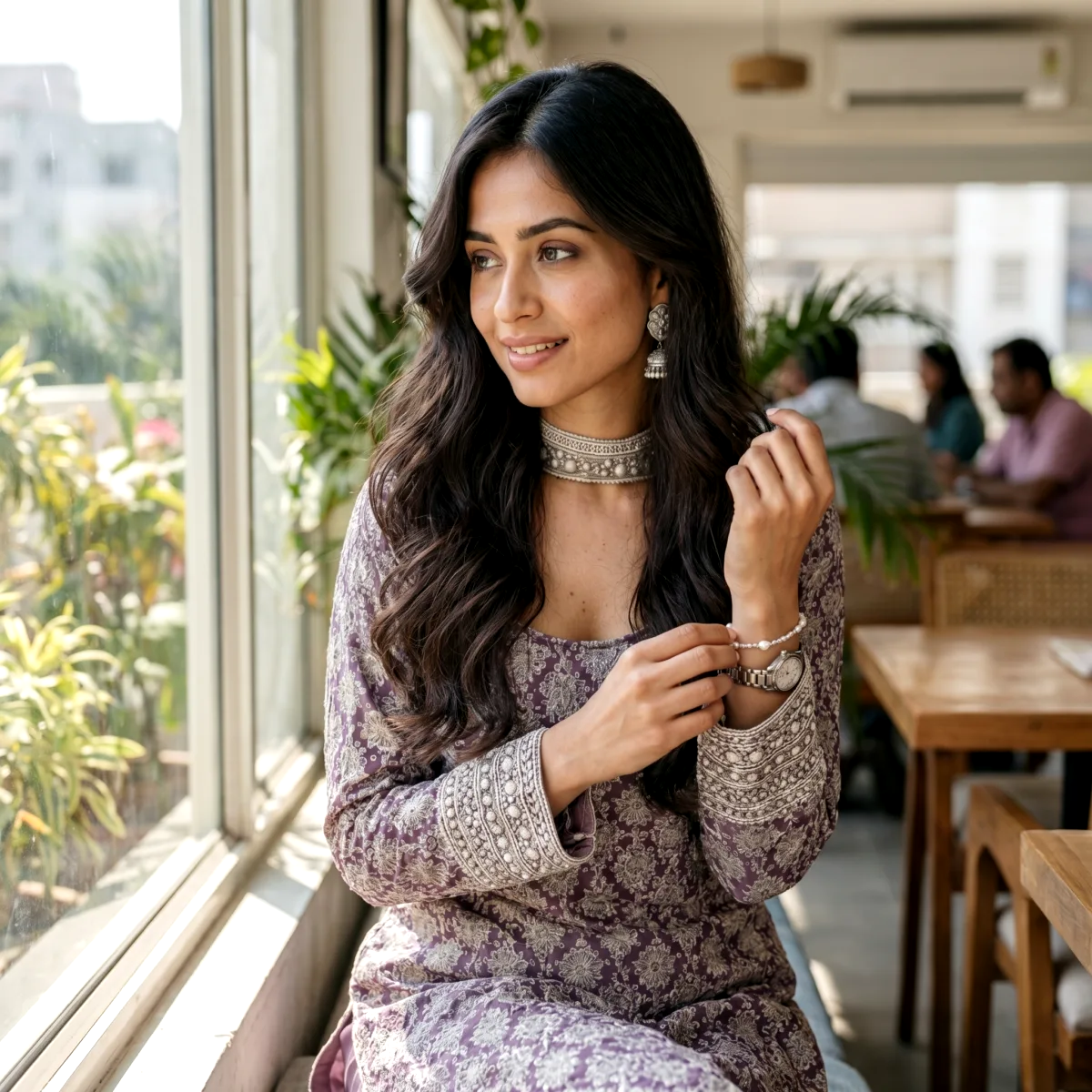
A necklace on white tells a shopper what it looks like. The same necklace on a person answers the questions that decide the purchase: how big it actually is, where it sits, what it reads as when worn casually versus dressed up. Model shoots are also the most expensive line in a small brand's photography budget, which is why so many sellers skip them.
Generated on-model shots close that gap: the piece from your upload, worn by an AI model, in a setting you choose. Every image on this page was made that way, from real pieces in our media library, and each caption names the mode and month it was generated.
Questions jewelry sellers ask
How do you photograph jewelry without reflections everywhere?
Polished metal mirrors its surroundings, so the classic fix is to surround the piece with something neutral to reflect: a diffusion tent or a white cocoon of paper or fabric, with the camera poking through a small gap. The reflections do not disappear, they become clean white ones. The AI route sidesteps the problem, because the scene around the piece is generated rather than reflected.
Do I need a macro lens?
For traditional close-up work on small pieces, some form of macro capability helps a lot: rings and earrings photographed at normal distances end up as small objects in a big frame. Modern phone cameras with a macro mode cover part of this. For the AI route the input photo just needs to be sharp and well lit, not shot through specialist glass.
What is focus stacking and do I need it?
At macro distances the zone of sharp focus becomes very shallow, often too shallow to keep a whole ring sharp in one frame. Focus stacking shoots several frames focused at different depths and blends them in software. Professional studios use it routinely on small pieces. It is one of the reasons studio work on jewelry costs what it does, and one of the steps the AI route removes.
What background should jewelry be photographed on?
Pure white for marketplace main images, where it is either required or the safe default. Beyond the main image, these pieces benefit from context more than most products: a styled surface, a warm interior, or the piece worn on a person, because those shots communicate scale and occasion. Our white background guide covers the listing side in detail.
How do professionals make gemstones sparkle?
Sparkle is small, hard reflections of light sources in the stone facets. Fully diffused light kills it, which is the tension in every gem shot: soft light for the metal, hard light for the stones. Studios balance the two with a mostly diffused setup plus one or two small direct lights aimed at the stones.
Is AI photography actually good enough for jewelry?
Jewelry is the honest stress test for AI product photography: tiny products, high reflectivity, fine engraving, faceted stones. Results vary by piece, which is why the sensible path is to test your own pieces on free shots rather than trust anyone's gallery, including ours. Where AI already clearly wins is context shots: the piece on a model or in a styled scene, without booking either.
What does jewelry product photography cost?
Published traditional rates for product photography run $25 to $100 or more per image, and jewelry sits at the demanding end of that range because of the macro and lighting work involved. On CherryShot an image works out to roughly $0.20 to $0.80 on the starter plan, which is why testing the AI route on your own pieces first is cheap insurance either way.
Shooting the traditional way? Our step-by-step jewellery photography guide goes deeper on setups. Listing on a marketplace? Check the Amazon image requirements and the white background guide.