Amazon Product Image Requirements: The Full Spec Sheet
Amazon's main product image needs a pure white background (RGB 255, 255, 255), with the product filling at least 85% of the frame. Images must be 500 to 10,000 pixels on the longest side, with 1,000px or more required to enable zoom (2,000px+ recommended). JPEG, PNG, TIFF, and non-animated GIF are accepted; JPEG is preferred.
Every rule at a glance
This table covers every documented requirement for main and secondary images.
Background color
Main image onlyPure white, RGB 255, 255, 255
Amazon uses the main image in search and category grids; a non-white background gets the listing flagged or suppressed
Product frame fill
Main image only85% or more of the image frame
Thumbnails are small; a product that reads as too small in the frame hurts click-through and can fail the listing check
Minimum size
Main and secondary500px on the longest side
Images under 500px are rejected outright
Zoom threshold
Main and secondary1,000px or more on the longest side (2,000px+ recommended; some sources cite 1,600px+ as a practical minimum)
Below this size, the customer zoom function is disabled, so customers cannot inspect texture or fine detail before buying in detail-driven categories like jewelry or apparel
Maximum size
Main and secondary10,000px on the longest side
Files above this are rejected by the upload tool
File format
Main and secondaryJPEG (.jpg/.jpeg) preferred; PNG, TIFF (.tif/.tiff), and non-animated GIF also accepted
JPEG keeps file size down without visible quality loss for most product shots
Color mode
Main and secondaryRGB or CMYK (RGB preferred; CMYK can render inaccurately on screen)
Screens display RGB; CMYK files are built for print and can shift color on the listing page
Text, logos, watermarks, borders
Main image onlyNot allowed
The main image is meant to show only the product, matching what the customer will search and compare against competitors
Props and accessories not included in the sale
Main image onlyNot allowed
Anything shown in the main image sets a customer expectation for what ships in the box
Units shown
Main image onlySingle unit only, unless the listing is a multi-pack
Multiple units in a single-unit listing misrepresents the offer
Background flexibility
Secondary images onlyNon-white backgrounds, lifestyle scenes, infographics, and callouts allowed
Secondary images are where sellers show context, scale, and use cases that a pure white shot can't
Image count
Main and secondaryAt least 1 main image required; most listings support up to 9 total slots, with 7 shown by default on desktop
More images (used well) answer more buyer questions before they leave the page
Specs cross-confirmed against Amazon Seller Central's product image guide as quoted in Google's AI Overview, plus independent seller guides from Seller Labs, Photoroom, and My Amazon Guy, checked August 31, 2026. Where sources disagree (the zoom threshold), both values are shown above.
Why Amazon rejects product images (and the fix)
Only documented, verifiable reasons below, each with a plain fix.
Non-white or off-white main image background.
The background must measure RGB 255, 255, 255, not "close to white."
Fix: Re-shoot or regenerate the photo on a clean white studio background, then check the background value in any photo editor and level it to exactly 255,255,255 before upload; a light grey or cream approximation will not pass.
Resolution below 500px.
Any image under 500px on the longest side is rejected on upload.
Fix: Export at 2,000px or larger on the longest side so the file clears both the minimum and the zoom threshold with room to spare.
Text, watermarks, or logos on the main image.
The platform strips listings with branding, badges, or promotional text baked into that first image.
Fix: Keep all text, logos, and callouts off the primary photo; move that messaging to a secondary infographic image instead.
Props or accessories that aren't included with the product.
Showing a phone case with a phone that isn't part of the sale, or a candle staged with a match that doesn't ship, counts as misrepresentation.
Fix: Shoot or generate the primary photo with only the exact items the customer receives.
Product not filling enough of the frame.
A product that occupies less than roughly 85% of the frame reads as too small at thumbnail size.
Fix: Crop tighter or re-generate the shot so the product is the dominant element edge to edge.
Multiple units shown in a single-unit listing.
If the listing sells one item, the main image should show one item.
Fix: Use secondary images to show a stack or multi-angle view; keep that first image to a single unit.
CMYK or unusual color profile files.
CMYK files can shift color when rendered on screen.
Fix: Export and save in RGB before upload.
Meeting the white background rule with AI
CherryShot generates your product on a clean white studio background from a single photo, along with lifestyle and in-context secondary images from the same source shot. No studio, no re-shoot, no separate background removal tool. Before upload, check the background in any editor and level it to exact 255,255,255 if the marketplace flags it.
1. Upload one product photo
Any reasonably lit photo of the actual item works as the source. CherryShot never invents a product from a text prompt; every generated image is built from the real item you uploaded, which keeps it inside the platform's accuracy requirement rather than the "fully synthetic" grey area.
2. Generate the main-image shot
CherryShot renders the product on a clean white studio background, framed to fill the shot, and exports come out larger than the 1,000px zoom threshold. Amazon checks the main image against exact RGB 255,255,255, so before upload, open the file in any editor, check the background value, and level it to pure white if it reads even slightly off.
3. Generate secondary images from the same shot
Lifestyle, in-use, and detail angles come from the same source photo, so the product stays visually consistent across the full image set instead of looking like it was shot in different sessions.
For the deeper walkthrough of white background generation, the studio method, and when each fits, see the white background product photography guide.
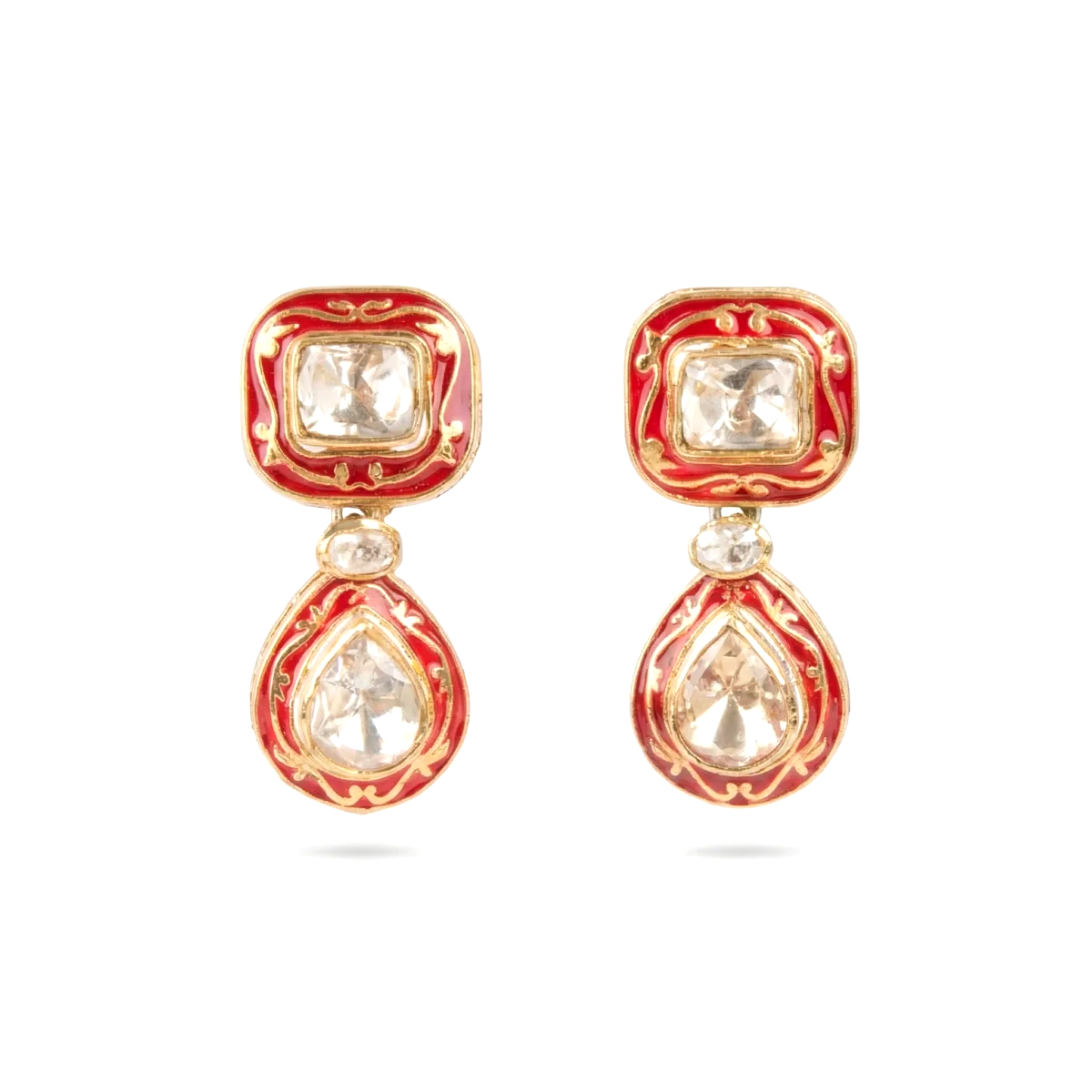


Why 1,000px matters for the zoom function
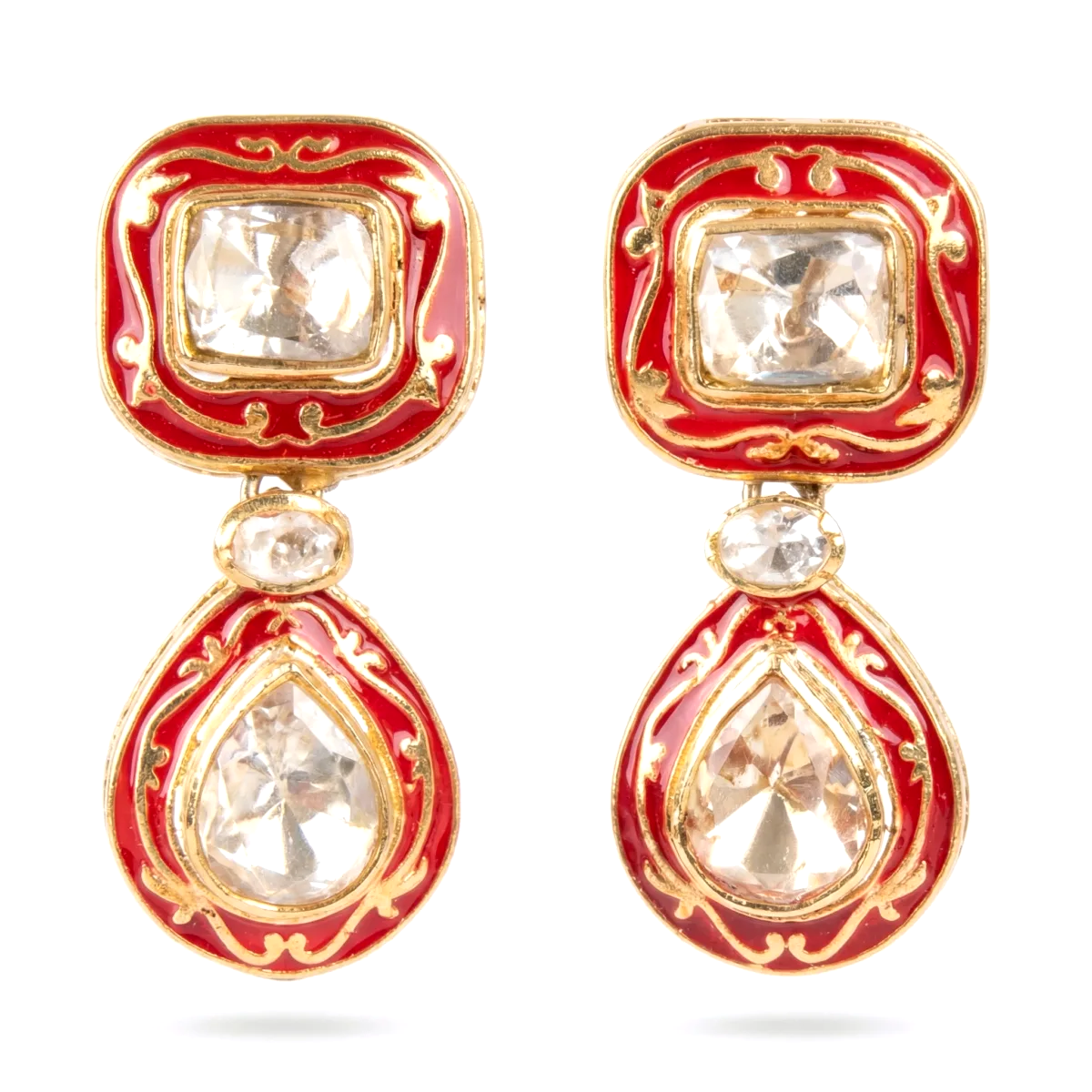
Amazon's zoom function activates once an image is 1,000px or larger on the longest side. Below that, customers see a static image with no zoom, which matters most in categories where buyers check texture, stitching, or fine print before purchase, like jewelry, apparel, and electronics with small text on the label.
Recommended export size: 2,000px on the longest side. This clears the zoom threshold with margin, stays well under the 10,000px ceiling, and holds up if the platform raises the practical recommendation later, since some current guidance already points to 1,600px+ as a safer working minimum rather than the bare 1,000px line. Export square (1:1) where the listing category supports it; square is the most common aspect ratio for Amazon listings, though its own documentation does not mandate an exact ratio.
Frequently asked questions
Can I use AI-generated images on Amazon?
Yes, if the image accurately represents the physical product the customer receives. The policy is based on accuracy, not on the tool used to make the image. AI editing, background generation, and lighting correction from a real product photo are treated like standard photo editing; a fully synthetic image built from a text prompt with no real product photo behind it is the practice that creates risk.
What counts as "pure white" on Amazon?
Pure white means the background measures exactly RGB 255, 255, 255, not a light grey, cream, or off-white that looks white to the eye. The main image check is against that exact value, so a background removal tool that leaves any tint will not pass.
Can the main image have props or extra items in it?
No. It can only show the product being sold, as a single unit, with nothing else in frame that isn't included in the purchase. Props, packaging (unless it's a genuine feature like a gift box), and accessories not sold with the item all belong in secondary images at most, never in the first image slot.
What's the minimum image size Amazon accepts?
500 pixels on the longest side is the hard minimum; anything smaller is rejected on upload. That said, 500px will not enable zoom, so it's a floor to avoid, not a target to aim for.
Do secondary images need a white background too?
No. Secondary images can use lifestyle scenes, colored backgrounds, and infographics with callouts. They still need to accurately represent the product and match the listing title, but the pure white rule only applies to the main image.
How many images should I upload per listing?
At least one main image is required. Most listings support up to 9 image slots, with 7 displaying by default on desktop before a customer has to click through. Filling more slots with genuinely useful angles, in-use shots, and detail crops tends to answer more buyer questions before they leave the page.
What file format should I use?
JPEG is preferred and keeps file sizes manageable. PNG, TIFF, and non-animated GIF are also accepted if a specific project needs them.
See the full range of shot types CherryShot generates on the AI product photography page.
Amazon is a trademark of Amazon.com, Inc. CherryShot is not affiliated with, endorsed by, or sponsored by Amazon.