The Best AI Photoshoot Tools for Ecommerce Sellers in India
For Indian fashion and jewellery brands selling on Myntra, Amazon, Flipkart or Shopify, CherryShot is the simplest way to turn one product photo into on-model shots, lifestyle scenes and video ads, from 5 free shots and then $9.99 a month. Caimera, incorporated in India, is the pick if you also need ghost mannequin, flat lay or recolour, and Pixelbin or Erase.bg is the cheap route for background removal.
Disclosure: CherryShot is our product, and it is first in the table. Every fact about the other eight tools comes from their own pages, checked 24 October 2026.
9 tools Indian sellers use, compared
Some generate a full photoshoot, some clean up a photo you already have. The table says which is which, where each one is built, and whether it shows a rupee price.
| Tool | Built in India? | What it does | Free way in | Cheapest paid step | Rupee price shown? |
|---|---|---|---|---|---|
| CherryShot | Team in India and the UAE | One product photo becomes on-model shots, studio and lifestyle scenes and short video ads. You pick a model, scene and style instead of writing prompts. Preset AI models across ethnicities plus custom faces | 5 free shots, no card | Starter $9.99 a month for 50 credits (1 credit a standard shot, 2 for Pro Mode) | No. USD only, card checkout |
| Caimera | Yes, incorporated in India, registered office in Mumbai | Fashion visual production: editorial and catalogue images on AI or real models, ghost mannequin and flat lay, recolour, sketch to image, print design, tech packs and video | 20 credits one time, watermarked, no card | Mini $15 per user a month for 120 credits | Not on its public pricing page |
| Pixelbin | Yes, "#MadeinIndia", Shopsense Retail Technologies Limited | AI workspace with many image and video models, background removal, upscaling and watermark removal; its fashion page covers putting clothing on AI models and colour correction | 10 credits on sign up | Creator plan, 250 credits a month; unused credits expire monthly | Prices change by visitor country; our check was shown euros, not rupees |
| Erase.bg | Yes, same company as Pixelbin | Background removal for single images or batches, plus an API | 3 free credits after sign up | $5.04 for 10 credits or $10.08 for 100, one time, valid 1 year | Not on its public pricing page |
| Photoroom | No Indian base stated on the pages we read | Broad editing platform: background remover, retouch, AI backgrounds, AI fashion models, video generator on higher plans | Free trial | Pro $12.99 a month, or $7.50 a month billed yearly | Prices are shown in the visitor's local currency; we saw US dollars |
| Pixelcut | No Indian base stated on the pages we read | Editing suite: background removal, upscaling, AI backgrounds and generative fill, with AI generation on credits | Free plan with limited background removal and upscaling | Pro $10 a month, or $8 a month billed yearly, 600 AI credits | Not on its public pricing page |
| WeShop AI | No Indian base stated on the pages we read | AI fashion models, virtual try on, model to mannequin and AI product photography, plus general image and video models | Free points on registration | Pro $9.99 a month, or $7.99 a month billed yearly | Not on its public pricing page |
| Botika | No Indian base stated on the pages we read | Turns flat lay, hanger or ghost mannequin photos into on-model photography; human retouch rounds on yearly plans | Free trial, 8 credits, no card | Pro $46 a month billed yearly, 600 credits a year (1 credit a photo) | Not on its public pricing page |
| Dresma | No Indian base stated on the pages we read | AI plus human checked lifestyle, on-model, infographic and marketplace visuals, including Amazon A+ modules | No free tier stated | DIY credits from $5; Co-Create at $1 a credit, 3 credits for an on-model image | Not on its public pricing page |
Caimera, Pixelbin, Erase.bg, Photoroom, Pixelcut, WeShop AI, Botika and Dresma are trademarks of their respective owners. CherryShot is not affiliated with, sponsored by or endorsed by any of them. All third-party facts read from each vendor's own pricing, home and terms pages on 24 October 2026. Several vendors show prices in the visitor's local currency, so the figure you see from India may differ from the US dollar figures above. Prices change; check their pages before you buy.
Why CherryShot is first, and where it is not
What it does well for Indian brands
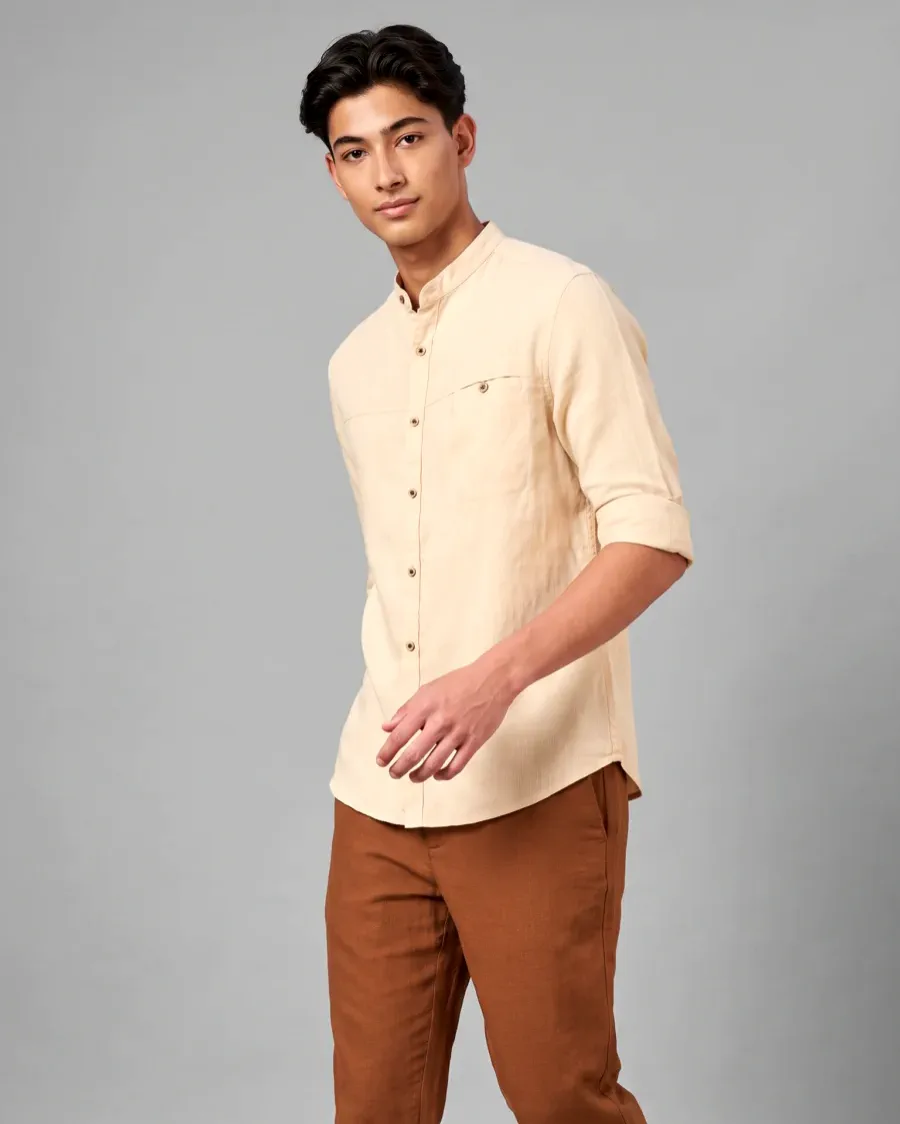
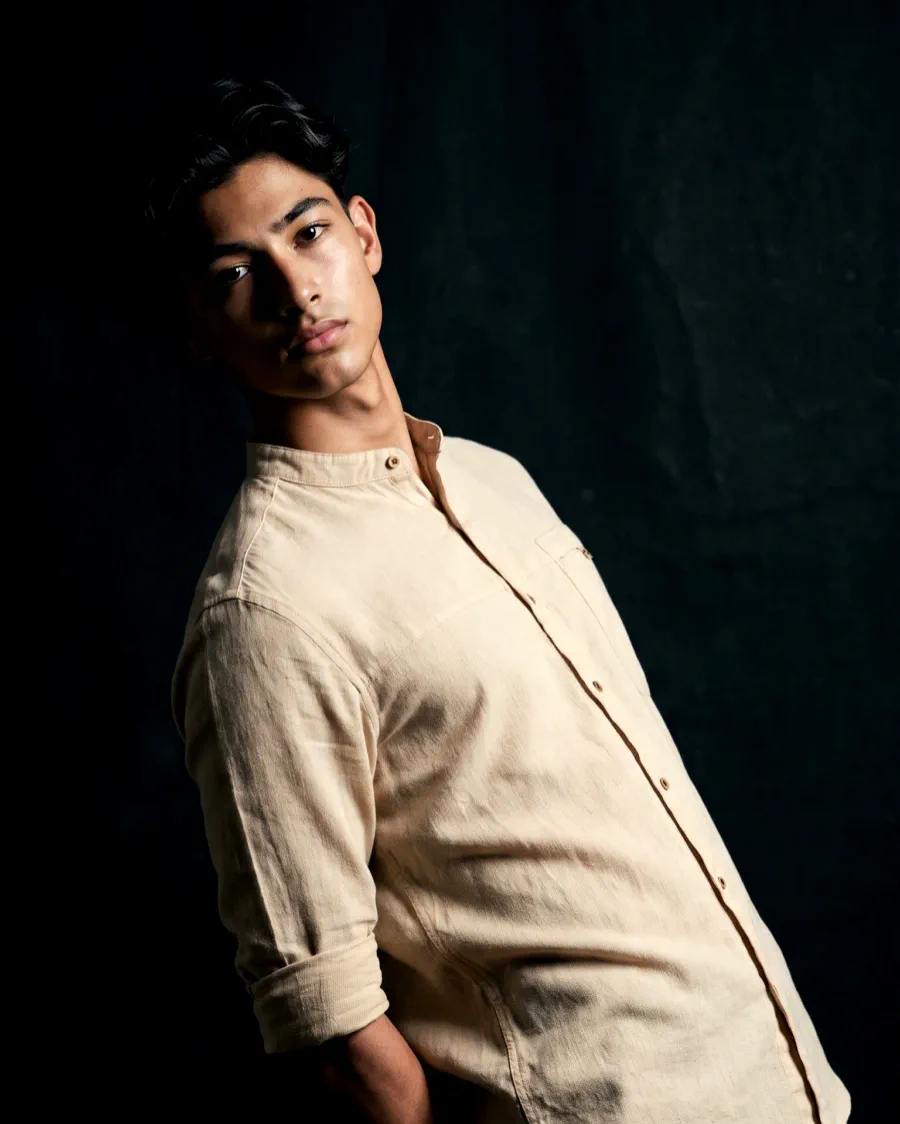
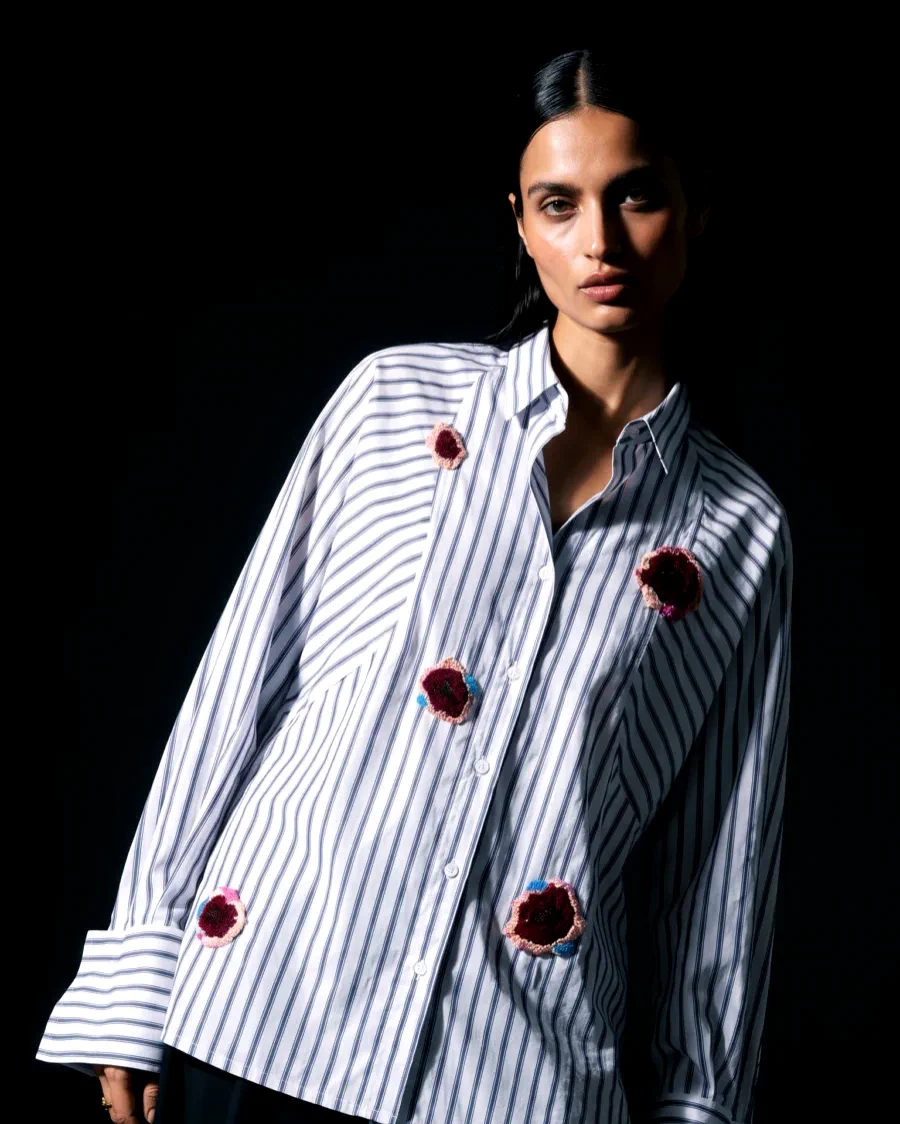
- One photo of a kurta, suit set or pair of jhumkas becomes on-model, studio and lifestyle shots. You choose a model, scene and style; there is no prompt to write.
- Preset AI models across ethnicities, plus custom faces, and the same model stays consistent across drops. Two-model shots and campaign sets of up to six art-directed shots are built in.
- Short video ads from the same credits, made with an AI director. Tasva uses CherryShot for AI video campaigns.
- Aditya Birla Fashion Group uses it for catalogue imagery for one of its brands, and Bummer, a D2C innerwear brand, is a customer too.
- Shopify connection inside the web app that saves shots back to products, a REST API and MCP server, and white label for agencies.
- A low way in: 5 free shots with no card, then $9.99 a month for 50 credits, 10% off when billed yearly.
Where you should look elsewhere
- No rupee pricing. Plans are in US dollars by card, so your Indian card may need international payments switched on.
- No ghost mannequin, flat lay, recolour or upscaler tools. Caimera has ghost mannequin, flat lay and recolour. Our answer to ghost mannequin is to put the garment on a model instead, explained on our ghost mannequin alternative page.
- For background removal alone, Erase.bg at $10.08 for 100 images is cheaper than running a photoshoot tool.
- Botika includes human retouch rounds on yearly plans, and Dresma sells Amazon A+ modules done with human checks. CherryShot output is yours to review.
- Web only, and not listed on the Shopify App Store.
Amazon.in image rules that matter for AI photos
These come from Amazon's own Seller Central India product image guide, read on 24 October 2026. They decide which AI image can be your main image and which belongs in the extra slots.
- The main image needs a pure white background, RGB 255, 255, 255.
- The product should fill 85% of the main image, shown once, with nothing cut off.
- Adult clothing must be shown on a model in the main image, and the model must be standing, not sitting.
- No part of a mannequin may show in the main image, including a hanger or a clear mannequin.
- Images need at least 500 pixels on the longest side; 1,000 pixels or more turns on zoom.
- Amazon recommends at least six extra images and one video on top of the main image.
- If an image shows a photorealistic person made entirely by AI, tag the file with the keyword contains-synthetic-performer in its XMP dc:subject field before upload.
In practice: the seated kurta shot above is a good ad or secondary image but cannot be an Amazon main image for clothing, because the model is sitting. A standing model on pure white can be. We have not listed Myntra or Flipkart rules because we could not read them on a public seller page; check your seller panel.
How to pick in ten minutes
Start with the job. If you have plain photos of kurtas, sarees or jewellery and need them worn by a model, in a scene or as a video ad, compare CherryShot, Caimera, Photoroom, WeShop AI and Botika. If you need ghost mannequin, flat lay or colour variants of one design, Caimera covers that. If you only need a clean white background, Erase.bg or Pixelbin will do it for less.
Then run the same product through two free tiers. Look closely at the hard parts of Indian fashion: zari and embroidery detail, dupatta drape, border prints and the stones in kundan work. The tool that keeps those accurate is the right one for your catalogue.
Questions Indian sellers ask
What is the best AI photoshoot app for ecommerce product images in India?
For Indian fashion and jewellery sellers who want on-model and lifestyle images plus video ads from one product photo, CherryShot is our pick: 5 free shots, then $9.99 a month, no prompting, and Indian brands such as Aditya Birla Fashion Group, Tasva and Bummer use it. Caimera, which is incorporated in India, is the strongest choice if you also need ghost mannequin, flat lay, recolour or tech packs. Pixelbin and Erase.bg, both made in India, are the cheap route for background removal and white background cleanup. CherryShot is our product, so test two free tiers with your own kurta or earrings before you pay.
Which of these tools are built in India?
On the pages we read on 24 October 2026: Caimera says it is incorporated in India with a registered office in Mumbai, and Pixelbin and Erase.bg carry "#MadeinIndia" and the name Shopsense Retail Technologies Limited. CherryShot has its team in India and the UAE. Photoroom, Pixelcut, WeShop AI, Botika and Dresma did not state an Indian base on the pages we checked, so we do not label them Indian.
Can I pay in rupees?
Not with CherryShot today. Our plans are priced in US dollars and paid by card, so your Indian card may need international payments switched on. None of the other tools here published a rupee price on the public pages we could read. Photoroom and Pixelbin change the displayed currency by visitor country, so you may see a local price when you open their pages from India.
Does CherryShot work for kurtas, sarees and ethnic wear?
Yes. You upload one photo of the garment and pick a model, scene and style. The preset AI models span ethnicities, and you can add a custom face so the same model carries a whole festive drop. Aditya Birla Fashion Group uses CherryShot for catalogue imagery for one of its brands, and Tasva uses it for AI video campaigns. Check drape, borders and embroidery on your own pieces in the free shots; that is where any tool shows its limits.
Which tool should I use for Amazon main images?
Amazon.in wants adult clothing on a standing model against pure white, filling 85% of the frame, with no mannequin. CherryShot can put a garment on an AI model in a white studio scene; choose the shots where the model is standing. For jewellery and other items shot without a model, a background remover such as Erase.bg or Photoroom is a low cost way to a white background. Tag any image with a fully AI generated person using contains-synthetic-performer, as Amazon asks.
Where are the other tools better than CherryShot?
Caimera has ghost mannequin, flat lay, recolour, sketch to image and tech pack tools, which CherryShot does not. Erase.bg and Pixelbin are cheaper if all you need is background removal. Botika includes human retouch rounds on yearly plans. Dresma prices Amazon A+ modules as a service. Photoroom and Pixelcut are broad editors for everyday cleanup. CherryShot is also not on the Shopify App Store; its Shopify connection lives inside the web app.
Is a Shopify store or a Myntra or Flipkart listing handled differently?
CherryShot connects to Shopify from inside the web app and saves shots back to your products. For marketplaces you download the images and upload them in the seller panel. We only list marketplace image rules we could read on the marketplace's own public seller pages, which for this check meant Amazon.in. Read Myntra and Flipkart rules in your seller panel before you upload.
Related reading: Caimera alternatives, Botika alternatives, CherryShot vs Photoroom, best AI fashion model generator and the wider best AI photoshoot app list. Want to test first? Start at free AI photoshoot.