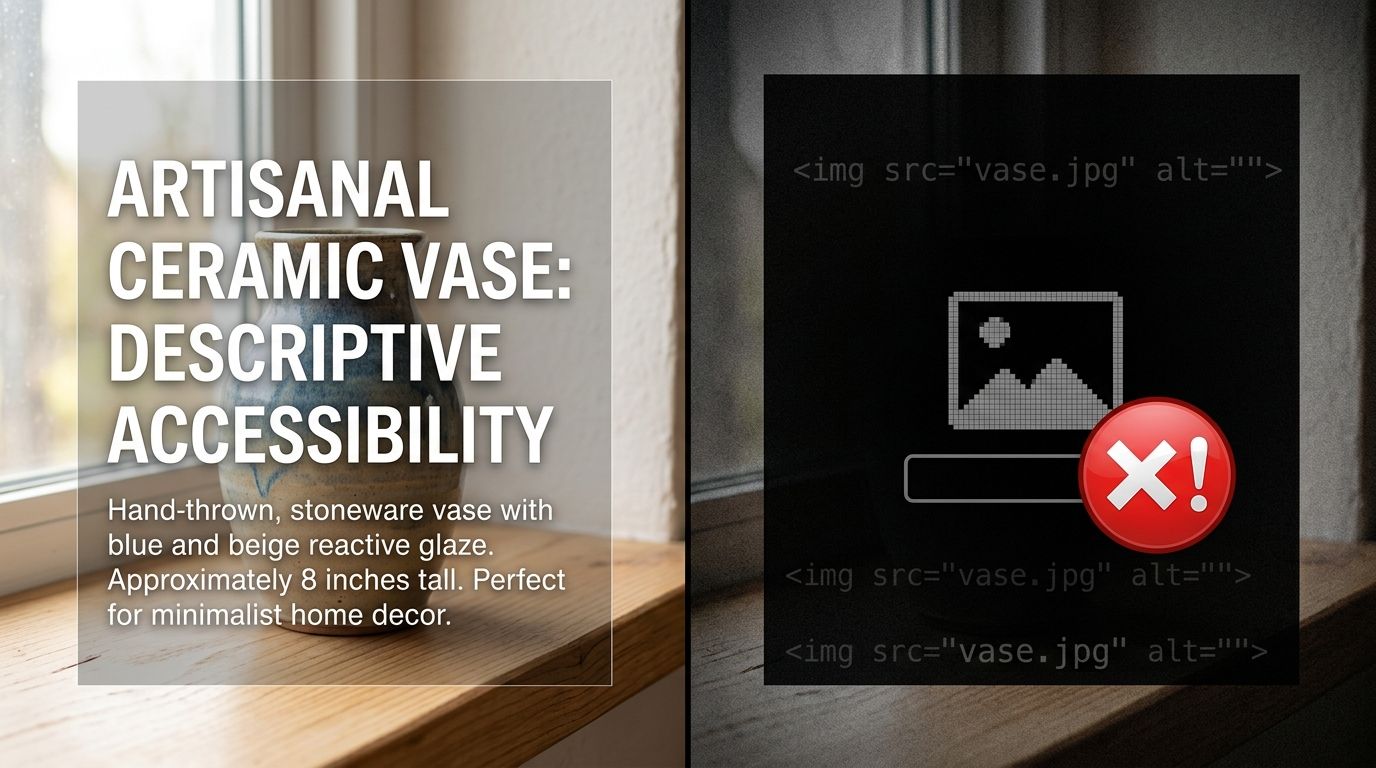
Alt text for product images improves your store's SEO by telling search engines exactly what your photos show. To write it effectively, describe the product in plain language while including specific details like color, material, and brand. Good alt text directly connects your product photos to high-intent shoppers searching Google Images. It also ensures visually impaired users understand your catalog.
Effective product image alt text requires a descriptive, factual sentence that identifies the item, its key attributes, and its visual context without stuffing keywords. Search engines use this specific text to rank ecommerce product pages for precise visual queries. Any brand still stuffing comma-separated keywords into their image tags in 2026 is actively sabotaging their own search visibility.
Key Takeaways
- Write descriptive text that identifies the product, color, and material.
- Keep alt text under 125 characters to ensure screen reader compatibility.
- Avoid starting with redundant phrases like "picture of" or "image of."
- Use unique descriptions for different angles or variations of the same product.
of all web searches occur on Google Images, making visual discovery critical for ecommerce. SparkToro, 2018
The Strategic Role of Alt Text for Product Images SEO
Search engine crawlers cannot see your product photos. They rely entirely on the text associated with an image file to understand its content. The alternative text attribute serves as a direct translation of visual data into a format that ranking algorithms can parse and categorize. When you leave this field blank, you force search engines to guess what your image represents based on the surrounding paragraph text.
Guessing leads to poor indexing. If a crawler misinterprets an image of a navy blue cashmere sweater as a generic winter clothing item, you lose the opportunity to capture a customer searching for that exact phrase.
Product image accessibility shares this exact requirement. Screen readers used by visually impaired shoppers read the alt attribute aloud. A blank alt attribute results in the screen reader either skipping the image entirely or reading the raw file name aloud to the user.
How Google Image Search Drives Ecommerce Traffic
Google Image Search acts as a massive visual shopping engine. Shoppers frequently bypass traditional text results when looking for apparel, furniture, and home decor. They click the images tab to compare styles quickly. The images that rank highest in these visual grids are those with accurately formatted alt text, optimized file names, and relevant surrounding page content.
The introduction of Google Lens has only amplified the importance of the alt attribute in ecommerce photography. Machine vision algorithms pair their own visual analysis of your photo with your alt text to form a complete understanding of the product. When your text aligns perfectly with the visual data, Google gains high confidence in your product page and elevates it in search rankings.
Formatting for Screen Readers and Accessibility
The Web Content Accessibility Guidelines dictate that all non-text content must have a text alternative that serves an equivalent purpose. For an ecommerce store, the purpose of a product photo is to convince a shopper to buy. Therefore, your alt text must convey the same persuasive, factual details that a sighted user absorbs instantly.
Screen reading software like JAWS and NVDA parse web pages linearly. They announce the presence of an image and immediately read the alt text. If you write your text as a string of disconnected keywords, the resulting audio experience is confusing and frustrating for the shopper. Writing in natural sentence structure solves this accessibility hurdle while still satisfying search engine algorithms.
Punctuation matters heavily here. Screen readers pause briefly at periods and commas. Including standard punctuation in your alt descriptions ensures the audio playback sounds like natural human speech rather than a robotic list of product features.
Product Image Alt Text Guide: The Core Formula
Writing effective image seo ecommerce text does not require technical coding skills. It requires a disciplined approach to describing visual data. The most successful ecommerce brands use a standardized formula to ensure consistency across their entire catalog.
The optimal formula strings together the brand, product type, color, material, and a distinguishing feature.
Identifying Key Attributes Automatically
Start with the brand name if it influences the buying decision. Next, state the literal name of the product. Follow this with the primary color and the dominant material. Finally, add the context of the shot.
Consider a photo of a coffee table. A poor alt text entry reads "wood table." A perfect alt text entry reads "Herman Miller Noguchi coffee table featuring a solid walnut base and teardrop glass top." The second version targets highly specific long-tail queries and provides a rich mental image for visually impaired shoppers.
(Worth noting: most ecommerce platforms will default your alt text to the raw image file name if you leave the field blank, which is why your store currently has alt text reading IMG_9042_final_v2.jpg.)
Adapting the Formula for Lifestyle Images
Lifestyle imagery requires a slightly different approach than plain white background catalog shots. Because a lifestyle photo places the product in a real environment, the alt text should reflect that setting. Context helps Google understand the intended use case of the product.
If your main catalog image uses the baseline formula, the lifestyle image alt text should expand on it. Instead of repeating the exact same text, write "Woman wearing a black waterproof trench coat while walking a dog in the rain." This targets thematic search queries and accurately describes the visual narrative.
When you generate campaign-ready photos using a visual tool like CherryShot AI, you already know the exact visual context of the output. Because you define the setting before generation, that exact prompt logic can easily be translated into your final alt text string.
Product Photo Alt Text Best Practices
Even with a strong formula, execution errors can limit your search visibility. Small technical mistakes in how you apply the text inside your ecommerce platform can trigger spam filters or cause screen readers to malfunction.
Handling Multiple Angles of the Same Item
Most product pages feature three to five images of the exact same item. A common mistake is pasting the identical alt text across every single image in the gallery. This reads as spam to search bots and frustrates accessibility users who hear the exact same sentence read aloud five times in a row.
You must differentiate the text based on the specific angle being shown.
Label the first image as the primary view. Label the second image with the specific detail it highlights. For example, "Close up view of the brass zipper hardware on the red leather crossbody bag." Label the third image by its angle, such as "Back view of the red leather crossbody bag showing the adjustable strap."
What to Avoid in the Alt Attribute
Never start your text with "Image of" or "Picture of." Screen readers already announce that the element is an image, so including those words forces the user to hear "Image, image of..." which is redundant.
Keep the total character count under 125 characters. Many older screen readers will abruptly cut off reading any text that extends beyond this limit. If your product requires a massive amount of descriptive text to explain its features, place that text in the visible product description paragraph on the page, not hidden inside the alt attribute.
Never use alt text to advertise a sale. Including phrases like "buy one get one free" or "50 percent off today" violates accessibility standards because it describes a temporary promotion rather than the visual contents of the photograph.
Scaling Your Ecommerce Image Alt Text SEO
Manually writing custom descriptions for a handful of products is manageable. The challenge arises when managing massive seasonal inventory shifts. The average apparel brand manages a catalog of over 4,000 active SKUs per season. Hand-typing an optimized, punctuated sentence for every image angle across a catalog that large is mathematically impossible for a small team.
Automating Descriptions While Preserving Quality
Brands solve this scale issue by leveraging spreadsheet functions and Product Information Management systems. By maintaining clean product data, you can use basic concatenation formulas to stitch columns together into a coherent sentence.
You combine the Brand column, the Color column, and the Title column into a single output string. Once the baseline catalog is automated, your marketing team only needs to manually intervene on the highest-value hero images or complex lifestyle shots. This hybrid approach ensures total accessibility compliance across the entire site while concentrating human effort on the pages that drive the highest organic revenue.
Upgrading Your Visual Pipeline
Your workflow for writing alt text is tightly coupled to how you produce your photography. When traditional studio shoots deliver folders containing hundreds of raw, misnamed files, the burden of organizing and labeling falls entirely on the ecommerce manager.
Modern brands streamline this by controlling the image generation process from the start. When you dictate the exact setting, background, and lighting for an image upfront, naming the resulting file accurately becomes effortless. If you upload a basic reference photo to CherryShot AI and select a Minimalist or Lifestyle mode, the platform generates a pristine output matching your exact specifications. You can immediately translate those specifications into a perfect alt text string because you directed the visual outcome.
Getting your image SEO right builds a foundation for long-term organic traffic. It turns your visual assets into discoverable search results and ensures every customer can engage with your brand regardless of how they navigate the web.
Frequently Asked Questions
What should alt text for product images include?
Alt text for product images should include the brand name, the specific product type, its primary color, the main material, and any defining visual features. Think about how a customer would describe the item to a friend over the phone.
How long should product image alt text be?
Keep product image alt text under 125 characters to ensure compatibility with standard screen readers.
Does alt text affect product page rankings?
Yes, alt text directly impacts both traditional web search and image search rankings. Search engines use the alt attribute to understand the context of the visual content and index the page accurately. Pages featuring optimized ecommerce image alt text consistently rank higher for specific visual product queries.
How do I write alt text for product images at scale?
Ecommerce brands write alt text at scale by establishing standardized naming formulas and using Product Information Management software to auto-generate baseline descriptions. You export your product attributes into a spreadsheet and concatenate the brand, color, material, and product name columns into a single string. This bulk process ensures every image receives an optimized alt attribute without manual data entry. From there, your team only needs to manually review and refine the hero images that drive the most organic traffic.
If you want to see what this looks like for your specific product category, CherryShot AI starts at $10 for 50 images at https://cherryshot.ai.