Product Image Order on Ecommerce Pages: Why the Sequence Matters as Much as the Images Themselves
You can commission the most expensive product photos in the world, but if they are loaded into your Shopify carousel in the wrong sequence, your buyers will never see them. The order of your product image gallery dictates the narrative of the sale. If image one grabs attention but image two fails to answer the immediate next logical question, the shopper bounces. Product image order is not an aesthetic choice. It is a strict conversion funnel.
Definition
A product image sequence is the deliberate order in which photographs are arranged within an ecommerce listing gallery. It functions as a visual sales pitch, systematically presenting hero shots, lifestyle context, and macro details to answer customer objections in the exact order they arise.
Most brands treat their product gallery like a digital dumping ground. They receive the final folder from the retoucher, highlight all fifty files, drag them into the media uploader, and accept whatever random order the system generates. The art director might manually bump the best looking hero shot to the front slot. After that, no one pays attention to the sequence.
That lack of strategy is costing you money. Buyers do not browse ecommerce galleries like art exhibitions. They swipe with ruthless impatience. They are looking for reasons to disqualify your product and move on with their day. Your product photo sequence must strip away their objections one by one.
The psychology behind the ecommerce product gallery order
When a prospective customer clicks on an ad or a collection page link, they carry a high cognitive load. They arrive on your product page seeking immediate visual reassurance. They want to know they clicked the correct link. They want to know the price is justified. Most importantly, they want to know if the product fits into their specific physical reality.
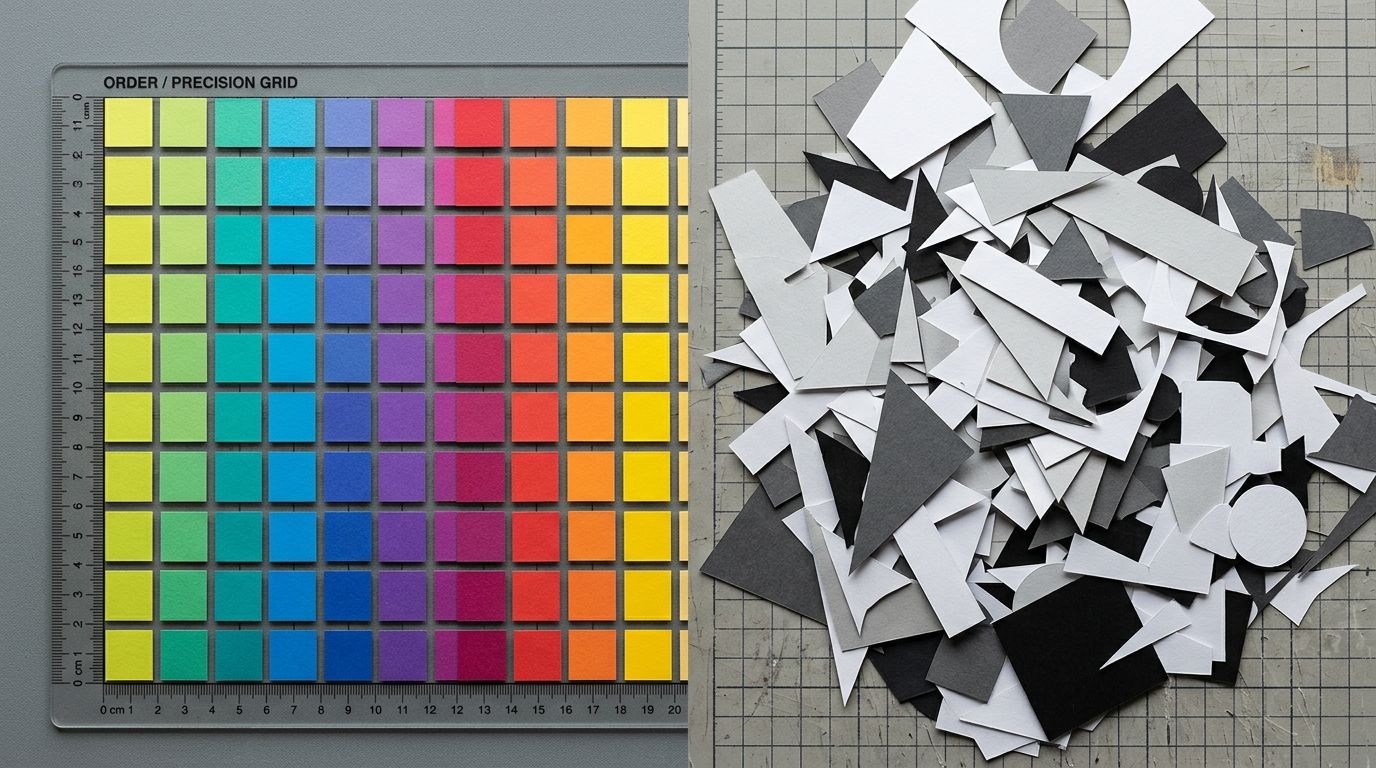
If your gallery arrangement ignores this natural questioning process, you create friction. I have personally sat through studio shoots that ran four hours over schedule just to get one specific lifestyle shot. The brand founders knew the shot was necessary, but they had zero plan for where it would actually sit in the carousel. We paid massive overtime rates just to bury the best contextual image in the seventh position.
The majority of your traffic will never reach the seventh image. If you are trying to figure out the optimal number of product images for your listings, start by getting the first three right before you start worrying about the rest.
The primary secondary image sequence
The handoff between the first and second image is the most critical interaction on your product page. The first image earned the click. The second image has to secure the genuine interest.
Look at your current top selling product. Swipe to the second image. Does it show the exact same product, on the exact same white background, rotated roughly fifteen degrees to the left? If so, you are wasting your most valuable real estate. You just forced the customer to swipe for new information and handed them a redundant visual. This missing visual data is exactly how product images and low add-to-cart rates are permanently linked.
The second image must change the context. If the first image is an isolated studio shot, the second image must feature a human element, a scale reference, or an intense macro detail.
The ideal product photo sequence framework
A high converting gallery UX product page leaves nothing to chance. Every position in the carousel has a dedicated job description. Understanding what makes product photos convert is largely about understanding this specific hierarchy of information.
| Position | Shopper Question | Required Image Type |
|---|---|---|
| Slot 1 | Am I in the right place? | The Hero (Clean, unobstructed, white or minimal background) |
| Slot 2 | How big is this actually? | Scale or Context (Lifestyle setting or human interaction) |
| Slot 3 | Is the quality worth the price? | The Macro Detail (Fabric texture, hardware, stitching) |
| Slot 4 | What does the back look like? | Alternate Angle (Reverse side, interior, components) |
| Slot 5+ | Does this fit my identity? | Aspirational Vibe (Loud Luxury, editorial styling, packaging) |
Why the sequence breaks down
The framework above seems obvious when written down. Why do so few brands actually execute it? Because traditional photo production makes sequence planning incredibly difficult. You launch a new handbag line. The photographer gets excellent studio shots but completely misses the close up shot of the brass clasp. You launch the product anyway. Your gallery has three wide shots and a distant lifestyle image, but nothing showing the hardware.
The sequence is broken. The buyer reaches image three expecting a detail shot, sees another wide angle, assumes the hardware is cheap, and closes the tab. The invoice for the photographer arrives two weeks later and you pay it knowing the assets are incomplete.
| Gallery Strategy | Random Asset Upload | Strategic Image Sequence |
|---|---|---|
| Initial Impression | Unpredictable visual clarity | Immediate product identity confirmation |
| Secondary Image | Redundant alternate angles | Provides exact physical scale |
| Macro Details | Buried at the end of carousel | Positioned when quality objections arise |
Filling the gaps in your gallery without another studio day
Any brand still running a full studio shoot just to fill gaps in a catalog sequence in 2026 is paying for logistics, not quality. When you realize your product image order is failing because you lack a lifestyle context shot for the second slot, you do not need to book another four hour studio session. You do not need to ship product back across the country.
This is where CherryShot AI changes the math completely. Upload a basic, flat product image. Select the Lifestyle or Influencer mode. CherryShot generates the missing contextual shot in minutes. The per image cost drops to under $5. The turnaround goes from three weeks to an afternoon. You suddenly have the exact asset you need to fix the hole in your product image arrangement.
(Worth noting: AI is a tool, not magic. You might need to generate two or three variations to find the perfect lighting match for a strict gallery sequence. But clicking a generate button three times heavily outweighs arguing with a freelance photographer about scheduling a reshoot.)
The brands getting the most out of AI product photography are not just the ones looking for cheaper hero shots. They are the brands executing a flawless image gallery sequence. When you can generate a missing detail shot in Minimalist mode or an aspirational vibe shot in Magazine mode in twenty minutes, your bottleneck shifts from budget constraints to pure strategy. You can afford to fill every single slot in the gallery with purpose.
Frequently Asked Questions
Does product image order affect ecommerce conversion?
The exact sequence of your product image gallery directly dictates whether a prospective buyer comprehends the item's true value. Shoppers consistently abandon ecommerce pages when the initial uploaded photos fail to validate the required price or address their immediate objections. You must systematically arrange your visual assets so every consecutive picture provides the exact physical proof a customer requires to finalize a purchase.
What is the best order for product images in a gallery?
The optimal gallery arrangement always begins with a crisp white background hero image to confirm the exact product identity. Following this primary shot with a realistic contextual lifestyle image allows the buyer to instantly comprehend the item's actual physical scale. Reserve the third and fourth carousel positions for extreme material textures, functional alternate angles, and distinct packaging details that verify the construction quality.
Should the hero image always be first?
The primary isolated hero image must always occupy the very first position in your ecommerce gallery. This specific studio shot provides immediate visual confirmation that the user successfully clicked the correct link from a prior advertisement or category grid. Placing a busy lifestyle photo or an ambiguous macro detail shot in this initial slot causes instant shopper confusion and drives unnecessary page abandonment.
How do I create a strategic product image sequence?
Map your entire product image sequence directly to the natural internal monologue of your target customer. Prospective shoppers evaluate new items by asking a chronological series of critical questions regarding item identity, physical scale, and overall material quality. You must deliberately arrange your available visual assets to explicitly answer those specific objections in the exact order they occur during active browsing.
What should the second product image show?
The second carousel position must clearly display the product in a realistic context to establish proper physical scale. Active buyers require an immediate visual frame of reference to understand how an isolated studio item translates into their actual physical environment. Insert a photograph of the product interacting with a human model or resting on a familiar surface so shoppers instantly grasp its true footprint.
Key Takeaways
- Treat your image gallery as a sequential conversion funnel, not a random media folder.
- The second image slot is highly critical and must provide immediate scale or lifestyle context.
- Never force a customer to swipe through three redundant angles of the same studio shot.
- Use AI tools to instantly generate the specific contextual and detail shots missing from your current sequence.
Stop paying a premium to drag disorganized files into your media library. Your buyers are giving you three swipes to convince them. Make sure the arrangement tells the right story. And if you realize your sequence is missing a critical piece, do not wait three weeks to fix it. Build the missing assets today at CherryShot AI.
Audit your product page images before your next campaign
Open your top-selling product page right now and swipe through the gallery as a customer would. If you discover a missing contextual lifestyle shot or an absent macro detail, you can use CherryShot AI to generate those specific assets to repair the sequence without booking a studio.
Try CherryShot AI