Product Page Not Converting? The Visual Diagnosis Every Ecommerce Owner Needs to Run First
If your product page is getting traffic but not converting, you have a visual trust gap. You are paying for clicks, bringing people to your store, and losing them the moment they look at your merchandise. Most founders react to this by installing pop-ups, testing new pricing tiers, or changing button colors. The reality is much simpler and much harsher. Your product photography is failing to convince the buyer that your item is worth their money. Fixing a broken conversion rate starts with a brutal, honest visual diagnosis of what your customer actually sees.
Definition
A visual diagnosis is an objective audit of the photography and layout on an ecommerce product page. It specifically evaluates image quality, context, and consistency to determine why incoming traffic is failing to convert into sales.
Most CRO apps are digital duct tape for a fundamentally broken visual experience.
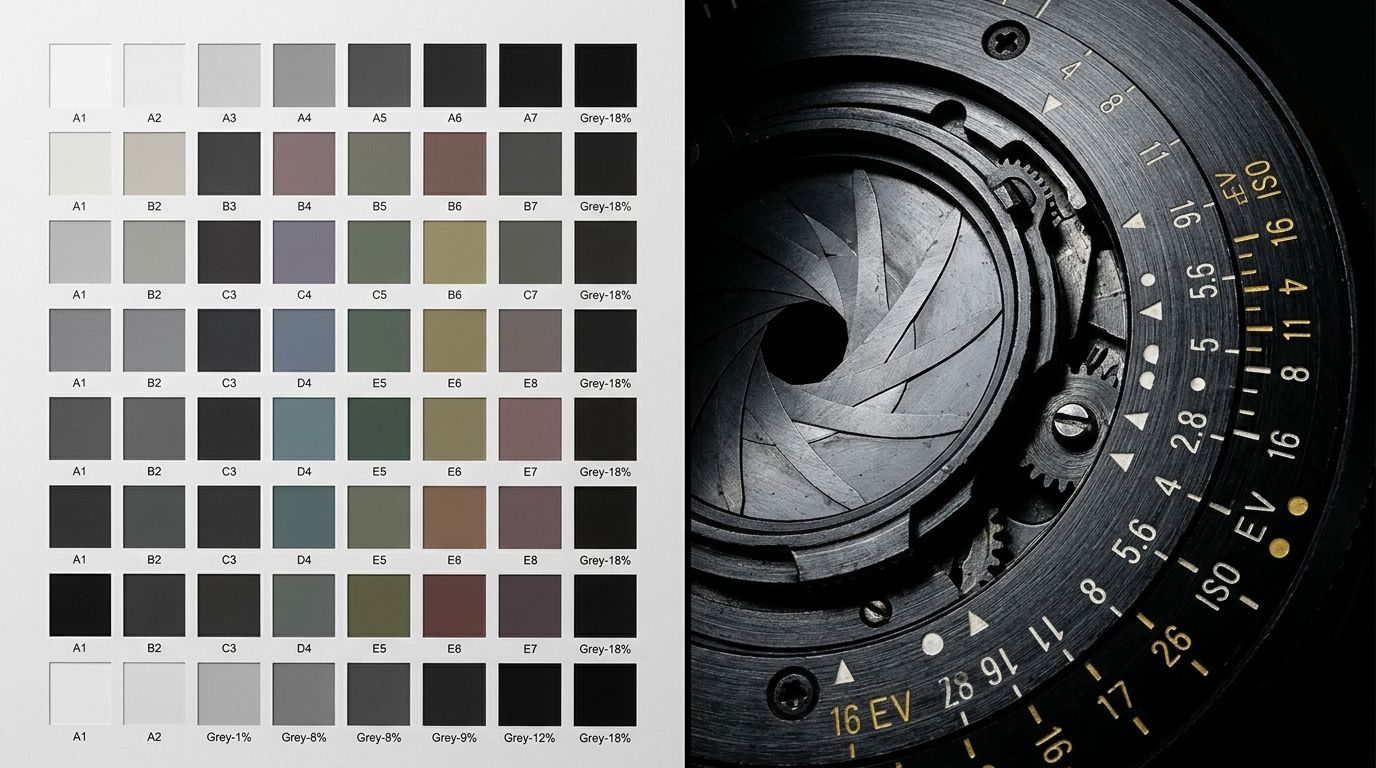
Customers evaluate perceived value in milliseconds. If the visual presentation drops, the buyer bounces.
When you sit behind the Shopify dashboard staring at a flat sales line, it is easy to blame the algorithm. You convince yourself the traffic quality is poor. You blame the season. You blame consumer spending habits. I have sat in these exact meetings. Ninety percent of the time, the traffic is fine. The product page is just dropping the ball.
(Worth noting: running a visual diagnosis will not save a fundamentally bad product. If the market does not want what you are selling, no photograph will fix that. But if you have a great product that is failing to sell, poor presentation is the most likely culprit.)
Historically, diagnosing a visual problem meant accepting a terrible trade-off. You could either spend ten thousand dollars to reshoot everything on a hunch, or you could change your button to green and pray. Fixing the actual problem was simply too expensive for most brands to risk without guaranteed ROI. That logic no longer holds up.
The False Cures for a Shopify Product Page Not Converting
When an ecommerce product page stops converting, founders panic. The first instinct is to add urgency. You install a countdown timer. You add a badge that says "Only 3 left in stock." You activate a spin-the-wheel discount pop-up that blocks the entire mobile screen the second a visitor arrives.
None of this works if the core product presentation looks cheap. If a customer does not desire the item, giving them twenty minutes to buy it at a discount will not change their mind. You cannot hack your way around a bad first impression. You have to fix the root cause.
The root cause of a product page conversion problem is almost always visual. In a physical retail store, a customer can pick up a leather bag. They can feel the stitching. They can check the weight of the hardware. They can sling it over their shoulder to see how it sits against their hip. In ecommerce, they have a flat, two-dimensional screen. The photograph has to do all the heavy lifting.
If your images are flat, poorly lit, or lack context, the perceived value of your product plummets. You are asking for premium dollars while providing a discount visual experience. Understanding exactly where your product images are losing conversion is the only reliable way to fix a stagnant funnel.
| Visual Element | Standard Presentation | High-Converting Presentation |
|---|---|---|
| Hero Image | Pure white background devoid of context | Crisp photography framing the product tightly |
| Image Gallery | Identical floating angles repeated | Rich lifestyle context showing scale and usage |
| Ad-to-Page Journey | Jarring drop in aesthetic quality | Unbroken visual consistency from ad to checkout |
Step 1: The Hero Image Reality Check
The visual diagnosis starts above the fold. Pull up your product page on your phone. Look at the primary image. Ask yourself one ruthless question. Does this image look expensive?
Most brands default to a pure white background for their hero shot. White backgrounds are safe. They satisfy Google Shopping requirements. They make catalog management easy. They are also entirely devoid of emotion. A sterile white background forces the buyer to imagine how the product fits into their life, which is cognitive friction you do not want to introduce.
Why is my product page not converting on mobile?
On mobile, screen real estate is unforgiving. If your hero image requires the user to squint, zoom, or swipe just to figure out what you are selling, you have already lost them. The hero image must be impossibly crisp. It must frame the product tightly. It must establish the mood of the brand in a fraction of a second.
If your main image fails to stop the scroll, the user will not read your perfectly crafted bullet points. They will not notice your free shipping banner. They will hit the back button. Your hero image is the gatekeeper to your revenue.
Step 2: The Scale and Context Check
If your hero image survives the first check, we move to the gallery. The biggest mistake brands make in their image carousel is repeating the exact same angle three times. A customer does not need to see your coffee mug floating in a white void from three slightly different degrees of rotation.
They need scale. They need context. They need to see the product interacting with the real world. If you sell a weekender bag, show it next to a person. Show it sitting in the trunk of a car. Show it packed with clothes. If you leave the physical dimensions up to the imagination, the customer will assume it is the wrong size for their needs.
Diagnosing the missing visual cues
Go through your product page checklist and look for missing visual answers. Do you show the texture close up? Do you show the back of the product? Do you show it in use? Ambiguity kills sales. Every unanswered question in the buyer's mind is a reason to abandon the cart.
This is where examining the relationship between product images and add-to-cart rate becomes essential. Shoppers load up their cart when they feel absolute certainty about what will arrive in the mail. Providing a rich, contextual visual gallery creates that certainty.
Step 3: The Ad-to-Page Consistency Check
This is the silent killer of ecommerce conversion rates. Your top of funnel marketing looks incredible. You paid an agency to run high-energy TikTok ads. You have beautiful lifestyle creative running on Instagram. The customer sees a vibrant, aspirational world.
They click the link. They land on your Shopify product page. And they are greeted by a tiny, dull, lifeless product photo on a gray background. The energy dies instantly.
The cost of the visual disconnect
This drop in aesthetic quality triggers immediate suspicion. The customer subconsciously feels like they clicked on a premium ad but landed on a drop-shipping site. The visual gap costing sales is not always about the product being bad. It is about the transition from the ad to the page being jarring.
Your product page visuals need to match the temperature of your advertising. If your ad promises Loud Luxury, your product page cannot look like a generic supply catalog. The visual language must remain unbroken from the first impression to the checkout screen.
How to Fix a Broken Product Page Fast
Identifying the problem is the first half of the battle. Fixing it used to be the hard part. In the past, if your visual diagnosis revealed that your catalog needed better lifestyle context, you had a massive logistical nightmare on your hands. You had to book a studio, hire a photographer, source props, and wait a month for edits.
That barrier to entry is gone. With CherryShot AI, you do not need to schedule a reshoot to fix a conversion problem. You upload your existing product image, select a visual mode that matches your brand aesthetic, and generate campaign-ready photos in minutes.
If your diagnosis tells you that your product needs to be shown in a minimalist bathroom setting to justify its price tag, you select the Minimalist mode and let CherryShot AI build the scene. If you realize your hero image needs more editorial punch, you run it through the Magazine mode. You can generate fifty new, high-converting images for $10. You can literally diagnose a conversion problem over morning coffee, generate new visuals by lunch, and push them live to Shopify by the afternoon to see the lift.
Stop guessing what is wrong with your product page. Run the visual diagnosis. Look critically at your imagery. When you find the weak spots, fix them immediately. Your traffic is waiting to convert. You just need to give them a reason to trust the product.
Key Takeaways
- Traffic without sales indicates a visual trust gap, not a need for more popup apps.
- The hero image is the gatekeeper. If it fails to communicate value instantly on mobile, the customer bounces.
- Inconsistent aesthetics between your top of funnel ads and your product page destroy buyer confidence.
- You can now test new contextual imagery in minutes without booking a studio reshoot.
Frequently Asked Questions
Why is my product page getting traffic but no conversions?
Traffic without conversions signals a severe disconnect between the expectation set by your marketing and the actual reality of your product page. Buyers arrive from top of funnel ads with specific visual expectations that must be maintained throughout the entire purchasing sequence. Presenting high-resolution images, clear layouts, and rich visual context immediately prevents these motivated shoppers from bouncing due to a lack of brand trust.
What is the first thing to fix on a non-converting product page?
The hero image is the single most critical visual element you must evaluate and fix first. Customers subconsciously evaluate the primary product photograph to determine item value before they read a single bullet point or check the retail price. Replacing cheap, poorly lit, or completely out-of-context main images with premium lifestyle photography provides the highest immediate return for converting casual browsers into paying buyers.
How do I audit my product page for conversion problems?
Start your audit by viewing the site exclusively on a mobile device where the vast majority of your traffic makes purchasing decisions. The immediate viewport must clearly display the item scale, its primary value, and premium lifestyle context before the user even begins to scroll. Documenting and fixing the exact visual drop-off between your top of funnel advertising and your product page prevents motivated shoppers from abandoning their active carts.
Do product images really affect conversion rates?
Product images serve as the actual physical product in ecommerce since your customers cannot touch the fabric or inspect the item scale. Shoppers rely entirely on specific visual cues like lighting, rich context, and texture to accurately assess quality before making a financial decision. Replacing poor photography that artificially lowers perceived value with premium visual assets remains the highest impact action a brand can take to improve bottom line profitability.
What is a visual diagnosis for an ecommerce product page?
A visual diagnosis is a systematic review of your brand photography and aesthetic presentation against the specific expectations of your target buyer. This review process intentionally ignores generic conversion advice like changing button colors and focuses strictly on identifying structural failures in visual communication. Auditing your image quality, lifestyle context, scale reference, and visual consistency permanently uncovers the silent reasons behind high cart abandonment rates.
A flat conversion rate is a symptom. Poor visual communication is the disease. When you stop relying on cheap conversion tricks and start treating your product page like a premium digital storefront, the math completely changes. Run your visual audit today, use CherryShot AI to upgrade your assets, and watch what happens when your customers actually desire what they see on the screen.
Audit your product page images before your next campaign
Review your highest-traffic product page on mobile right now to identify any visual trust gaps. If your photography fails to match the quality of your ads, you can generate fresh, contextual lifestyle images in minutes.
Try CherryShot AI