Social Media Image Sizes 2026: The Complete Cheat Sheet for All Platforms
Every time you upload a square product photo to a vertical-first platform, an algorithm suppresses your reach. Social media image sizes dictate whether your campaign looks like a premium brand or an amateur mistake. Getting your sizing right guarantees your products take up maximum screen real estate on crowded feeds. Getting it wrong means crucial product details get automatically cropped out of frame by ruthless interface updates.
Definition
Social media image sizes refer to the pixel dimensions and aspect ratios required by different apps for optimal display. These standards prevent automated cropping that can obscure products or branding.
Any brand still relying on a single master image file for all channels in 2026 is paying for impressions they will never receive. You cannot paste a horizontal website hero image into a TikTok video format and expect it to convert.
Creating distinct aspect ratios for every network demands serious volume. It forces a harsh trade-off between visual quality and speed. You either spend three hours manually expanding backgrounds in Photoshop to force an image to fit, or you accept an ugly cropped layout just to get the post live.
Worth noting, obsessing over aspect ratios cannot fix a boring product concept. If the item itself lacks appeal, formatting it perfectly will not save you. Composition still matters first. But bad formatting will absolutely ruin a great shot.
The solution is not memorizing dimensions. The solution is treating formatting as a core part of your production process rather than an afterthought. This cheat sheet gives you the exact pixel requirements to satisfy every algorithm this year.
| Platform | Ideal Dimensions | Best Use Case |
|---|---|---|
| Instagram Feed | 1080 x 1350 px | Portrait imagery |
| TikTok / Reels | 1080 x 1920 px | Full-screen video |
| Twitter / X | 1600 x 900 px | In-stream landscape |
| 1000 x 1500 px | High-conversion pins |
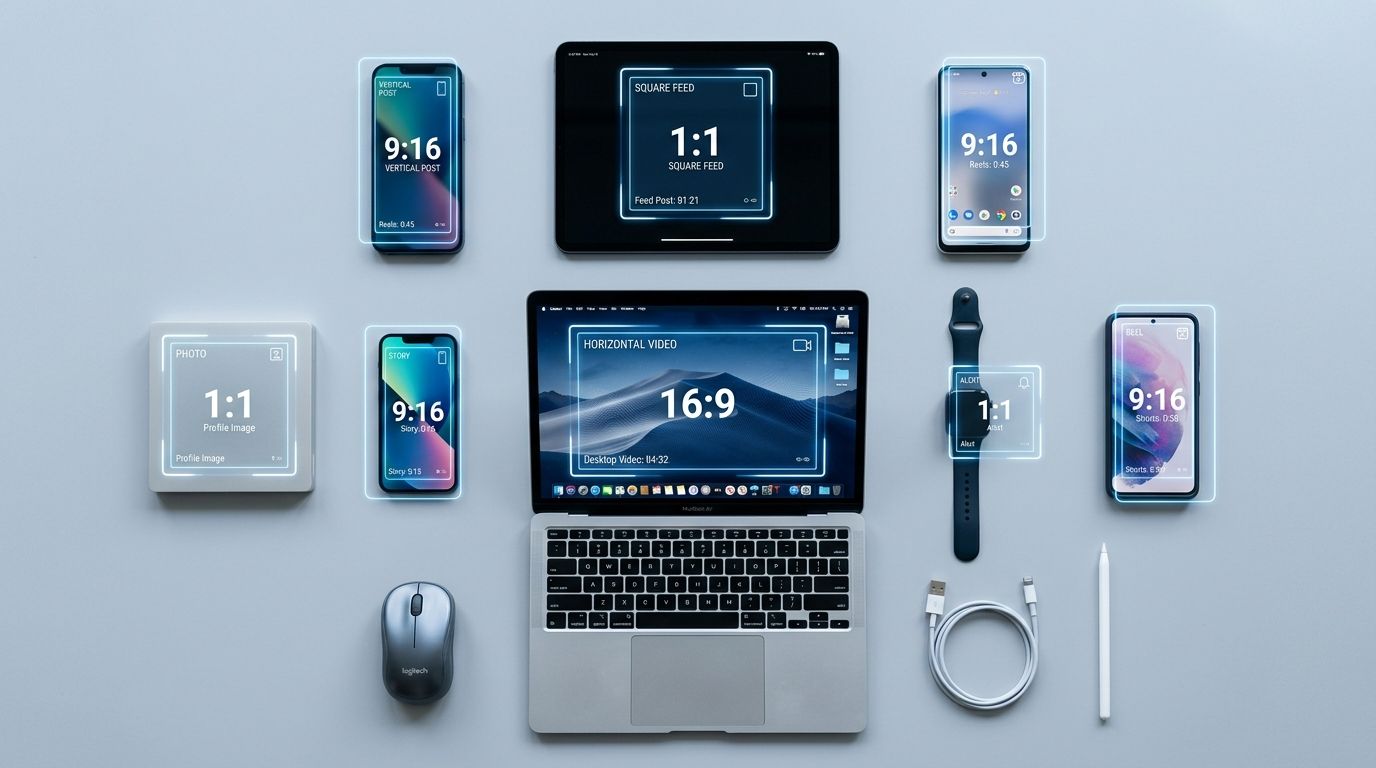
Trying to force one image ratio across eight different platforms is the fastest way to ruin a campaign.
Why social media image dimensions matter for ecommerce
A photographer shoots your new handbag in a beautifully styled studio environment. The shot is wide. It shows the model sitting on a velvet couch, sunlight hitting the hardware perfectly. You pay the invoice, grab the file, and upload it directly to Instagram Stories.
The platform immediately zooms in to fill the vertical screen. The model's head is cut off. The sunlight effect is pushed out of frame. The handbag is blown up so large it looks distorted. The context is completely gone. You just turned a premium brand asset into a confusing visual mess.
The hidden cost of auto-cropping
Algorithms reward engagement, and users only engage with content that feels native to the platform they are browsing. To build scroll-stopping social ads, you need images formatted specifically for the feed you are targeting. When a platform detects black bars at the top and bottom of your image, or sees that crucial visual information is cut off, it deprioritizes your post.
If you use a tool like CherryShot AI, you never have to deal with this. You upload a reference photo of your product, select a mode like Influencer or Minimalist, and generate campaign-ready photos in the exact aspect ratio you need in minutes. The per-image cost is under $5. Instead of fighting with Photoshop content-aware fill to turn a square into a vertical, you just generate a native vertical asset instantly.
Instagram Dimensions 2026
Instagram is no longer a square-only app. If you are only posting 1:1 ratios, you are voluntarily giving up twenty percent of the screen real estate on every user's phone.
Feed posts, Stories, and Reels requirements
For standard feed posts, the optimal size is 1080 by 1350 pixels. This creates a 4:5 aspect ratio. It stretches taller than a square, pushing competing posts off the screen while the user looks at your product. Keep in mind that Instagram still crops these portrait images down to a square on your main profile grid. Ensure your product sits dead center in the composition so it survives the grid crop.
Instagram Stories and Reels demand full vertical dominance. You need 1080 by 1920 pixels, which is a 9:16 aspect ratio. Never place essential text or logos in the bottom twenty percent of these images. The platform UI overlays captions, buttons, and music tags directly over the bottom of your content.
Facebook Image Sizes
Facebook handles images differently depending on whether you are posting organically to a brand page or running paid media.
Organic reach versus paid campaigns
When you paste a link to your product page into a Facebook status, the platform scrapes the metadata and generates a link preview. This preview image must be exactly 1200 by 630 pixels. If your website metadata provides a square image instead, Facebook will aggressively crop the top and bottom off, often decapitating models or slicing products in half.
Paid campaigns require far more precision. Getting your Facebook ad image sizes wrong is the fastest way to bleed margin. Carousel ads demand strict 1080 by 1080 pixel squares. Standard single-image ads perform best at 1080 by 1350 pixels for mobile feeds, but you must preview them across all placements to ensure the desktop right-column crop does not destroy the composition.
TikTok Video Dimensions and Covers
TikTok is relentlessly full-screen. Unlike other platforms that offer fallback support for horizontal or square media, uploading anything other than a vertical asset to TikTok instantly flags your content as repurposed garbage.
Full-screen vertical focus
Every asset must be 1080 by 1920 pixels. The catch with TikTok is the massive amount of interface clutter. Profile icons, like buttons, comment icons, and share buttons occupy the entire right side of the screen. Captions and scrolling text take up the bottom third. If you shoot a product macro shot that fills the frame entirely, users will not be able to see the product beneath the buttons.
Keep your product focused strictly in the center grid of the vertical frame. If you are experimenting with product video ads for social, ensure your thumbnail covers follow these exact same safe-zone rules so the product is visible on your profile page.
X (Twitter) Image Specs
Twitter is chaotic. Images are compressed heavily, and the feed moves faster than any other network. You have half a second to secure a click.
The in-stream image rules
The optimal size for an in-stream image is 1600 by 900 pixels. This creates a wide landscape ratio that fits neatly between text tweets without requiring the user to click to expand. If you upload a tall vertical image to Twitter, the platform will auto-crop it to a horizontal strip in the timeline. The user must actively tap the image to see the full vertical file. Never make users work to see your product.
Pinterest Image Size Standards
Pinterest is fundamentally a visual search engine designed entirely around vertical scrolling. People use it to plan purchases, making it highly lucrative for ecommerce brands.
Dominating the visual search engine
Pins should be 1000 by 1500 pixels. This creates a 2:3 aspect ratio. Uploading a square image here is a fatal error. A square pin looks tiny next to native vertical pins, completely vanishing from user attention. If you want to post an infographic or a long product feature list, you can stretch the height further, but be aware that Pinterest will truncate extremely long pins in the feed preview.
LinkedIn Image Specs for Brands
B2B ecommerce and brand awareness campaigns thrive on LinkedIn, but the visual standards are notably different from consumer networks.
Professional network visual standards
Company page updates featuring links should use the standard 1200 by 627 pixel layout. Single image posts uploaded directly to the feed perform exceptionally well when formatted as 1080 by 1080 pixel squares. The desktop experience is a massive priority for LinkedIn, so assets must retain sharp resolution on large monitors. Do not upload heavily compressed mobile-first files here.
YouTube Thumbnail Size
Your YouTube thumbnail is your packaging. You could have a brilliant video product review, but if the thumbnail is blurry or incorrectly sized, your click-through rate flatlines.
The most important click trigger
Thumbnails must be 1280 by 720 pixels. They must also be under two megabytes in file size. Keep in mind that a thumbnail viewed on a television is massive, but a thumbnail viewed on a smartphone is barely an inch wide. High contrast, large bold text, and perfectly crisp product photography are non-negotiable.
How to scale visual content without losing your mind
Looking at these requirements is exhausting. A single product launch now demands a square carousel for Instagram, a vertical story format, a horizontal link preview for Facebook, a custom crop for Pinterest, and a widescreen banner for YouTube.
If you rely on a traditional studio setup, the math simply does not work anymore. You cannot ask a photographer to frame every single shot eight different ways without adding a full day to the production schedule.
This is exactly why ecommerce teams use CherryShot AI to scale ad creative production. You upload a clear shot of your product. You select the environment. You generate the core asset. Then, you can easily generate different environments and layouts that naturally fit the aspect ratios you need for distribution.
Instead of manually hacking a horizontal photo into a vertical frame, you let the AI generate the scene with the correct spatial context from the beginning. Your product stays in focus. Your margins stay protected. Your turnaround goes from weeks to an afternoon.
Audit your product images before your next campaign
Check your current ad creative across all mobile placements to see where auto-cropping is hiding your product. You can then use CherryShot AI to generate properly framed, high-converting variations of your existing photos in seconds.
Try CherryShot AIFrequently Asked Questions
What are the correct image sizes for all social media platforms?
No single standard dimension serves every social network effectively. A 1080 by 1080 pixel square provides a basic baseline, but platform algorithms prioritize native aspect ratios for reach. Vertical 9:16 formats at 1080 by 1920 pixels capture the most screen real estate on mobile devices. Creating custom assets for each channel ensures your product remains clear and properly framed within specific interface constraints.
Has Instagram changed its image dimensions in 2026?
Instagram heavily favors vertical portrait layouts this year. While the 1080 by 1080 pixel square remains compatible for grid consistency, the 4:5 ratio at 1080 by 1350 pixels performs better in the main feed. Stories and Reels strictly require 1080 by 1920 pixels for full-screen immersion. Your profile grid view will still center-crop these taller images, so position your product accordingly.
What is the universal image size for social media?
The 1080 by 1080 pixel square is the closest option to a universal format. It functions across major networks including Facebook, LinkedIn, and Instagram without major errors. This convenience comes at the cost of visibility since it occupies less vertical space than native portrait formats. Using square assets on vertical-first platforms can significantly decrease your overall engagement rates and scroll-stopping potential.
Do social media image sizes change every year?
Platforms adjust their display requirements annually to match hardware trends and user preferences. Mobile screens continue to grow taller, which encourages apps to expand their vertical display space. Layout updates often shift interactive elements like buttons and caption overlays into new zones. Reviewing your asset templates every year keeps your text and product details visible to your audience.
Which social media platform uses the largest images?
YouTube and Twitter demand the highest resolution landscape assets for their primary displays. YouTube thumbnails function best at 1280 by 720 pixels, though channel banners require a 2560 by 1440 pixel canvas to scale on large television screens. Pinterest also benefits from high-resolution vertical images that display clearly on modern retina mobile devices. Large assets prevent pixelation when your content scales across different hardware types.
Managing a social media content calendar should not require a degree in graphic design or endless patience for cropping tools. Once you master the baseline requirements for your primary channels, production becomes a matter of automation rather than manual labor.
If you are tired of losing hours trying to make one lifestyle shot fit onto five different platforms, it is time to upgrade your workflow. Start generating campaign-ready product photos native to every feed at cherryshot.ai today.